By AdsTurbo | Published 2026-09-24 | Updated 2026-09-24
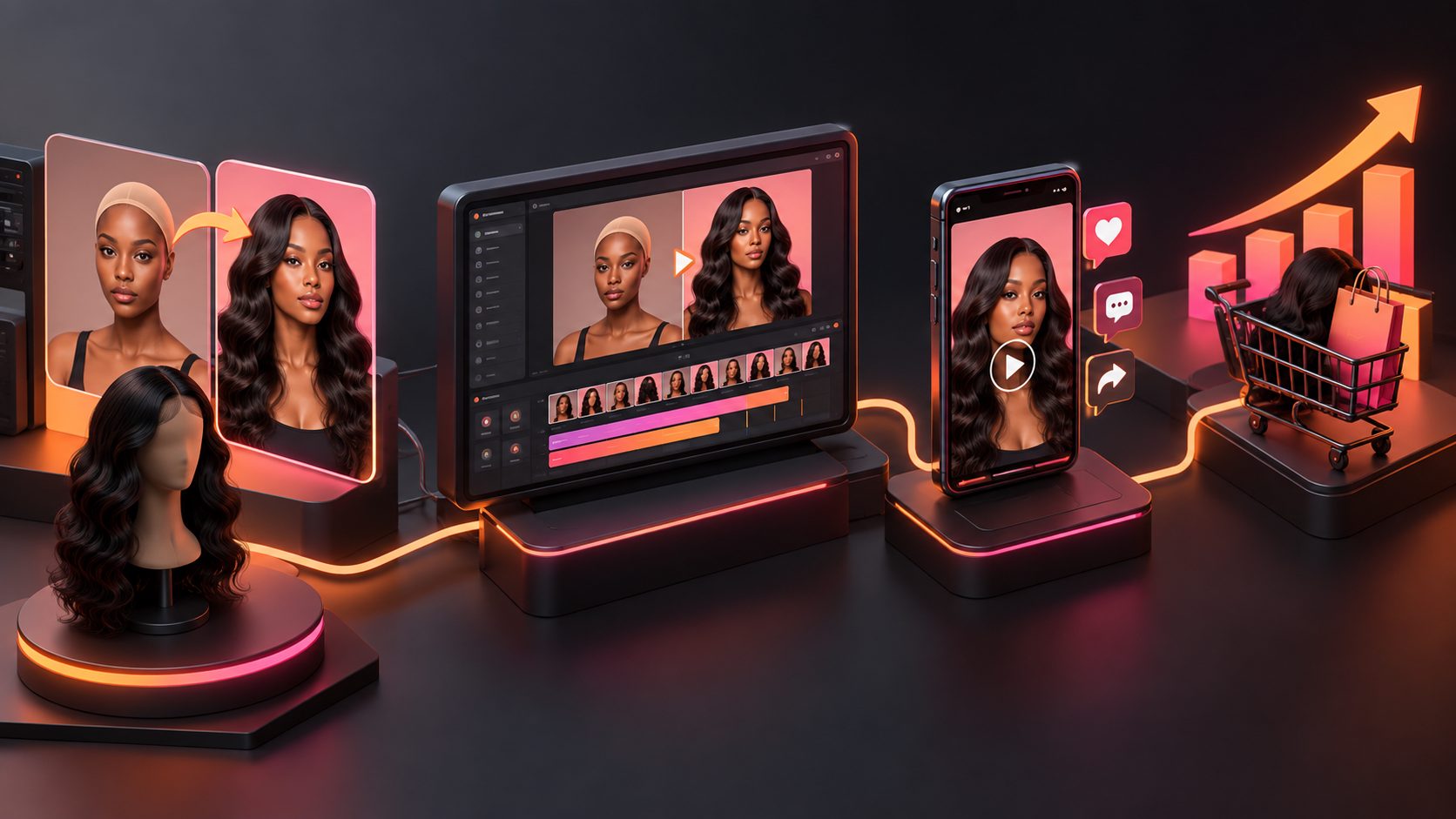
A wholesale product catalog to video workflow turns static product pages, line sheets, and product photos into short videos that buyers can watch quickly. For wholesalers and cross-border suppliers, the goal is not to animate every catalog page. It is to select the right products, explain commercial value clearly, and deliver videos suited to buyer outreach, trade shows, landing pages, and social channels.
What is a wholesale product catalog to video workflow?
A wholesale product catalog to video workflow converts catalog information into a concise visual sales presentation. Instead of showing a long PDF page by page, it reorganizes product names, specifications, use cases, selling points, and calls to action into a buyer-focused sequence.
The best output answers four questions quickly:
- What product or product range is this?
- Why should a retailer, distributor, or importer care?
- What makes the product easier to sell or demonstrate?
- What should the buyer do next?
Current catalog-video solutions commonly emphasize uploading a catalog, selecting products or categories, reviewing a storyboard, and repurposing the result for social, email, landing pages, and sales enablement. (ngram.com)
For wholesale use, however, a buyer needs more than visual motion. The video should preserve essential product facts while reducing the cognitive load of browsing a dense catalog.
Why static wholesale catalogs underperform in buyer outreach
A catalog PDF is useful as a reference document, but it is often a weak first-touch asset. Buyers may be comparing several suppliers, reviewing products on mobile, or forwarding materials internally. A long document makes the recipient decide where to start.
Video improves the first layer of communication by giving the product range a sequence:
- Opening: identify the category, collection, or seasonal opportunity.
- Product proof: show the strongest visual features and use cases.
- Commercial context: clarify who the product is for and how it can be positioned.
- Next step: direct the viewer to request samples, pricing, MOQ details, or a meeting.
This does not mean replacing the catalog. The practical model is video for discovery, catalog for verification. The video earns attention; the catalog supplies deeper specifications, packaging information, and SKU-level details.
For trade shows, a short loop can also communicate the product range while sales staff are speaking with another visitor. For outbound email, a focused category video is usually more useful than attaching an entire catalog without context.
How to turn a catalog into a useful B2B product video
1. Divide the catalog into buyer-oriented groups
Do not begin with page order. Begin with the buyer’s decision structure.
Useful groups may include:
- Best-selling products
- New arrivals
- Products for a specific retail category
- Seasonal or promotional collections
- Products with a shared use case
- Products suited to a particular market or audience
- Entry-level, mid-range, and premium options
A wholesale supplier may have 100 products in one catalog, but a buyer usually needs a narrower story. One video can focus on “new kitchen accessories for U.S. retailers,” while another highlights “private-label beauty packaging for distributors.”
2. Select products using a “commercial signal” test
A product deserves a place in the first video when it has at least one strong commercial signal:
| Commercial signal | What the video should show |
|---|---|
| Easy to understand | Shape, function, and primary use |
| Visually distinctive | Color, material, finish, or form factor |
| Easy to demonstrate | A before-and-after or simple use sequence |
| Relevant to a current campaign | Discount, new collection, or seasonal theme |
| Suitable for bundling | Complementary products shown together |
| Strong retailer appeal | Shelf presence, giftability, or merchandising angle |
This is an important difference between a catalog slideshow and a sales video. A slideshow asks viewers to inspect everything. A sales video makes a deliberate argument about why a smaller selection deserves attention.
3. Convert catalog copy into short scene messages
Wholesale catalogs often contain technical language, repeated specifications, and supplier-focused descriptions. The video should not read every bullet point aloud.
Use a three-layer message:
- Visual layer: what the viewer can see
- Benefit layer: why the product matters
- Action layer: what the buyer should do next
For example:
Visual: close-up of a textured storage container
Benefit: “Designed for organized countertop display and everyday use.”
Action: “Request the wholesale line sheet and sample options.”
Keep each scene focused on one idea. If a product needs ten seconds to explain, create a separate product clip rather than forcing the entire catalog into one crowded video.
How to use AdsTurbo for the production workflow
AdsTurbo is useful when the catalog has already been converted into usable product images, visual assets, or reference materials. Its Product Image workflow accepts JPG or PNG product images, with clear photos on a plain background producing the best results. It can analyze a product’s shape, color, and category, then generate multiple image types such as banners, lifestyle scenes, close-ups, material details, instruction visuals, and brand images.
A practical workflow is:
- Export selected catalog pages or product photos as JPG or PNG files.
- Clean the source set and keep one product family per project.
- Use product images to create consistent visual scenes.
- Add buyer-focused selling points and promotional information.
- Generate a product video or assemble short clips for outreach.
- Add subtitles for silent viewing and cross-border communication.
- Export versions for email, trade-show screens, social media, and landing pages.
AdsTurbo also provides Product Video for UGC-style ecommerce ads, which can help turn a selected wholesale item into a more demonstrative short video. For product images that need stronger presentation, AI Upscaling for ecommerce video can improve low-resolution or heavily compressed source footage before distribution.
The platform’s Video Subtitle tool can automatically transcribe speech, create time-synced captions, and export either a video with embedded subtitles or a separate subtitle file. That matters for buyer outreach because many recipients watch muted previews in email or on social platforms.
The best video formats for wholesale suppliers
One catalog should produce several assets rather than one universal video.
| Use case | Recommended structure |
|---|---|
| Trade-show screen | Product range, bold labels, minimal narration, looping ending |
| Buyer email | 15–30 seconds, one category, clear request or meeting CTA |
| Distributor presentation | 30–60 seconds, product groups and commercial positioning |
| Landing page | Collection overview followed by product highlights |
| LinkedIn outreach | Supplier capability, category focus, and buyer benefit |
| Social discovery | Strong first three seconds, captions, vertical framing |
| Internal sales enablement | More product detail, talking points, and objection handling |
For cross-border buyers, create localized versions instead of placing every language on screen at once. AdsTurbo supports video translation, subtitles, and multilingual localization workflows. Its ecommerce video translation workflow can support versions with translated narration and captions while keeping the original product story consistent.
A catalog-to-video framework that avoids weak outputs
A useful production system is Select, Prove, Adapt, Route:
Select
Choose a narrow product story instead of converting the whole catalog blindly.
Prove
Show the product clearly, including shape, materials, use, packaging, or relevant visual details. Avoid unsupported claims that are not present in the catalog or approved product information.
Adapt
Create different versions for different audiences, languages, aspect ratios, and stages of the buying journey. AdsTurbo supports multiple creative workflows, including product images, product videos, subtitles, background replacement, and format adaptation.
Route
Give each video a specific destination: sample request, wholesale inquiry, line-sheet download, meeting booking, or product-page visit.
This framework adds an operational layer often missing from generic “PDF to video” advice: the output should be organized around the buyer’s next action, not only the source document.
Common mistakes to avoid
- Showing every SKU in one video: viewers remember less when the story is overloaded.
- Reading catalog copy word for word: technical detail should support the visual narrative, not replace it.
- Using inconsistent product images: mismatched backgrounds and scales reduce perceived quality.
- Hiding the buyer action: end with a specific request, such as samples, pricing, or a meeting.
- Ignoring silent viewing: captions should carry the main message without requiring audio.
- Treating localization as literal translation: adapt measurements, terminology, offers, and buyer expectations where appropriate.
- Using a single aspect ratio everywhere: prepare vertical, square, and landscape versions for different placements.
Frequently asked questions
Can a PDF wholesale catalog be converted directly into a video?
A PDF can provide the source information, but the strongest workflow usually extracts selected product pages, images, and selling points first. AdsTurbo’s documented product-image workflows support JPG and PNG inputs, so PDF pages should be exported or converted into supported image assets before production.
Should the video include pricing and MOQ information?
Include pricing or MOQ details only when they are current and intended for that audience. For broad outreach, a safer CTA may be “Request current wholesale pricing” because terms can vary by market, quantity, and shipping conditions.
What length works for a wholesale product video?
Use the shortest length that fully explains the selected product story. A focused email or social clip may need 15–30 seconds, while a category overview or distributor presentation can require more time. Produce several short clips instead of one oversized catalog video when the product range is broad.
Can one catalog produce videos in several languages?
Yes. The source story can be adapted into localized narration and subtitles. AdsTurbo supports video translation and multilingual subtitle generation, which can help suppliers prepare region-specific versions without rebuilding every visual from scratch.
How can suppliers automate catalog-video production?
For larger teams, AdsTurbo supports API access, asynchronous task execution, status polling or Webhook completion events, and advanced workflow options. Its API includes modules for image generation, Persona, AI actors, ad cloning, video generation, and task processing.
Final takeaway
A wholesale catalog becomes more useful when it is treated as a content library rather than a finished marketing asset. Select the products that support a clear buyer story, turn product facts into short scenes, add captions and localization, and route every video toward a commercial next step.
For suppliers managing many SKUs or markets, the combination of reusable product images, short-form video, subtitles, and asynchronous production workflows can create a repeatable system for buyer outreach instead of another one-off catalog redesign.