By adsturbo.ai | Published 2026-09-28 | Updated 2026-09-28
A 360 product spin video generator AI creates a rotating product-style video from a single product image, usually as a flat MP4 rather than an interactive 3D viewer. For B2B ecommerce sites, Shopify stores, and product-led landing pages, this workflow can add motion and visual inspection without a studio shoot, turntable, or 3D model.
What is an AI 360 product spin video?
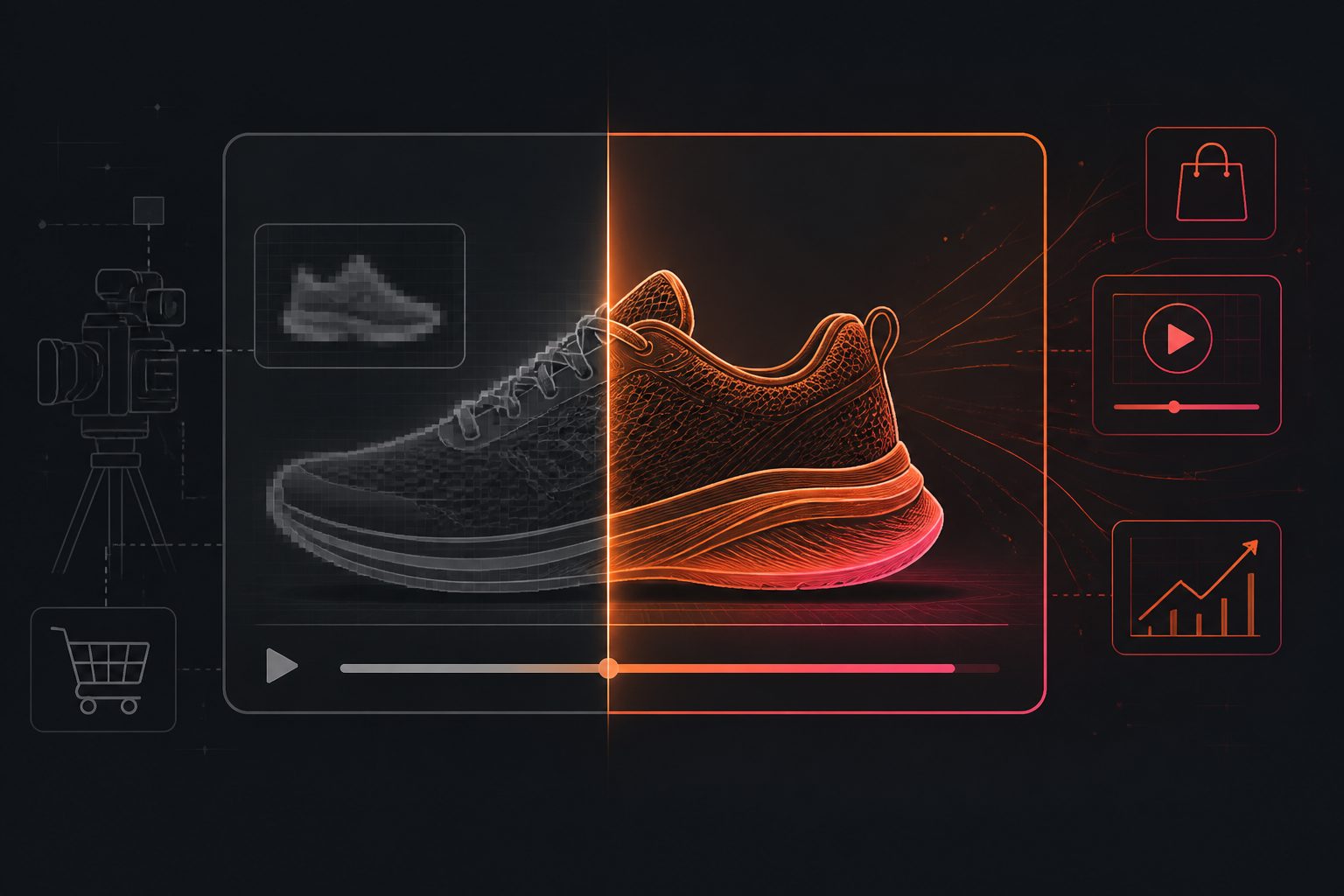
An AI 360 product spin video is a short image-to-video clip that simulates a product rotating around its vertical axis. The viewer watches the product turn, but does not freely drag around a true 3D model.
That distinction matters. Several tools in this category describe their output as a flat MP4 or a 360-style rotation, while interactive 360 viewers require a different asset structure, such as multiple rendered frames or a 3D scene. (panoramagenerator.com)
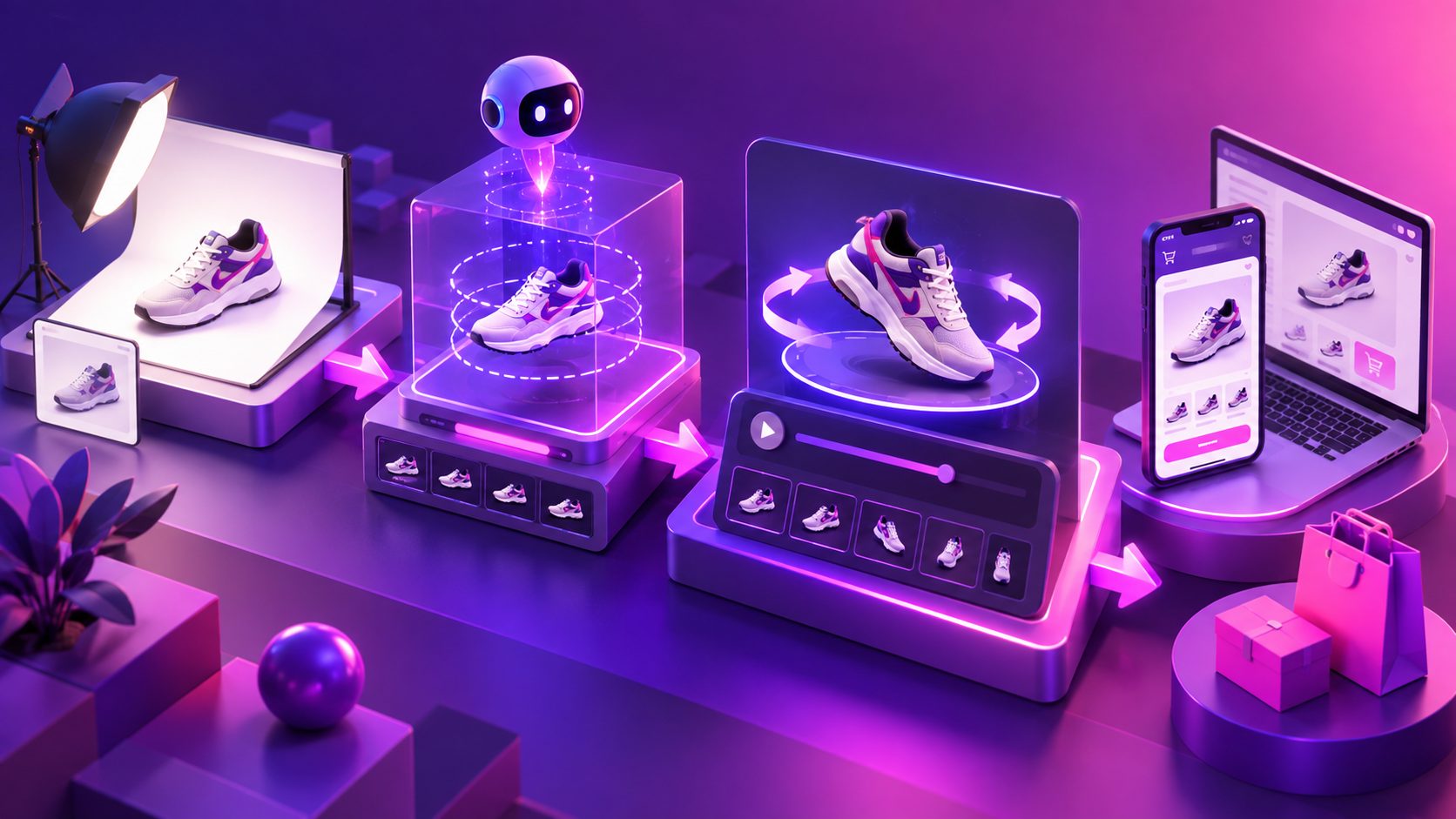
The practical use case is straightforward:
- Upload one product image.
- Define the rotation or presentation style.
- Generate a short video.
- Check product consistency.
- Export a version for a product page, ad, or social channel.
This is most useful when the goal is visual inspection and attention, not technical product configuration.
Why use a product spin video for ecommerce?
A rotating clip can answer product questions that a single front-facing photo cannot. It may reveal the product’s silhouette, depth, side profile, finish, packaging, or overall form within a few seconds.
For an independent ecommerce seller, the main advantages are:
- Faster asset production: A clean product photo can become a motion asset without arranging a full shoot.
- Better product orientation: Rotation gives visitors more visual context before they reach the specifications section.
- Reusable creative: One product asset can support a product page, paid ad, email, or short-form social post.
- Lower testing friction: Sellers can test motion-led creative before investing in 3D modeling or physical production.
- Improved merchandising flexibility: The same product can be presented against a clean background, a lifestyle setting, or a promotional layout.
Search results currently emphasize the same basic workflow: upload a single image, choose a spin or camera movement, and generate a short ecommerce-ready video. However, they often under-explain the most important limitation: the unseen side of the product is being inferred, not captured. (pludor.com)
That is why quality control should be treated as part of the workflow rather than an optional final step.
What product images work best?
The best input is a clear, isolated product photo with a visible silhouette and minimal ambiguity. AdsTurbo Product Image accepts JPG and PNG files, and clear product photos on a solid-color background are recommended for the strongest result.
Use this input checklist:
| Input factor | Recommended approach | Why it matters |
|---|---|---|
| Product visibility | Show the full product with edges separated from the background | Helps preserve the outer shape |
| Background | Use white, gray, or another simple solid color | Reduces accidental background motion |
| Lighting | Use even lighting with controlled reflections | Protects color and material consistency |
| Camera angle | Choose a front or three-quarter view | Gives the model useful shape information |
| Resolution | Start with the sharpest original image available | Supports cleaner details and later upscaling |
| Text and logos | Keep labels large and legible | Small text is more likely to distort during motion |
Avoid starting with a lifestyle image containing hands, props, heavy shadows, or partial cropping. Those elements can be useful for a product advertisement, but they make a controlled rotation harder to evaluate.
AdsTurbo Product Image can also analyze a product’s shape, color, and category, then generate product-focused image variations. This makes it useful for preparing a consistent asset set before creating product videos or campaign creatives.
How to create a 360-style product video from one image
Step 1: Prepare the source asset
Remove unnecessary props and use a high-resolution JPG or PNG. If the product contains fine print, reflective metal, transparent surfaces, or repeating patterns, keep the original file rather than compressing it repeatedly.
For B2B products, include a second reference image when possible, even if the generator only requires one. A rear view, packaging view, or detail crop can help your team identify whether the generated rotation invents an important feature.
Step 2: Define the commercial purpose
Do not begin with “make it rotate.” Decide what the video must prove:
- The product’s overall shape
- The size or depth of the item
- A special texture or finish
- How packaging looks from different angles
- A feature that is difficult to communicate in a still image
This purpose determines the pacing. A slow rotation works better for a technical product page, while a faster opening movement may work better in a short paid ad.
Step 3: Generate a controlled motion version
Start with a simple turntable-style prompt or preset. Avoid asking for dramatic camera moves, changing backgrounds, extra props, or multiple product transformations in the first version.
The most reliable first test is usually:
- Static or lightly moving camera
- One product
- Neutral background
- Consistent lighting
- Slow, complete rotation
- No text generated inside the video
Add promotional copy later in an editor. This reduces the chance that the AI will distort prices, product names, measurements, or discount codes.
Step 4: Review the first and last frames
This is an original quality-control rule for ecommerce teams: compare the first frame, midpoint, and final frame side by side before publishing.
Check five items:
- Shape: Does the product keep the same proportions?
- Branding: Do logos and labels remain readable?
- Color: Does the color shift as the product turns?
- Parts: Do buttons, handles, caps, and connectors stay attached?
- Shadow: Does the product remain grounded instead of floating?
A video can look smooth while still changing the product’s geometry. A clean motion path is not proof of product accuracy.
Step 5: Upscale and adapt the output
If the source or generated clip looks soft, AdsTurbo’s Video Upscaling can improve resolution, with before-and-after preview support and 4K export capability according to the supplied product specifications.
For broader ecommerce production, AdsTurbo also supports Product Video creation from JPG or PNG product images, plus background replacement, subtitles, translation, and other video editing controls. A seller can therefore use a spin-style asset as one component of a larger product-content workflow rather than treating it as the only creative.
For related production use cases, see the Amazon product image to video workflow and the ecommerce product validation video ads framework.
360 spin video vs. interactive 3D viewer
These formats solve different problems.
| Format | Best for | Main limitation |
|---|---|---|
| AI-generated spin video | Product pages, ads, emails, social posts | Viewer cannot control the angle |
| Multi-image 360 viewer | Product inspection on a storefront | Requires a frame set and viewer implementation |
| Interactive 3D model | Configurators, technical products, complex objects | Higher modeling and implementation effort |
| Standard product video | Demonstrations, use cases, UGC, storytelling | May not show every side of the product |
A spin video is usually the fastest way to add movement. It is not a replacement for a verified 3D model when buyers need precise inspection of hidden surfaces, dimensions, or configuration options.
A practical testing matrix for Shopify and B2B sellers
Instead of generating one version and publishing it immediately, create a small four-asset test:
- Neutral spin: Solid background, slow rotation, no text.
- Feature spin: Rotation pauses briefly on the key feature.
- Lifestyle version: Product appears in a relevant use environment.
- Offer version: Product video is paired with a discount, bundle, or CTA in post-production.
Use the neutral spin as the control. Compare watch time, product-page engagement, add-to-cart behavior, and assisted conversions where tracking is available.
This approach produces more useful learning than asking whether “360 video converts.” The real question is: which product angle, context, and message help this specific buyer make a decision?
AdsTurbo can support the surrounding workflow with product image generation, one-click product video creation, subtitles, translation, background replacement, and API access. Its asynchronous tasks can be monitored through status polling or Webhook callbacks, while advanced plans support team workflows, API access, and custom workflows. For teams producing many SKUs, the TikTok Shop bulk video generator workflow provides a useful way to think about creative testing at scale.
Common questions
Can AI create a true 360-degree product model from one image?
Usually, it creates a 360-style video rather than a verified interactive 3D model. Hidden surfaces are inferred, so important product details should be checked against real reference photos.
Is one product image enough?
It can be enough for a simple product with a clear silhouette. Products with complex backs, transparent materials, reflective surfaces, or dense packaging text benefit from additional reference images and stricter review.
What format should the product image use?
AdsTurbo Product Image and Product Video workflows support JPG and PNG inputs. A clear photo on a solid-color background is the safest starting point.
Should the video include price or promotional text?
Add critical text after generation whenever possible. Post-production gives you better control over spelling, legibility, localization, and platform-specific layouts.
Can one spin video be reused across channels?
Yes, but export or reframe it for the destination. A square product-page asset, a vertical short-form video, and a landscape B2B landing-page clip may need different pacing, crop, and text placement.