By adsturbo.ai | Published 2026-10-21 | Updated 2026-10-21
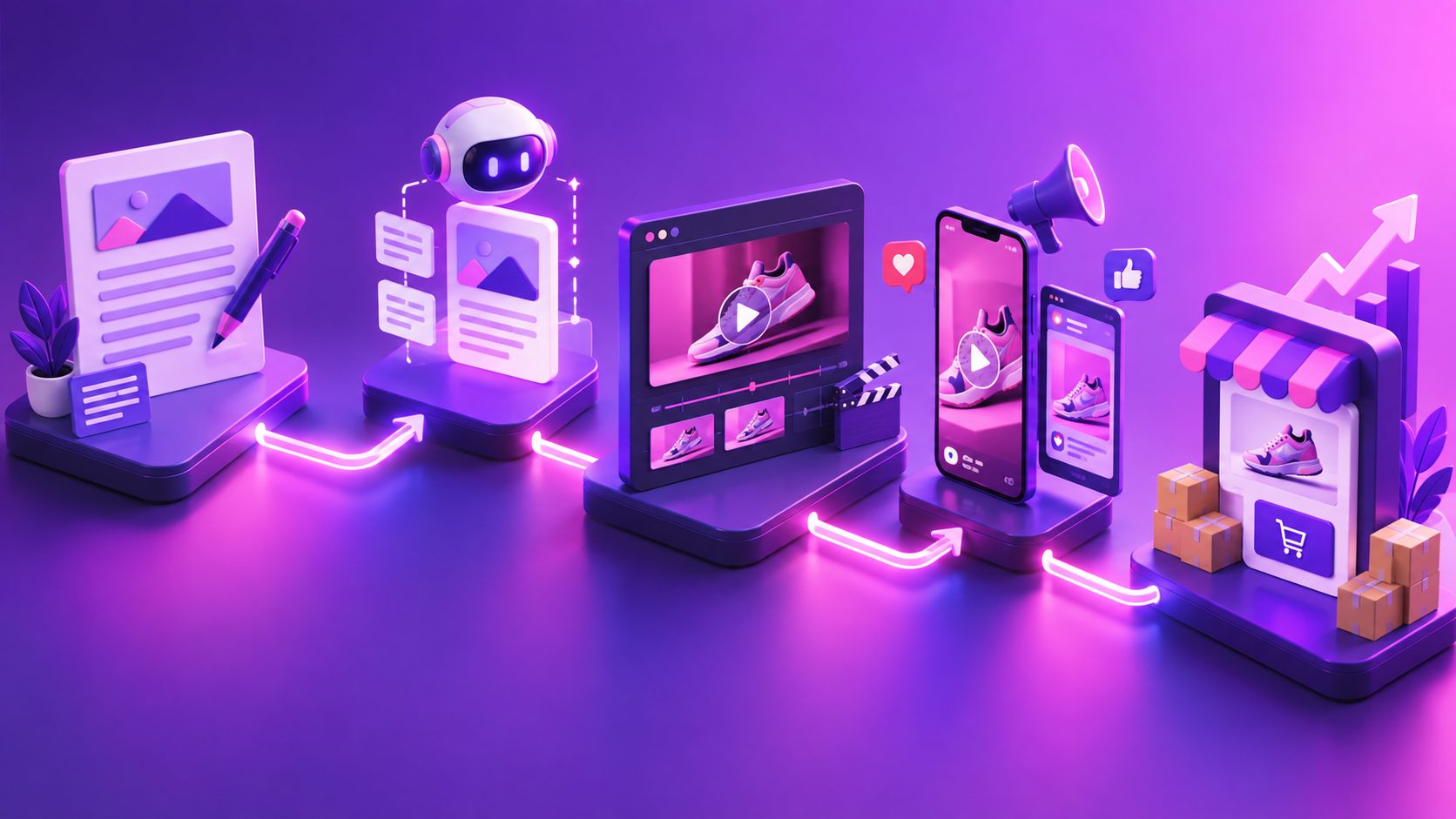
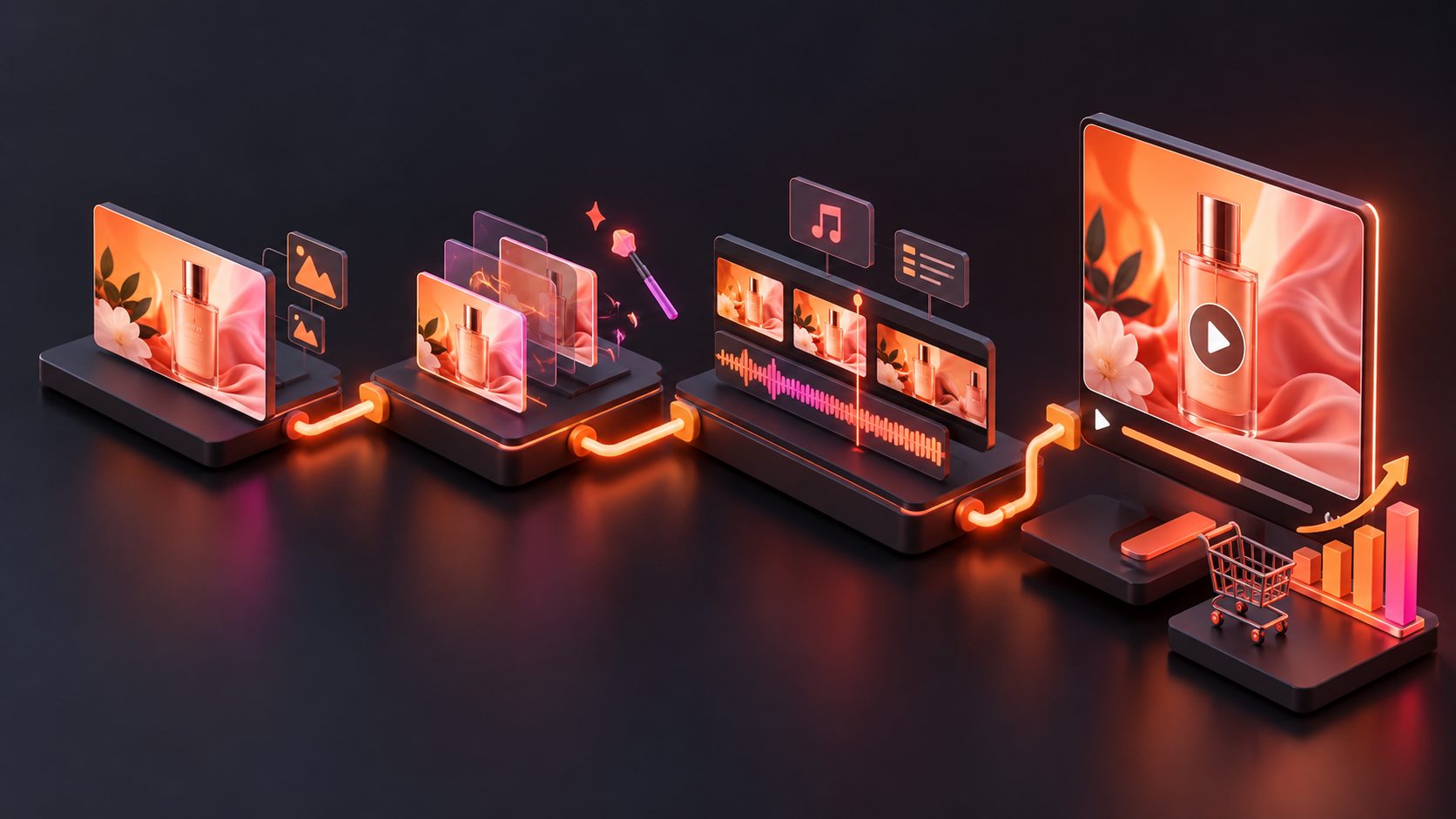
To turn banner into video ad ecommerce creative, do not simply add zoom effects to a static image. First separate the banner into its conversion elements—offer, product, proof, urgency, and CTA—then rebuild them as a short sequence designed for mobile viewing.
This approach preserves the message that already works in the banner while adding movement, pacing, and variation for TikTok, Instagram Reels, YouTube Shorts, Meta, and product pages.
What does it mean to turn a banner into a video ad?
Turning a banner into a video ad means converting a static promotional layout into a timed sequence of visual scenes, text changes, product movement, and a final call to action. The strongest version keeps the original commercial message but gives each element a clear moment on screen.
A banner usually contains several layers:
- Product image or product packshot
- Main benefit or headline
- Discount, coupon, or promotion
- Supporting proof or product detail
- Brand logo
- Call to action
Search results for this topic commonly focus on animating a product image or generating a video from a product URL. Those approaches are useful, but they can lose the strategic structure of a high-performing promotion banner. A banner-to-video workflow should treat the banner as a conversion blueprint, not merely as an image to animate. (amazvid.com)
Why static banner animation often produces weak ads
A basic animation may pan across the banner, enlarge the product, and fade in the same text. That creates motion, but not necessarily a stronger advertisement.
The main problem is information timing. If the product, discount, and CTA appear at once, viewers have no reason to keep watching. If the offer appears too late, the video may lose attention before the value is clear.
A better sequence follows this principle:
One scene should perform one commercial job.
For example:
| Scene | Commercial job | Typical duration |
|---|---|---|
| Hook | Stop the scroll with the problem, offer, or visual contrast | 0–2 seconds |
| Product reveal | Show what is being sold clearly | 2–5 seconds |
| Benefit or proof | Explain why the product matters | 5–9 seconds |
| Offer | Make the promotion easy to understand | 9–12 seconds |
| CTA | Tell the viewer what to do next | 12–15 seconds |
This structure works for both a six-second cut and a longer fifteen-second version. The difference is the number of proof and product-detail scenes, not the basic logic.
How to deconstruct a promotional banner before generating video
Before opening an AI video tool, create a simple Banner Conversion Map. This is a practical framework for deciding what stays, what moves, and what should be rewritten.
1. Identify the commercial priority
Ask one question: What must the viewer remember if they watch only the first two seconds?
The answer may be:
- A limited-time discount
- A new product launch
- A product problem being solved
- A distinctive product feature
- A seasonal event or shopping moment
Place that priority in the opening frame. Do not begin with a slow logo animation unless brand recognition is the primary campaign objective.
2. Separate visual assets from message assets
Visual assets include the product photo, background, logo, decorative shapes, badges, and lifestyle imagery. Message assets include the headline, price, discount, coupon code, date, and CTA.
This separation helps prevent a common failure: asking an AI generator to reconstruct every text element inside a complex banner. For important claims and promotional details, use editable text overlays whenever possible.
3. Classify the product image
Product images behave differently depending on their visual quality. A clean product photo on a plain background is easier to animate, crop, and place into multiple scenes. AdsTurbo Product Image supports JPG and PNG uploads, with clear product photos on solid backgrounds producing the best results.
If the source banner contains a small or compressed product image, improve the image before building the video. AdsTurbo’s AI upscaling workflow can help prepare low-resolution creative assets for clearer output.
A practical 6–15 second storyboard
The following storyboard is designed for ecommerce sellers who already have a promotional banner and need multiple short-form variants.
Six-second version
-
0.0–1.5 seconds: Offer-led hook
Show the strongest promotion or product outcome in large, readable text. -
1.5–4.0 seconds: Product movement
Use a controlled zoom, rotation, close-up, or scene transition to reveal the product. -
4.0–6.0 seconds: CTA lockup
Return to the product, offer, and CTA together. Keep the final frame stable long enough to read.
Fifteen-second version
-
0–2 seconds: Pattern interrupt
Start with a bold crop, product detail, discount badge, or problem statement. -
2–5 seconds: Product reveal
Move from the banner’s hero image to a clearer product-focused shot. -
5–9 seconds: Benefit demonstration
Show a use case, material detail, before-and-after comparison, or product feature. -
9–12 seconds: Promotion
Introduce the discount, code, sale date, or event detail. -
12–15 seconds: CTA
End with a simple action such as Shop Now, View Collection, or Claim Offer.
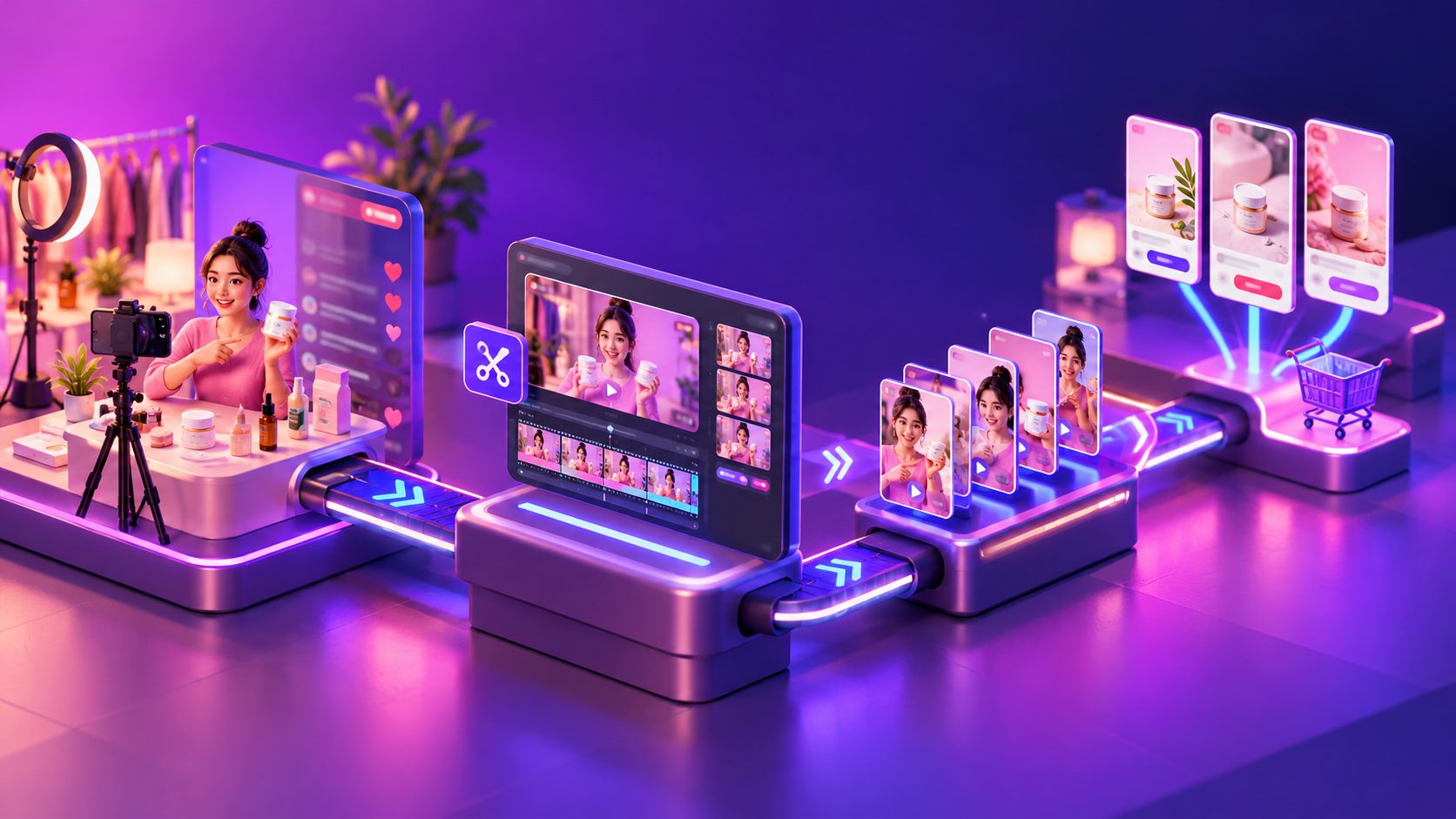
How to create multiple video variants from one banner
One banner should not produce only one video. It should produce a test matrix.
Change one variable at a time:
| Variant | Opening angle | Product treatment | CTA |
|---|---|---|---|
| A | Discount first | Slow product reveal | Shop now |
| B | Product problem first | Close-up detail | See how it works |
| C | Social proof first | Lifestyle scene | Try it today |
| D | Seasonal event first | Fast motion cuts | Claim the offer |
This method creates meaningful comparisons. If the hook, pacing, product shot, and CTA all change at once, performance data becomes difficult to interpret.
AdsTurbo Ad Clone can be used when a reference advertisement already has a strong opening, rhythm, shot structure, or CTA pattern. Its workflow can analyze a reference video of up to 12 seconds and generate advertising variations, making it useful when the goal is to preserve a proven structure while adapting the message to a different product or offer.
For sellers building a broader creative system, the Facebook ecommerce ad creative automation framework provides a useful way to connect creative variation with testing decisions.
Which formats should you export?
A banner is often designed for one layout, while video advertising requires platform-specific framing.
Prepare at least:
- 9:16 for TikTok, Instagram Reels, and YouTube Shorts
- 1:1 for square social placements and some product-feed environments
- 16:9 for YouTube and horizontal placements
Do not simply crop the same composition three times. Reposition the product, headline, and CTA for each aspect ratio. AdsTurbo Ad Clone supports 9:16, 1:1, and 16:9 outputs for reference-based ad variations.
Keep important text away from the top and bottom interface areas. On vertical video, the product and offer should remain readable even when platform controls or captions appear over the frame.
How to add captions and localization
Many ecommerce ads are viewed without sound, so the message should remain understandable through on-screen text. Use short caption lines rather than copying the entire banner headline into every frame.
AdsTurbo Video Subtitle can automatically transcribe speech, create synchronized captions, and export either a video with embedded subtitles or a separate subtitle file. Its subtitle layouts are designed for short-form placements such as TikTok, Instagram Reels, and YouTube Shorts.
For international campaigns, translate the voiceover and captions separately from the visual design. This prevents a long English sentence from creating unreadable text in another language. AdsTurbo also supports video translation and lip-sync workflows for localized ad versions.
The automatic captions workflow for ecommerce video ads covers the quality checks that matter most: timing, line length, readability, and safe placement.
A quality-control checklist before launch
Before publishing the video, check five things:
- Is the product recognizable in the first three seconds?
- Does the opening frame communicate one clear idea?
- Are discount, date, and coupon details accurate?
- Can the ad be understood with the sound muted?
- Does the final CTA remain visible long enough to act on?
Also compare the exported video with the original banner. The product, color, packaging, and promotional claim should remain consistent. Motion should add attention—not create a misleading impression of the product.
Common questions
Can I turn any banner into a video ad?
Most banners can become a video concept, but results depend on the quality and complexity of the source. Banners with a clear product image, readable offer, and limited text are easier to convert than crowded designs with many small elements.
Should the banner text stay unchanged?
Keep legally or commercially important details unchanged, but rewrite supporting copy when necessary. Video viewers process information faster than static-banner viewers, so shorter phrases usually work better.
Is a six-second or fifteen-second video better?
Use six seconds when the offer is simple and visually obvious. Use fifteen seconds when the product requires demonstration, comparison, or explanation. Testing both lengths is more reliable than assuming one format always wins.
Can one banner support multiple languages?
Yes. Separate the visual product elements from the text, voiceover, and captions. This makes it easier to create localized versions without rebuilding the entire concept.
What should ecommerce sellers test first?
Test the first two seconds before testing minor visual effects. Compare an offer-led hook, a product-led hook, and a problem-solution hook while keeping the product and CTA consistent.
Final takeaway
To turn banner into video ad ecommerce creative successfully, convert the banner’s hierarchy into a timed story. Start with the highest-value message, reveal the product clearly, demonstrate one benefit, repeat the offer, and finish with a readable CTA.
The most scalable workflow is not “animate one banner once.” It is one banner, several structured hypotheses, multiple aspect ratios, and a clear testing matrix. AdsTurbo supports the surrounding production workflow with product image generation, Ad Clone, subtitles, translation, upscaling, background replacement, and API access for advanced team workflows.