By adsturbo.ai | Published 2026-10-17 | Updated 2026-10-17
To turn live stream into video ads, do not simply cut random highlights from a replay. Rebuild each selected moment into a standalone buying argument: one shopper question, one piece of product proof, one clear next action.
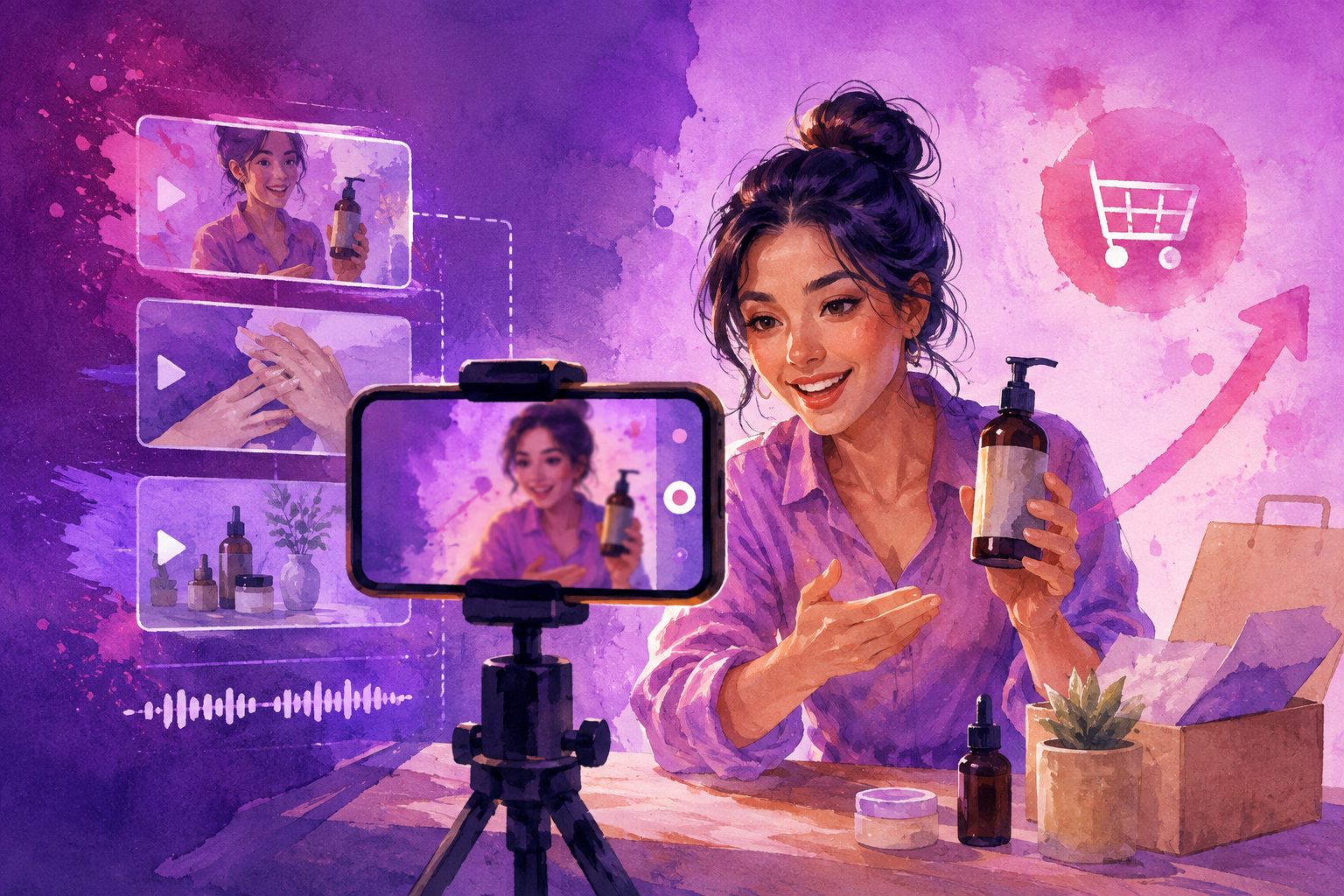
For ecommerce sellers, a livestream can contain dozens of usable moments—demonstrations, objections, reactions, comparisons, try-ons, and offer explanations. The challenge is separating entertaining footage from footage that can work as a paid creative on Meta, TikTok, or other short-form placements.
What makes a livestream clip usable as an ad?
A usable livestream clip is a self-contained segment that shows the product clearly, answers a buying question, and works without the original broadcast context.
A replay highlight often depends on chat, host introductions, or information delivered several minutes earlier. A paid ad cannot assume that context. The viewer may see the clip while scrolling, with no knowledge of the event, host, or previous conversation.
Before editing, classify each moment into one of these buyer-focused categories:
- Demonstration: The host shows how the product works.
- Proof: The viewer sees a result, material detail, fit, texture, size, or use case.
- Objection handling: The host answers a question about shipping, sizing, compatibility, durability, or setup.
- Comparison: The product is contrasted with another option or common alternative.
- Offer explanation: The host presents a discount, bundle, bonus, or limited-time condition.
- Reaction: A customer, creator, or host expresses a credible response to the product.
The strongest clip usually contains at least two categories. For example, a host answering “Does this fit a wider foot?” while demonstrating the product creates both objection handling and proof.
For additional creative structure, compare the clip with a video ad hook framework for fixing weak first three seconds.
How do you select the best moments from a livestream?
Use a scoring model instead of choosing clips only by applause, views, or host energy. A practical editorial score is 100 points:
| Criterion | Points | What to check |
|---|---|---|
| Product visibility | 25 | Can the viewer identify and inspect the product? |
| Buyer question answered | 25 | Does the clip resolve a specific hesitation? |
| Proof strength | 20 | Is there visible evidence rather than a vague claim? |
| Standalone clarity | 15 | Can it make sense without earlier broadcast context? |
| Offer and CTA flexibility | 10 | Can the ending be updated for the campaign? |
| Technical quality | 5 | Is the image, audio, and framing usable? |
This framework adds an important distinction: a viral moment is not automatically a strong ad moment. A funny exchange may generate engagement but fail to explain what is being sold. Conversely, a quiet close-up showing a product feature may attract fewer organic reactions while producing a stronger conversion angle.
Create a shortlist of clips scoring 70 or higher, then inspect them manually. Remove moments with unclear product identity, unsupported claims, outdated discounts, long pauses, or dialogue that begins mid-sentence.
How should you rebuild a livestream clip for Meta and TikTok?
A short ad should be reconstructed around a new sequence rather than exported as an unedited excerpt.
1. Start with the buyer problem
Open with the question or frustration that the clip solves. Examples include:
- “Worried this will not fit?”
- “Here is what the material looks like up close.”
- “Watch how quickly this setup works.”
- “The detail customers ask about most.”
The opening should orient a cold viewer before the original host’s explanation begins.
2. Show proof immediately
Move the most visual evidence toward the front. If the livestream contains a product demonstration at minute 18, it may belong in the first two seconds of the ad.
For product-focused footage, prioritize:
- The product in use
- A close-up of texture, construction, or finish
- A before-and-after comparison
- A sizing or fit demonstration
- A visible result
- The host responding to a real customer question
3. Remove broadcast friction
Cut greetings, repeated introductions, reading usernames, waiting for comments, dead air, and references such as “as I said earlier.” These elements are natural in a live show but weaken a feed-based ad.
4. Add a clean ending
End with a product-focused CTA, not the livestream’s original sign-off. Depending on the campaign, the final frame can direct viewers to shop, compare a product, view a bundle, or learn more.
If the offer may change, keep the offer as a separate editable layer. This prevents an old discount or expired code from being permanently embedded in every export.
What should the final ad structure look like?
A reliable 15–30 second structure is:
- 0–2 seconds: Buyer problem, surprising detail, or visual proof.
- 2–8 seconds: Product demonstration or close-up evidence.
- 8–18 seconds: Host explanation, objection handling, or comparison.
- 18–25 seconds: Benefit summary and relevant offer.
- Final seconds: CTA, product view, or next shopping step.
Longer clips can work when the product requires explanation, but each version should still have one central message. Do not combine sizing, ingredients, shipping, several product variants, and a discount into one short asset unless the sequence remains easy to follow.
For sellers without enough clean product footage, an image-led companion creative can complement the replay clip. AdsTurbo Product Video supports JPG or PNG product images and can generate product-focused UGC-style videos, while the TikTok Shop product-image-to-video workflow explains how to build additional assets from catalog imagery.
How do you adapt one livestream clip for different platforms?
The source moment can remain the same, but the edit should reflect the placement.
TikTok
Use a faster opening, conversational captions, and a creator-like rhythm. Keep the product visible early and avoid making the video feel like a repackaged broadcast. A direct question from the livestream can become the opening line.
Meta Reels and Feed
Give the viewer slightly more structure. A clear headline, readable captions, and a stronger product explanation can help the clip make sense when shown outside the original live-shopping environment.
Multiple aspect ratios
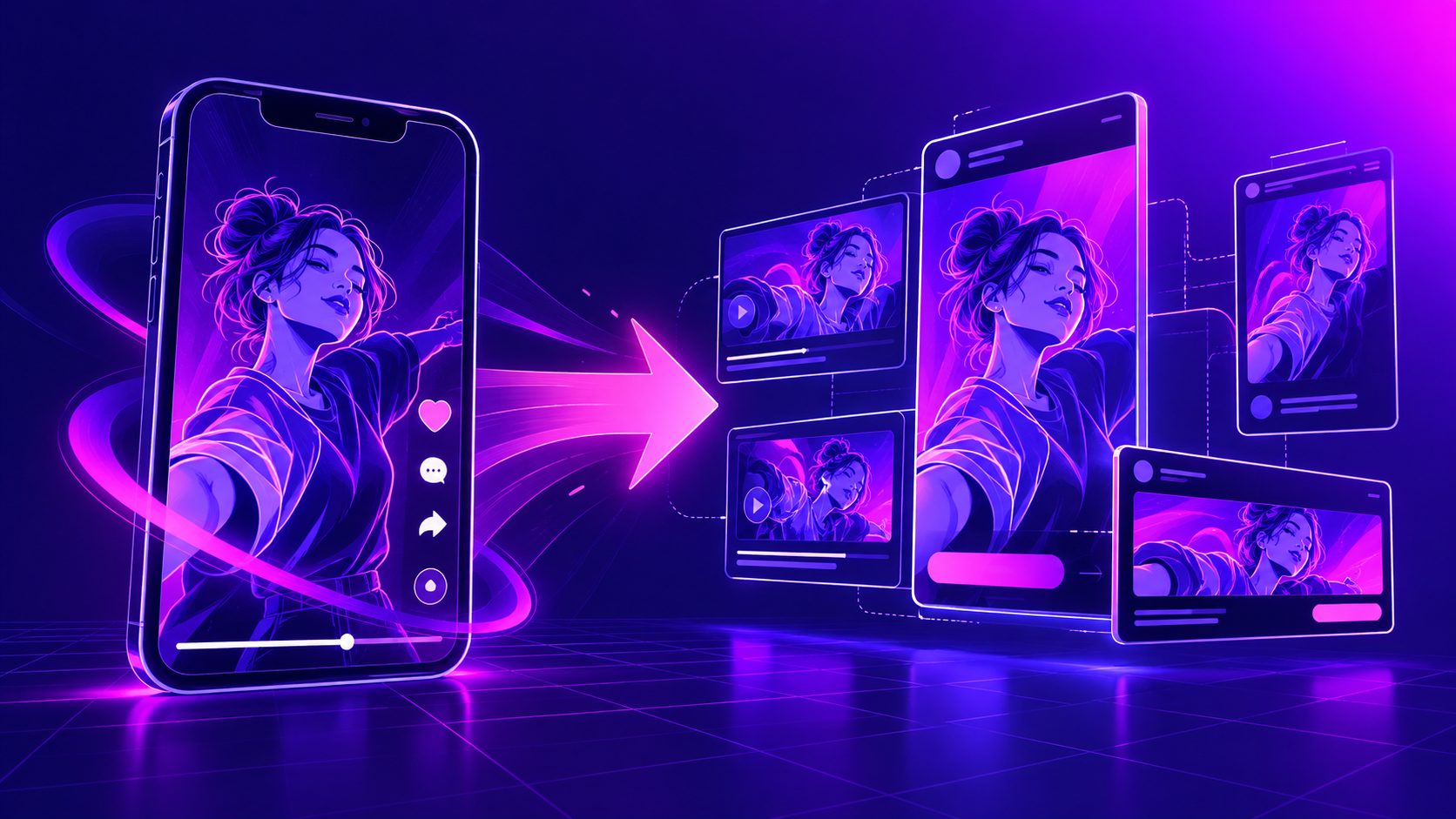
Create separate exports for vertical, square, and landscape placements rather than relying on automatic cropping. AdsTurbo Ad Clone can export reference-based ad variations in 9:16, 1:1, and 16:9 formats, which is useful when one concept needs to be tested across multiple placements.
How can AI speed up livestream ad production?
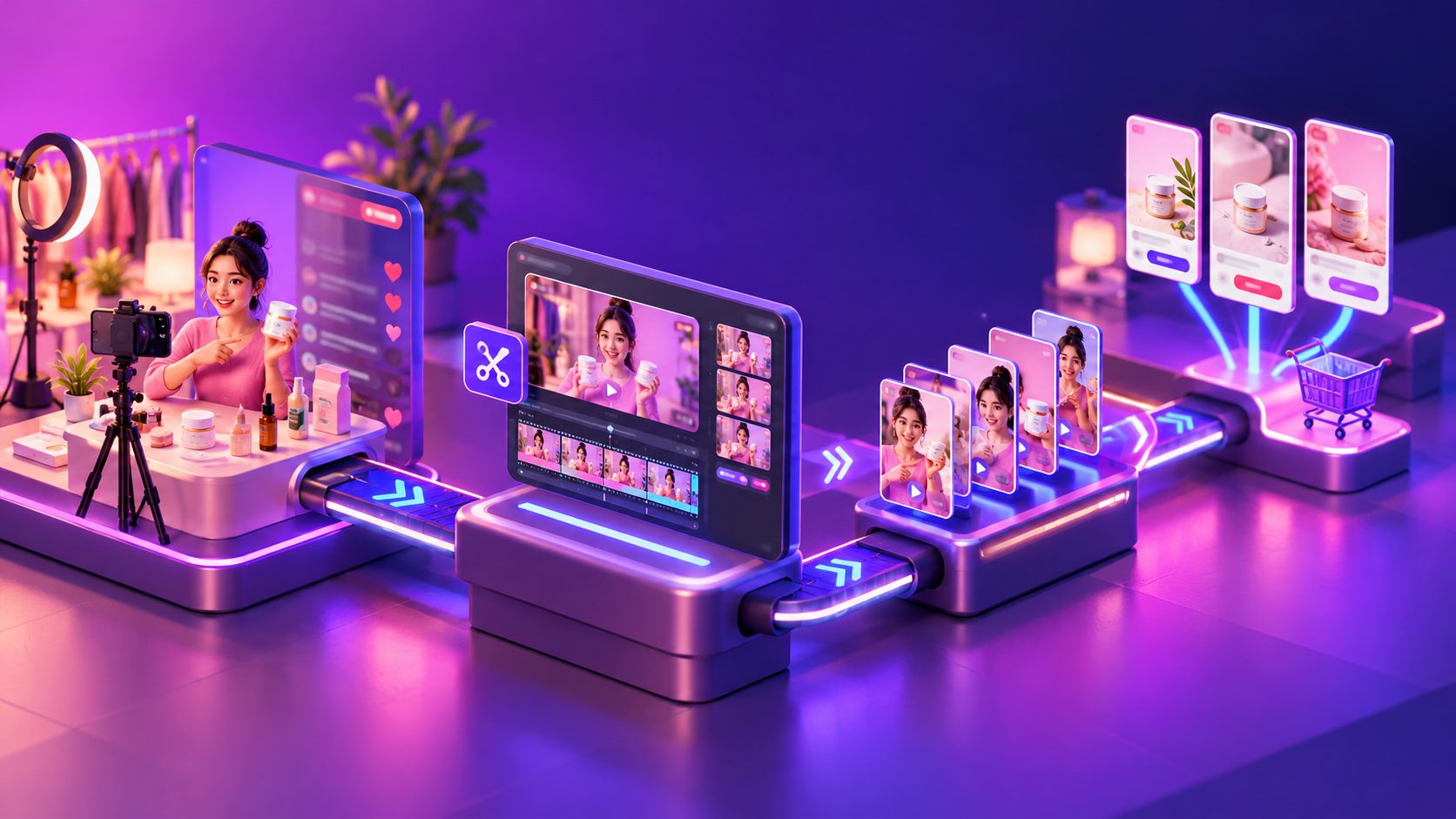
AI is most useful after the creative angle is defined. The workflow should be:
- Upload the livestream replay.
- Transcribe or extract the spoken content.
- Mark moments containing product proof, objections, and offers.
- Cut each moment into a standalone segment.
- Generate captions and translate selected versions.
- Replace or update the CTA and offer layer.
- Export platform-specific variations.
- Review claims, product accuracy, and audio before launch.
AdsTurbo provides video subtitle generation with synchronized captions, including styles adapted for TikTok, Instagram Reels, and YouTube Shorts. Its broader video tools include translation, upscaling, character replacement, motion control, and watermark removal. Every generation task runs asynchronously, with completion available through status polling or webhook callbacks for batch workflows.
For a deeper production pipeline, see the guide to ecommerce video ad generation API architecture.
AI should not decide whether a claim is legally or commercially safe. A human review is still needed for medical, financial, performance, safety, pricing, inventory, and comparative claims. The review should also confirm that the edited footage does not imply a result the original livestream did not demonstrate.
How should you test livestream-derived ad creatives?
Test the angle first, then the editing style. A useful first batch might include:
- Product demonstration versus customer objection
- Host narration versus text-led opening
- Close-up proof versus reaction moment
- Direct CTA versus offer-led CTA
- Original speaker versus alternate character or voice treatment
Keep the product, landing page, and audience reasonably consistent while comparing creative concepts. Otherwise, you may not know whether performance changed because of the clip, targeting, or destination.
Track more than thumb-stop metrics. A practical review sequence is:
- Hook retention or early video engagement
- Three-second and hold-rate signals
- Click-through rate
- Landing-page engagement
- Add-to-cart rate
- Cost per purchase or qualified conversion
A clip with a high view rate but weak purchase intent may be entertaining rather than persuasive. A quieter product demonstration with stronger downstream behavior may deserve more budget.
Common mistakes to avoid
Treating the replay as one long ad
A livestream is a content library, not a finished paid creative. Extract multiple buyer questions and build separate ads around them.
Keeping the original context
Phrases such as “let me show you this one again” or “for everyone who just joined” expose the clip’s livestream origin and reduce clarity.
Burning in stale offers
Separate discounts, promo codes, and event dates from the core edit whenever possible. Check every export before publishing.
Over-polishing the footage
Livestream content can feel credible because it is imperfect. Improve clarity and pacing, but do not remove every natural reaction or demonstration detail that makes the clip believable.
Testing only one version
A single clip is a hypothesis. Build multiple openings, proof sequences, captions, and CTAs so the campaign can learn which buying argument resonates.
Frequently asked questions
Can a full livestream become several video ads?
Yes. Segment the replay by buyer question, product feature, objection, and offer. One long stream can produce different ads for awareness, consideration, and retargeting.
What livestream moments usually perform best?
Product demonstrations, clear answers to customer questions, close-up proof, fit or compatibility explanations, and credible reactions are usually stronger starting points than general conversation.
Should livestream ads include captions?
Captions are recommended when the message depends on spoken explanation. They also make the clip easier to understand when viewers encounter it without relying on full audio.
Can the same clip run on Meta and TikTok?
The central footage can be reused, but the opening, caption style, framing, pacing, and CTA should be adapted for each placement.
What if the livestream video is low resolution?
Use the clearest source available, crop carefully, and avoid enlarging a blurred product detail beyond recognition. AdsTurbo provides AI video upscaling with before-and-after preview and 4K export support for suitable source footage.
The most effective repurposing workflow treats every livestream as structured evidence. Find the moment that answers a real buying question, rebuild it for a cold viewer, separate changeable offer elements, and test several creative angles. That turns a one-time broadcast into a reusable library of ecommerce ad assets.