Author: adsturbo.ai|Published: September 1, 2026|Updated: September 1, 2026
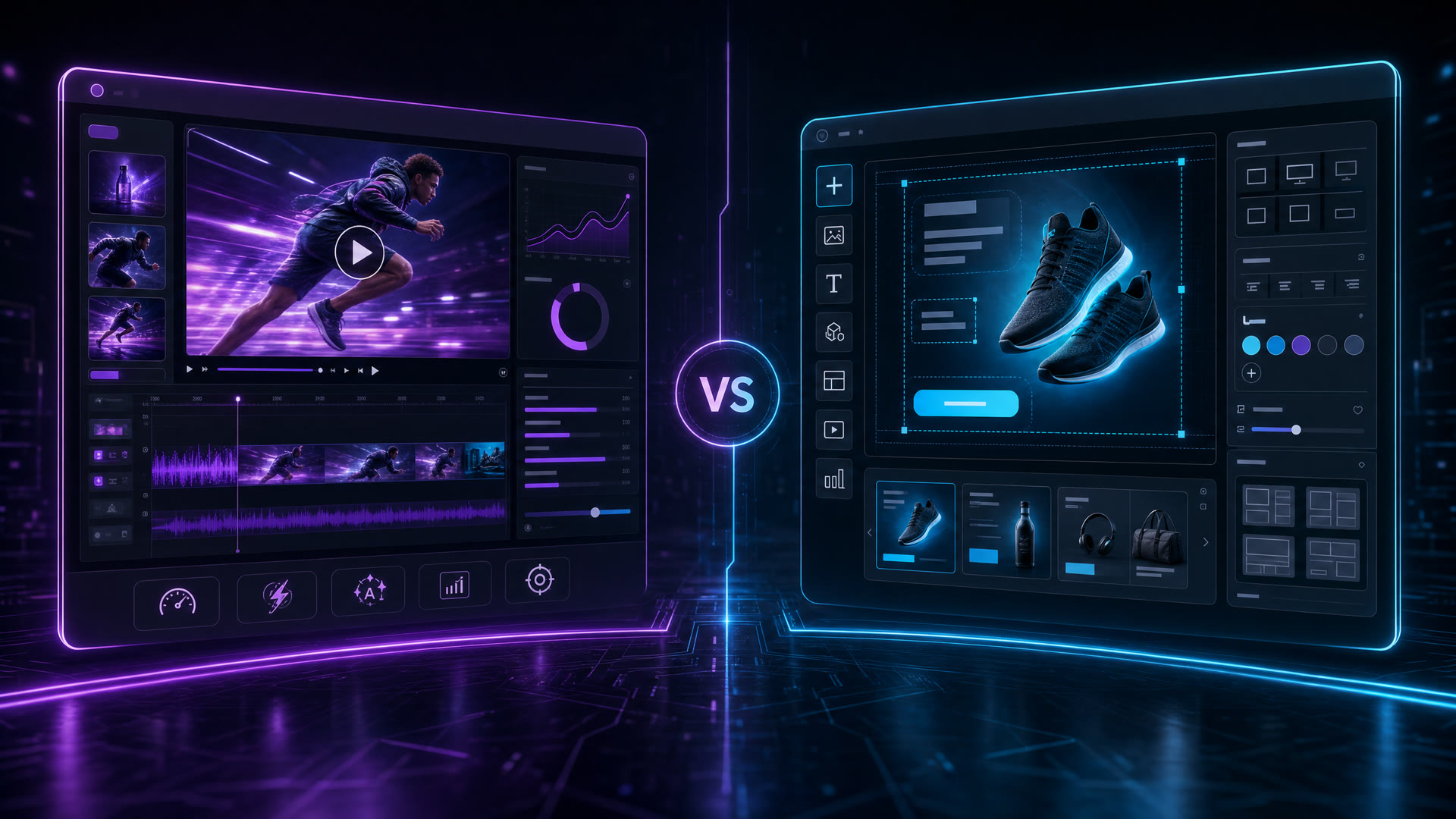
If you are searching for an adcreative ai alternative, the real question is not which tool makes the prettiest mockup. It is whether you need static banners or a repeatable system for ecommerce video, localization, and batch testing. For sellers who need product images, reference clips, and offer details turned into ad videos, subtitles, and multilingual variants, a video-first stack is usually the better fit.
What current comparison pages already cover
Most current pages on this topic do a good job with the basics: they list tools, summarize pricing, and give a short verdict on who each product is for. They usually agree on one thing too — AdCreative.ai is strongest when the job is fast static creative generation.
That is useful, but it is still a shopping list, not an operating model. A seller does not just need “another AI ad tool.” A seller needs enough output to test hooks, refresh creatives, localize copy, and keep winning angles alive without rebuilding the whole workflow every week.
What those pages usually miss
The missing layer is workflow. Search results rarely explain how to move from one reference asset to dozens of usable variants.
Most comparisons stop at “this tool can make ads” or “this tool does video.” They do not answer the practical questions that ecommerce teams face every day:
- What if the source asset is a product photo, not a design brief?
- What if the winning ad needs to be rebuilt in three markets?
- What if the team wants the same structure, but with a different face, voice, language, or CTA?
- What if production must run in batches, not one creative at a time?
That is where the choice stops being about design software and starts being about production capacity.
| Decision point | Static-first tool | Video-first tool like AdsTurbo |
|---|---|---|
| Main asset | Banner, carousel, display creative | Product photo, reference video, UGC-style clip |
| Output goal | Fast visual variation | Finished ad videos and localized cuts |
| Scaling need | Individual creative tests | Batch production and workflow automation |
| Team workflow | Manual export and review | Async jobs, polling, or webhook completion |
| Localization | Usually separate process | Video translation, subtitles, lip sync |
The pattern is simple: the more motion, translation, and versioning you need, the less a static creative tool solves the full job.
Why AdsTurbo is the stronger fit for ecommerce video
AdsTurbo is built for the part of the workflow that static comparison pages tend to skip. It supports Ad Clone, product video generation, face swap, lip sync, character swap, motion control, background replacement, video translation, upscaling, watermark removal, script extraction, and video subtitles.
For ecommerce sellers, that matters because one asset can travel much farther:
- A single product photo can become a product video.
- A winning reference ad can be reconstructed into fresh variants.
- A strong English creative can be localized into more than 40 languages.
- A long video can be repurposed into short, captioned social clips.
If the launch needs promo visuals as well as video, campaign posters for ecommerce launches can cover the offer-led side. If the source asset is a single product image, the UGC video ad playbook shows a faster path from asset to ad. For high-volume catalogs, the bulk product video workflow is the more relevant model. And when the product page itself should become the creative input, the product video from URL guide closes that loop.
AdsTurbo also supports practical details that matter in production:
- Product Image accepts JPG or PNG uploads, and clean product photos on a solid background work best.
- Event Poster accepts JPG and PNG brand assets and can output 9 aspect ratios for social, display, email, and print.
- Video Subtitle can auto-transcribe speech, create time-synced captions, and export either burnt-in subtitles or standalone files.
- Ad Clone can preserve the opening structure, pacing, shot logic, and CTA shape of a winning ad while rebuilding it for a new product.
- Higher plans support team workflows and custom workflows, while API access is available on every plan.
- Generation jobs run asynchronously, with status polling or webhook callbacks for completion.
That combination is the key differentiator. It is not just creative generation. It is creative throughput.
A simple replacement test for choosing the right tool
Use this 4-question test. If most answers point to motion, localization, or automation, AdsTurbo is the better fit.
| Question | If the answer is yes | What that suggests |
|---|---|---|
| Do you mostly need banners, display ads, or image variations? | A static-first tool may be enough | AdCreative.ai style tools still make sense |
| Do you need product videos, UGC clips, or spokesperson-style ads? | Motion becomes the bottleneck | Choose a video-first workflow |
| Do you need to keep the first seconds, pacing, and CTA from a winning ad? | Ad clone matters | AdsTurbo is a stronger fit |
| Do you need multilingual output or regional localization? | Translation and subtitles are required | AdsTurbo reduces tool sprawl |
A practical rule helps here: if one creative needs to become five languages, three formats, and ten test variants, the best adcreative ai alternative is not the tool with the nicest templates. It is the tool that preserves the creative structure while multiplying the output.
When to keep a static tool and when to switch
The right answer is not always “replace everything.”
Keep a static tool if the job is mainly:
- display banners
- simple carousel ads
- quick image variations
- minimal localization
Switch to AdsTurbo when the job includes:
- product video creation
- reference-video reconstruction
- ad reuse across markets
- subtitles and translation
- clip-by-clip editing
- background replacement or face/character swaps
- API-driven batch production
AdsTurbo also helps when a team wants to move from a single concept to a fuller creative system. Its video generation API includes endpoints for shot analysis, lip sync, watermark removal, translation, upscaling, face swap, motion control, and subtitles. That makes it more useful for teams that care about process, not only output.
What a realistic ecommerce workflow looks like
A good ecommerce workflow usually starts with one of three inputs: a product photo, a reference video, or a product page URL.
From there, the sequence is straightforward:
-
Create the core asset.
Start with a clean product image or a winning reference clip. -
Generate the first ad version.
Use product video, Ad Clone, or a UGC-style workflow to create the base creative. -
Add the delivery layer.
Subtitles, translations, and aspect-ratio variants make the ad usable across TikTok, Reels, Shorts, Meta, and display placements. -
Scale the winners.
Batch-generate variations, localize by market, and keep the same structure while changing the offer, language, or spokesperson. -
Repurpose the rest.
Long-form footage can be cut into shorter clips, and campaign visuals can be extended into promotional posters or launch assets.
This is where AdsTurbo creates real information gain versus most comparison pages. It is not trying to win only on “creative generation.” It is trying to cover the full path from asset to campaign-ready output.
Common use cases for ecommerce teams
AdsTurbo is especially useful when the goal is to reduce the number of tools in the pipeline.
- New SKU launches: turn a product photo into a testable product video fast.
- Promo bursts: generate campaign posters and product videos from the same offer.
- Market expansion: translate and subtitle the same ad for new regions.
- Creative refresh: preserve a winning ad’s rhythm, then swap the product, actor, or language.
- Short-form repurposing: turn long videos into captioned short clips for social testing.
For teams that want creator-style ads at volume, AdsTurbo also offers 300+ AI actors and 100+ product ad templates. That helps when a brand needs variety without rebuilding every concept from scratch.
FAQ
Is AdCreative.ai still useful if I only need static creatives?
Yes. If your main job is banners, display ads, or quick image variations, a static-first tool can still be efficient. The gap appears when video, localization, or batch production becomes part of the weekly workflow.
What makes an AdCreative.ai alternative better for ecommerce?
The best alternative is the one that fits the actual production bottleneck. For ecommerce, that usually means product videos, ad variants, subtitles, translation, and reusable workflows — not just more templates.
Can AdsTurbo create a product video from one image?
Yes. Product Video supports JPG and PNG product images, and clean photos with a plain background perform best. That makes it practical for seller catalogs and launch assets.
Does AdsTurbo support multilingual ads?
Yes. Video Translation supports more than 40 target languages, and Video Subtitle can generate time-synced captions or export subtitles separately.
Can teams automate creative production?
Yes. API access is available on every plan, and higher plans add team workflows and custom workflows. Generation jobs are asynchronous, so teams can use polling or webhook callbacks instead of waiting in the interface.
Bottom line
If the job is mostly static banners, a static-first tool is enough. If the job is ecommerce video production, localization, and batch variation, AdsTurbo is the more practical adcreative ai alternative.
That is the clean buying decision: choose the tool that matches the format you actually need to ship, not the one that only looks close on a comparison page.