AI Video Background Replacement for Ecommerce Ads


Summarize with
Summary
Learn how AI video background replacement adapts product ads for seasons, scenes, and platforms without reshooting. Follow a practical workflow with AdsTurbo.
作者:adsturbo.ai|发布日期:2026年9月10日|更新日期:2026年9月10日
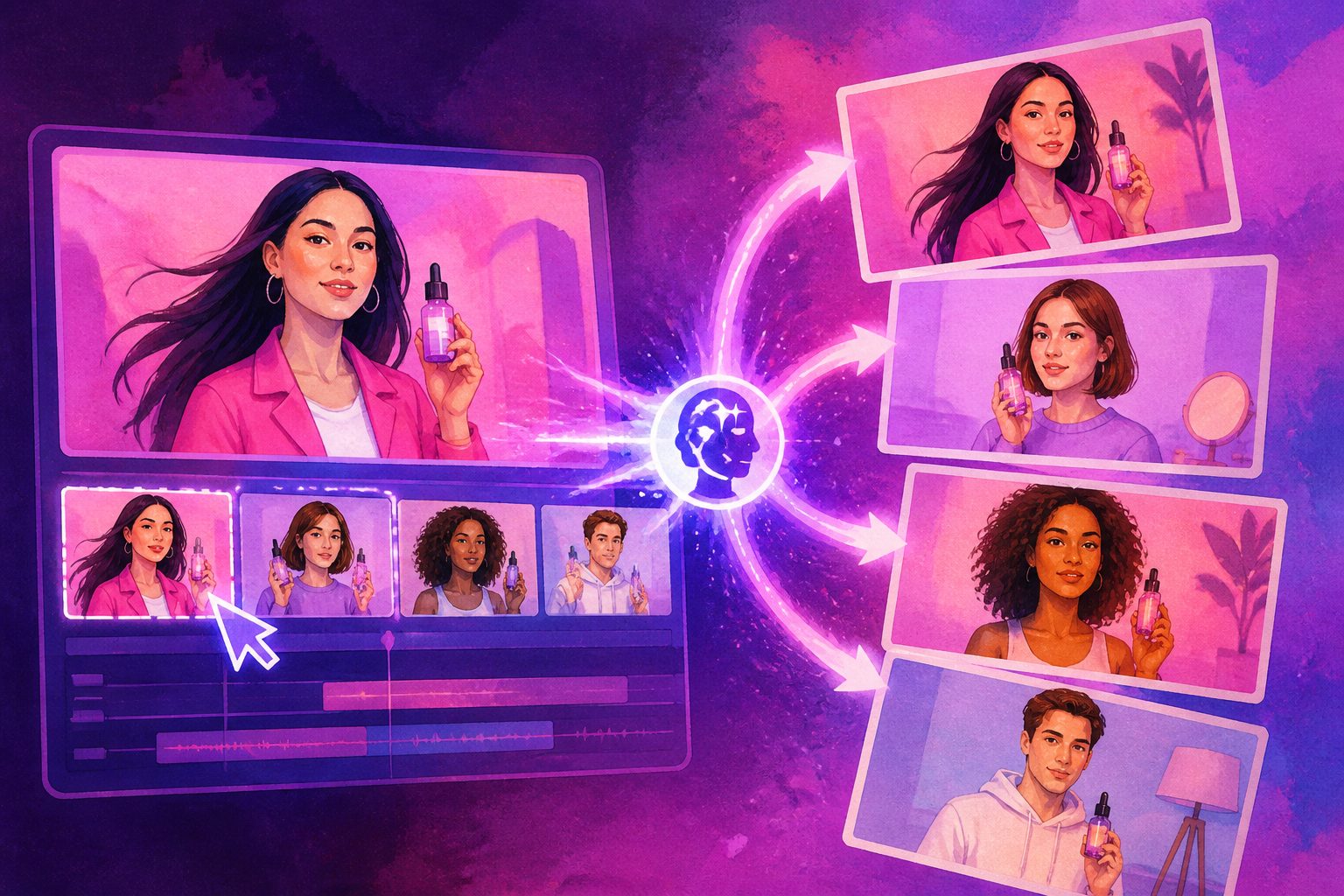
AI video background replacement lets ecommerce sellers change the setting behind a product or presenter without arranging another shoot. Instead of rebuilding the entire ad, you can adapt one usable video for seasonal campaigns, regional audiences, new offers, and different ad placements.
For product advertisers, the value is not simply removing a background. The real advantage is creative reuse: preserving the original product demonstration while changing the visual context around it.
What is AI video background replacement?
AI video background replacement is the process of separating the foreground subject from a video and placing it into a new image, video, color, or generated scene. The foreground may be a product, creator, presenter, model, or demonstrator.
Unlike traditional green-screen editing, AI tools can identify the subject from ordinary footage. The result can be used for:
- Seasonal scenes, such as holiday, summer, or back-to-school campaigns
- Lifestyle environments, such as a kitchen, gym, office, or bedroom
- Regional creative versions with different visual cues
- Platform-specific crops for TikTok, Instagram Reels, Shorts, and display placements
- Promotional variations with a cleaner space for offer text or calls to action
The important distinction is between background replacement and full video generation. Replacement keeps the original performance, product action, and spoken message. Full generation may create a new scene, but it can also introduce unwanted changes to packaging, logos, proportions, or product details.
When should an ecommerce seller replace the background?
Background replacement works best when the existing footage already contains a valuable action or message. If a creator demonstrates how a product works, changing the setting can produce new creative angles without asking the creator to film again.
A useful decision rule is:
| Existing asset | Best use of background replacement |
|---|---|
| Product demonstration | Add a setting that reinforces the use case |
| Talking-head UGC | Localize the visual context while preserving delivery |
| Product close-up | Add contrast, depth, or seasonal atmosphere |
| Unboxing footage | Match the scene to a launch, gift, or promotional theme |
| Static or poorly lit clip | Consider a new product video instead of forcing a swap |
For example, a skincare demonstration filmed against a plain wall could be adapted into a clean bathroom scene, a summer travel context, or a holiday gifting visual. The product and hand movements remain central, while the background changes the campaign message.
AdsTurbo also supports Background Replace alongside product video creation, ad cloning, subtitles, translation, AI upscaling, and other video editing controls. That makes background changes more useful when they are part of a broader ad-variation workflow rather than a one-off visual edit.
How to replace a video background for an ecommerce ad
A reliable workflow has five stages. The goal is to protect product accuracy first and add visual variation second.
-
Choose a footage-first source clip.
Use a video with clear separation between the subject and the original background. Stable lighting, visible edges, and limited motion usually make the foreground easier to isolate. -
Define the campaign job of the new scene.
Do not choose a background only because it looks attractive. Match it to the product promise: convenience, luxury, portability, freshness, comfort, or urgency. -
Select a background with compatible perspective.
A low-angle product shot needs a background with a believable horizon and floor relationship. A floating product placed into a busy scene may look artificial even when the mask is technically clean. -
Check subject edges and contact shadows.
Look closely at hair, transparent packaging, thin straps, fingers, reflective surfaces, and dark clothing. Add or preserve a realistic shadow where the subject meets the new environment. -
Export platform-specific versions.
Keep the key product action inside the safe central area, then create versions for vertical, square, and horizontal placements. AdsTurbo Ad Clone supports formats including 9:16, 1:1, and 16:9 for major social advertising placements.
For a broader production workflow, an AI product video generator for ecommerce ads can turn product inputs into additional creative directions when the original footage is too limited to adapt.
The three-layer background QA framework
A common mistake is judging a background swap only by asking, “Does the cutout look clean?” A stronger review checks three separate layers.
1. Subject integrity
The product must remain recognizable from the first frame to the last. Inspect:
- Logo shape and placement
- Packaging text and color
- Product dimensions and edges
- Hands, faces, hair, and accessories
- Reflections and transparent materials
If any of these elements change, the ad may attract attention for the wrong reason or create a misleading impression.
2. Scene logic
The new background should explain why the product is there. Check the direction of light, camera height, scale, perspective, and shadows. A premium watch in a low-quality room may weaken the message; a food product in an overly dramatic environment may distract from the offer.
3. Conversion clarity
The background must not compete with the hook, product benefit, subtitles, or CTA. For short-form ads, a restrained scene with clear contrast often performs a more useful testing role than a visually complex one.
This framework is an original practical distinction: technical realism, commercial relevance, and message clarity are different quality checks. A clip can pass one layer and fail the other two.
Background replacement versus creating a new product video
Background replacement is usually more efficient when the original video contains a strong demonstration, credible presenter, or proven hook. It helps preserve the elements that already communicate trust.
A new product video is more suitable when:
- The original footage has poor lighting or weak framing
- The product is partially hidden
- The subject moves too quickly for reliable isolation
- The campaign needs a completely different narrative
- The existing video does not show the product benefit clearly
AdsTurbo Product Video can generate UGC-style product videos from a JPG or PNG product image, with optional selling points and promotional information. This offers a second route when there is no usable source footage. Its workflow for turning product images into videos is particularly relevant for new SKU testing and creative production from catalog assets.
The most practical approach is often hybrid: preserve the strongest original footage, create several background variations, and generate a separate product video for a different hook.
How to adapt one background-swapped ad across campaigns
Background changes become more valuable when they are planned as a variation system. Start with one product, one core claim, and three controlled variables:
- Scene: studio, lifestyle, seasonal, or promotional
- Message: benefit, problem-solution, demonstration, or offer
- Format: vertical, square, or horizontal
Change one variable at a time where possible. If the scene, script, presenter, and CTA all change together, it becomes difficult to understand why one version performs differently.
For multilingual campaigns, preserve the visual action while localizing voiceover and subtitles. AdsTurbo provides video translation and subtitle generation, including timed captions that can be downloaded as embedded video or separate subtitle files. A multilingual ecommerce video localization workflow can help coordinate translated audio, captions, and regional creative review.
Before publishing, confirm that:
- The product remains identical to the item being sold
- Promotional claims match the landing page
- Text does not cover the product or important gestures
- The new scene does not imply an unsupported use case
- The crop works on the intended platform
- The final video has been reviewed frame by frame
Frequently asked questions
Can AI replace a video background without a green screen?
Yes. AI background tools can separate a foreground subject from ordinary footage, although results depend on lighting, contrast, motion, and edge complexity. Green-screen footage may still provide more predictable masking for difficult scenes.
Will background replacement change the product?
It should not, but every export needs inspection. Product logos, small text, reflections, transparent surfaces, and fast motion deserve particular attention because they can be altered or distorted during processing.
Is background replacement useful for TikTok and Reels ads?
Yes, especially when one source video needs several creative contexts. Export the same concept in a vertical format, keep the first seconds visually clear, and leave space for platform UI elements and captions.
Can a background-swapped video be translated?
Yes. Background replacement can be combined with translated audio, lip sync, and subtitles. The visual scene can remain consistent while the spoken language and on-screen text change for different markets.
What input makes the best result?
Clear footage with good lighting, visible subject boundaries, limited obstruction, and a product that is not blending into the original background generally provides a stronger starting point. When using product-image workflows, AdsTurbo Product Image supports JPG and PNG uploads, with clear product photos on a solid background producing the best results.