By adsturbo.ai | Published 2026-10-09 | Updated 2026-10-09
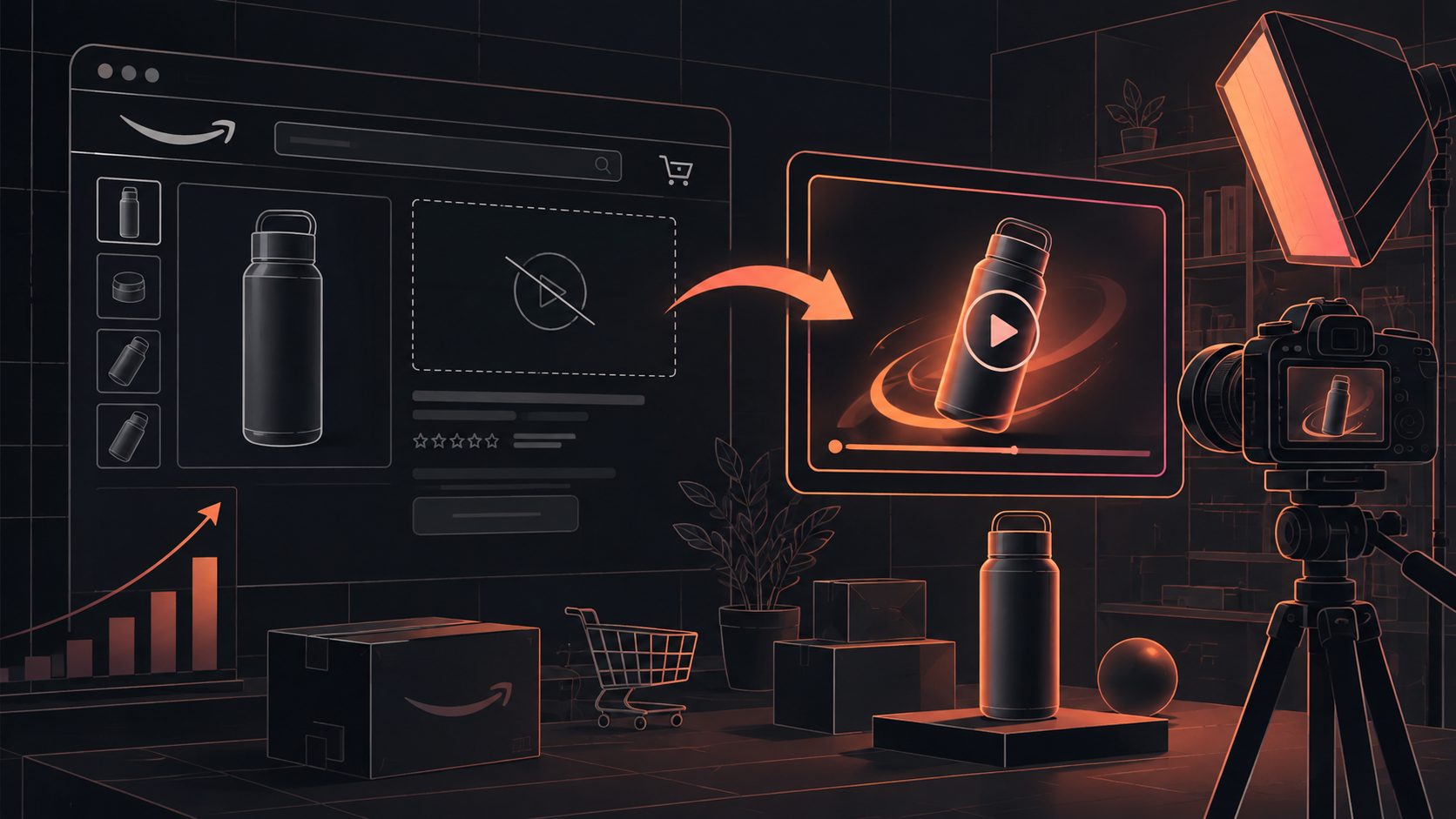
An Amazon Vine review no video product listing video situation is not a problem with the Vine program itself. Vine Voices can provide useful written feedback without uploading a customer video, so sellers should not treat video reviews as a guaranteed deliverable. Instead, use the listing’s own product images, bullet points, and verified selling points to build a clear demonstration video that answers visual buying questions.
Amazon describes Vine as a program for collecting honest opinions from invited reviewers, but it does not promise that every review will include photos or video. Amazon also states that Vine does not require a review to be written in every case. (sell.amazon.com)
Why a Vine review may contain text but no video
A Vine review is primarily customer feedback, not a commissioned product-production assignment. Reviewers may explain their experience in text, add photos, or submit video when they believe visual evidence is useful. The format and depth can vary by product, reviewer, and use case.
That means a written Vine review can still be valuable. It may reveal whether the product feels durable, fits its intended use, or matches customer expectations. However, text alone may not show:
- How the product looks from different angles
- How a feature works in real time
- The product’s size in context
- How fast or simple setup is
- What happens during normal use
- Which part of the product solves the buyer’s main problem
The practical distinction is important: Vine supplies independent customer perspective, while a listing video supplies controlled visual explanation. They complement each other rather than replacing one another.
Amazon’s own product-video guidance emphasizes that video can demonstrate features static images cannot easily convey and can help shoppers understand a product more clearly. (sell.amazon.com)
What should sellers do when Vine provides no video?
The best response is not to recreate a fake customer review. Build a product demonstration video from information already approved for the listing, and keep customer feedback separate from brand-created content.
Use this four-part source hierarchy:
| Source | Best use in the video | Risk to avoid |
|---|---|---|
| Product images | Shape, materials, color, components, scale | Showing details not visible in the source |
| Bullet points | Features and functional benefits | Adding unsupported performance claims |
| Product description | Use case, setup, care, compatibility | Turning general language into a guarantee |
| Vine feedback | Questions, objections, and proof priorities | Presenting a reviewer’s opinion as a brand claim |
This approach creates a useful Review-to-Demo Gap Matrix, an operational framework for deciding what the video should show:
- Written but not visible: Convert a text benefit into a visual demonstration.
- Visible but not explained: Add a short label or voiceover.
- Frequently questioned: Give the point its own shot.
- Unsupported or unclear: Leave it out until the claim can be verified.
The matrix is more reliable than simply turning every bullet point into on-screen text. A listing video should reduce uncertainty, not repeat the listing word for word.
How to turn listing content into a product demo video
A short product video works best when each shot answers one buyer question. For most ecommerce products, a five-shot structure is enough.
1. Open with the product and primary use case
Show the product immediately in a clean frame. The first few seconds should establish what it is and who it is for.
Example:
“A compact storage solution for small kitchens.”
Do not begin with a long logo animation or an abstract lifestyle scene. Shoppers need product recognition before they evaluate the benefit.
2. Show the physical details
Use product images or generated motion to show the product from several angles. Highlight size, finish, ports, closures, included parts, texture, or other details that appear in the source material.
If the product has a meaningful visual difference from competitors, make that difference visible rather than describing it with exaggerated language.
3. Demonstrate the main function
Convert the strongest selling point into an action. A product that claims easy assembly should show the assembly sequence. A kitchen tool should show the operating motion. A travel product should show packing, folding, or carrying.
This is the most important replacement for a missing customer video because it gives the shopper evidence of use without pretending that the footage came from a Vine reviewer.
4. Address one likely objection
Use your Vine text reviews and customer questions as research inputs. If shoppers repeatedly wonder about compatibility, dimensions, cleaning, charging, or included accessories, create one clear visual answer.
Do not include every possible FAQ. One well-explained objection is usually more useful than six rushed claims.
5. Close with a neutral buying summary
End with the product, its primary use, and the most important included item or compatibility detail. Avoid unsupported superlatives such as “best,” “guaranteed,” or “works for everyone.”
For a more structured production process, the Amazon customer question video workflow offers a useful model for turning buyer concerns into short, no-face product explanations.
How to create the video from product images without new filming
If you only have JPG or PNG product images, create movement through controlled camera effects rather than inventing product behavior. Use slow zooms, angle changes, detail crops, background separation, and simple text overlays.
AdsTurbo Product Image supports JPG and PNG product uploads and can analyze the product’s shape, color, and category. It can also generate multiple product-image types, including banners, lifestyle scenes, close-ups, material details, instruction images, and brand visuals. A clear product photo on a plain background generally provides the best starting point.
A practical workflow is:
- Select one clean product image and three to five supporting images.
- Extract two or three factual selling points from the listing.
- Map each point to a visual shot.
- Add short captions that can be understood without sound.
- Generate the first video version.
- Review every frame for product accuracy.
- Create alternate versions for different hooks or audiences.
For sellers working from an existing high-performing reference ad, Ad Clone for ecommerce video variations can help structure a new creative around an established pacing and CTA pattern. The reference should guide structure, not cause the new video to copy another brand’s identity, claims, or copyrighted assets.
A safer production checklist for Amazon listing videos
Before uploading, check the video against the product detail page.
Product accuracy
- Does the product match the current ASIN?
- Are colors, dimensions, accessories, and packaging represented accurately?
- Does every generated scene preserve the product’s actual shape?
- Are there any invented buttons, materials, or functions?
Claim accuracy
- Can each spoken or written claim be traced to the listing or product documentation?
- Are performance statements specific rather than exaggerated?
- Does the video avoid implying independent customer endorsement?
- Are Vine comments used as research rather than disguised advertising copy?
Viewer comprehension
- Is the product visible in the opening seconds?
- Can the video be understood without audio?
- Does each shot answer a different question?
- Is the text large enough for mobile viewing?
Amazon reviews submitted by Vine Voices go through Amazon’s review process, and Amazon does not guarantee that every enrolled product will receive a published review. (sellercentral.amazon.com) That makes it unwise to wait for a particular type of customer media before improving the listing’s visual explanation.
Can AdsTurbo help fill the missing video content?
AdsTurbo can support this workflow by combining product-image generation with short-form product video creation. Sellers can upload JPG or PNG product images, add selling points or promotional information, and generate product videos such as product review, product introduction, or product demonstration formats.
For more advanced production, AdsTurbo supports clip-by-clip editing, subtitles, background replacement, video translation, AI upscaling, and API access. Its asynchronous tasks can be monitored through status polling or completion webhooks, which is useful when a seller needs to produce multiple listing assets rather than one manual video.
The key limitation is the same as with any automated production workflow: automation should organize verified product information, not invent proof. Use the tool to improve clarity and production speed, then manually check the final video against the listing.
Common questions
Does every Amazon Vine review include a video?
No. A Vine review may be text-only, include images, or include video. Amazon Vine is designed to collect honest product opinions, not to guarantee a specific media format. (sell.amazon.com)
Can a seller create a video that looks like a Vine review?
A seller should not present brand-produced content as if it were an independent Vine review. Keep the customer’s review and the brand’s product demonstration clearly separate.
What should a listing video show when there is no customer video?
Show the product’s appearance, main function, important details, and one likely buyer objection. Use listing-supported information and demonstrate what static images cannot explain easily.
Can I use Vine review comments as video claims?
Use them as research signals, not as automatic advertising claims. A reviewer’s opinion may help identify what shoppers care about, but it should not be turned into an unsupported guarantee.
Is a product demo better than waiting for a Vine video?
For listing control, yes. A seller-created demo can explain the product consistently across the detail page, related listings, and other marketing channels, while customer video availability is unpredictable.
Final takeaway
A missing Vine video does not leave an Amazon listing without visual proof. It creates a production gap that the seller can address with a factual, product-focused demonstration video.
Start with the listing’s strongest visual questions, organize them through the Review-to-Demo Gap Matrix, and build a five-shot sequence from verified images and selling points. The result should not imitate a customer review. It should do a different job: make the product easier to understand before the shopper decides.