By adsturbo.ai | Published 2026-10-07 | Updated 2026-10-07
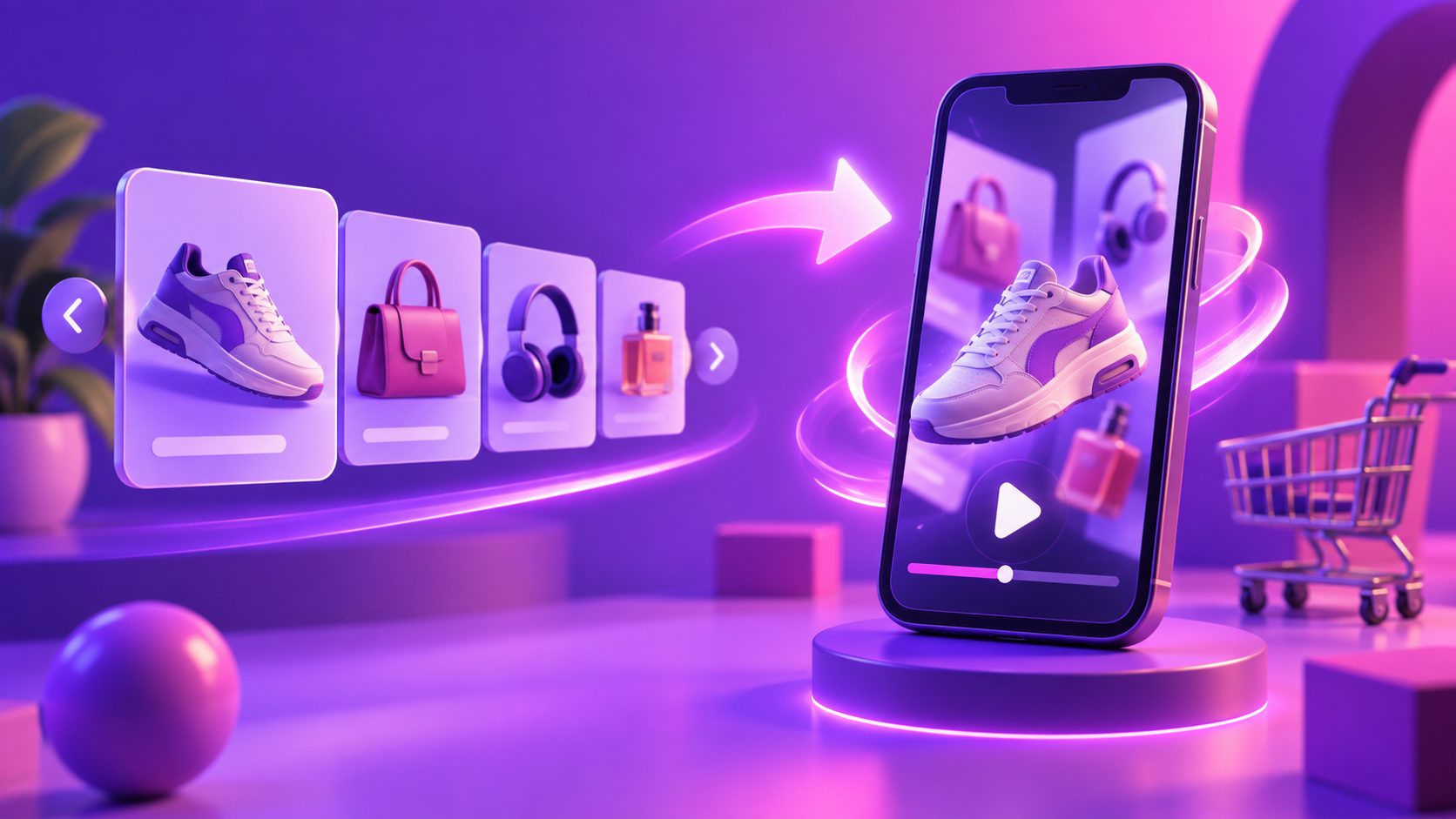
To convert carousel ad to video, do not simply animate every card in order. Assign each card a sales function, remove repeated information, and rebuild the strongest elements as a 15-second sequence: hook, problem, proof, offer, and call to action. The result should feel like a native short-form ad, not a slideshow.
This approach is especially useful when a Facebook carousel contains valuable product information but depends too heavily on viewers swiping beyond the first card.
What Does Converting a Carousel Ad to Video Actually Involve?
Converting a carousel means transforming a user-controlled sequence of cards into a time-controlled story. A carousel lets shoppers choose whether to continue swiping; a video must deliver the entire argument automatically while retaining attention from one scene to the next.
The conversion therefore requires three decisions:
- What must appear immediately? Usually the product, problem, or outcome.
- What needs motion to become convincing? Prioritize demonstrations, transformations, texture, fit, or scale.
- What can be removed? Repeated product names, similar features, and long promotional disclaimers rarely deserve separate scenes.
This is not an argument for replacing every carousel. Carousels remain useful for product ranges and retargeting. Video is more suitable when the product needs demonstration or when vertical placements require a continuous, mobile-first story.
How Should Carousel Cards Map to a 15-Second Video?
The Card-to-Scene Compression Matrix maps cards by purpose rather than copying them one for one. Multiple cards performing the same job should become one scene, while a weak first card can be replaced by evidence found later in the carousel.
| Video time | Scene function | Carousel material to reuse | Editing treatment |
|---|---|---|---|
| 0–2 seconds | Hook | Strongest claim, result, or visual | Product in motion plus short headline |
| 2–5 seconds | Problem | Pain point or use case | Before state, frustration, or context |
| 5–9 seconds | Proof | Demo, feature, comparison, review | Close-up action or visible result |
| 9–12 seconds | Offer | Bundle, discount, or key differentiator | Product lineup and concise offer |
| 12–15 seconds | CTA | Final card and destination message | Product, logo, and one clear action |
For example, a five-card mattress protector carousel might show a bedroom, waterproof claim, fabric detail, washing instructions, and discount. The video should open with the water test—not the bedroom—and use the remaining cards to explain comfort, care, and the offer. This proof-first structure is demonstrated further in this 15-second waterproof product proof script.
How Do You Build the Video Step by Step?
The fastest reliable workflow separates message selection from editing. Finish the scene map before adding transitions, music, narration, or visual effects.
- Export the original assets. Collect every card, headline, product image, destination URL, offer, and performance note.
- Label each card’s function. Mark it as hook, problem, benefit, proof, objection handler, offer, or CTA.
- Find the strongest evidence. A demonstration on card four may deserve the opening scene if it communicates value faster than card one.
- Write five overlays. Keep each to one idea and make it readable without narration.
- Create motion with purpose. Show use, scale, texture, fit, assembly, or transformation instead of applying identical zoom effects.
- Produce a 9:16 master. Keep product, captions, and CTA away from interface overlays. Create 1:1 or 4:5 versions when the placement mix requires them.
- Review with sound off. The product, benefit, proof, and action should remain understandable through visuals and captions.
- Export controlled variants. Change one variable at a time, such as the hook, proof scene, offer framing, or CTA.
Meta recommends vertical 9:16 video with audio and key messages inside the safe zone for Reels. In Meta’s cited split tests, this setup produced a 34.5% lower cost per result than image ads in Reels-only campaigns, although results will vary by offer and audience. See Meta’s Reels ads guidance. (facebook.com)
How Can AI Help Without Producing a Generic Slideshow?
AI works best after the carousel has been reduced to a clear creative brief. Use it to generate missing product scenes, restructure a proven sequence, create captions, or produce controlled variants—not to add random movement to every static card.
AdsTurbo Product Video can use a JPG or PNG product image of up to 10 MB, along with optional selling points and promotion details, to generate product review, introduction, or demonstration videos. Its Ad Clone workflow can analyze a reference ad’s opening, pace, shot logic, and CTA structure when rebuilding the concept for another product.
For systematic iteration, pair that production workflow with an AI ad creative variation matrix. AdsTurbo also offers time-synchronized video subtitles, translation, background replacement, character replacement, and video upscaling when localization or asset cleanup is required.
How Should the New Video Be Tested Against the Carousel?
Test the new video as a format hypothesis, not as an automatic upgrade. Keep the audience, offer, landing page, optimization event, attribution settings, and test period consistent so the creative format remains the main changed variable.
A practical four-cell test is:
| Test cell | Creative | Question answered |
|---|---|---|
| A | Original carousel | What is the current baseline? |
| B | Direct animated slideshow | Does motion alone improve delivery? |
| C | Proof-first 15-second video | Does restructuring improve qualified attention? |
| D | Offer-first 15-second video | Is commercial clarity stronger than demonstration? |
Use purchase CPA or conversion value as the primary decision metric. Outbound CTR, landing-page views, three-second video plays, hold rate, and completion rate are diagnostic metrics—not final winners by themselves.
If video C holds attention but does not convert, inspect offer continuity and landing-page alignment. If video D converts warm audiences but performs poorly in prospecting, retain it for retargeting rather than declaring the creative unsuccessful. Continue the cycle using a defined Facebook creative refresh schedule instead of replacing assets only after CPA spikes.
Which Conversion Mistakes Reduce Performance?
The most common failure is preserving the carousel’s visual order even when that order was designed for swiping. A video needs escalating momentum, so the strongest proof may need to move from the final card to the opening seconds.
Avoid these additional mistakes:
- Giving every card equal screen time
- Opening with a logo instead of the product or outcome
- Using transitions as a substitute for demonstration
- Shrinking card copy until it becomes unreadable
- Adding narration without captions
- Testing a new video alongside a changed offer or landing page
- Judging success only by cheap video views
- Removing useful carousels before the video proves incremental value
For products that benefit from creator-style presentation, a no-filming AI UGC ad workflow can provide a stronger alternative to basic card animation.
Frequently Asked Questions
Can I turn carousel images directly into a video?
Yes, but direct animation usually produces a slideshow rather than a persuasive ad. Reorder the images by sales function, add product motion or demonstration where possible, and condense repeated cards before editing.
Should the video include every carousel card?
No. Include every necessary sales idea, not every asset. Five cards describing similar benefits may become one proof scene, while a single demonstration card may deserve several seconds.
Is 15 seconds long enough for an ecommerce video ad?
Fifteen seconds is enough for one product, one main problem, one proof sequence, one offer, and one CTA. Use a longer video when the purchase requires setup instructions, comparisons, or several objections to be resolved.
Should I stop running the original carousel?
Keep it active during a controlled comparison. The formats may serve different users or funnel stages, and removing the baseline makes it harder to determine whether the video creates incremental improvement.
What should I test first after converting the ad?
Test the opening two seconds first. Create variants using a product result, problem statement, demonstration, or offer while leaving the remaining scenes unchanged. This isolates which hook attracts the most commercially relevant attention.