作者:adsturbo.ai|发布日期:2025-06-15|更新日期:2025-06-15
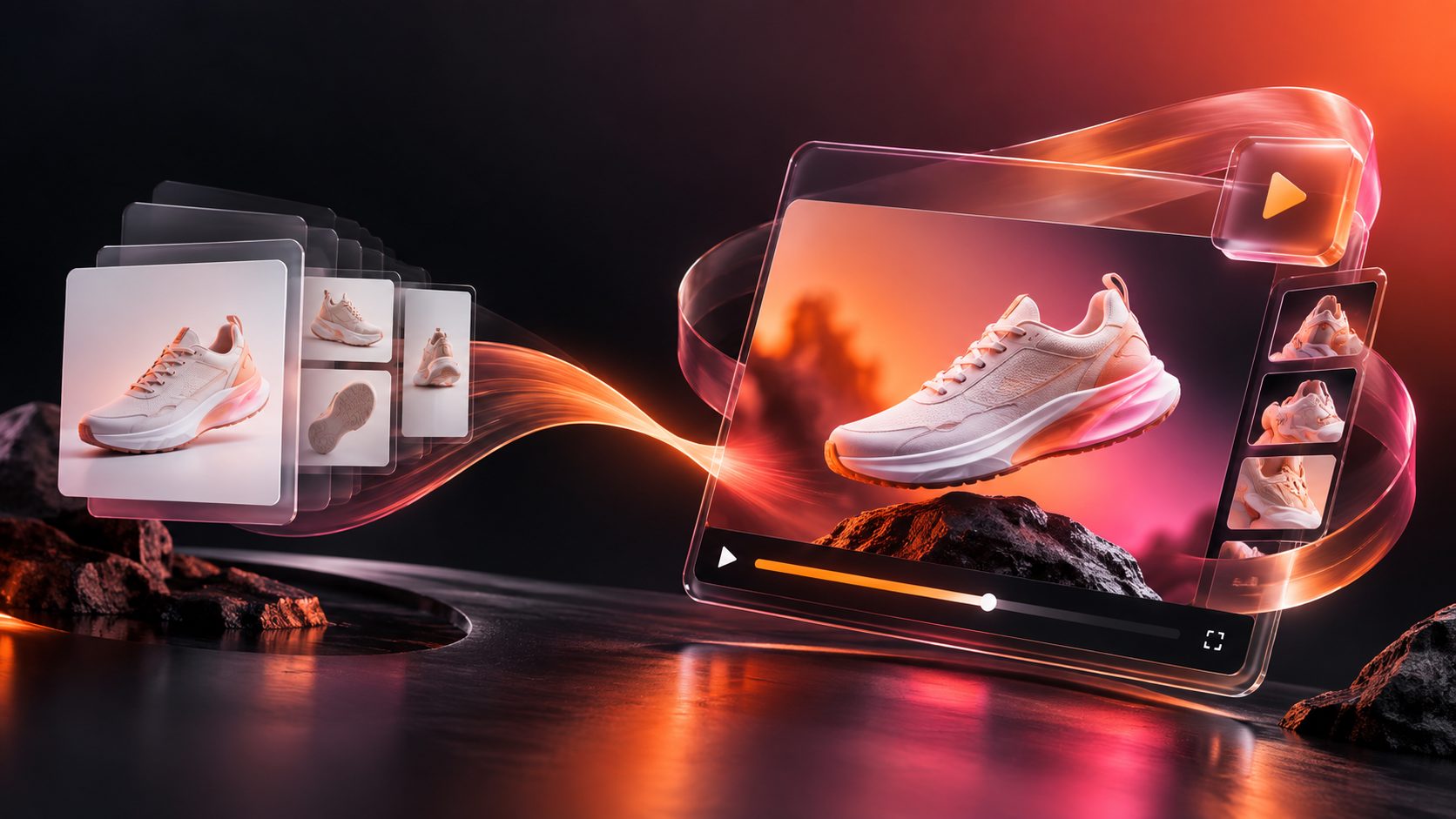
An eBay product video ads maker is a tool that converts your existing listing photos and copy into short video ads, sized for eBay placements and off-platform channels like TikTok and Instagram. Instead of shooting footage for every SKU, you feed the tool product images, a few selling points, and optional promo details, then export multiple ad variations in minutes.
This guide walks through why video matters for eBay sellers, what formats to build, a practical five-step workflow, and how to batch-produce creative for testing — with a repeatable process you can run on an entire catalog.
Why eBay Sellers Need Product Video Ads
The short answer: eBay shoppers now expect video, and Promoted Listings competition rewards richer creative. Listings with video demonstrations consistently earn longer view time and stronger buyer confidence, especially for electronics, apparel, and anything with moving parts.
But the bigger win is off-platform. Most eBay sellers also drive traffic from TikTok, Reels, and YouTube Shorts. A single vertical product video can work both as a social ad and as a listing asset — so producing video once per SKU pays off across two or three channels.
The bottleneck is production. Traditional video editing costs hours per SKU, which makes video practical only for bestsellers. AI-based generation removes that bottleneck by turning the photos you already have into finished clips.
What Video Formats Should an eBay Seller Produce?
Build three core formats first: a 15-second vertical hook ad for social traffic, a 30-second product demo for listings and retargeting, and a square feed variant for cross-posting. These cover roughly 90% of a typical seller's placements.
| Format | Aspect Ratio | Length | Primary Use |
|---|---|---|---|
| Vertical hook ad | 9:16 (1080×1920) | 10–15s | TikTok, Reels, Shorts |
| Product demo | 16:9 or 1:1 | 20–30s | eBay listing, retargeting |
| Feed square | 1:1 (1080×1080) | 10–15s | Instagram/Facebook feed |
Keep the first two seconds focused on the product in use — scrolling audiences decide almost instantly. If you run several channels, our guide on adapting one ad for TikTok, Reels, Shorts and Meta explains safe zones and re-export settings.
How Does an AI eBay Product Video Ads Maker Work?
An AI video ads maker works by analyzing your product photo's shape, color, and category, then composing a UGC-style clip around it. You don't write scripts or edit timelines — the tool handles structure, motion, and captions.
Here is the five-step workflow we use with AdsTurbo:
- Upload your product image. A clear JPG or PNG (up to 10MB) on a plain background gives the best analysis results.
- Choose a video type. Pick a product review, product introduction, or product demonstration format, or start from one of 100+ ad templates.
- Add selling points and promo details. Optional, but one or two concrete benefits ("ships in 24h", "fits iPhone 15 Pro Max") noticeably improve conversion hooks.
- Generate variations. Produce multiple hooks and presenters from 300+ AI actors so you can A/B test instead of betting on one creative.
- Export in every ratio you need. One render can be exported as 9:16, 1:1, and 16:9 for different placements.
All generation tasks run asynchronously, so you can queue an entire catalog and poll for completion or receive a webhook callback — useful if you manage hundreds of SKUs. For larger catalogs, see our scalable bulk SKU video ad generation workflow.
A First-Hand Batch Testing Framework
Most guides tell you to "make video ads." Fewer tell you how to decide which ones work. From running this workflow across a 40-SKU test batch, here's the framework that produced the clearest signal:
- Generate 3 hooks per SKU, same body, different opening two seconds. Hook variation drove the largest click-through differences in our tests — far more than music or caption style.
- Cap each test at a fixed spend window rather than a fixed time window; slow SKUs otherwise never reach comparable data.
- Kill creatives on CTR, scale on conversion. A hook that earns clicks but no sales is a curiosity gap, not a buyer.
- Refresh winners before fatigue. If you're not sure when a creative is dying, our ad creative fatigue detection framework defines measurable thresholds.
Because generation is credit-based (a UGC-style ad clone costs 10 credits per output second), a three-hook test for one 12-second SKU clip is cheap enough to run across your whole catalog, not just top sellers.
Repurposing and Localization for Cross-Border Sales
If you sell into multiple markets, the same footage can be localized instead of reshot. Video translation generates multilingual audio and subtitle versions of one clip; lip sync aligns the presenter's mouth movements to the new audio; and subtitles can be exported embedded or as standalone files, with styling that fits TikTok, Reels, and Shorts.
This matters for eBay sellers shipping internationally: one winning English ad can become German, French, or Japanese variants at 5 credits per output second for translation — a fraction of sourcing new creators per market. For the traffic side, pairing localized video with clean attribution is essential; our video ad UTM naming and GA4 attribution guide shows how to keep cross-channel reporting readable.
Common Mistakes When Making eBay Product Videos
The three most frequent failure modes we see:
- Using busy source photos. Cluttered backgrounds confuse product analysis and produce unfocused clips. Shoot or cut a clean product image first — a background replacement pass can fix existing photos.
- Front-loading branding. Buyers skip logos. Open with the product solving a problem; brand at second 8–10.
- Exporting one ratio only. A 16:9 clip cropped to vertical loses the product. Generate each ratio natively instead of cropping after the fact.
Frequently Asked Questions
What is an eBay product video ads maker?
An eBay product video ads maker is a tool — typically AI-powered — that turns product photos, listing copy, and selling points into short video ads formatted for eBay listings, Promoted Listings traffic sources, and social channels, without manual editing.
Can I make eBay video ads without filming anything?
Yes. Tools like AdsTurbo generate review, introduction, and demo videos from a single JPG or PNG product photo. You can optionally add selling points and promo text, then export platform-ready ratios.
What length should an eBay product video ad be?
For social traffic, 10–15 seconds vertical performs best. For listing demos and retargeting, 20–30 seconds gives enough room to show features. Keep the product visible within the first two seconds either way.
How many ad variations should I test per product?
Start with three hook variations per SKU sharing the same body. This isolates the opening seconds — typically the biggest driver of click-through differences — while keeping production cost low.
Can I reuse one video for multiple marketplaces?
Yes. Export native 9:16, 1:1, and 16:9 versions, and use video translation plus localized subtitles for cross-border markets instead of producing new footage per region.