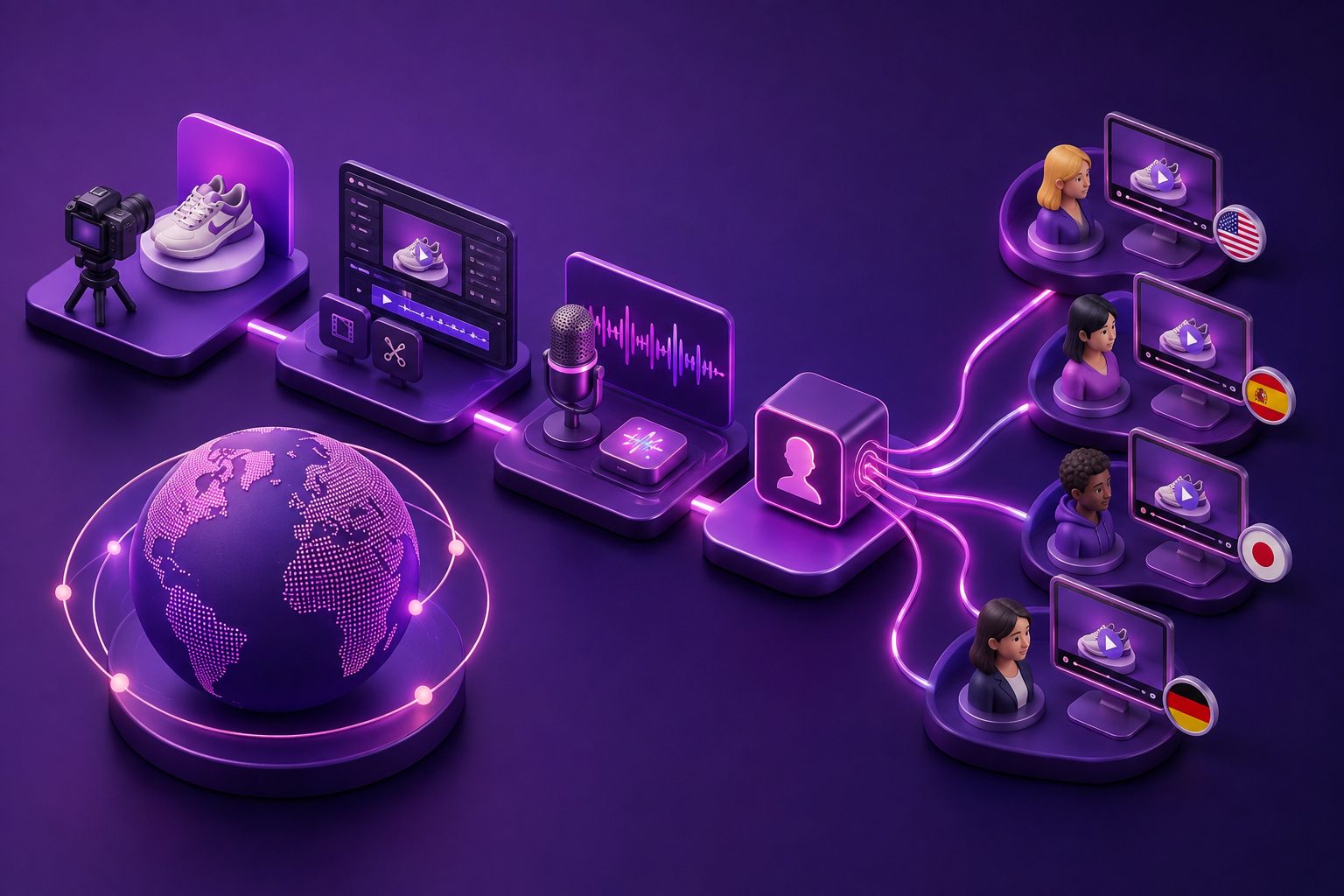
MMS Marketing GIF Video Clips Ecommerce: A DTC Playbook


Summarize with
Summary
Learn how ecommerce brands can use lightweight GIF and short video clips in MMS to improve product recall, cart recovery, and mobile clicks. Build better creatives with AdsTurbo.
By adsturbo.ai | Published 2026-10-28 | Updated 2026-10-28
MMS marketing GIF video clips ecommerce campaigns work best when the animation explains one product benefit faster than text alone. For DTC brands, that usually means showing the product in use, demonstrating a transformation, or reminding a shopper exactly what remains in their cart.
MMS adds media to a text message, while SMS is primarily text-based. Depending on the messaging provider, MMS may support images, animated GIFs, or short video files. File limits and supported formats vary, so the creative should be designed around the sending platform—not exported once and assumed to work everywhere. (help.salesforce.com)
What makes GIF and video clips useful in ecommerce MMS?
A GIF or short clip gives the shopper visual proof before the click. It can show a zipper opening, a case absorbing impact, a fabric stretching, a product being installed, or a feature switching on.
The strongest MMS creative is not a miniature product commercial. It is a single-frame idea with motion:
- Problem: Show the friction or concern.
- Proof: Demonstrate the product response.
- Prompt: Give the shopper one clear next action.
This structure is particularly valuable in cart recovery. A text-only reminder says what was left behind; a short animation can remind the shopper why the item was attractive in the first place.
Shopify’s marketing automation tools support abandoned browse, abandoned cart, and abandoned checkout journeys through channels including SMS. That makes MMS a creative layer for an existing recovery workflow rather than a replacement for segmentation and timing. (help.shopify.com)
GIF, short video, or static image: which format should you use?
The right format depends on whether motion adds meaning and whether the carrier or platform supports the file reliably.
| Format | Best use | Main advantage | Main limitation |
|---|---|---|---|
| Static image | Product reminder or offer | Small, quick to understand | No demonstration |
| Animated GIF | Simple loop or before/after | Motion without sound | Can become large or difficult to read |
| Short video | Product test, tutorial, or creator-style message | More information and realism | Larger files and broader compatibility concerns |
| Hosted video link | Longer demonstration | Flexible length and quality | Requires an extra click |
Animated GIFs are silent looping images, so they should communicate without audio. Salesforce recommends keeping MMS video files under 5 MB and suggests short, simple GIF animations with reduced frame rates and limited colors. Other providers recommend much smaller media files, sometimes around 200 KB, because file size can affect loading speed and deliverability. (help.salesforce.com)
Practical rule: use a GIF when the product action can be understood in two or three seconds. Use a short video or landing-page link when the shopper needs context, narration, or several steps.
How should a DTC brand design an MMS clip?
Start with the message objective, not the animation style. A polished clip that does not answer a buying question is less useful than a basic demonstration that removes hesitation.
1. Match the clip to the recovery stage
Use different creative for different shopper behavior:
- Browse recovery: Show the product’s visual appeal or primary benefit.
- Cart recovery: Show the exact item, a key feature, or a common objection.
- Checkout recovery: Clarify shipping, fit, setup, payment, or product confidence.
- Post-purchase: Show setup, care, accessories, or a second-use idea.
Avoid repeating the same “You left something behind” message at every stage. The creative should progress from reminder to reassurance to action.
2. Put the product in the first frame
Mobile recipients may see only a preview or may not wait for a large asset to load. Put the product, benefit, or result in the opening frame. Do not hide the important visual behind a slow fade-in.
Keep text large and short. A useful overlay often contains only:
- One benefit
- One proof point
- One call to action
For example: “Fits in 10 seconds” → installation clip → “Finish checkout.”
3. Design for silent viewing
GIFs and many mobile previews are silent by default. Treat the first few seconds as a visual headline. If the idea requires speech, include captions in the asset or link to a captioned video page.
AdsTurbo’s ecommerce product video workflow can help turn product inputs into short-form creative concepts, while its Video Subtitle tool supports synchronized captions and exportable subtitle files. Use the output as a source asset, then adapt the dimensions and file size to your MMS provider.
An original framework for choosing the right MMS creative
A useful way to evaluate a clip before sending it is the MMS Compression Value Score:
Compression Value = Buying information delivered ÷ file weight and viewing effort.
Score each concept from 1 to 5 across four questions:
- Instant clarity: Can the shopper identify the product immediately?
- Proof density: Does the motion demonstrate a benefit rather than decorate the message?
- Low effort: Can the idea be understood without sound or replaying?
- Click relevance: Does the CTA lead to the exact product, cart, or checkout state?
A strong clip scores at least 4 on clarity and click relevance. If a creative is visually impressive but requires a long explanation, it is usually better suited to a product page or paid social placement than an MMS reminder.
This framework adds a practical decision layer often missing from generic MMS guides: optimize not for visual richness, but for buying information per kilobyte and per second of attention.
How can GIF clips improve abandoned-cart messages?
Use the media to answer the most likely reason for abandonment. The animation should support the text, not repeat it.
| Likely hesitation | Useful clip |
|---|---|
| “Will it fit?” | Size, fit, or try-on demonstration |
| “Does it work?” | Before-and-after or performance test |
| “Is setup difficult?” | Three-step installation sequence |
| “What does it look like?” | Product rotation or lifestyle scene |
| “Is the offer still valid?” | Product plus clearly stated promotion |
A simple recovery message could follow this structure:
Text: “Still thinking about the [product]? Here’s how it works in under 10 seconds.”
Media: A short product demonstration.
CTA: “Return to your cart: [tracked link]”
For a deeper retention workflow, pair MMS with an abandoned-cart video strategy. The same core footage can be adapted for email, product pages, paid retargeting, and mobile messaging, but each channel should have its own crop, pacing, and CTA.
Technical checklist before sending an MMS GIF
Use this preflight checklist:
- Confirm whether your provider accepts GIF, MP4, or both.
- Check the maximum file size and any seasonal limits.
- Test the creative on both iOS and Android devices.
- Keep important text away from edges and carrier UI areas.
- Use a vertical or square layout that fits mobile screens.
- Make the first frame understandable without playback.
- Add alt text or a plain-text explanation where supported.
- Use a tracked, mobile-friendly destination URL.
- Test the message with a small internal group before scaling.
- Monitor clicks, conversions, unsubscribes, media load failures, and recovered revenue.
Some MMS platforms recommend around 200 KB, while other systems permit larger files. Treat the provider’s documented limit as the ceiling, not the target. Compression and simplicity usually create a better mobile experience. (help.salesforce.com)
How can AdsTurbo support production at scale?
AdsTurbo provides tools for ecommerce teams that need multiple creative variations from the same product or reference asset. Its capabilities include product video generation, ad cloning, video subtitles, background replacement, AI upscaling, character replacement, lip sync, translation, and clip-by-clip editing.
For a mobile MMS workflow, a team can create a small asset matrix:
- One product demonstration
- One benefit-focused loop
- One offer-focused version
- One localized text version
- One static fallback image
AdsTurbo Product Image accepts JPG or PNG product images, with clear product photos on plain backgrounds producing the best results. Its Event Poster tool accepts JPG and PNG logos or product visuals and outputs nine aspect ratios for different distribution formats. These assets can support the landing page and campaign ecosystem around the MMS message.
For teams with engineering resources, AdsTurbo’s API uses Bearer API Key authentication and supports asynchronous generation with status polling or webhook callbacks. That makes it possible to connect creative generation to a controlled approval workflow instead of sending every generated asset directly to customers.
Common questions about ecommerce MMS GIF campaigns
Are GIFs better than videos in MMS?
Not automatically. GIFs are useful for short, silent, looping demonstrations, while videos may be better for tutorials or creator-style explanations. Compare formats by click-through rate, conversion rate, load failures, and unsubscribe rate—not by appearance alone.
What should an abandoned-cart MMS include?
Include the abandoned product, one relevant benefit or reassurance, a direct cart link, and a clear opt-out path required by your messaging program. Avoid combining several products, offers, and CTAs in one message.
How long should an ecommerce GIF be?
Keep it only as long as needed to complete one visual idea. A short loop with a clear first frame is generally more practical than a long animation with several scenes.
Can one video be reused across channels?
Yes, but it should be reformatted. A clip created for TikTok may be too large, too slow, or too text-heavy for MMS. Create a short mobile version, a compressed fallback, and a landing-page version from the same source footage.
What should brands test first?
Test the message angle before testing minor design changes. Compare product proof versus discount framing, benefit-first text versus reminder-first text, and GIF versus static image. Keep the audience, timing, offer, and destination consistent so the result is interpretable.
The best MMS creative is not the most elaborate one. It is the smallest asset that makes the product easier to understand and the next click easier to justify. Use motion only when it adds proof, keep the file lightweight, and build each version around one measurable recovery objective.