Video in Abandoned Cart Email Ecommerce: A Practical Shopify Playbook

Summarize with
Summary
Learn how to use video in abandoned cart email ecommerce flows with GIF previews, staged scripts, mobile-safe CTAs, and Shopify-ready testing ideas.
By adsturbo.ai | Published 2026-10-25 | Updated 2026-10-25
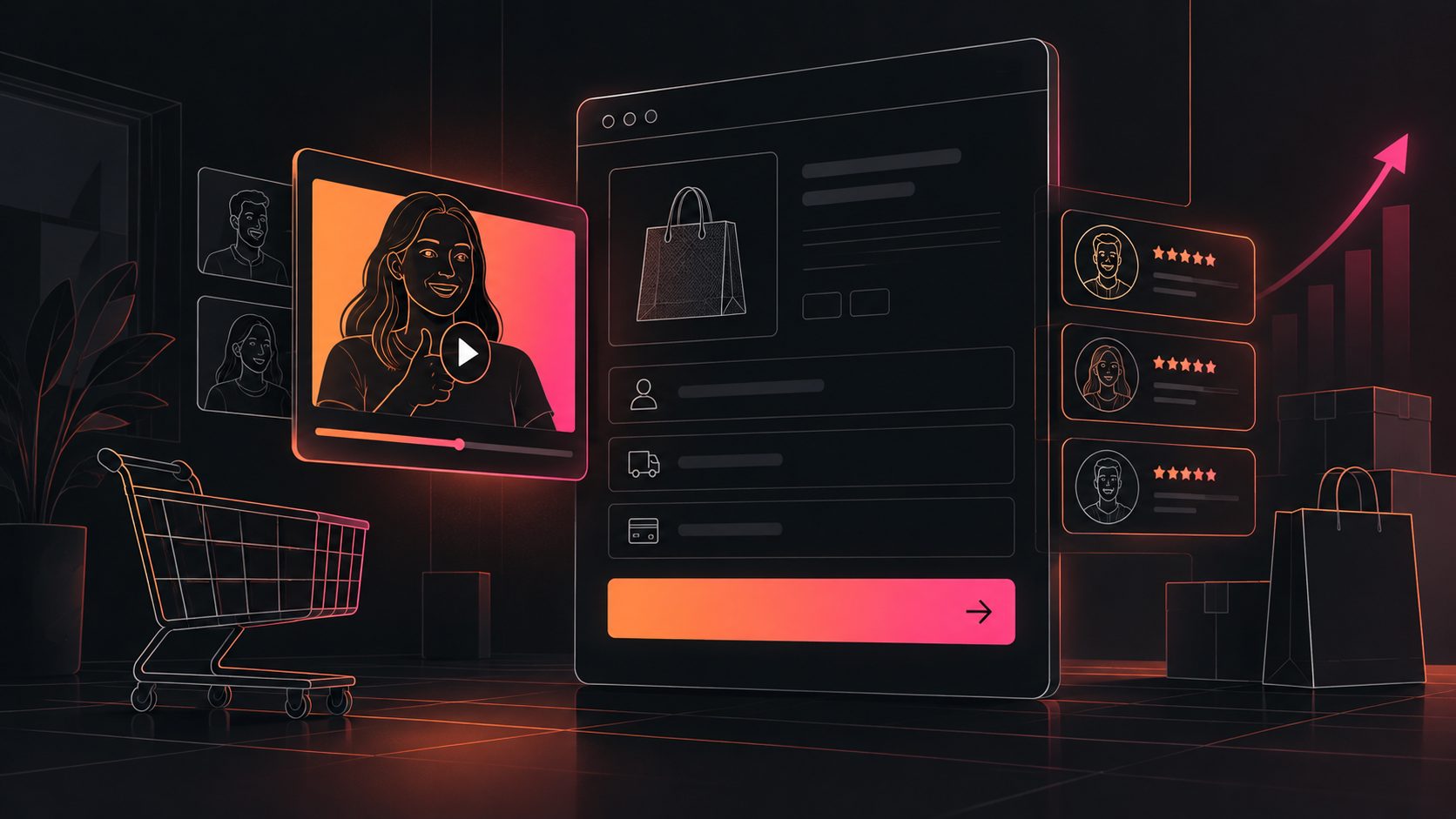
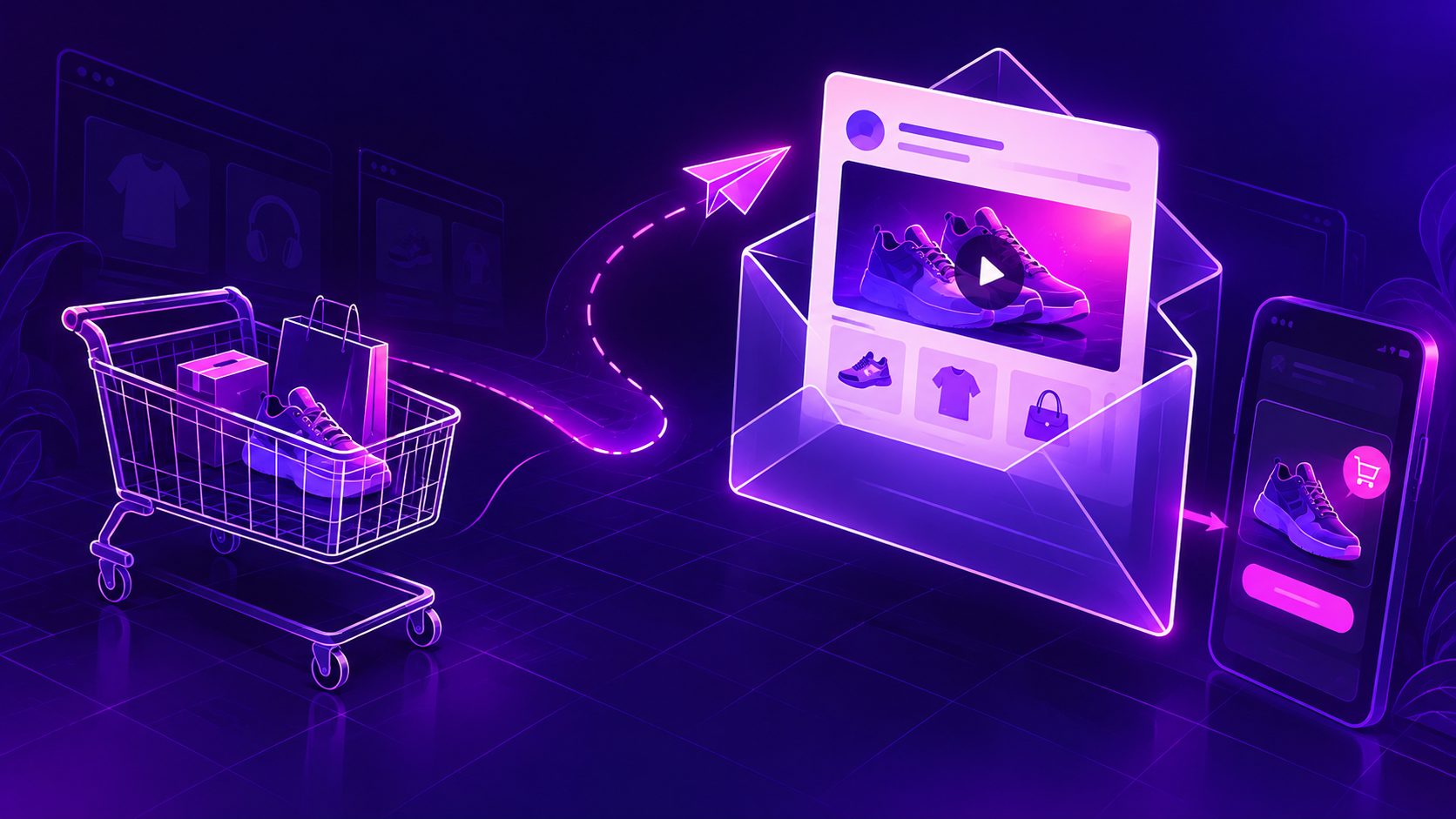
Video in abandoned cart email ecommerce flows works best as a click-driving preview, not as a full video player inside the inbox. For most Shopify stores, the reliable setup is a short GIF or thumbnail with a play button, linked to the saved cart, product page, or a lightweight landing page.
A well-designed video can answer the hesitation behind the abandonment: how the product works, what it looks like in use, why the price is justified, or what makes the offer timely. The goal is not to entertain every subscriber. It is to remove one specific buying obstacle and make returning to checkout easier.
What is video in an abandoned cart email?
Video in an abandoned cart email is a short motion asset placed in a recovery message to remind shoppers about the product and give them a reason to resume checkout. In practice, this usually means a clickable thumbnail, animated GIF, or short preview that opens a hosted video rather than a native video player.
Native playback is inconsistent across email clients. Shopify recommends using a thumbnail or GIF that links to a video hosted on a website or third-party platform, because direct embedded playback may not work everywhere and can create deliverability concerns. (shopify.com)
That limitation changes the creative brief:
- The first frame must communicate the product immediately.
- The motion preview should work without sound.
- The email must remain useful if images do not load.
- The CTA should return the shopper to the exact cart whenever possible.
- The full video should add detail after the click, not delay the purchase path.
For ecommerce sellers, this makes email video closer to a visual objection handler than a traditional brand film.
Why add video to Shopify cart recovery emails?
Video can make a recovery email more persuasive when the abandoned product benefits from demonstration, comparison, or visual proof. It is especially useful for products whose value is difficult to understand from a static product image.
Good use cases include:
- Product demonstration — show how a feature works in a few seconds.
- Scale and fit — show the item in a real setting or being used by a person.
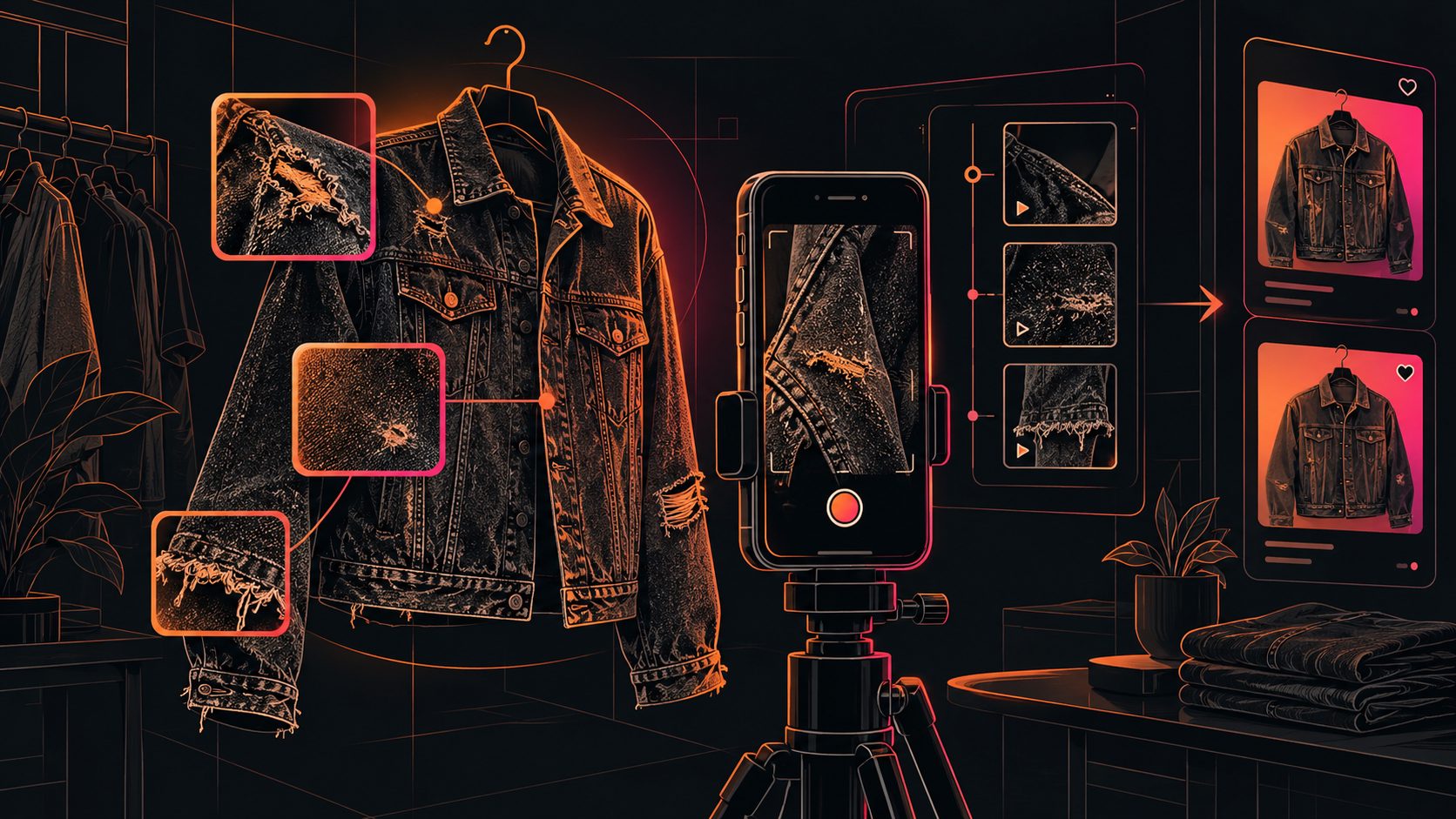
- Texture and finish — reveal material quality, color, movement, or detail.
- Unboxing and setup — reduce uncertainty about what the customer receives.
- Trust reinforcement — show packaging, testing, certifications, or a real usage sequence.
- Offer explanation — clarify free shipping, bundles, limited-time promotions, or guarantees.
The video should not introduce unrelated products or overwhelm the shopper with recommendations. Klaviyo’s guidance emphasizes keeping the abandoned items central and using a 2–3 message flow rather than relying on one isolated email. (help.klaviyo.com)
A useful rule: one email, one objection
A common mistake is making one video explain everything. Instead, assign each message one job:
| Email stage | Main job | Best video angle | CTA |
|---|---|---|---|
| First reminder | Recover attention | Product in use | Return to cart |
| Second message | Resolve doubt | Demo, comparison, or FAQ | See how it works |
| Final message | Create a reason to act | Offer, urgency, or stock context | Complete checkout |
This staged structure is more useful than placing the same product video in every message.
How to structure a three-stage abandoned cart video flow
Stage 1: Reminder without pressure
Send a simple reminder after the shopper has had time to leave the site. Shopify provides automated abandoned checkout emails and allows merchants to adjust the send timing and template settings. (help.shopify.com)
Script framework:
- Opening text: “Still thinking it over?”
- Visual: Product in use within the first second.
- Supporting line: “Here’s what makes it worth a closer look.”
- CTA: “Return to your cart”
Do not lead with a discount unless the offer is genuinely part of the customer’s expected purchase experience. The first message should reconnect the shopper with the product they already selected.
Stage 2: Address the likely hesitation
The second email should answer the question that may have stopped checkout. For example:
- “Will it fit?”
- “How does it work?”
- “What does the material look like in person?”
- “Is setup difficult?”
- “What is included?”
Use a 6–15 second preview with captions or on-screen labels. If the full demonstration needs more explanation, link the preview to a product page or hosted video while keeping the cart CTA visible below it.
For products with existing creator or review content, an AI-generated product video can help create multiple objection-specific versions. AdsTurbo supports product video creation from JPG or PNG product images, with optional product selling points and promotional information. Its tools can also support video subtitles, translation, resolution enhancement, and background replacement.
A relevant example is a product authentication macro video framework, which illustrates how close-up footage can build trust when product details matter.
Stage 3: Give a credible reason to act
The final email should not manufacture urgency. Use a real reason, such as an expiring promotion, a seasonal deadline, or limited availability that the store can substantiate.
Script framework:
- Opening text: “Your selected items are still in your cart.”
- Visual: Product plus offer or fulfillment benefit.
- Supporting line: “Finish checkout before this promotion ends.”
- CTA: “Complete my order”
If a discount is appropriate, consider reserving it for the final message or for first-time customers. Klaviyo recommends delaying an incentive until the final email in many abandoned-cart flows rather than discounting every shopper immediately. (help.klaviyo.com)
How to make the video email-safe
A technically impressive video can fail if the email becomes slow, inaccessible, or difficult to click.
Use a GIF or thumbnail as the default
A thumbnail with a play-button overlay is generally the safest option. A short GIF can add motion, but it may increase file size and may be rendered differently across clients. Outlook on Windows, for example, may convert video treatment into a silent animated image, so the visual must communicate without audio. (practicalecommerce.com)
Design for mobile first
Use a single-column layout, readable text, compressed images, and a large CTA. Shopify’s abandoned-cart guidance also stresses mobile rendering, fast loading, and clear links back to the cart. (shopify.com)
Put the CTA above the fold
The video should support the action, not hide it. A practical layout is:
- Subject line and preview text.
- One-sentence reminder.
- Product image or video preview.
- Primary “Return to cart” button.
- One supporting proof point.
- Secondary link to product details.
Include descriptive text near the image so the email still makes sense when images are blocked. Captions also help viewers who open messages with sound disabled.
Avoid autoplay dependence
Do not assume the video will play automatically. Treat the first frame as a static ad creative. The customer should understand the product and the next action even if the animation never loads.
A practical testing framework for ecommerce sellers
Most ranking guides cover timing, subject lines, CTAs, and mobile design. A stronger test isolates the reason for the video, not merely “video versus no video.”
Run a four-cell test:
| Test cell | Asset | Message focus |
|---|---|---|
| A | Static product image | Reminder |
| B | Product GIF | Reminder |
| C | Product GIF | Objection answer |
| D | Product GIF | Offer or urgency |
Keep the audience, send delay, subject-line style, CTA destination, and offer constant. Measure:
- Click-through rate
- Return-to-cart rate
- Checkout completion rate
- Revenue per recipient
- Unsubscribe rate
- Page load or video engagement after the click
The most important metric is usually completed orders per recipient, not opens. Opens can be distorted by privacy features and image loading behavior. A video that earns more clicks but fewer completed purchases may be attracting curiosity rather than resolving purchase intent.
For a first test, select the five products with the highest abandonment volume. Create one objection-focused preview for each, then compare the video version against the existing email. This product-level testing approach is more actionable than applying one generic video to the entire catalog.
How AdsTurbo can support the creative workflow
AdsTurbo provides ecommerce-focused tools for generating and adapting product creative. Sellers can create product videos from product images, generate subtitles, translate videos, upscale footage, replace backgrounds, and produce multiple ad variations.
For a recovery flow, a practical production sequence is:
- Upload a clear JPG or PNG product image.
- Add the product’s main selling point and promotion.
- Create a short product demonstration or UGC-style video.
- Generate a captioned version for silent viewing.
- Produce localized versions when the store serves multiple markets.
- Export a short preview for the email and a full version for the landing page.
AdsTurbo’s Shopify free-shipping upsell video scripts can also help structure a cart-stage message around a concrete checkout benefit. For longer source videos, its long-form video repurposing workflow can help turn existing footage into shorter, captioned creative units.
All AdsTurbo generation tasks run asynchronously, with completion events available through status polling or Webhook callbacks. Advanced plans support team workflows, API access, and custom workflows, which can be useful when product-level email assets need to be produced repeatedly.
Common questions
Can you embed a video directly in an abandoned cart email?
Sometimes, but native playback is not reliable across email clients. A clickable thumbnail or short GIF linked to a hosted video is usually the safer implementation.
Should the video link to the product page or the cart?
For a true abandoned-cart email, the primary CTA should link to the saved cart or checkout. Use the product page as a secondary destination when the video answers a detailed product question.
How long should the video preview be?
Keep the preview short enough to communicate one idea quickly. A 6–15 second loop is a practical starting point, while the full demonstration can live on the product page.
Should every abandoned cart email include video?
No. Use video when motion can reduce a specific hesitation. A simple reminder may perform better when the product is already familiar and the shopper only needs a direct path back to checkout.
What should be tested first?
Test the video’s job before testing its visual style: reminder, product proof, objection handling, or offer explanation. Then compare completed orders per recipient against the existing email.