By adsturbo.ai | Published 2026-10-11 | Updated 2026-10-11
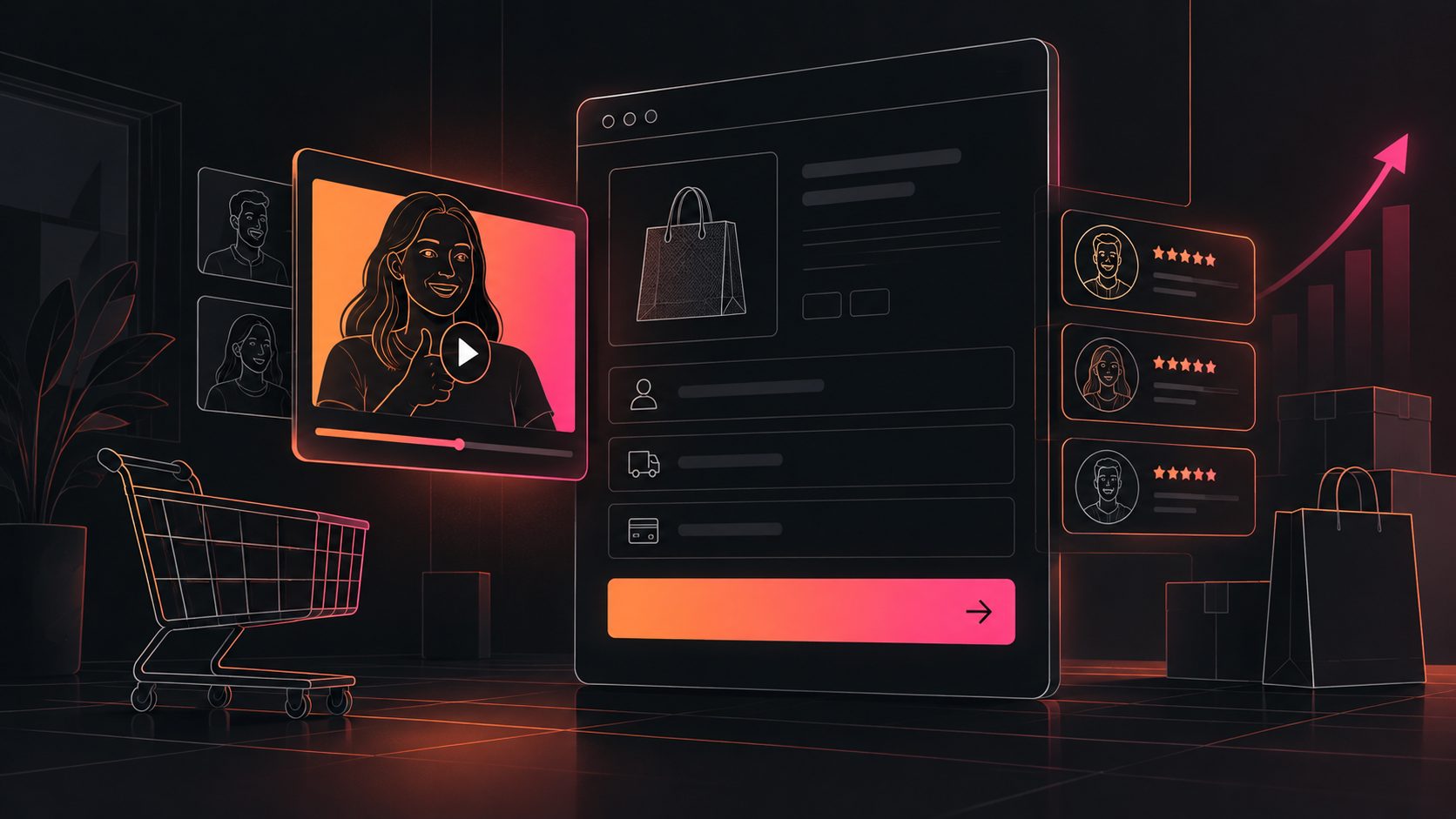
A video social proof checkout page Shopify setup can answer the final buyer question—“Can I trust this product?”—without sending shoppers back to a long review section. The most effective version is not a dramatic sales video. It is a short, muted, mobile-first proof clip placed where uncertainty appears.
For most stores, the safest starting point is a 15-second video on the Thank you or Order status page, then a controlled test of a checkout-page placement if the store has Shopify Plus or a compatible checkout app. Shopify’s current checkout architecture limits where merchants can add custom app content, so placement and plan eligibility matter before production begins. (help.shopify.com)
What is video social proof on a Shopify checkout page?
Video social proof is a short customer-style clip that demonstrates product use, reduces perceived risk, or confirms a specific purchase expectation. On Shopify, it can appear through an app block, a checkout UI extension, or a supported post-purchase page rather than through arbitrary theme code.
The important distinction is pre-purchase checkout versus post-purchase confirmation:
- Information, shipping, and payment steps: App-based checkout customization in these areas is generally available only to Shopify Plus stores.
- Thank you and Order status pages: Eligible apps and UI extensions can be used by Basic-plan stores and higher.
- Checkout Blocks: Dynamic and static content blocks are available to Basic-plan merchants, but placement on checkout steps requires Shopify Plus. (help.shopify.com)
This makes the Thank you page the most accessible testing environment. It is not the best location for lowering an already-abandoned checkout, but it is useful for validating which proof angle earns attention, clicks, referrals, or repeat purchases before investing in deeper checkout customization.
Should the video appear before payment or after purchase?
Use a pre-payment proof video when the buyer still has a meaningful objection, such as fit, product quality, delivery confidence, or setup difficulty. Use a post-purchase video when the goal is reassurance, referrals, cross-sells, onboarding, or reducing support questions.
A practical decision rule:
| Buyer concern | Best placement | Proof angle |
|---|---|---|
| “Will this product work for me?” | Before payment | Demonstration or use case |
| “Is the quality real?” | Before payment | Close-up texture, materials, or unboxing |
| “Will delivery be reliable?” | Before payment | Fulfillment process or customer experience |
| “Did I make the right choice?” | Thank you page | Confirmation and usage tips |
| “What should I buy next?” | Thank you page | Complementary product demonstration |
Do not place a video simply because the page has empty space. The clip should resolve a hesitation that is relevant to the exact product in the cart.
For additional examples of proof-led creative structures, see this 15-second cold-chain delivery proof script and the high-ticket Shopify video script for Klarna shoppers.
How to build a 15-second checkout trust video
A checkout clip should be shorter and more specific than a standard product advertisement. The following structure is designed for mobile screens, muted autoplay environments, and shoppers who are already close to purchasing.
0–3 seconds: Show the product and the outcome
Open with the product in use, not a logo animation.
Visual: Hand opens the package, applies the product, wears the item, or demonstrates the key function.
On-screen text: “What arrived” or “Why customers choose it.”
3–8 seconds: Prove one concrete detail
Choose one proof point that can be understood without sound:
- A close-up of material or texture
- A before-and-after product state
- A fit or size demonstration
- A real setup or installation step
- A packaging and delivery detail
- A visible product result
Avoid stacking five claims into five seconds. A single verifiable detail feels more credible than a fast list of benefits.
8–12 seconds: Add human reassurance
Use a short spoken line, caption, or customer-style statement:
“It matched the photos, felt sturdy, and was ready to use in minutes.”
If you do not have permission to use a real customer’s face or voice, use product-focused footage, licensed creator content, or an AI-generated presenter only where your disclosures and usage rights are appropriate.
12–15 seconds: Confirm the next action
The final frame should reinforce the purchase decision:
- “Ships as shown”
- “See the size guide before checkout”
- “Your order is protected”
- “Save this setup for your first use”
Do not repeat the entire product pitch. The customer has already reached checkout. The job of this video is to remove friction, not restart discovery.
How to add it to Shopify without weakening checkout performance
Start with a supported app block or Checkout UI extension instead of injecting unsupported scripts into the checkout. Shopify describes checkout UI extensions as isolated customizations with defined targets, including block placements in checkout and on the Thank you page. (shopify.dev)
A practical implementation workflow is:
- Export a vertical master, preferably 9:16, with the subject centered for narrow screens.
- Create a silent-first version with readable captions and a clear first frame.
- Compress the file so the video does not delay payment fields or create layout shifts.
- Confirm the target page in the checkout and accounts editor.
- Check plan eligibility before promising a pre-payment placement to a client or team.
- Test on mobile Safari, Chrome, and an accelerated checkout path where applicable.
- Add a fallback image or text proof block if the video fails to load.
Shopify’s checkout customization system is separate from the theme editor. Merchants manage supported app blocks from the checkout and accounts editor, while advanced checkout-page customization is restricted to Shopify Plus. (help.shopify.com)
AdsTurbo can help produce the creative variants behind this workflow. Its Product Video tool accepts JPG or PNG product images and can generate UGC-style product review, introduction, and demonstration videos. For existing footage, AdsTurbo supports subtitles, translation, AI upscaling, face replacement, lip sync, and other video editing controls. That makes it possible to produce several proof angles from one product asset without filming a new commercial for every test.
For a broader production workflow, see this guide to building proof-led creative from a reference ad.
What should you test: video, message, or placement?
The most useful original testing framework is a three-layer proof matrix. Change only one layer at a time:
| Layer | Variant A | Variant B |
|---|---|---|
| Proof type | Product demonstration | Customer reassurance |
| Message | “See how it works” | “Know what to expect” |
| Placement | Above checkout summary | Thank you page |
Run the first test with the same product, offer, traffic source, and checkout design. Compare:
- Video view rate
- Completion rate
- Checkout progression
- Purchase completion
- Refund or support-ticket signals
- Thank-you-page click-through rate
Do not claim that adding a video automatically reduces abandonment. A video can also distract, slow the page, or introduce doubt if it exposes poor packaging, unclear sizing, or an unsupported claim. The correct success metric depends on placement: pre-payment video tests should focus on checkout completion, while Thank you page tests should focus on engagement, referrals, repeat purchase, or support reduction.
AdsTurbo’s video subtitle workflow can export burned-in captions or separate subtitle files, which is useful for testing the same proof script across silent autoplay, social placements, and localized storefronts.
Common mistakes to avoid
Should the video autoplay with sound?
Usually, no. Use muted playback with a visible play control and captions. Unexpected audio can interrupt the checkout experience, especially on mobile.
Is a customer review always better than a product demo?
No. A review creates emotional reassurance, but a demonstration can answer a more specific objection. For technical, beauty, apparel, and home products, showing the relevant detail may be more persuasive than a generic “I love it” statement.
Can every Shopify store add video directly inside payment checkout?
No. Shopify’s current plan and extension rules matter. Eligible apps can customize Thank you and Order status pages on Basic and higher plans, while apps targeting information, shipping, and payment pages are generally limited to Shopify Plus. (help.shopify.com)
What is the best length for checkout social proof?
Start with 15 seconds. It is long enough to show one proof event and short enough to avoid turning checkout into a content destination. If the message requires more explanation, move the longer version to the product page or a post-purchase education flow.
What if I do not have customer video testimonials?
Use a product demonstration, unboxing sequence, creator-style narration, or close-up evidence clip. Keep the claim limited to what the footage actually proves, and do not present simulated testimonials as real customer experiences.
Final recommendation
Treat video social proof as a risk-reduction component, not another advertisement. Begin with one product, one objection, one 15-second script, and one measurable placement. Validate the proof angle on a supported Thank you page block if you are not on Shopify Plus; then consider a pre-payment checkout extension only after the creative earns attention without harming speed or clarity.