作者:adsturbo.ai|发布日期:2025-01-15|更新日期:2025-01-15
A Walmart video ad maker is a tool that converts your existing product photos and listing copy into short, ready-to-launch videos for Walmart Connect Sponsored Brands and Sponsored Products placements. For most US marketplace sellers, the bottleneck isn't budget—it's producing enough video variants to test. This guide walks through the specs, structure, and an AI-assisted production workflow that takes you from a single product photo to a testable ad set in under an hour.
What Is a Walmart Video Ad Maker?
A Walmart video ad maker is software that automates the creation of short-form video ads from static product assets—listing images, feature bullets, and pricing—formatted for Walmart's onsite placements. Walmart Connect video ads typically appear in search results, item pages, and the Walmart homepage, where they autoplay alongside sponsored listings.
Unlike a general-purpose video editor, a marketplace-focused maker handles three things sellers struggle with: correct aspect ratios for each placement, hook-first scripts built from product features, and batch variation generation so you can A/B test instead of guessing. According to Walmart Connect's own creative guidance, videos that show the product in the first two seconds and include on-screen text outperform lifestyle-only openers in retail media environments.
Walmart Connect Video Ad Specs: What Actually Matters
Before generating anything, lock in the technical constraints. Walmart Connect's Sponsored Brands video placements accept MP4 files in 16:9, 1:1, and 9:16, with 15–30 seconds as the practical sweet spot for onsite placements. Keep these rules in mind:
- Resolution: 1080p minimum; 4K exports future-proof your library.
- Sound-off first: Most retail media video autoplays muted, so captions are mandatory, not optional.
- Safe zones: Keep text away from the top and bottom 10% where UI overlays appear.
- File size: Under 150MB for smooth upload and review.
A frequent rejection cause is text baked into unsafe areas or claims ("#1 best seller") that Walmart's review team flags. Build your master file with clean captions and neutral claims, then localize claims per campaign.
The 15-Second Hook Structure That Converts
The highest-performing Walmart Connect videos follow a rigid 15-second skeleton. Answer the shopper's question—"why this product, why now"—before the scroll continues:
- 0–2s: Product + problem. Show the product solving the core pain point immediately.
- 2–7s: Three feature beats. One feature per beat, on-screen text, no filler shots.
- 7–12s: Social proof or comparison. Star ratings, review quotes, or a side-by-side use case.
- 12–15s: CTA. "Shop now on Walmart.com" with price anchor or deal badge.
This structure mirrors what works on other retail media networks—our Amazon product video spec guide covers the same hook-first logic adapted for Amazon placements, useful if you sell on both marketplaces.
Building Ads From Listing Photos With AI
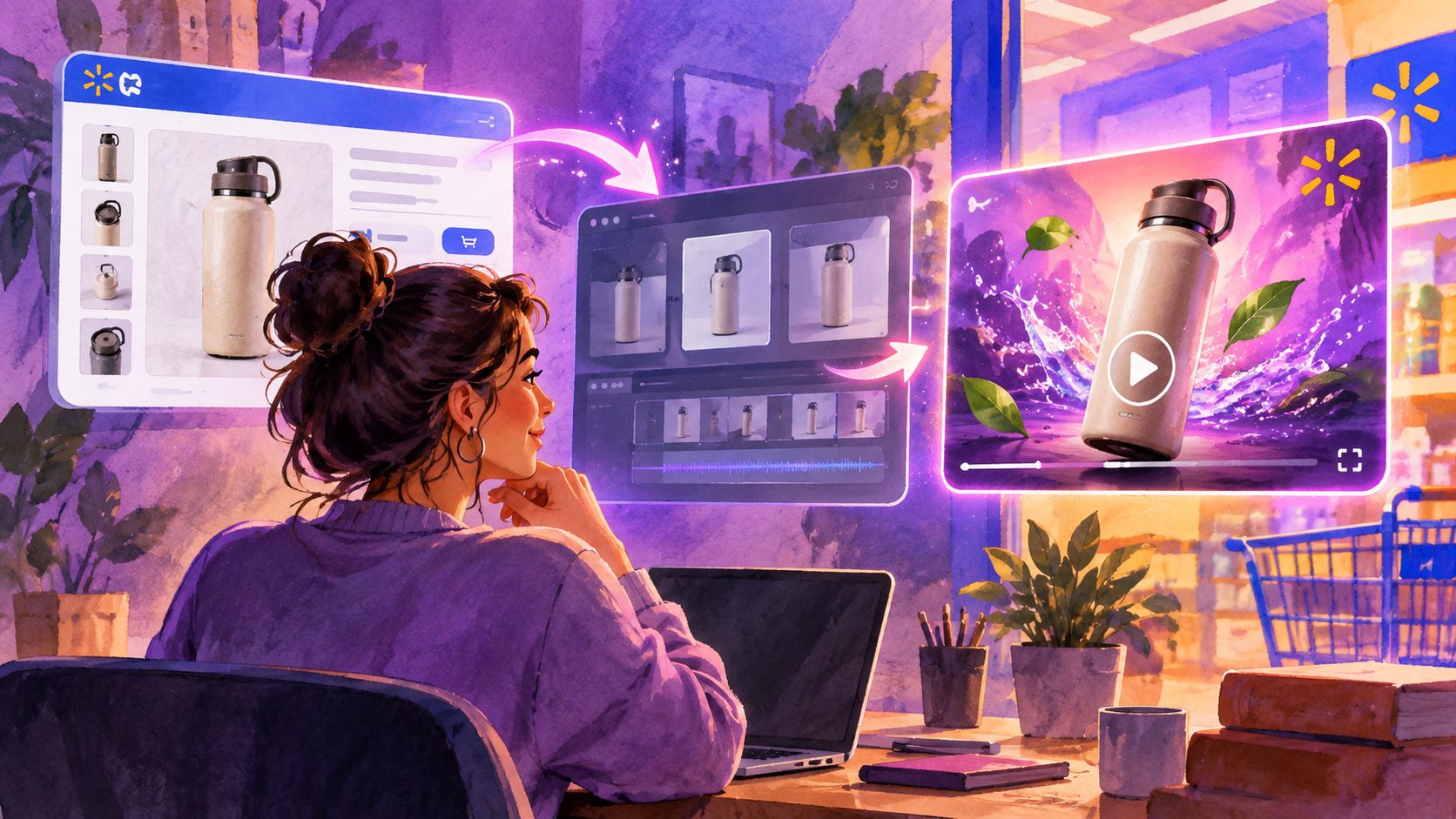
You don't need footage. A modern AI Walmart video ad maker starts from a single clear product photo on a plain background (JPG or PNG) plus your selling points, and generates UGC-style review videos, product intros, and demo clips automatically.
The practical workflow:
- Upload your hero image. Clean, front-facing shots produce the best generation quality.
- Input 3–5 selling points from your listing bullets.
- Generate variants—different hooks, voices, and angles from the same asset.
- Add captions sized for sound-off viewing.
- Export in 16:9 and 1:1 for Walmart Connect, plus 9:16 if you also run social retargeting.
Tools like AdsTurbo automate this end-to-end: upload a product image (up to 10MB JPG/PNG), and the AI analyzes the product's shape, color, and category to generate multiple UGC-style video ad variants—useful when you need to cold-start a new Walmart listing or batch-test creative without hiring creators. If you manage hundreds of SKUs, the same approach scales via bulk SKU video generation workflows.
A Simple Testing Plan for Walmart Connect
Run 3–5 variants per SKU, budget evenly, and judge on CTR after 1,000 impressions per variant—not ROAS on day one. Retail media attribution lags, so early decisions based on conversion data kill promising creative prematurely.
A two-week cadence that works for most sellers:
- Week 1: Launch 4 variants differing only in the first 2 seconds (hook). Keep everything else constant.
- Week 2: Take the winning hook, then test the CTA and offer framing.
- Ongoing: Refresh creative every 4–6 weeks; Walmart shoppers overlap heavily, so fatigue sets in faster than on social.
Track naming discipline matters once you scale. If you also drive off-Walmart traffic to your listings, a consistent video ad UTM naming convention keeps your attribution clean across channels.
Common Mistakes That Kill Walmart Video Ads
Most underperforming Walmart Connect videos fail for the same five reasons. Audit against this list before spending more budget:
- Lifestyle openers. Leading with a smiling family instead of the product wastes the autoplay window.
- No captions. Sound-off viewers see a silent slideshow and scroll past.
- One variant only. Single-creative campaigns have no learning loop; you can't tell if the hook or the offer is the problem.
- Desktop-only preview. Over 70% of Walmart.com traffic is mobile—check text legibility at phone size.
- Claims Walmart rejects. Superlatives without proof and competitor callouts trigger review delays.
Frequently Asked Questions
What video length works best for Walmart Connect ads?
15–30 seconds. Shorter videos (15s) suit search placements where shoppers are comparing; 30s gives room for demos on item pages. Front-load the product in the first 2 seconds regardless of length.
Can I make Walmart video ads without filming?
Yes. AI video ad makers generate UGC-style review, intro, and demo videos from a single product photo and your feature bullets. This is the fastest route for sellers with large catalogs or no production budget.
How many video variants should I test per product?
Three to five per SKU. Fewer gives you no signal; more spreads budget too thin to reach statistical confidence on CTR within a reasonable timeframe.
Do Walmart video ads need captions?
Effectively yes—on-site placements autoplay muted, so captions are required to communicate. Export both an embedded-caption video and a standalone subtitle file so you can reuse assets across platforms.
What aspect ratios does Walmart Connect support?
16:9, 1:1, and 9:16 MP4. Produce all three from one master creative so the same ad can serve across search, item pages, and homepage placements.