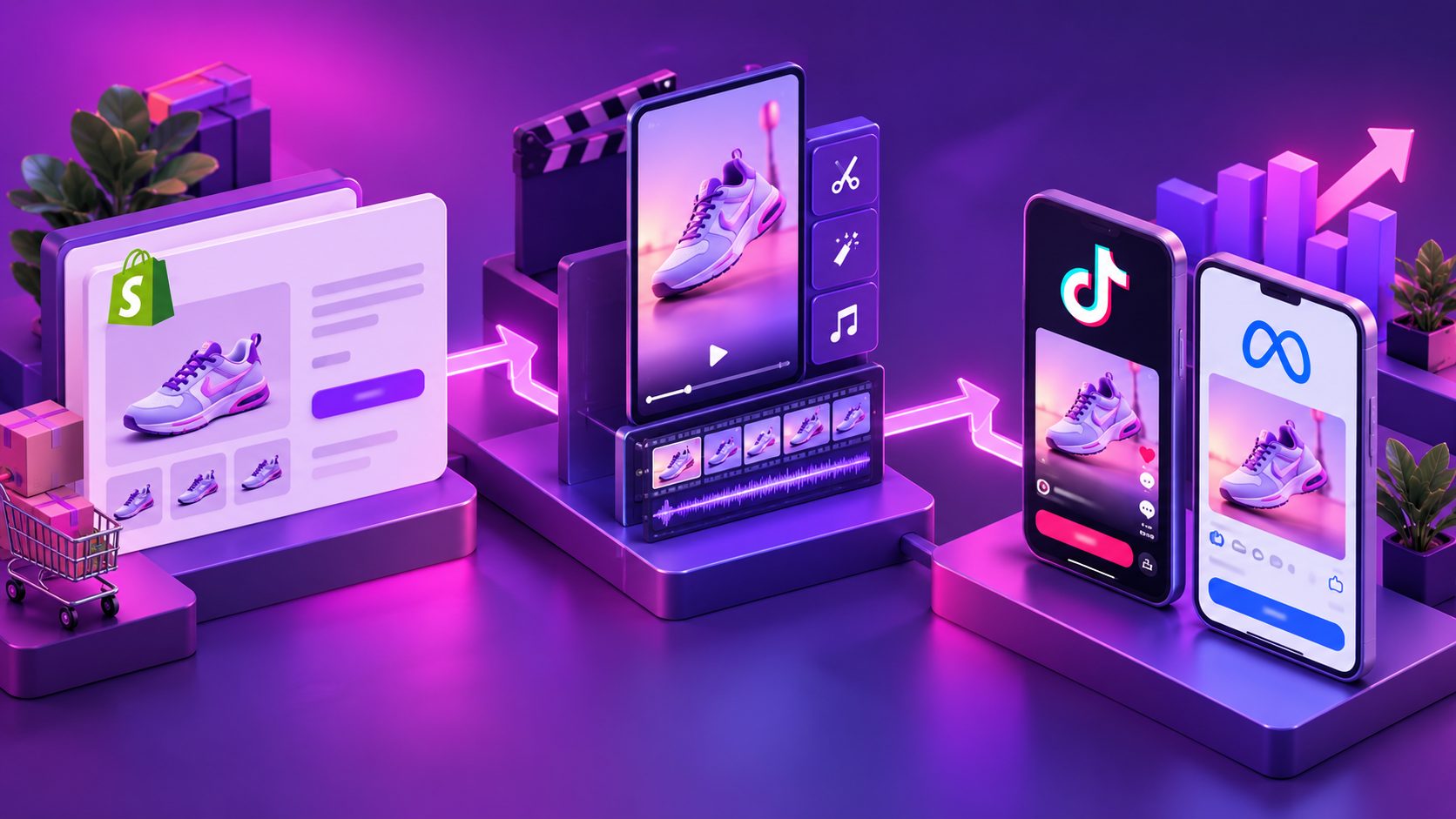
Shopify Free Shipping Upsell Video Ad: Cart Drawer Scripts

Summarize with
Summary
Build a Shopify free shipping upsell video ad with cart-drawer micro-interactions, add-to-cart prompts, and 15-second scripts. Create testable variants with AdsTurbo.
By adsturbo.ai | Published 2026-10-25 | Updated 2026-10-25
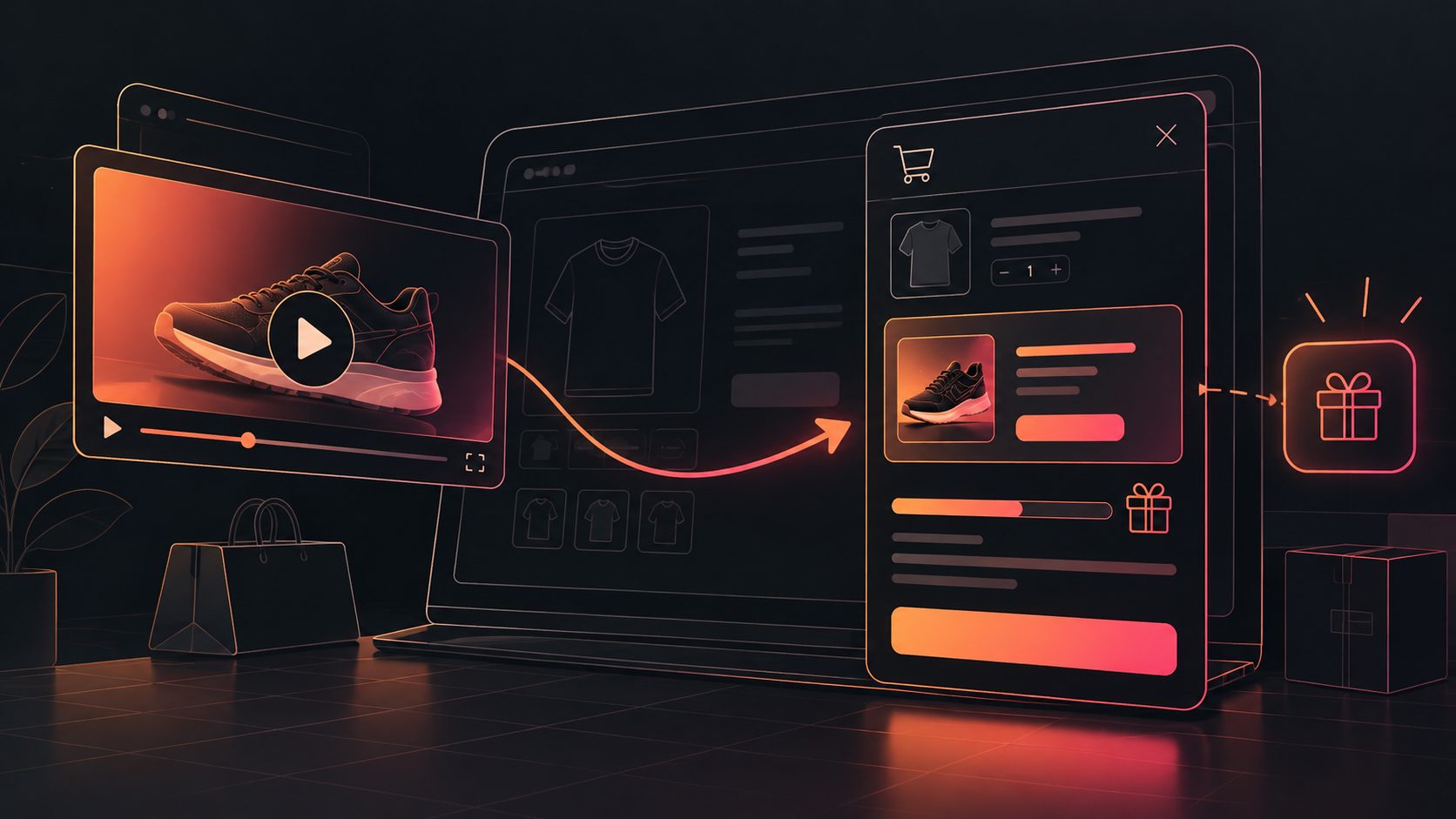
A Shopify free shipping upsell video ad turns a simple shipping threshold into a visual reason to add one more product. The strongest version connects the product page, cart drawer, progress message, recommended add-on, and checkout CTA into one short story.
What is a Shopify free shipping upsell video ad?
A Shopify free shipping upsell video ad is a short ecommerce creative that shows shoppers how close they are to qualifying for free shipping, then recommends a relevant product to close the gap.
For example, if a customer has $42 in the cart and free shipping begins at $50, the ad can show:
“You’re $8 away from free shipping. Add a travel-size accessory to unlock it.”
The video should not merely announce “Free shipping over $50.” It should demonstrate the next action: open the cart, reveal the remaining amount, select a useful item, and confirm that the shipping benefit has been unlocked.
Shopify’s own guidance emphasizes that free shipping thresholds should be tested against average order value, shipping costs, and profit margin rather than chosen arbitrarily. (shopify.com)
Why the cart drawer matters more than a homepage banner
A homepage banner creates awareness, but a cart drawer reaches shoppers after purchase intent already exists. This makes the drawer the most natural place to show a threshold-based upsell.
A useful cart-drawer sequence has four states:
| Cart state | On-screen message | Recommended action |
|---|---|---|
| Empty cart | “Free shipping starts at $50” | Start shopping |
| Far from threshold | “Add a little more to unlock free shipping” | Show a product category |
| Near threshold | “You’re $8 away” | Present one highly relevant add-on |
| Threshold reached | “Free shipping unlocked” | Reinforce checkout |
Many Shopify implementation guides focus on the technical progress bar: calculating the remaining amount, updating the cart drawer, and displaying a success state. (oxify.app)
The creative opportunity is different: use the video ad to teach shoppers how the drawer behaves before they encounter it. That reduces friction between the ad promise and the store experience.
A 15-second free shipping upsell script
The following structure is designed for TikTok, Instagram Reels, YouTube Shorts, and paid social placements.
Scene-by-scene script
-
0–2 seconds: Show the product and offer
- Visual: Product close-up with a clear benefit.
- Text: “Almost at free shipping?”
- Voiceover: “Your cart may be closer than you think.”
-
2–5 seconds: Open the cart drawer
- Visual: Animated tap on the cart icon.
- Motion: Cart drawer slides in from the side.
- Text: “$8 away from free shipping.”
-
5–9 seconds: Reveal the add-on
- Visual: A complementary product appears in the upsell slot.
- Text: “Add a useful extra.”
- Voiceover: “Add the matching accessory and reach the threshold.”
-
9–12 seconds: Animate the progress bar
- Visual: Progress bar fills from the current cart value to 100%.
- Text changes from “$8 away” to “Free shipping unlocked.”
-
12–15 seconds: Close with the CTA
- Visual: Product bundle, cart total, and checkout button.
- Text: “Complete your order with free shipping.”
- CTA: “Shop the add-on.”
The key is to make the cart drawer the hero of the second half of the video. A generic product montage cannot explain the threshold mechanic as clearly as a short interface animation.
How to choose the right upsell product
The best free-shipping add-on is not necessarily the cheapest product. It should be easy to understand, relevant to the current cart, and priced close to the remaining threshold.
Use this three-part filter:
- Threshold fit: The product should reduce the gap without forcing an excessive spend.
- Product logic: It should complement, protect, refill, personalize, or improve the main purchase.
- Low decision effort: Shoppers should understand its purpose within one glance.
For instance, a customer buying a travel bag may respond better to a packing cube than to an unrelated sale item. A skincare customer may respond better to a refill or applicator than to a random discount product.
A practical rule is to show one primary recommendation and one fallback, not a crowded product carousel. The video should communicate a single decision: “Add this to unlock the benefit.”
The cart-drawer micro-interaction storyboard
A high-performing video ad should mirror the actual store interaction. Use this storyboard when planning the animation:
Frame 1: The current cart
Show the existing product, subtotal, and shipping message. Avoid hiding the original product because the shopper needs to understand what is already in the cart.
Frame 2: The remaining amount
Use a large, readable number such as “$8 away.” This is more actionable than a percentage because it tells the customer exactly what is missing.
Frame 3: The recommendation
Introduce the add-on beside a short reason:
- “Pairs with your order”
- “Useful on your next trip”
- “Add protection”
- “Complete the routine”
Frame 4: The threshold moment
Animate the bar filling, but keep the motion brief. The emotional payoff should be the confirmation message, not the animation itself.
Frame 5: The next step
Show the checkout CTA after the threshold is reached. Do not end on the product recommendation alone; the viewer needs to see how the purchase continues.
This sequence creates a closed loop: gap → recommendation → progress → reward → checkout.
Three creative angles to test
Instead of changing only colors or music, test different motivations.
1. Savings-first angle
Hook: “You’re only $8 away from free shipping.”
Use this for shoppers who already understand the value of the offer. The focus is clarity and arithmetic.
2. Product-first angle
Hook: “The small add-on that completes your order.”
Use this when the complementary item has independent value. The free-shipping benefit becomes a secondary reason to buy.
3. Cart-rescue angle
Hook: “Before you check out, check your shipping.”
Use this for retargeting or cart-abandonment audiences. The creative can emphasize avoiding an unexpected shipping charge rather than pushing a discount.
A simple testing matrix can compare hook, add-on category, threshold gap, and CTA wording. Keep the cart-drawer animation consistent so you can identify which message changes performance.
How to produce the video efficiently
Start with a product photo, a short reference video, or a screen recording of the cart drawer. Then build separate variants for:
- 9:16 vertical placements
- 1:1 social feeds
- 16:9 video placements
- Different product categories
- Different shipping thresholds
- Different languages or voiceovers
AdsTurbo supports product video creation from JPG or PNG product images, along with advertising workflows for product demonstrations and UGC-style short videos. For stores that need more visual polish from a single product photo, a product photo to 3D ecommerce video workflow can provide a stronger product reveal.
Add captions because many social viewers encounter ads without sound. AdsTurbo’s automatic captions workflow for ecommerce video ads supports synchronized subtitles and social-ready formatting.
For an existing winning ad, use an ad cloning workflow for reference-based video variations to preserve the general pacing while changing the product, threshold message, and CTA. The new version should remain an original creative rather than a copied ad.
Common mistakes to avoid
- Showing the threshold without the gap: “Free shipping over $50” is less actionable than “$8 away.”
- Using an irrelevant add-on: A technically profitable upsell can still feel intrusive.
- Ending before checkout: The viewer should see the final action.
- Overloading the drawer: Too many recommendations weaken the decision.
- Ignoring mobile readability: Keep the remaining amount and CTA large enough for a small screen.
- Promising an offer the store does not apply: The video, cart drawer, and checkout rules must match.
The threshold should also be checked against shipping economics. A free-shipping offer can increase order value, but the result depends on product margin, fulfillment cost, customer location, and the size of the threshold. Shopify recommends evaluating those factors rather than assuming every free-shipping promotion is profitable. (shopify.com)
Frequently asked questions
Should the video show the exact free-shipping threshold?
Yes, when the threshold is stable and applies to the intended audience. Showing the exact amount makes the offer easier to understand. If thresholds vary by market, use localized creative or keep the wording general.
Is a progress bar enough without an upsell product?
A progress bar can communicate the goal, but a relevant product recommendation gives shoppers a clear way to reach it. The best experience combines both elements.
What video length works best?
A 15-second format is practical for explaining the full sequence: product, cart drawer, remaining amount, add-on, unlocked shipping, and checkout. Shorter versions can work when the audience already knows the offer.
Should the ad mention discounts as well as free shipping?
Only if both incentives are real and compatible at checkout. Otherwise, prioritize one clear reward so the customer does not need to calculate multiple conditions.
How can ecommerce teams create more variants?
Create modular versions by changing the hook, product image, threshold gap, add-on, voiceover, and CTA. Keep the core cart-drawer sequence consistent so each test isolates a meaningful variable.
Final checklist
Before publishing a Shopify free shipping upsell video ad, confirm:
- The free-shipping threshold matches the store configuration.
- The remaining amount is visually obvious.
- The add-on is relevant and close to the threshold gap.
- The cart drawer updates correctly after an item is added.
- The success state says what happens next.
- Captions remain readable in the chosen aspect ratio.
- The final CTA leads naturally to checkout.
- Variants are labeled by hook, product, threshold, and audience.