作者:adsturbo.ai|发布日期:2026-09-04|更新日期:2026-09-04
A Shopify product video generator helps sellers turn existing product photos, product details, and selling points into short videos for product pages, TikTok, Meta, Reels, and YouTube Shorts. The best workflow is not “make one pretty video.” It is “make several controlled variants that can be tested.”
For Shopify merchants, the real bottleneck is usually not filming. It is producing enough credible creatives per SKU without losing product accuracy, brand consistency, or speed.
What is a Shopify product video generator?
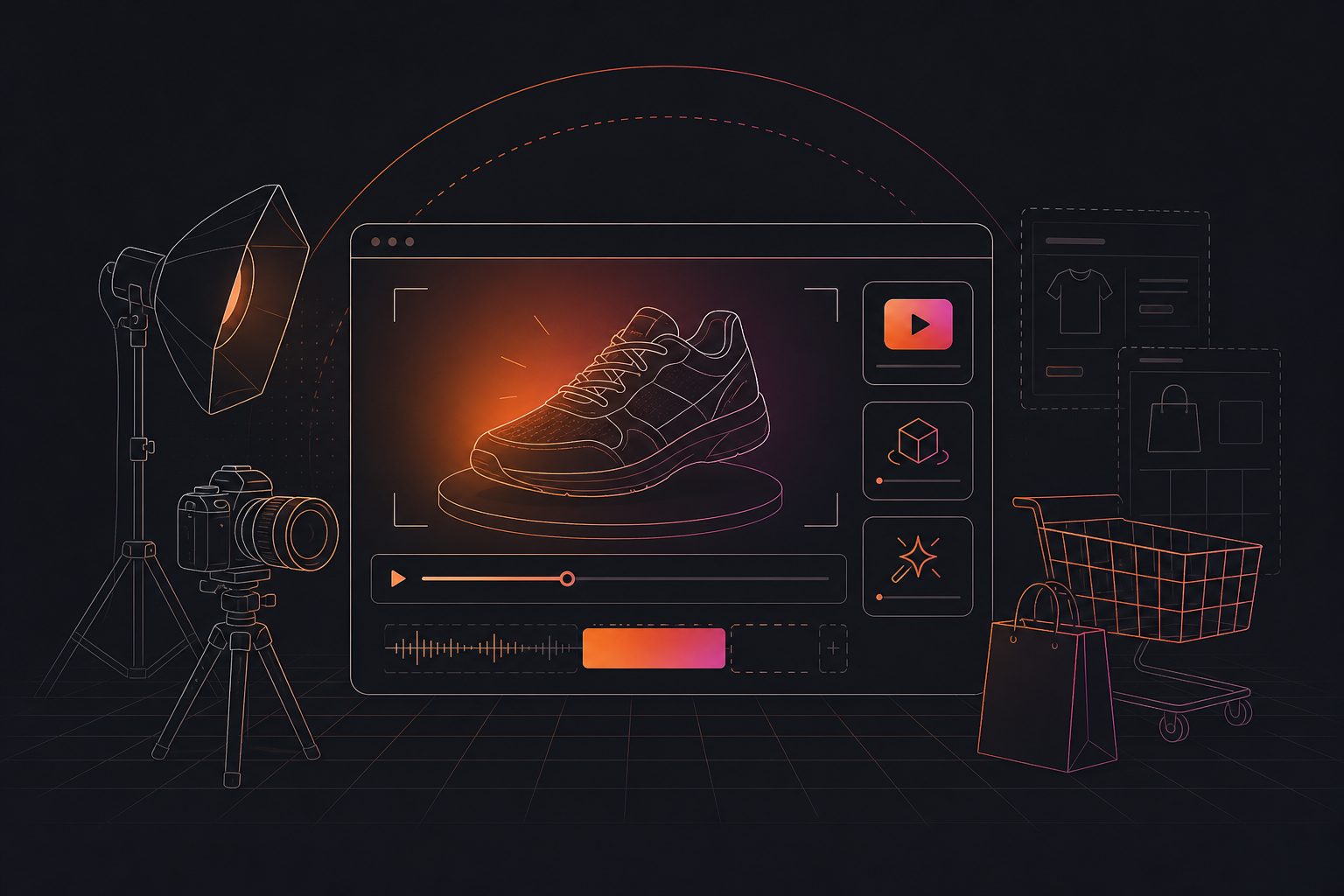
A Shopify product video generator is a tool or workflow that converts product assets—usually JPG or PNG images, descriptions, benefits, and offers—into short product videos. It can create product demos, UGC-style clips, launch videos, comparison ads, and social-ready variants for testing.
For a store owner, the key value is leverage. One clean product image can become multiple creative angles: problem-solution, feature demo, testimonial-style, discount promo, or founder-style explanation.
Shopify’s own product media documentation notes that merchants can add images, videos, and 3D models to products, with plan-based limits and theme requirements for video display. Shopify also states that videos and 3D models cannot be used as product variant media, which matters when planning where generated videos will appear on the store page. See Shopify’s product media documentation before bulk uploading video assets.
Why Shopify sellers should think in testable variants, not single videos
A single product video is a content asset. A set of controlled variants is a testing system. For paid social, the second approach is more useful because it lets you isolate what changed: hook, angle, format, spokesperson, offer, or CTA.
Many product video guides correctly emphasize hooks, clear messaging, pain points, captions, and CTAs. Shopify’s own product video guide recommends testing different versions and tracking analytics, which is directionally right. The missing operational layer is how to structure those versions before generation.
Use this simple rule:
Generate one control video, then change only one major variable per variant.
Example variant plan for one Shopify SKU:
| Variant | What changes | What stays fixed | What it tests |
|---|---|---|---|
| A | Direct benefit hook | Product image, offer, CTA | Broad appeal |
| B | Problem-first hook | Product image, offer, CTA | Pain-point urgency |
| C | UGC-style actor | Script, offer, CTA | Persona fit |
| D | 15% discount overlay | Product, hook, CTA | Offer sensitivity |
| E | 1:1 format | Script, hook, CTA | Placement fit |
This keeps creative testing readable. If every element changes at once, performance data becomes hard to interpret.
The 5-step product-photo-to-video workflow
The fastest workflow starts with your existing catalog image, but the best results come from preparing that image before generation. Clean inputs reduce hallucinated product details, awkward motion, and mismatched branding.
- Choose a clean product image. Use a clear JPG or PNG with the product visible, sharp edges, and minimal clutter.
- Write one buyer problem. Do not start with features. Start with the reason someone would stop scrolling.
- Select one video job. Demo, UGC ad, product showcase, launch promo, or comparison.
- Generate multiple versions. Keep the same product and offer while changing hook, persona, format, or CTA.
- Review before publishing. Check product accuracy, captions, claims, logo placement, and platform ratio.
With AdsTurbo Product Video, sellers can upload a JPG or PNG product image up to 10MB and generate UGC short video ads. AdsTurbo can also create product review videos, product introduction videos, and product demo videos from product imagery and optional selling points.
For image-first workflows, AdsTurbo Product Image supports JPG and PNG product uploads. Clear photos on a solid-color background tend to work best, and the tool can analyze product shape, color, and category before generating downloadable images.
A practical “Video Testability Score” for Shopify creatives
A testable product video is one where performance can teach you what to do next. Use this original 20-point score before spending budget on a generated creative set.
| Factor | 0 points | 2 points | 4 points |
|---|---|---|---|
| Hook clarity | Generic opening | Benefit is visible | Buyer problem appears in first 2 seconds |
| Product accuracy | Product is altered | Mostly accurate | Shape, color, use case stay consistent |
| Variant control | Many variables change | Some control | One major change per version |
| Format fit | One ratio only | Two ratios | 9:16, 1:1, and 16:9 planned |
| CTA match | No clear CTA | Generic CTA | CTA matches offer and landing page |
Score interpretation:
- 0–8: Do not test yet. Rebuild the brief.
- 9–14: Usable for organic or low-budget validation.
- 15–20: Ready for structured paid creative testing.
This framework adds a missing layer between “video looks good” and “video is ready to test.” A polished clip can still be a poor test if it changes too many variables or makes the product look different from the landing page.
Which video formats should Shopify sellers generate first?
Start with three formats: a 9:16 social ad, a 1:1 feed version, and a product-page video. These cover the most common paid social and store-use cases without overproducing before you have data.
A practical first batch looks like this:
| Use case | Suggested length | Ratio | Creative style |
|---|---|---|---|
| TikTok, Reels, Shorts | 6–15 seconds | 9:16 | Hook-led UGC or product demo |
| Meta feed test | 10–20 seconds | 1:1 | Benefit-led product showcase |
| Shopify product page | 15–45 seconds | 16:9 or theme-friendly | Feature demo or explainer |
| Retargeting ad | 8–20 seconds | 9:16 or 1:1 | Review, offer, objection handling |
AdsTurbo Ad Clone can help when you already have a reference video style that works. It supports using a reference video or link, extracting structure, rewriting on-screen text, and exporting variants for TikTok, Meta, and Shorts in 9:16, 1:1, and 16:9 formats. For a deeper workflow, see how ecommerce teams use Ad Clone for testable variations.
How to keep AI product videos accurate
Accuracy matters because a video that exaggerates the product can hurt trust and waste ad spend. The safest workflow keeps product claims grounded in your actual listing, packaging, reviews, and offer terms.
Use this QA checklist before upload:
- Does the product color match the Shopify listing?
- Are logos, labels, ports, sizes, and materials consistent?
- Are claims supported by your product page?
- Is the discount code, date, and promotion valid?
- Do subtitles match the spoken audio?
- Does the CTA point to the right product page?
- Does the video avoid showing unavailable variants?
AdsTurbo includes editing and localization tools that can support this QA loop, including Video Subtitle for automatic transcription and time-synced captions. The subtitle tool supports embedded caption video downloads or standalone subtitle file exports, with styling suited to TikTok, Instagram Reels, and YouTube Shorts.
For global stores, AdsTurbo Video Translation can help convert existing videos into localized versions with translated audio and subtitles. The platform also provides Lip Sync and Character Swap capabilities when a seller needs different spokesperson versions for regional or audience testing.
Where AdsTurbo fits in a Shopify video workflow
AdsTurbo is useful when Shopify sellers need to move from one product asset to many ad-ready variations. Its core value is combining product video generation, ad cloning, subtitles, localization, and post-production controls in one creative workflow.
Relevant AdsTurbo capabilities include:
- Product Video generation from JPG or PNG product images
- Ad Clone for rebuilding reference-video structure, pacing, hooks, and CTA logic
- 300+ AI actors and 100+ product ad templates
- Video Subtitle for automatic transcription and timed captions
- Lip Sync, Face Swap, Character Swap, Motion Control, Video Translation, AI Upscaling, and Background Replace
- Product Image generation with 9 aspect ratios for Amazon, Shopify, TikTok Shop, and Instagram
- API access on higher-level plans, with asynchronous generation tasks and status polling or Webhook callbacks
If your team is building repeatable creative systems, the AI video ad generator workflow for ecommerce product ads explains how to structure product inputs, scripts, and variants. For stores focused on Shopify-specific paid social, e-commerce video ads for Shopify stores covers the wider campaign workflow.
How to brief a generator for better output
A strong brief is short, specific, and testable. It should tell the generator what to show, who the buyer is, what the product solves, and what must not change.
Use this structure:
Product: [short product name]
Buyer: [who it is for]
Pain point: [one problem]
Key benefit: [one measurable or visible benefit]
Proof: [review theme, material, feature, or use case]
Offer: [discount, bundle, free shipping, or none]
CTA: [shop now, see colors, claim offer]
Must preserve: [color, logo, size, packaging, product shape]
Output: [9:16, 1:1, 16:9]
Variants: [hook A, hook B, UGC actor, demo angle]
For example, a skincare seller might brief three versions: one focused on dry skin, one on travel-friendly packaging, and one on a customer-review style. The product image and offer stay the same, so the seller can compare which angle deserves the next round of budget.
Common mistakes to avoid
The most common mistake is asking for “a viral product video.” Virality is not a production setting. It is a market response. A better request is: “Create five 9:16 variants testing different first-three-second hooks for this product and keep the CTA fixed.”
Other mistakes include:
- Using low-resolution supplier images with shadows, watermarks, or crowded backgrounds
- Generating too many random versions without naming the tested variable
- Adding claims that do not appear on the product page
- Publishing captions that cover the product or CTA
- Forgetting to adapt aspect ratios for each placement
- Sending traffic to a product page that does not repeat the same benefit shown in the video
If your source images need improvement first, AdsTurbo also supports product image generation, white-background image creation, background replacement, AI Eraser, and AI Upscaling. For cleaner ecommerce product photo preparation, see background image white for ecommerce product photos.
Frequently asked questions
Can I make a Shopify product video from one image?
Yes. A single clear JPG or PNG product image can be enough for a basic product showcase or UGC-style short ad. Better results usually come from adding selling points, target audience, offer details, and a clear CTA.
What is the best length for a Shopify product video ad?
For cold paid social, start with 6–15 seconds. For product pages, 15–45 seconds can work better if the video explains features, use cases, or objections. Test by placement instead of using one length everywhere.
Should product videos go on the Shopify product page or only in ads?
Use both, but with different goals. Ads should earn the click quickly. Product-page videos should reduce uncertainty by showing use, scale, texture, setup, or results. Shopify supports adding videos to product media, subject to theme and plan limits.
How many video variants should I create per product?
Start with 3–5 variants per SKU. Change one major variable at a time: hook, format, persona, offer, or CTA. This gives enough range for learning without creating chaotic test data.
Does AdsTurbo replace a video editor?
AdsTurbo can reduce repetitive production work, especially for product videos, ad cloning, captions, localization, and variant generation. Human review is still important for product accuracy, claim compliance, and final creative judgment.
Final takeaway
A Shopify product video generator is most valuable when it becomes part of a creative testing workflow. Start with a clean product image, define one buyer problem, generate controlled variants, score them for testability, and publish only after product-accuracy review.
For ecommerce sellers, the goal is not just faster video creation. The goal is a repeatable system that turns every promising SKU into ad variants you can actually learn from.