作者:adsturbo.ai|发布日期:2026-09-02|更新日期:2026-09-02
E-commerce video ads work best when one product becomes a system of testable creatives, not a single polished clip. For Shopify sellers, the real goal is to turn a SKU, a product page, or a reference ad into multiple platform-ready versions fast enough to test, localize, and scale.
What E-commerce Video Ads Actually Need to Do
E-commerce video ads have three jobs: stop the scroll, make the product easy to understand, and trigger the next action. If the opening is weak, the product is unclear, or the CTA is buried, the ad may look good and still underperform.
That is why the best creative is usually simple. It shows the offer quickly, proves the value visually, and keeps the message tight enough for paid social. For Shopify brands, the strongest ads are often the ones that can be rebuilt into new variants without starting from zero.
What Top Ranking Guides Usually Cover
Most high-ranking pages cover the same useful basics: hook formulas, script structures, UGC-style ads, example clips, and platform differences. Some also explain how to make ads feel native on TikTok, Meta, or Shorts.
What they often do not explain is the production layer. They tell you what a good ad looks like, but not how to turn one product into a repeatable creative engine. That gap matters most for ecommerce teams with many SKUs, constant promotions, and limited time for reshoots.
The Missing Layer: A Source-Story-Format-Localize Framework
A better way to think about E-commerce video ads is as four connected layers. This framework keeps the creative process practical and makes scale easier.
| Layer | Question to answer | Output |
|---|---|---|
| Source | What material do you already have? | Product photo, product page, reference video, offer copy |
| Story | What should the viewer feel in the first seconds? | Hook, proof point, CTA angle |
| Format | Where will this run? | 9:16, 1:1, 16:9, subtitles, cutdowns |
| Localize | Who else should see the same idea? | Translated text, swapped talent, region-specific versions |
The advantage of this model is that it separates creative thinking from production formatting. A team can approve the story once, then generate many executions from the same source.
A Practical Workflow for Shopify Teams
Start with one product and one core message. Then build out from there.
- Pick the source asset. Use a strong product page, a clean product image set, or a short reference clip.
- Write one conversion idea. Focus on the main promise, the main objection, or the main offer.
- Create a base video. Build a first cut that shows the product early and keeps the CTA visible.
- Export platform versions. Make versions for TikTok, Reels, Shorts, Meta, and product pages.
- Add subtitles and translations. Keep the message readable without sound and ready for new markets.
- Turn one winner into more variants. Change the hook, actor, scene order, or CTA without changing the core offer.
For sellers who want a more direct starting point, AI product video from URL for ecommerce teams is a useful companion workflow. If the end goal includes product-page embeds as well as ads, Shopify product video maker features that matter shows how to keep those outputs aligned.
Where AdsTurbo Fits in the Workflow
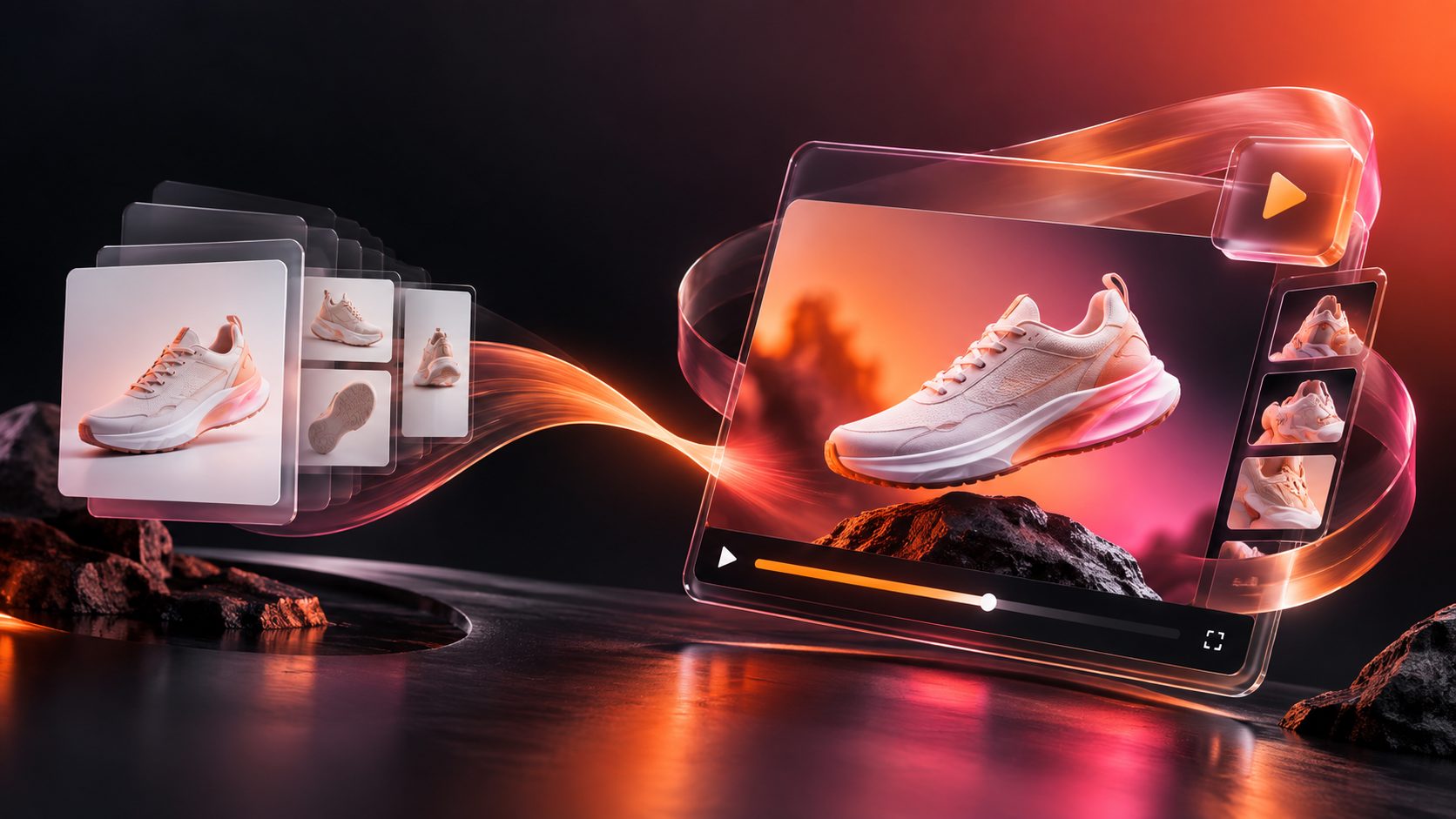
AdsTurbo is built for this kind of scale. It supports product video generation, Ad Clone, video subtitles, background replacement, AI upscaling, face swap, lip sync, character swap, video translation, and AI eraser tools. That matters because ecommerce creative often needs more than one output type.
For example, Ad Clone can analyze a reference video, preserve the opening seconds, pacing, scene logic, and CTA structure, and then generate new variants for the same brand. That is especially helpful when a winning ad already exists and the job is to rebuild it for new products, new audiences, or new regions.
AdsTurbo also runs generation tasks asynchronously, with status polling or webhook callbacks for completion. That makes it easier for teams to launch batch jobs and keep a production queue moving. API access is available on every plan, and advanced plans add team workflows and custom workflow support, which is useful when creative volume starts to outgrow manual review.
For SKU-heavy stores, Bulk product video creator for ecommerce creative scale is the natural next step. For creator-style versions, UGC video ad generator: a practical ecommerce playbook is a strong fit. And when the product image itself needs cleanup or repositioning, Background replacement for ecommerce creative workflows helps the visual source look more ad-ready before video production begins.
What to Test First
If the budget is small, the first test set should be simple. A good starter pack is:
- 2 hooks: problem-led and benefit-led
- 2 proof styles: demo-led and social-proof-led
- 2 CTAs: direct purchase and curiosity-driven
That gives enough variation to learn what the audience responds to without creating noise. The winner is usually not the fanciest clip. It is the one that matches the offer, the market, and the placement.
A quick channel map
| Channel | Best creative shape | Why it works |
|---|---|---|
| TikTok | Fast hook, captions, native feel | Rewards immediacy and clarity |
| Instagram Reels | Short demo, clean visual rhythm | Works well with polished but mobile-first creative |
| YouTube Shorts | Clear product benefit, tight pacing | Needs instant comprehension |
| Meta feed | Strong offer, readable text, clear CTA | Needs fast value recognition |
Common Mistakes That Waste Spend
The biggest mistake is treating every ad like a one-off. That creates more editing than learning. A better approach is to build one reusable source asset and then test small changes.
Other common mistakes include:
- starting with a weak product image
- hiding the product for too long
- using subtitles that are hard to read
- forgetting to localize the CTA
- publishing only one format instead of multiple ratios
If the source image is messy, fix that first. A cleaner base asset usually leads to a cleaner video output. For product photos that need a stronger foundation, Shopify product video maker features that matter is also a good reference point.
When to Use Product Images, UGC, or Reference Ads
Not every ecommerce brand needs the same creative style. Product images work well when the value is visual and the catalog is broad. UGC works well when trust, personality, or demonstration matters. Reference-ad rebuilds work best when a pattern has already proven itself.
The smart move is to combine them. Use product images for structure, UGC for attention, and reference ads for speed. Then localize the winner instead of rebuilding from scratch.
FAQ
What is the best length for E-commerce video ads?
Short is usually safer. The ad should get to the product and the offer quickly, then end with a clear CTA. The right length depends on the placement, but the first few seconds matter most.
Can one product photo be enough to make a video ad?
Yes, if the photo is clear and useful. A clean source image can become a product demo, a social-style ad, or a promo cut when the rest of the creative system is strong.
Are UGC ads better than polished ads?
Not always. UGC style often feels more native, but polished ads can be stronger for product clarity, premium positioning, and seasonal promotions. The best choice is the one that fits the offer.
How many variants should a Shopify store test?
Start with a small set, not a huge batch. Two hooks, two proof styles, and two CTAs is enough to learn which direction deserves more spend.
Can the same ad work across TikTok, Meta, and Shorts?
Yes, but only if it is reformatted properly. Different placements need different pacing, subtitle treatment, and aspect ratios.