Personalized Product Video Ad Generator for Custom Products

Summarize with
Summary
Learn how to turn personalized product previews into Shopify and Etsy video ads with clear customization proof, reusable hooks, and an AI workflow. Start creating.
By adsturbo.ai | Published 2026-10-24 | Updated 2026-10-24
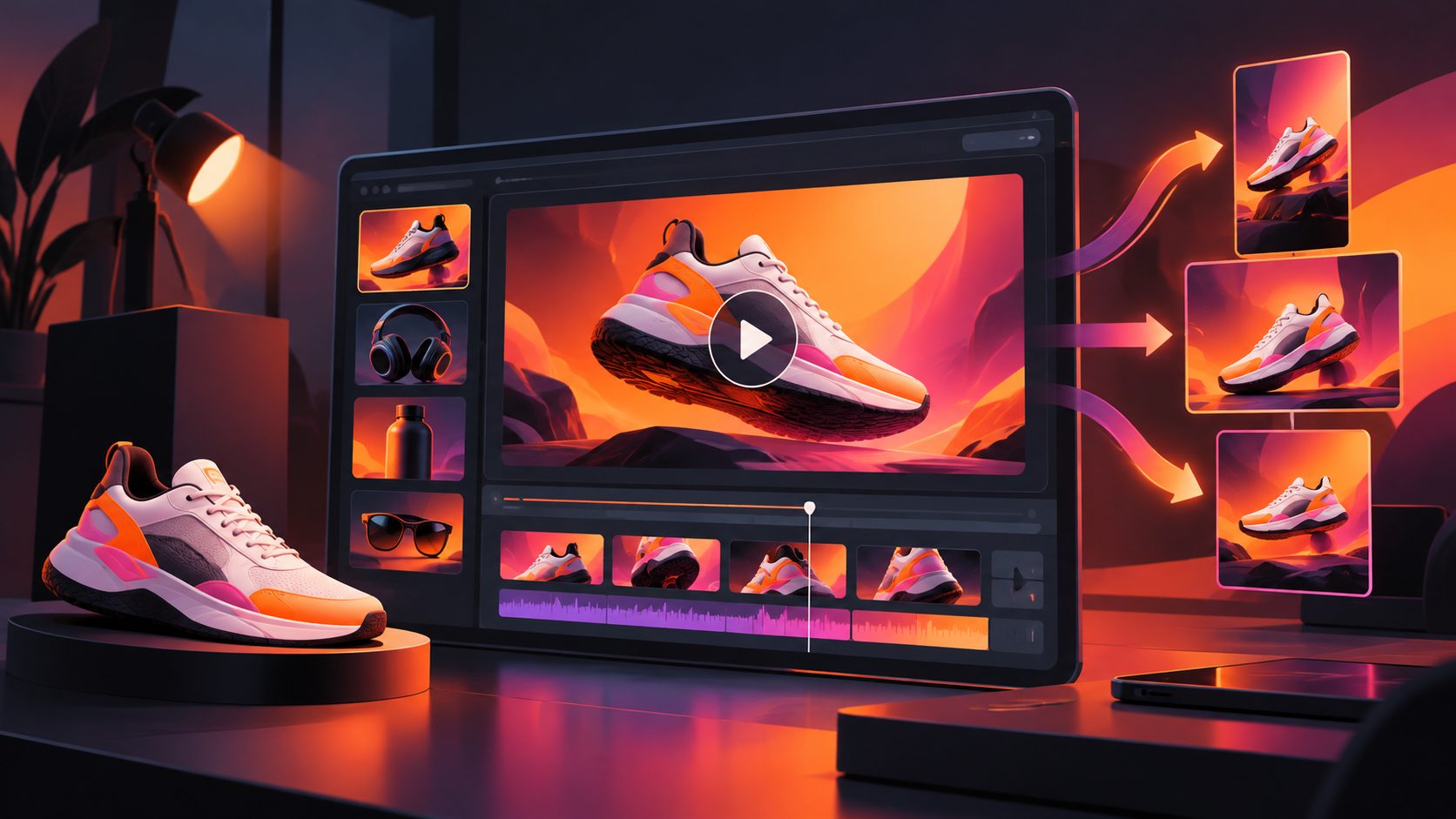
A personalized product video ad generator turns a product image, customization option, and selling point into a short advertising video that shows shoppers what their finished item may look like. For Shopify, Etsy, and print-on-demand sellers, the strongest videos do more than display a product: they make the personalization process visually obvious.
Custom names, initials, dates, monograms, and engraved messages are difficult to communicate in a single static image. A short video can reveal the product, show the personalization area, demonstrate the final effect, and finish with a clear buying prompt.
What is a personalized product video ad generator?
A personalized product video ad generator is an AI workflow for creating short product ads around customizable products. It combines product visuals, customization details, promotional copy, captions, scenes, and calls to action into a video suitable for ecommerce listings or paid social campaigns.
Most ecommerce AI video tools focus on a product URL, product photo, AI presenter, script, voiceover, or UGC-style format. That approach is useful for standard products, but personalization requires an additional proof layer: the buyer must understand what changes, where it appears, and what the final item could look like. (sparkiz.ai)
For custom products, the video should answer three questions within the first few seconds:
- What is the product?
- Where does the customer add personalization?
- What will the personalized result look like?
This is the central difference between a generic product video and a conversion-oriented customization preview.
Why custom products need a different video structure
Personalized products often have a higher perceived value because the shopper is buying relevance, identity, or gifting potential—not only materials. However, customization can also create hesitation. Buyers may worry about spelling, placement, size, color, or whether the finished product will match the preview.
A useful structure is the Customization Proof Loop:
| Stage | What the video shows | Buyer question answered |
|---|---|---|
| Product reveal | Full product in a clean scene | What am I buying? |
| Customization cue | Name, date, initials, or design option | What can I change? |
| Detail preview | Close-up of the personalized area | Where will it appear? |
| Use or gift context | Product in a realistic setting | Why does it matter? |
| Order instruction | Simple CTA and customization reminder | What should I do next? |
This framework adds a practical layer that many product-video guides omit: the video is not only selling the product; it is reducing uncertainty about the customization workflow.
For example, an engraved wallet ad may show a blank wallet first, then a close-up of “JAMES,” followed by the finished wallet inside a gift box. A personalized shirt ad may show the design placement on the chest, then demonstrate the garment in a lifestyle scene.
How to create a personalized product video ad
1. Prepare a reliable product image
Start with a clear JPG or PNG product image. AdsTurbo Product Image works with JPG and PNG uploads, and clear product photos on a plain-color background generally produce the most dependable results.
The source image should show:
- The complete product shape
- The material and primary color
- The area available for personalization
- Any important logo, label, clasp, stitching, or packaging
- A front-facing or slightly angled view with minimal obstruction
For POD products, avoid submitting a heavily cropped image if the customization area is near the edge. The generator needs enough visual context to place text or artwork naturally.
If the listing needs more visual assets before the video, a product photo to ecommerce image workflow can help organize product scenes, banners, and supporting visuals around the same SKU.
2. Define the personalization in plain language
Do not rely on the model to infer every customization detail from the image. Add a short creative brief such as:
- Product: stainless steel bracelet
- Personalization: one name, up to 12 characters
- Placement: centered on the outer plate
- Finish: subtle engraved appearance
- Audience: birthday and anniversary gift shoppers
- CTA: “Add your name before ordering”
This brief separates facts from creative direction. It also prevents the video from inventing unsupported claims, such as “permanent,” “handmade,” or “premium” unless the seller can substantiate them.
3. Build the first three seconds around the custom detail
A common mistake is opening with a generic presenter or a slow product rotation. For customized products, the opening should make the personalization visible immediately.
Useful opening patterns include:
- “Make it theirs.”
- “Add a name they will keep.”
- “See your custom design before you order.”
- “A gift made with their initials.”
- “Personalize the detail that matters.”
The visual should support the line. Begin with a close-up of the personalization area, then pull back to reveal the entire product. This sequence creates both recognition and context.
4. Use a five-shot storyboard
A practical 15-second storyboard for a custom product is:
- 0–2 seconds: Show the finished personalized detail.
- 2–5 seconds: Reveal the full product and its main benefit.
- 5–8 seconds: Show the customization option or input instruction.
- 8–12 seconds: Place the product in a gift, lifestyle, or use scene.
- 12–15 seconds: Repeat the product, customization reminder, and CTA.
AdsTurbo can support product video creation, ad cloning, motion control, lip sync, character replacement, video translation, subtitles, and image generation. These capabilities can be combined selectively, but not every video needs an AI presenter. For a visually specific engraved product, a product-led close-up may communicate more clearly than a talking-head format.
Which video variations should Shopify and Etsy sellers test?
One personalized product should not be limited to one creative angle. Generate variations based on the customer’s reason for buying rather than changing random colors or transitions.
Gift-focused variation
Emphasize the recipient, occasion, packaging, and emotional relevance. This works well for birthdays, anniversaries, weddings, graduations, and holiday gifting.
Identity-focused variation
Show initials, names, birth dates, or symbols as a way to make an everyday product feel personal. Keep the visuals close to the customization area.
Process-focused variation
Explain how the shopper enters the text, chooses a style, checks the preview, and places the order. This is especially useful when buyers may worry about mistakes.
Product-quality variation
Use close-ups to show texture, edges, stitching, finish, or material details. Do not let the personalization effect obscure the underlying product.
Offer-focused variation
Combine the customization message with a discount, free-shipping threshold, bundle, or seasonal deadline when those details are accurate. AdsTurbo Event Poster can also create promotional visuals in nine aspect ratios and support multiple languages for campaign distribution.
For cross-border stores, use multilingual ecommerce video localization to create translated audio and subtitles. Review names, dates, currency, and customization instructions separately because these details should not be translated mechanically.
How to protect product accuracy in AI-generated ads
AI-generated product videos should be treated as creative drafts that require factual review. Personalized products need stricter checks than generic lifestyle ads because small visual errors can change the buyer’s expectation.
Use this pre-publishing checklist:
- Does the product retain its original shape?
- Is the engraving, print, or embroidery placed in the correct area?
- Are the letters spelled correctly?
- Does the preview clearly indicate that the design is an example?
- Are the materials, colors, and accessories accurate?
- Does the CTA match the real ordering process?
- Are subtitles readable in 9:16 mobile format?
- Does the final frame leave enough space for platform interface elements?
A useful internal rule is one claim, one proof. If the script claims “custom initials,” show initials. If it claims “gift-ready packaging,” show the packaging. If it claims “preview before ordering,” show the preview step.
For mobile distribution, generate separate compositions rather than simply cropping one master video. TikTok, Instagram Reels, and YouTube Shorts typically need vertical framing, while product pages may benefit from a wider composition. AdsTurbo Video Subtitle supports caption styling and exports for social formats, while its Event Poster tool supports nine output ratios for broader campaign reuse.
Common questions
Can a personalized product video use one product photo?
Yes. A clear JPG or PNG product image can serve as the source for a product video, although additional angle or detail images may improve the result. A plain background and visible customization area are usually the safest starting point.
Should the video show the exact customer’s name?
Usually, use an example name unless the ad is being generated dynamically for a specific customer. Label the example clearly when needed, such as “Preview your name” or “Example personalization.”
Is a talking AI presenter necessary?
No. A presenter can explain the product, but a close-up product demonstration may be more persuasive for engraving, printing, embroidery, or monogram placement. Choose the format based on what shoppers need to understand.
How many versions should a seller create?
Start with three to five variations: gift, personalization process, product detail, lifestyle use, and offer. Keep the product facts consistent while changing the hook, pacing, and audience angle.
Can one video be localized for different markets?
Yes. Video translation and AI subtitles can help adapt the same creative for multiple languages. Review names, dates, measurements, and customization instructions before publishing.
Final takeaway
A personalized product video ad generator is most effective when it demonstrates customization instead of merely mentioning it. The winning sequence is simple: reveal the product, show the customizable detail, prove the expected result, place it in a relevant context, and give the shopper one clear next step.
For Shopify, Etsy, and POD sellers, this approach turns a vague promise—“make it personal”—into a visual buying explanation. AdsTurbo supports product videos, ad variations, subtitles, translations, product images, promotional visuals, and API-based workflows for teams that need to extend the same creative system across multiple products and markets.