Refurbished Electronics Video Ad Script: A Proof-First Framework


Summarize with
Summary
Build a refurbished electronics video ad script that shows condition, testing, included items, and value in seconds. Use the framework and templates to create clearer ads.
By adsturbo.ai | Published 2026-11-08 | Updated 2026-11-08
A strong refurbished electronics video ad script should answer one question before it talks about price: “Why should I trust this device?” Show the condition, inspection evidence, working functions, included accessories, and offer in that order. This proof-first sequence turns uncertainty into visible information without pretending a used product is new.
What should a refurbished electronics video ad prove?
A refurbished electronics ad should prove five things: what the buyer is receiving, what condition it is in, whether it works, what comes with it, and why the price is attractive. These details matter because buyers often hesitate over battery health, cosmetic grading, warranty coverage, and differences between sellers. (techradar.com)
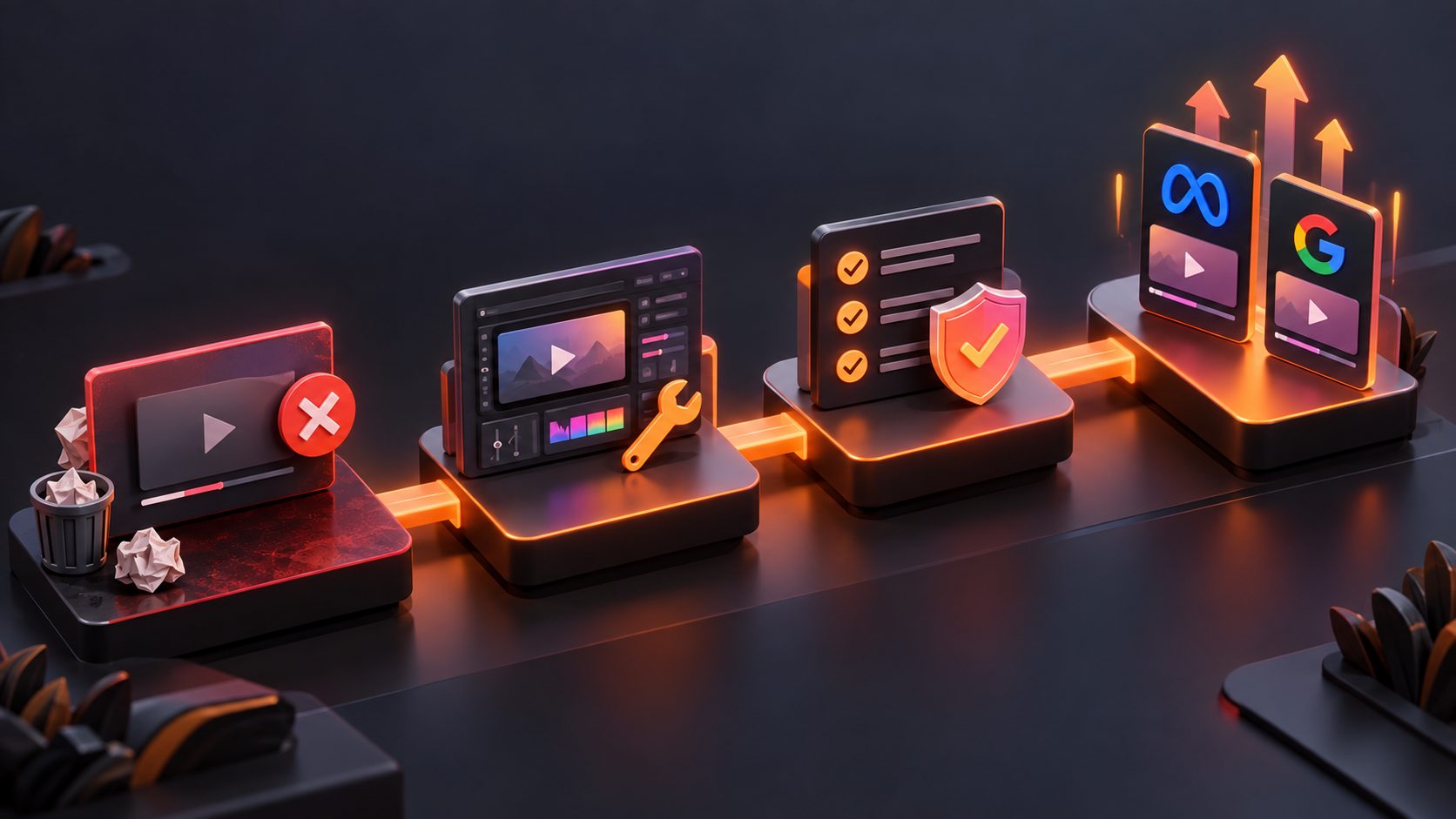
A useful way to organize the creative is the C-P-F-V-A framework:
| Beat | Buyer question | Visual proof |
|---|---|---|
| Condition | What does it actually look like? | Close-ups of screen, edges, ports, and wear |
| Process | Was it inspected or restored? | Testing, cleaning, reset, or diagnostic screen |
| Function | Does it perform the key job? | Power-on, charging, pairing, camera, sound, or app demo |
| Value | What do I receive for the price? | Included accessories, grade, comparison, or offer |
| Action | What should I do next? | Product, price, availability, and CTA |
This is different from a generic electronics ad that begins with a problem, demonstrates a feature, and ends with a discount. That structure can work for new products, but refurbished inventory needs condition disclosure before persuasion.
The 15-second refurbished electronics video ad script
Use five three-second scenes for a short vertical ad. Each scene should introduce one claim and support it with a visible detail.
Scene 1: State the condition
Time: 0–3 seconds
Visual: Rotate the actual phone, tablet, laptop, camera, or accessory under neutral lighting.
On-screen text: “Refurbished — Grade: Very Good”
Voiceover: “A tested [product name] at a lower price than new.”
Do not open with “Like new” unless the product’s actual grade and marketplace rules support that wording. If the item has scratches, a replacement part, a different box, or missing accessories, the ad should not hide those details.
Scene 2: Show the inspection
Time: 3–6 seconds
Visual: Show a checklist, diagnostic screen, technician workflow, or close-up inspection of the ports and body.
On-screen text: “Inspected for core functions”
Voiceover: “The important functions are checked before shipment.”
Replace “core functions” with specific checks when possible: charging, buttons, speakers, camera, Wi-Fi, Bluetooth, or screen response. Avoid broad phrases such as “fully certified” unless the seller can substantiate them.
Scene 3: Demonstrate the main function
Time: 6–9 seconds
Visual: Power on the device, open an app, pair earbuds, take a photo, play audio, or connect a charger.
On-screen text: “Powering on. Charging. Ready to use.”
Voiceover: “Turn it on, connect it, and use it for the job you bought it to do.”
The demonstration should match the product category. A refurbished phone needs a different proof moment from a laptop, smartwatch, gaming console, or wireless speaker. Pick one high-value function rather than cramming every specification into three seconds.
Scene 4: Reveal what is included
Time: 9–12 seconds
Visual: Lay out the device, charger, cable, case, manuals, or replacement accessories.
On-screen text: “Includes: device + [accurate accessory list]”
Voiceover: “You receive exactly what’s shown: [included items].”
This scene reduces post-click surprises. If the charger is third-party, say so. If the original box is not included, do not create a new-in-box impression through styling or stock footage.
Scene 5: Present the offer and CTA
Time: 12–15 seconds
Visual: Product hero shot with grade, price, stock status, and store identity.
On-screen text: “[Grade] condition · [price] · Shop now”
Voiceover: “Get this inspected [product name] while this unit is available.”
For clearance inventory, use truthful urgency: “limited quantity,” “last units,” or “clearance stock” only when those statements are accurate. Marketplace guidance commonly emphasizes identifying refurbished products clearly and providing relevant program or warranty terms rather than presenting them as new. (partners.bestbuy.com)
Three script angles for different inventory problems
1. Cosmetic-grade transparency script
Use this angle when visible wear is the primary objection.
“Looking for a better price without guessing the condition?
This [product] is graded [Excellent/Very Good/Good].
Here’s the actual screen, body, and port condition.
It has been checked for [specific functions].
Includes [items].
Shop this inspected unit at [price].”
The key is to show the imperfections that a buyer might otherwise discover only after delivery.
2. Open-box clearance script
Use this angle for returned or opened items that are complete and verified.
“Opened once, checked carefully, and ready for a new setup.
This [product] shows its real condition on camera.
Power, charging, and [key function] are demonstrated here.
Included: [list].
Open-box value, without the full-new price.
See the available unit now.”
Avoid filming a sealed-box unboxing if the item is not factory sealed. The visual story should match the inventory story.
3. Feature-value script
Use this angle when the device’s practical capability matters more than its cosmetic appearance.
“Need [specific job] without paying for the newest model?
This refurbished [product] handles [function 1], [function 2], and [function 3].
Watch it [demonstration].
Condition: [grade]. Included: [items].
Get the tested option for [price].”
This script makes the product’s usefulness the hero while keeping condition disclosure visible.
The original Proof Coverage Score for script review
A simple way to improve refurbished ads is to score every key buyer question before publishing. Use the following original Proof Coverage Score:
- 0 points: The claim is not mentioned.
- 1 point: The claim is stated in text or voiceover.
- 2 points: The claim is both stated and shown visually.
Score these six areas:
- Cosmetic condition
- Functional testing
- Main product demonstration
- Included accessories
- Grade or classification
- Offer and next action
A strong short ad can reach 10–12 points out of 12. A discount-only ad may score well on price but poorly on trust. This is not a marketplace certification; it is a practical creative checklist for deciding whether the video gives buyers enough evidence to act.
The framework also reveals what to cut. If the script spends four seconds on a logo but never shows the charging port, remove the branding shot. If it lists ten specifications but does not demonstrate one, replace the list with a working-use scene.
How to adapt one script into multiple ad variations
Refurbished sellers often have several grades, models, or returned units. Instead of rewriting every ad from zero, keep the proof structure and vary one creative variable at a time:
- Hook variation: “Why pay new-device pricing?” versus “See the actual condition first.”
- Proof variation: Functional test versus cosmetic close-up.
- Audience variation: Students, home office buyers, creators, or budget-conscious families.
- Offer variation: Clearance price, bundle, limited quantity, or accessory inclusion.
- Format variation: 9:16 for TikTok and Reels, 1:1 for feeds, and 16:9 for broader placements.
AdsTurbo supports product video creation from JPG or PNG product images, and its product-image workflow can produce multiple visual formats for ecommerce channels. For more variation ideas, see this guide to ecommerce ad creative variation testing.
When the original footage is strong, an Ad Clone workflow for ecommerce video ads can help inform structural variations such as pacing, scene order, and CTA placement. The new version still needs accurate condition and product evidence; cloning structure does not replace verification.
Captions, localization, and final checks
Many short-form ads are watched with limited or no sound, so every essential claim should appear as readable on-screen text. Keep the wording short: “Grade: Good,” “Charging tested,” and “Includes cable” are easier to process than full sentences.
For multilingual campaigns, translate the condition label, test claims, accessory list, and CTA together. A translated voiceover with untranslated grade information creates unnecessary ambiguity. AdsTurbo Video Subtitle can transcribe speech, create time-synced captions, and export either a captioned video or a separate subtitle file.
Before publishing, check:
- Does the first frame identify the item as refurbished or open box?
- Is the grade visible and consistent with the listing?
- Are cosmetic flaws shown under honest lighting?
- Are test claims specific and supportable?
- Are included accessories accurately listed?
- Does the price match the landing page?
- Is the CTA clear without implying unsupported warranty or certification?
Frequently asked questions
Should the discount appear before the condition?
Usually, no. Show the condition first so the discount reads as value rather than compensation for a hidden problem.
How long should a refurbished electronics ad be?
Start with a 15-second version for short-form placements. If buyers need more explanation, expand to 20–30 seconds while keeping the same order: condition, proof, function, value, and action.
What if the product has visible scratches?
Show them clearly and label the grade accurately. Honest close-ups can reduce mismatch between the ad and the delivered item.
Can one script work for phones, laptops, and gaming devices?
The structure can remain the same, but the function demonstration should change. Show charging and camera use for a phone, boot-up and ports for a laptop, and controller pairing or gameplay for a console.
How can sellers create many versions efficiently?
Keep the proof sequence fixed and vary the hook, audience, demonstration, language, or offer. Product images can also support rapid creative production when video footage is limited. The refurbished product video workflow provides another format for turning product evidence into short ecommerce ads.