Author: adsturbo.ai|Published: 2026-09-16|Updated: 2026-09-16
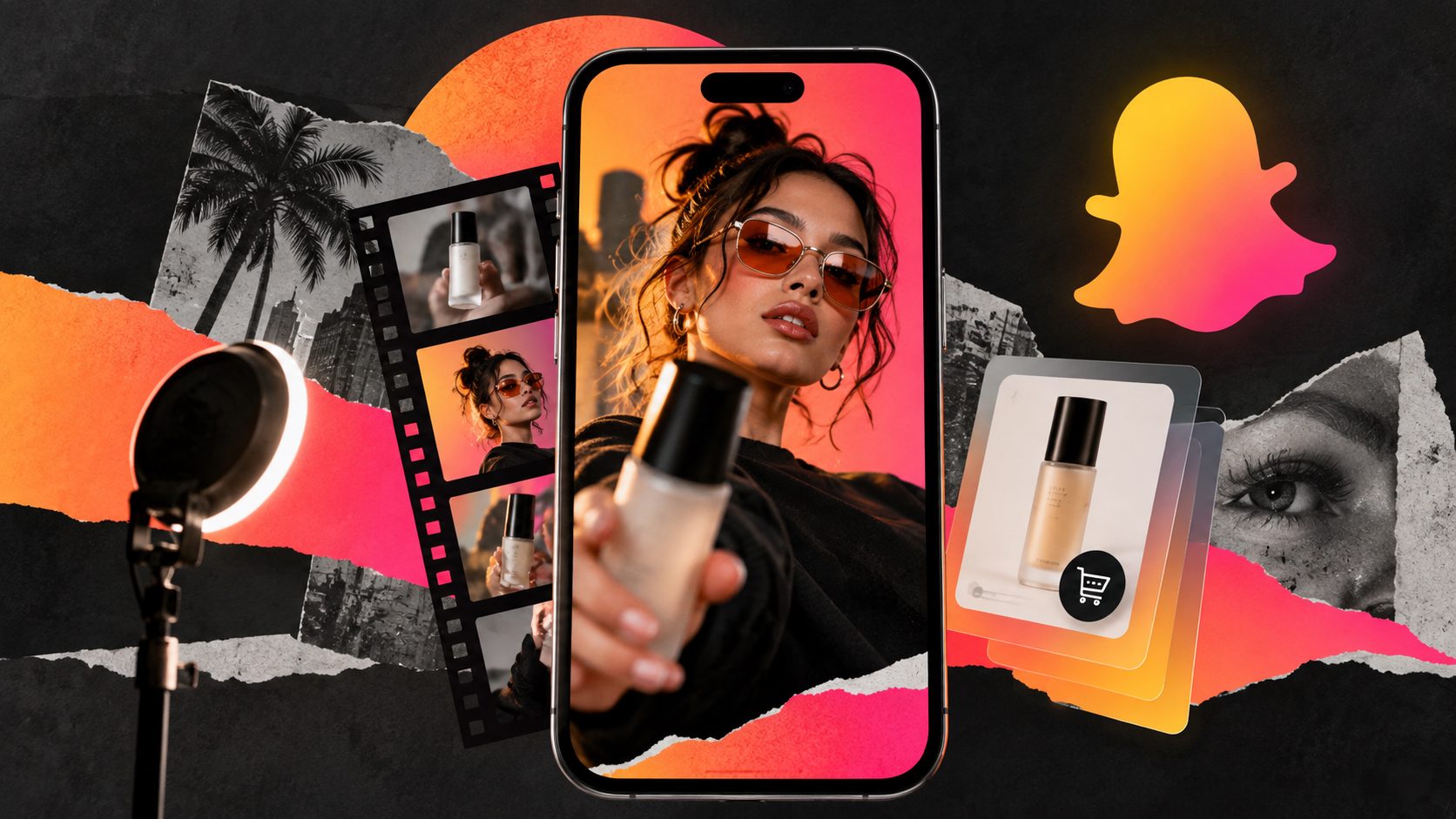
A Snapchat ecommerce ad video generator helps sellers turn product images, offers, and reference creatives into short vertical ads built for mobile viewing. The goal is not one “perfect” video; it is a repeatable system for testing hooks, product angles, creators, captions, and calls to action.
Snapchat’s own ecommerce guidance emphasizes full-screen Single Image or Video Ads, Collection Ads, key messaging upfront, and clear CTAs for online sales. It also notes that Snapchat reaches Gen Z and Millennials and recommends ecommerce advertisers choose conversion-focused setup options when they have enough data, according to Snapchat for Business ecommerce guidance.
For ecommerce teams, the creative question is practical: how do you make enough Snapchat-ready product videos without rebuilding every asset by hand?
What is a Snapchat ecommerce ad video generator?
A Snapchat ecommerce ad video generator is a workflow or tool that produces vertical product ads for Snapchat using product photos, scripts, reference videos, AI actors, captions, and editing controls. It should help sellers create multiple ad variants, not just export one vertical clip.
For ecommerce, the best generator should support four jobs:
- Create a fast first-frame hook that makes the product instantly understandable.
- Show the product in use instead of relying only on lifestyle filler.
- Add text, subtitles, and CTA structure for sound-off and sound-on viewing.
- Batch-produce variations for testing hooks, offers, avatars, languages, and formats.
AdsTurbo supports ecommerce video production with product video generation, Ad Clone, Lip Sync, Character Swap, Video Translation, AI Upscaling, Background Replace, Video Subtitle, and API access. Product Video can start from a JPG or PNG product image up to 10MB, while Product Image and Event Poster workflows also support JPG and PNG uploads for ecommerce visuals.
Why Snapchat product videos need a different structure
Snapchat ads need a fast, native-feeling structure because they appear in a full-screen mobile environment where users can skip quickly. Snapchat’s own video ad advice highlights short content, strong visual appeal, vertical orientation, captions or visual cues, and a clear story in the first few seconds in its guide to making better Snapchat video ads.
For sellers, that means a recycled landscape product demo is usually too slow. A Snapchat ecommerce video should answer three questions almost immediately:
- What is this product?
- Why should I care now?
- What should I do next?
A useful 15-second structure is:
| Time | Creative job | Example for ecommerce |
|---|---|---|
| 0–3s | Hook and product recognition | “This tiny gadget fixes messy cables in 10 seconds.” |
| 3–7s | Product demo | Show the before/after or use case close-up. |
| 7–11s | Proof or benefit | Add review-style text, comparison, or feature callout. |
| 11–15s | CTA and offer | “Shop the launch deal today.” |
The first three seconds should not be an intro logo animation. Put the product, problem, or outcome on screen first.
The 3-second hook matrix for ecommerce sellers
A strong Snapchat hook is a compressed promise: it shows the product, names the problem, and creates motion before the viewer has time to leave. The most useful hooks are specific enough to be tested, not generic slogans.
Use this original 3×4 hook matrix to brief a Snapchat ecommerce ad video generator:
| Hook type | Best for | Opening line | First visual |
|---|---|---|---|
| Problem shock | Utility, home, beauty tools | “Still doing this the hard way?” | Messy or frustrating before-state |
| Instant result | Beauty, fashion, gadgets | “Watch what changes in 5 seconds.” | Fast transformation shot |
| POV use case | Lifestyle products | “POV: your bag finally stays organized.” | Handheld product-in-use scene |
| Offer urgency | Seasonal, sale, bundles | “The bundle deal ends this week.” | Product stack plus offer text |
The mistake is testing 20 videos with the same first three seconds. A better batch uses the same product demo but changes the hook family. That isolates what actually earns attention.
AdsTurbo’s Ad Clone workflow can preserve the pace, opening rhythm, shot logic, and CTA structure of a reference ad while generating new variants around your product. For a broader testing system, pair this with a workflow like automated ecommerce ad creative A/B testing.
How to build a Snapchat-ready video ad step by step
A reliable Snapchat product ad workflow starts with the product asset, then builds outward into message, proof, and variations. This order keeps the video grounded in the item being sold instead of becoming a generic AI clip.
-
Upload a clean product image.
Use a clear JPG or PNG product photo. For best results in AdsTurbo Product Image, a clear photo on a solid-color background works especially well. -
Choose one product angle.
Do not combine five benefits in one short ad. Pick one: faster routine, cleaner setup, better gift, easier travel, improved look, or stronger value. -
Write three hook options.
Create one problem hook, one outcome hook, and one POV hook. Keep each under 10 words. -
Generate the product video.
AdsTurbo Product Video can generate product review videos, product introduction videos, and product demonstration videos from ecommerce product inputs. -
Add subtitles and visual cues.
AdsTurbo Video Subtitle automatically transcribes speech and creates time-synced subtitles. It supports subtitle layouts suited for TikTok, Instagram Reels, and YouTube Shorts, which are also useful references for vertical social ad readability. -
Export and test variants.
Keep the core demo consistent while changing the opening text, actor, voice, CTA, or offer. If adapting across platforms, use a resizing workflow such as ecommerce video ad resizing for TikTok, Reels, Shorts, and Meta.
This approach produces creative learning, not just content volume.
What should the CTA say in a Snapchat ecommerce ad?
A Snapchat ecommerce CTA should tell the viewer exactly what action to take and why now. The best CTA is short, product-specific, and aligned with the landing page, such as “Shop the bundle,” “See today’s colors,” or “Get the travel size.”
Avoid vague endings like “Learn more” when the ad is selling a clear product. Better CTAs match buyer intent:
- For discounts: “Claim the launch offer”
- For bundles: “Shop the 3-piece set”
- For apparel: “Find your size”
- For beauty: “Choose your shade”
- For gadgets: “See how it works”
- For gifting: “Order before the holiday rush”
Place the CTA on screen before the final second. Many ecommerce ads wait too long, then the CTA appears after attention has already dropped.
How to batch-produce Snapchat creative without losing quality
Batch production works when each variation changes one meaningful variable. It fails when teams generate many random videos with no testing logic. A Snapchat ecommerce ad video generator should help create structured variation sets.
Use this batch plan:
| Batch | Variable changed | Keep constant | What you learn |
|---|---|---|---|
| A | First 3-second hook | Product demo, CTA | Which angle earns attention |
| B | Product proof | Hook, CTA | Which benefit drives clicks |
| C | Actor or persona | Script, offer | Which presentation style fits audience |
| D | Language or region | Product, core offer | Which market responds |
| E | CTA wording | Hook, demo | Which action phrase converts |
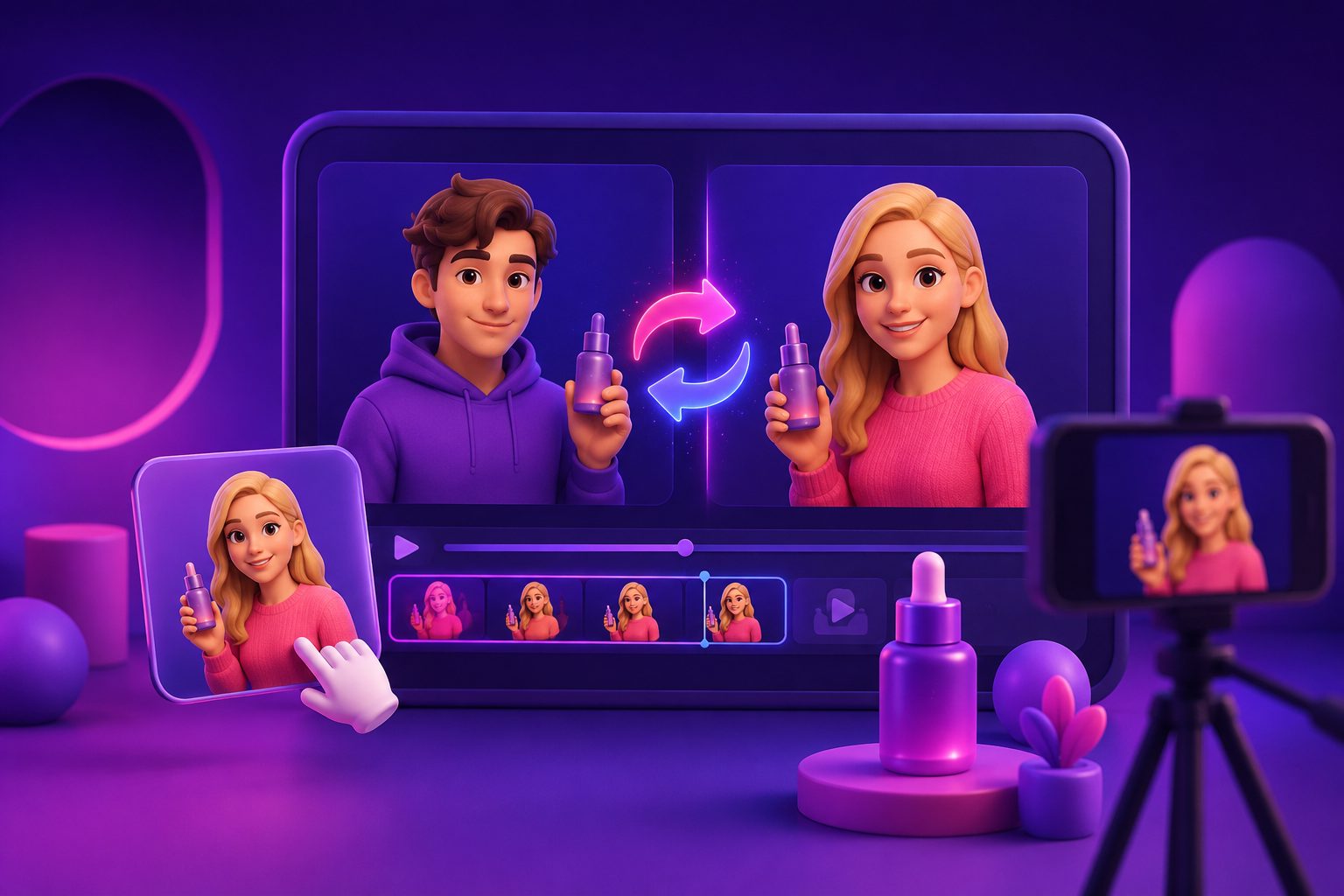
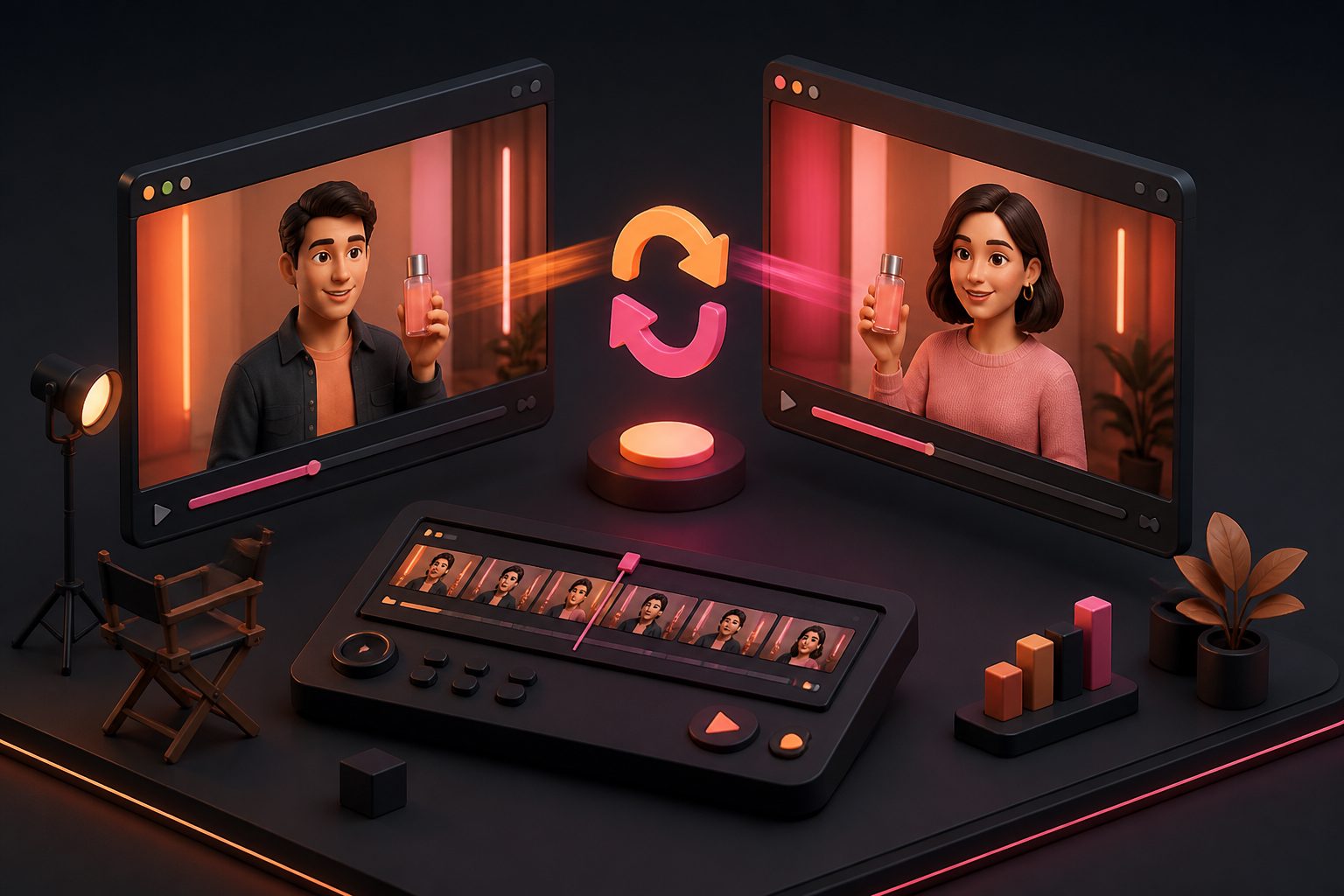
AdsTurbo supports 300+ AI actors and 100+ product ad templates, along with Lip Sync, Character Swap, Video Translation, subtitles, and multilingual localization. For sellers working across regions, Video Translation and Lip Sync can help adapt a single message into localized versions, while Character Swap can create audience-specific variants using a source video or image and a target character image.
For teams that need repeatable production, AdsTurbo’s higher-level plans support team workflows, API access, and custom workflow support. The API uses Bearer API Key authentication and includes composable modules for image generation, Persona, AI actors, ad cloning, video generation, and task handling. All generation tasks run asynchronously, with status polling or Webhook callbacks for completion events.
Safe zones, captions, and visual clarity matter
Snapchat vertical ads should be designed for a 9:16 mobile canvas, but creators still need to protect the center of the frame. Keep product details, price text, discount codes, and CTA copy away from crowded edges and interface areas.
A practical safe layout:
- Put the product or face in the middle third.
- Keep the main hook text above or beside the product, not over it.
- Use large captions with high contrast.
- Avoid placing important text at the very top or bottom.
- Show the product in motion at least once.
- Make the ad understandable with sound off, even if sound improves it.
For first-frame design, the same principles used in an ecommerce video ad thumbnail generator workflow apply: the viewer should understand the product category and value proposition before the video fully unfolds.
When should sellers use AI instead of manual editing?
Use AI when the creative bottleneck is variation, localization, or speed. Use manual editing when the brand needs a highly polished hero commercial, complex motion design, or legal-heavy review.
AI is especially useful for:
- Turning one product image into multiple UGC-style ad concepts
- Rebuilding a proven ad structure with new product details
- Testing hooks before booking creators
- Translating video ads for cross-border campaigns
- Adding subtitles quickly
- Replacing backgrounds or improving low-resolution assets
- Generating sale visuals for seasonal campaigns
Manual review still matters. Check product claims, offer dates, subtitle accuracy, landing-page alignment, and whether the ad visually represents the product honestly.
Common questions
How long should a Snapchat ecommerce video ad be?
Most ecommerce sellers should start with short videos around 6–15 seconds. The first three seconds should show the product, problem, or result clearly. Longer ads can work when the demonstration genuinely needs more time, but the opening still has to be immediate.
Can I use the same video from TikTok or Instagram Reels on Snapchat?
Yes, but it should be adapted. Keep the vertical format, tighten the opening, check safe zones, adjust captions, and make sure the CTA matches Snapchat traffic. A video that works on Reels may still need a faster product reveal for Snapchat.
What product assets do I need to generate a Snapchat ad?
At minimum, prepare a clear JPG or PNG product image, one key benefit, one offer or CTA, and optional brand visuals. In AdsTurbo, Product Video supports JPG or PNG product image uploads up to 10MB.
Should every Snapchat ad use an AI actor?
No. AI actors are useful for UGC-style narration, demos, and localization, but some products perform better with close-up product footage, hands-only demos, or simple before/after visuals. Test actor-led and product-led versions separately.
What is the best way to test Snapchat ad variants?
Change one variable at a time. Start with three hook types, then test proof points, CTAs, personas, and localized versions. Keep the product demo constant during each test batch so performance differences are easier to interpret.
Final takeaway
A Snapchat ecommerce ad video generator is most valuable when it supports a disciplined creative system: fast hooks, clear product demonstration, readable captions, specific CTAs, and controlled batch testing. For ecommerce sellers, the advantage is not only faster production. It is faster learning about which product angle, persona, and offer actually deserves more spend.