TikTok Creator Outreach Sample Unboxing Video: A Pre-Sample Pitch Guide

Summarize with
Summary
Use a TikTok creator outreach sample unboxing video to show creators the concept before shipping. Get a practical pitch template, workflow, and AI production tips.
By adsturbo.ai | Published 2026-10-24 | Updated 2026-10-24
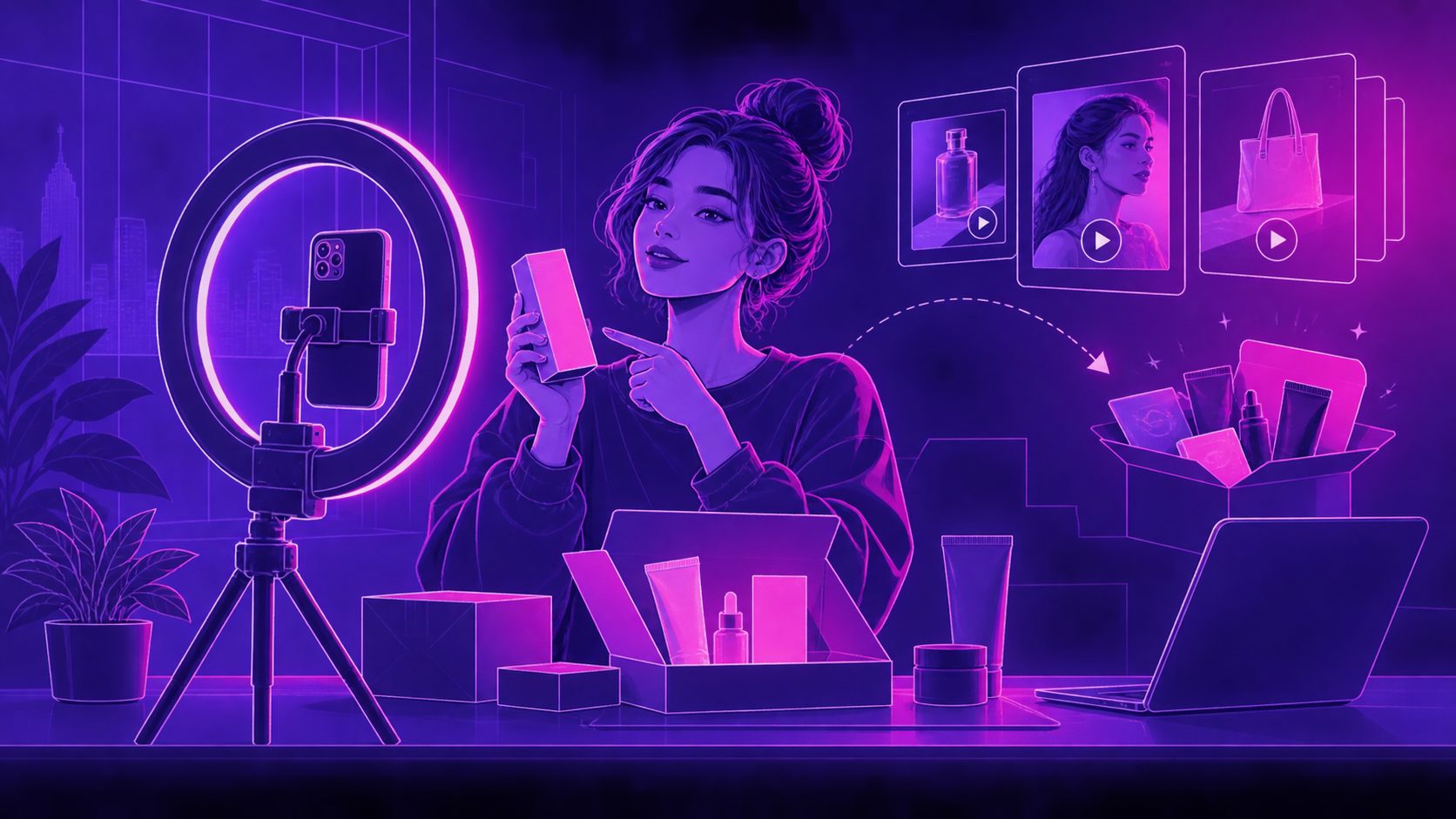
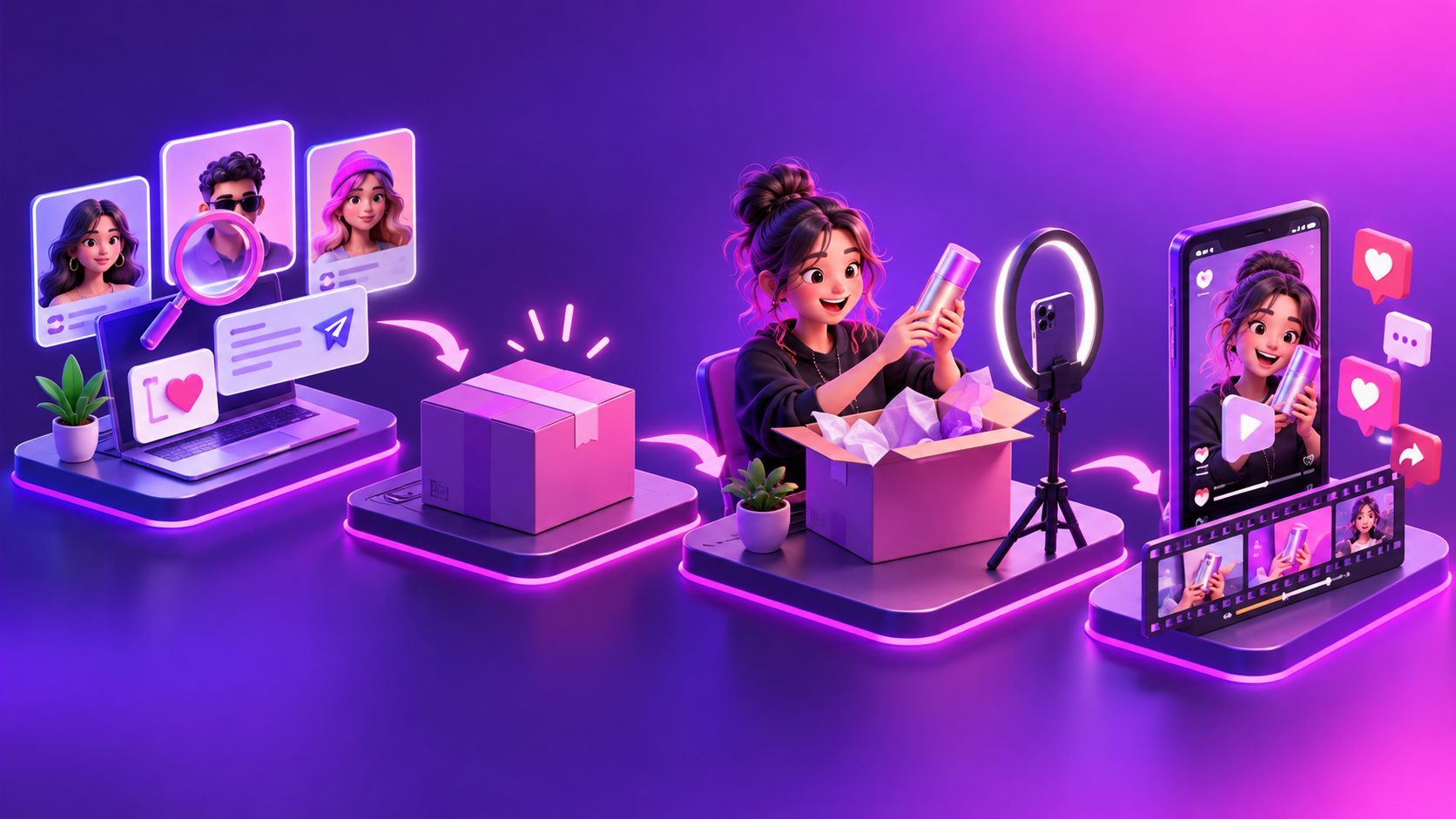
A TikTok creator outreach sample unboxing video is a short preview that shows a creator how a product could be opened, demonstrated, and introduced before the physical sample arrives. Instead of sending a generic collaboration message, a seller can pair a personalized pitch with a visual concept that makes the opportunity easier to understand and say yes to.
This approach addresses a common problem: creators receive many sample requests, but most pitches make them do the creative planning themselves. TikTok’s own seller guidance emphasizes product samples, creator communication, and authentic product demonstrations as part of Shop collaborations. (seller.tiktok.com)
What should a pre-sample unboxing video accomplish?
A pre-sample unboxing video should not pretend to show a creator’s real reaction. Its purpose is to make the proposed content format visible before the creator commits.
The strongest preview answers four questions quickly:
- What product would I receive?
- What would the opening moment look like?
- What product benefit could I demonstrate?
- What creative freedom would I still have?
A useful preview is usually 10–20 seconds long. It can show a package opening, product close-ups, a simple first-use action, and a suggested CTA. It should be labeled or framed as a concept preview, not as a customer testimonial or genuine review.
TikTok’s guidance for shoppable unboxing content focuses on experience, emotion, product presentation, and audience connection. That makes the format useful for outreach because the creator can see both the product and the intended storytelling angle before requesting a sample. (seller-uk.tiktok.com)
Why a visual pitch can improve creator outreach
A normal outreach message asks the creator to imagine the content. A visual pitch reduces that mental work.
Common creator outreach advice recommends a specific reference to the creator’s content, a clear offer, a short message, and one simple next step. It also warns against sending a long list of requirements in the first message. (collabrun.com)
The preview adds a fifth element: creative certainty.
Creators are more likely to evaluate an opportunity when they can quickly understand:
- The product’s visual appeal
- Whether the product fits their filming style
- What the first three seconds might look like
- Whether the concept feels natural rather than overly scripted
- How much work is expected after the sample arrives
The preview should support the creator’s style, not replace it. For example, a skincare creator may prefer a close-up texture reveal, while a home-product creator may prefer a package-to-use demonstration. The same product can need several preview concepts for different creator niches.
A simple creator-fit and preview scorecard
A practical way to prioritize outreach is to score each creator and preview from 0 to 2 across five factors:
| Factor | 0 points | 1 point | 2 points |
|---|---|---|---|
| Audience fit | Broad or unclear | Partially relevant | Direct product-category fit |
| Format fit | Rarely demonstrates products | Occasional reviews | Regular unboxing or demo content |
| Visual fit | Product is hard to show | Some visual potential | Strong opening, texture, use, or result |
| Offer clarity | No sample or compensation details | Some details | Sample, commission, and next step are clear |
| Preview fit | Generic concept | Light customization | Built around the creator’s format |
Prioritize creators scoring 7 or higher out of 10. This is not a platform rule or guaranteed performance benchmark. It is an original planning framework for reducing wasted samples and making outreach decisions more consistent.
The most important insight is that creator-product fit matters more than preview polish. A beautifully edited sample video will not rescue a weak audience match. The preview should help qualify the opportunity, not create pressure.
What to include in the outreach message
Keep the first message to two to four short sentences. Lead with the reason for contacting that creator, state the offer plainly, and ask for one action.
Sample TikTok creator outreach message
Hi [First Name] — your recent [specific video or format] is close to how we think [Product Name] could be introduced. We would love to send you a free sample, plus [commission or payment details], and we made a short concept preview showing one possible unboxing angle. If it feels like a fit, would you like me to send the sample details?
This version works because it does not demand a finished video before the product is tested. It also gives the creator permission to adapt or reject the concept.
Avoid claims such as “guaranteed viral,” “easy money,” or “this will definitely convert.” Avoid generic praise based only on follower count. A specific observation about the creator’s content is more credible than a mass-produced compliment. (collabrun.com)
How to create the preview before shipping the sample
A seller can build the concept from product photos, packaging details, a reference format, and a short list of selling points.
Use this five-shot structure:
- Hook: Show the package entering the frame or reveal the product promise.
- Open: Display the package opening, seal removal, or product reveal.
- Detail: Show a feature that is easy to understand visually.
- Use case: Demonstrate how the product fits into the creator’s normal content.
- CTA: End with “Would you try this?” or a product-specific invitation.
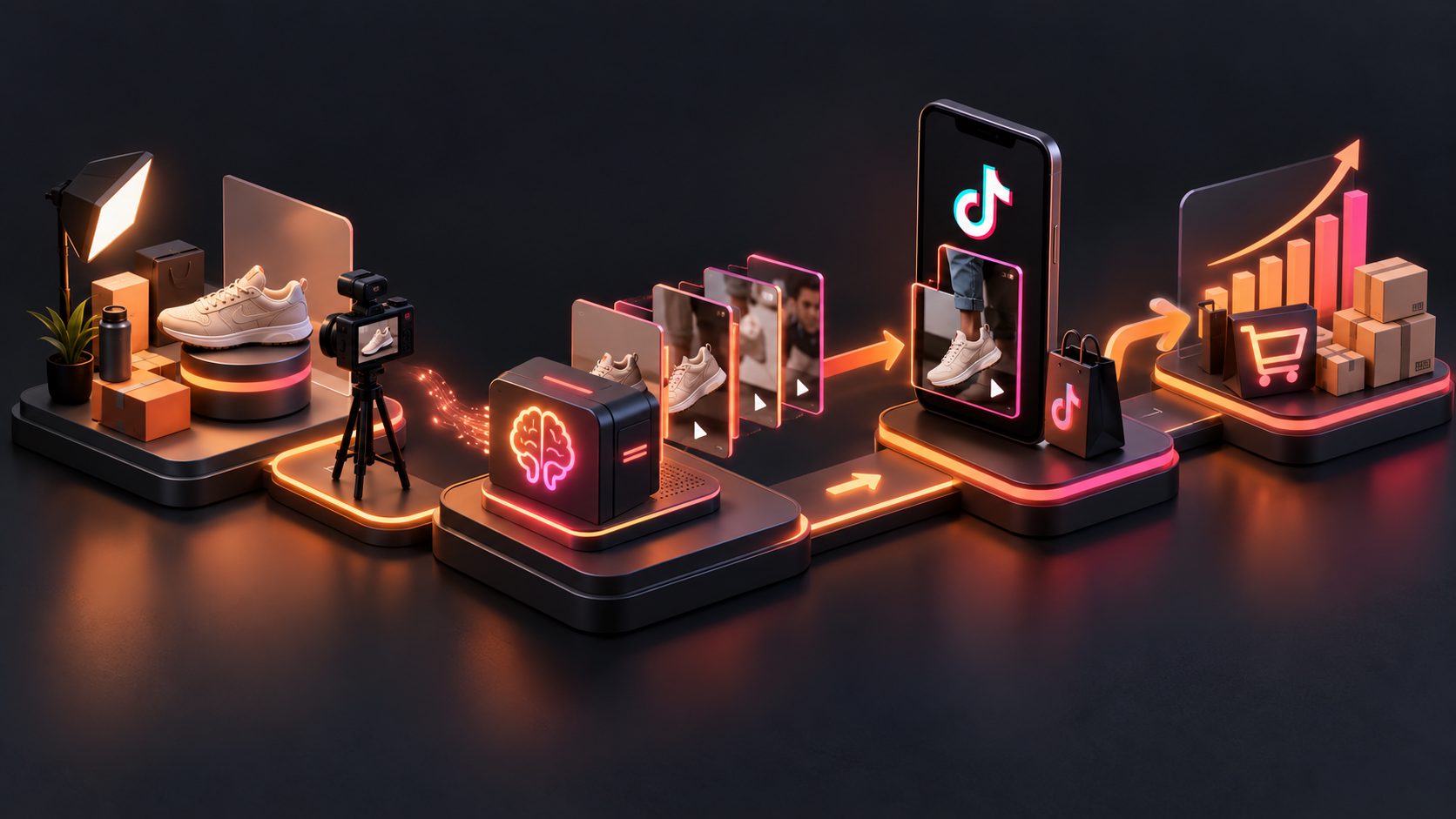
AdsTurbo Product Video can create short UGC-style product videos from a JPG or PNG product image, with optional selling points and promotional information. For a stronger visual pitch, use a clear product photo, especially one captured against a plain background.
For products that need a cleaner listing image first, AdsTurbo Product Image can analyze a product’s shape, color, and category. It supports JPG and PNG uploads, multiple output ratios, and image types such as banners, lifestyle scenes, close-ups, detail images, instruction visuals, and brand images.
A seller can also use an AI UGC video workflow for ecommerce products to turn one product image into several concept directions before selecting the version to send to a creator.
How to personalize one preview for different creators
Do not send the same concept to every creator. Keep the product footage consistent, but change the opening and use case.
| Creator type | Suggested opening | Product emphasis |
|---|---|---|
| Review creator | “Let’s see what is actually inside” | Packaging, details, honest evaluation |
| Lifestyle creator | “A small upgrade for my daily routine” | Context and convenience |
| Deal creator | “Here is what arrived for this offer” | Value, bundle, discount, CTA |
| Tutorial creator | “Here is how I would use this” | Demonstration and steps |
| Niche expert | “A closer look at this specific feature” | Technical or category-specific benefit |
AdsTurbo Event Poster can also create promotional visuals around a product, discount, and campaign theme. It supports JPG and PNG uploads, nine output ratios, and copy in seven languages, which can help prepare consistent campaign assets for creators in different markets.
For multilingual campaigns, keep the visual sequence the same while adapting the spoken audio, on-screen text, and CTA. AdsTurbo provides video translation and subtitle tools, including automatic transcription and time-synced captions. A related workflow is localizing ecommerce video ads with subtitles and dubbing.
What to do after the creator replies
Once a creator shows interest, clarify the collaboration without turning the first conversation into a rigid production brief.
Confirm:
- Product variant and shipping details
- Sample terms
- Commission, flat fee, or both
- Expected content type
- Posting channel and approximate timing
- Whether the creator has creative control
- Any required disclosure, product facts, or prohibited claims
- Whether the brand needs permission to reuse the finished content
TikTok Shop sample programs can include posting expectations after receipt, so sellers should confirm the applicable platform terms and campaign requirements instead of relying on an informal DM. (seller.tiktok.com)
Follow up once with useful information rather than simply asking, “Did you see my message?” For example, send a revised hook, a new product angle, or a clearer sample detail. If the creator is not interested, provide an easy way to decline.
Common questions
Should the preview show a fake creator reaction?
No. A preview should show the proposed structure, not fabricate an authentic opinion. Use neutral language such as “concept,” “sample direction,” or “possible opening.”
How long should the sample unboxing preview be?
Aim for 10–20 seconds for outreach. It should communicate the hook, reveal, product detail, and next step without becoming a complete advertisement.
Should the message include commission details?
Yes. If commission, payment, or a free sample is part of the offer, state it clearly. A creator should not have to search through multiple messages to understand the commercial terms.
Can one product use several outreach previews?
Yes. Create different versions for review, lifestyle, tutorial, deal, and niche-expert creators. The product can stay consistent while the hook and use case change.
What if the creator wants full creative control?
That is often a positive signal. Use the preview to explain the product opportunity, then let the creator adapt the opening, pacing, and presentation to fit their audience.
A practical takeaway
The best TikTok creator outreach sample unboxing video is not the most polished advertisement. It is a clear, honest preview that helps the right creator recognize a strong content fit before the sample is shipped.
Use a specific message, one visual concept, one clear next step, and enough flexibility for the creator’s own voice. For teams producing many variants, AdsTurbo supports ad cloning, product video generation, subtitles, translation, background replacement, and API-based workflows for repeatable creative production. See the practical workflow for creating an unboxing video without the product for another way to plan the concept stage.