By adsturbo.ai | Published 2026-10-20 | Updated 2026-10-20
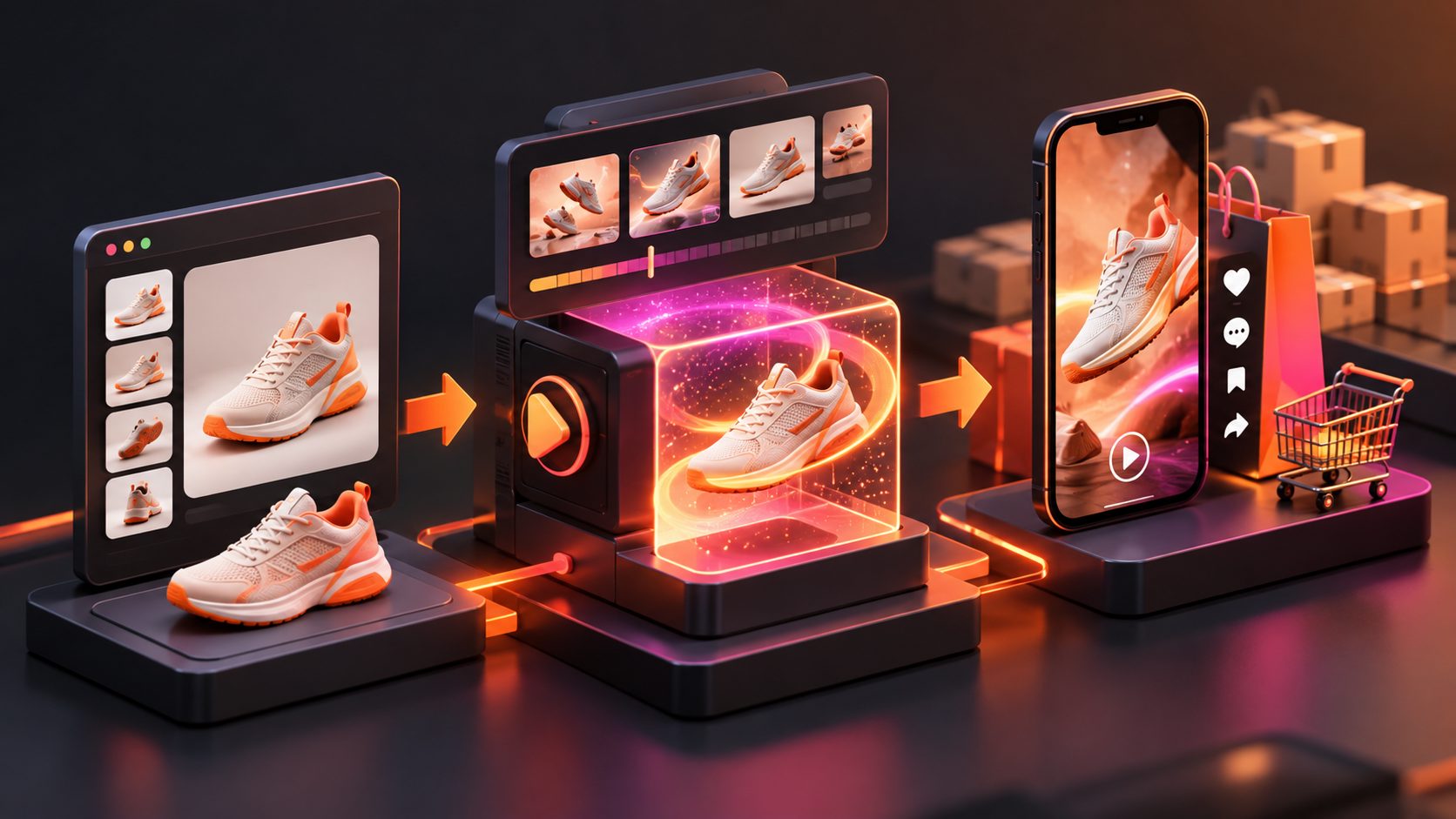
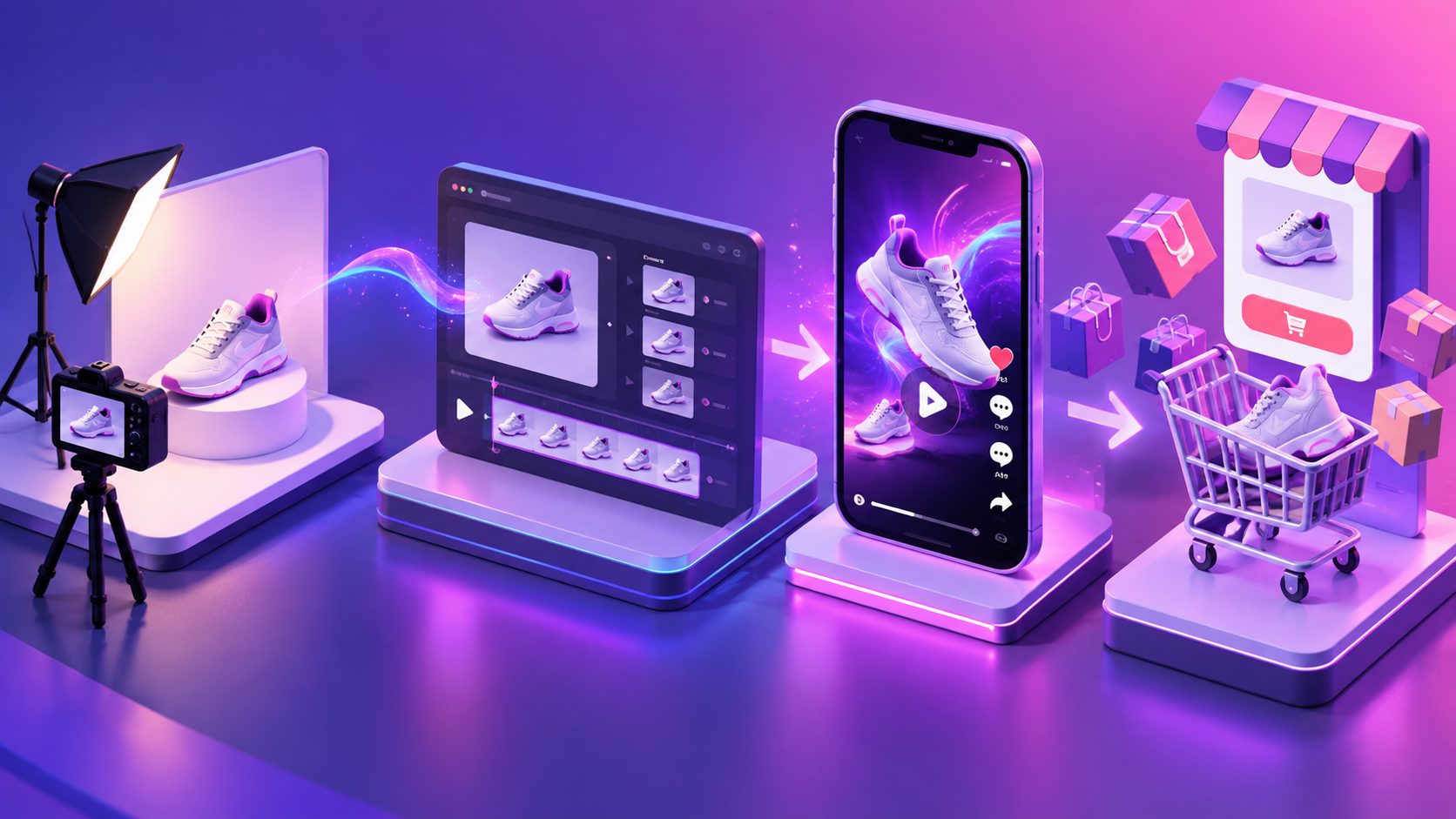
A TikTok Shop product image to video ad turns a single listing photo into a short, shoppable creative. The best results do not come from adding random motion; they come from preserving product truth, choosing one buyer problem, showing useful proof, and producing several testable variations.
For US ecommerce sellers, this workflow matters because a TikTok video can connect discovery with a product page. TikTok says product links can send viewers to a Product Details Page, while Video Shopping Ads allow advertisers to use short-form video and product cards to sell through TikTok Shop. (ads.tiktok.com)
What is a TikTok Shop product image to video ad?
A TikTok Shop product image to video ad is a vertical promotional video created from one or more product photos, usually with motion, text, voiceover, captions, product benefits, and a shopping call to action.
The important distinction is that image-to-video generation creates a creative asset, not a complete campaign. You still need to verify the product, attach the correct TikTok Shop item, review the claims, and select the campaign setup. TikTok’s official workflow requires a TikTok Shop or Showcase connection before creating Video Shopping Ads, followed by product and video selection in Ads Manager. (ads.tiktok.com)
A static image can become:
- A product reveal with a slow camera push
- A problem-solution demonstration
- A feature close-up
- A before-and-after explanation
- A seasonal promotion
- A comparison between product variants
- A caption-led UGC-style product introduction
The creative should make the product easier to understand, not make it appear different from what the buyer will receive.
What should one product image communicate?
One product image should support one clear selling angle. Trying to show every benefit in a short clip usually produces a crowded video with weak recall.
Use this four-part framework:
| Layer | Question | Example |
|---|---|---|
| Product truth | What exactly is being sold? | One stainless-steel bottle |
| Buyer problem | What frustration does it address? | Drinks become warm during commutes |
| Visual proof | What can the video honestly show? | Lid, shape, opening, carry movement |
| Shopping action | What should viewers do next? | Tap the product link to view details |
This framework is an original practical filter for image-to-video ads: if a scene does not strengthen one of these four layers, remove it.
For example, a bottle photo can support a close-up of the lid, a hand-held scale reference, or an animated temperature callout only when the claim is supported by the product listing and evidence. It should not show unsupported insulation performance, an exaggerated size, or accessories that are not included.
How do you turn a product photo into a TikTok Shop video?
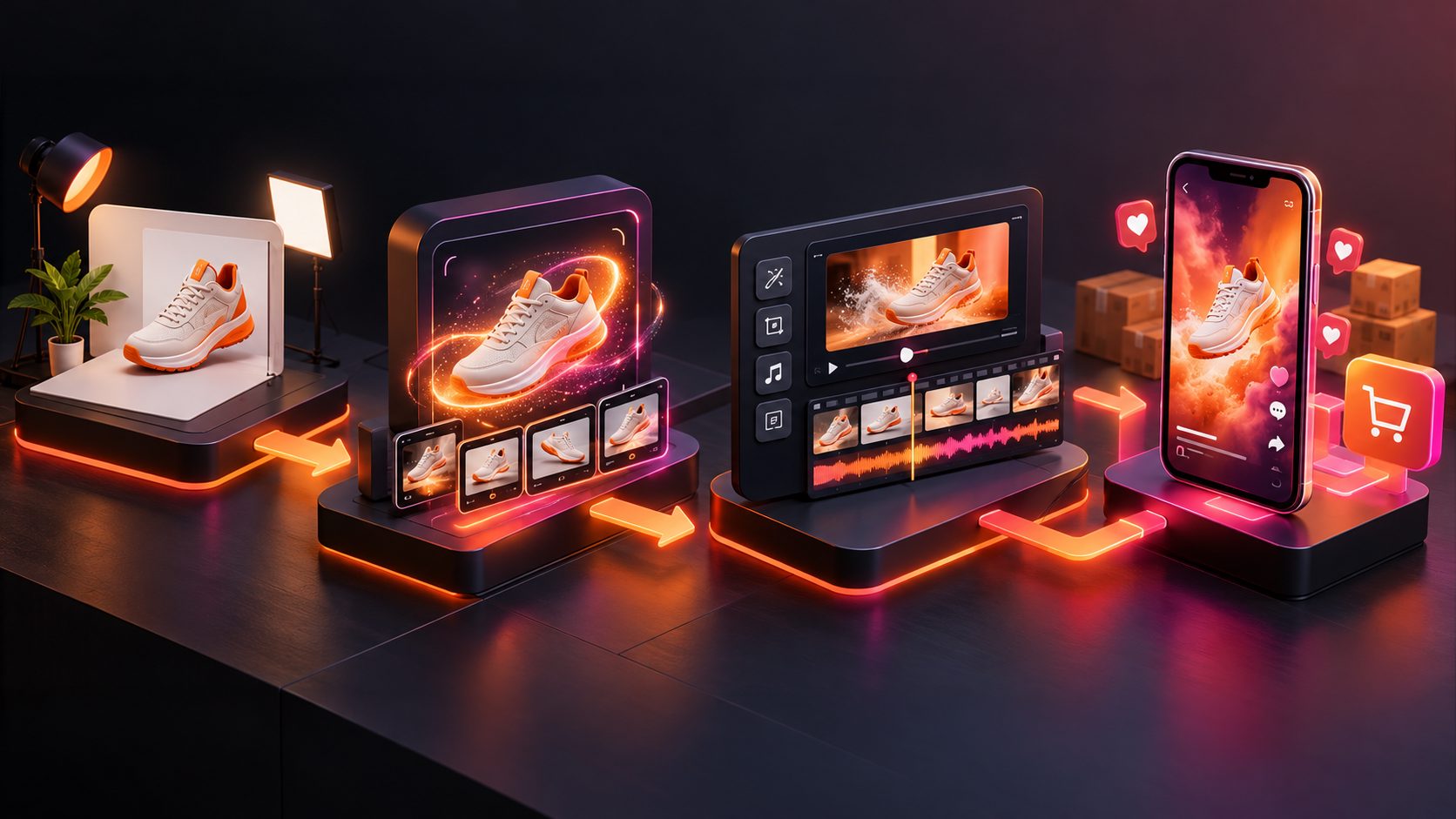
Follow this six-step process.
1. Prepare a clean product image
Start with a sharp JPG or PNG image. A simple product photo on a solid background gives the generator a clearer subject boundary and reduces unwanted changes to packaging, shape, or color.
AdsTurbo Product Image supports JPG and PNG uploads, and clear product photos on a plain background are recommended for the best result. The tool can analyze product shape, color, and category, then produce multiple image outputs for different creative needs.
If the source image contains a watermark, clutter, or a low-resolution label, fix that before creating the video. A higher-quality source generally gives the motion model fewer visual ambiguities to interpret.
2. Choose a single creative angle
Select one of these angles rather than writing a broad product description:
- Problem-first: “Still carrying a charger that fails halfway through the day?”
- Feature-first: “The detail that keeps this organizer from collapsing.”
- Use-case-first: “A compact setup for small apartment kitchens.”
- Offer-first: “A practical gift idea before the seasonal sale ends.”
- Proof-first: “See how the adjustable strap changes the fit.”
The hook should be specific enough to guide the first scene. “You need this” is generic. “The travel pouch that separates cables from chargers” gives the video a visual job.
3. Create motion that explains the item
Motion should reveal information. Useful movements include:
- Slow rotation to expose product sides
- Camera push-in toward a feature
- Slide transition between product variants
- Text callouts attached to visible components
- Product placement inside a realistic but accurate setting
- Hand interaction when scale or use needs clarification
Avoid adding motion merely because the source is static. TikTok Shop’s US content rules emphasize accurate product representation and prohibit AI visuals that alter size, color, material, quantity, features, compatibility, or performance. (seller-us.tiktok.com)
AdsTurbo supports Product Video workflows that use a JPG or PNG product image and optional selling points or promotional information to create product review, product introduction, and product demonstration videos.
4. Add captions and a direct CTA
Many viewers encounter short-form ads without sound, so the visual message should remain understandable through captions. Use a simple sequence:
- Hook: Identify the problem or desired outcome.
- Product: Show the item clearly.
- Benefit: Explain one meaningful advantage.
- Evidence: Show a visible feature, use step, or supported detail.
- CTA: Tell viewers to check the product link or product details.
AdsTurbo Video Subtitle can automatically transcribe speech, generate time-synced captions, and export either a video with embedded subtitles or a separate subtitle file. Caption styling can be adapted for TikTok, Instagram Reels, and YouTube Shorts.
5. Review product accuracy before publishing
Use a five-point review:
- Does the product remain the same color and shape?
- Is the quantity or bundle shown accurate?
- Are accessories clearly included or excluded?
- Do the claims match the product detail page?
- Does the setting imply an unsupported use or result?
TikTok’s US AI-generated content requirements allow AI-assisted editing, translation, subtitles, and visual effects when the content remains truthful. They also require disclosure when content is fully generated or significantly altered by AI, including use of the platform’s AI-generated content setting where applicable. (seller-us.tiktok.com)
6. Attach the correct product and test variations
A video becomes shoppable only when the correct product link or product source is connected. TikTok explains that product-linked videos go through an additional review process before the product link appears to viewers. (ads.tiktok.com)
Create variations by changing one variable at a time:
- Hook
- First-frame product size
- Voiceover versus text-only explanation
- Feature angle
- Creator or AI actor
- Offer language
- CTA placement
This produces cleaner learning than changing the hook, product scene, music, and offer in every version.
How many videos should one product image produce?
A useful starting point is a 3-by-3 creative matrix: three hooks across three visual treatments. For example:
| Product close-up | Lifestyle scene | Demonstration | |
|---|---|---|---|
| Problem hook | Version 1 | Version 2 | Version 3 |
| Feature hook | Version 4 | Version 5 | Version 6 |
| Offer hook | Version 7 | Version 8 | Version 9 |
This is not a promise that nine videos will outperform one. It is a testing structure that separates messaging from presentation. If the problem hook wins across multiple visual treatments, the offer may not be the main growth lever. If only the demonstration versions work, buyers may need more proof before clicking.
For a broader batch workflow, see AdsTurbo’s guide to AI UGC video ads for ecommerce. For products with multiple colors or sizes, the product variant video ads framework can help organize the test plan.
Which product categories work best from one image?
Single-image workflows are strongest when the product has a visible shape, color, texture, or simple use case. Examples include accessories, beauty packaging, home goods, small electronics, apparel details, pet products, and seasonal merchandise.
They are weaker when purchase confidence depends on complex performance proof, precise fit, safety evidence, or installation conditions. In those cases, use the product image as an introduction, then add real footage, documentation, demonstrations, or accurate diagrams.
A product image can attract attention, but it cannot independently prove every claim.
Common questions
Can I make a TikTok Shop video from only one product photo?
Yes. One clear JPG or PNG product photo can provide the visual source for a short product video. Add accurate selling points, captions, motion, and a CTA, then review the final result against the product listing.
Should the video look like UGC?
It can, but “UGC-style” should describe the presentation, not justify unsupported claims. A product introduction, creator-style voiceover, or AI actor can work when the product and statements remain accurate.
Can I translate the same product video for other markets?
Yes. AdsTurbo supports video translation, multilingual subtitles, and lip-sync workflows. Translation should preserve the original meaning and should not introduce claims that are absent from the source product information.
How do I improve a weak image-to-video result?
Improve the input image first, then simplify the creative direction. Use one product, one angle, one visible benefit, and one CTA. If the product still changes shape or details, replace the scene with closer product shots, text-led motion, or verified source footage.
Where can I create the workflow?
AdsTurbo combines Product Video, Video Subtitle, Video Translation, AI Upscaling, Character Swap, Motion Control, and other creative tools. Higher-level plans support team workflows, API access, and custom workflows for sellers producing variations at scale. Start with the AdsTurbo ecommerce AI video platform.