By adsturbo.ai | Published 2026-09-26 | Updated 2026-09-26
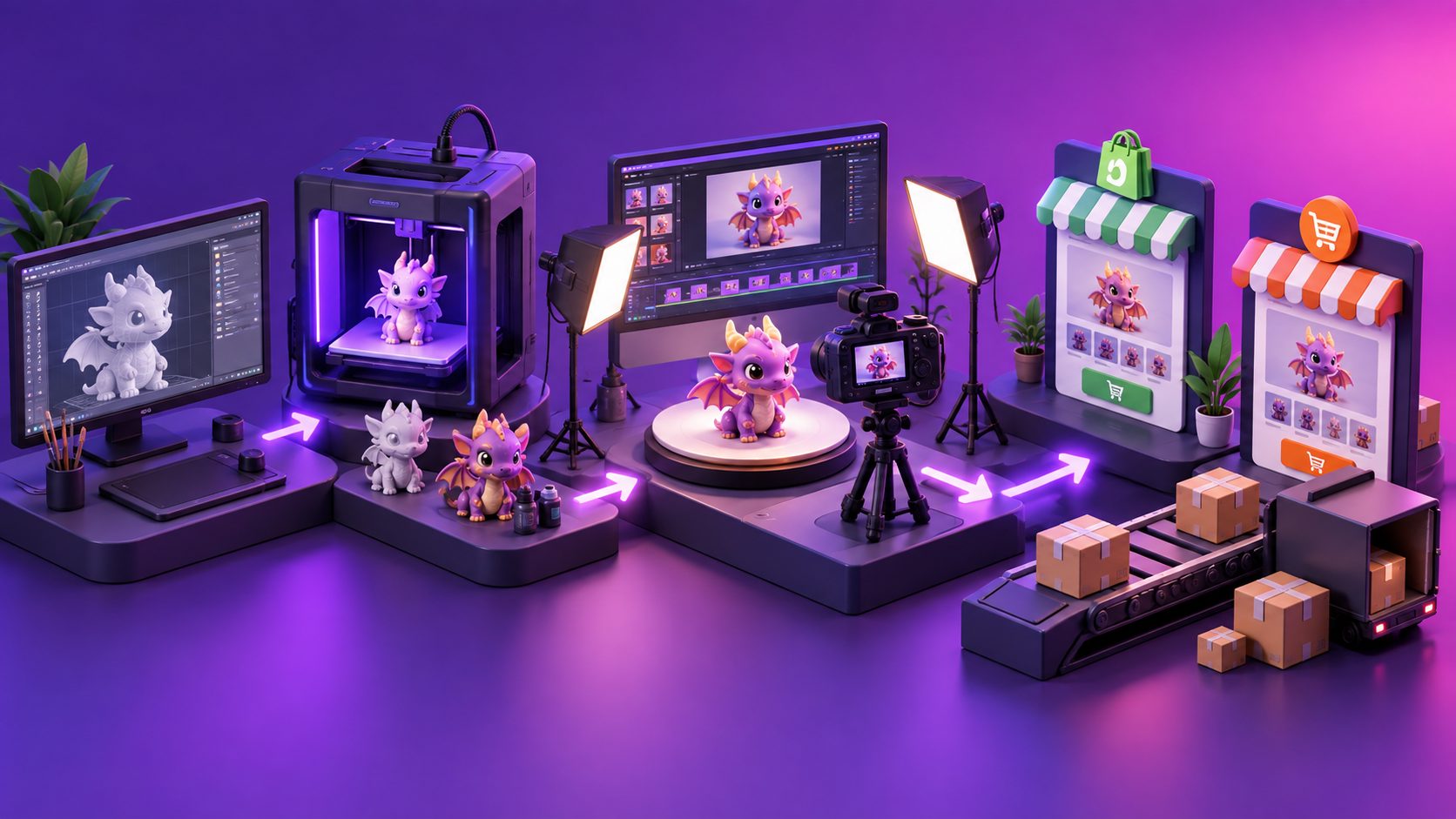
A 3D printed figurine video ad generator AI can turn one clear product image into a short video that shows scale, texture, paint details, silhouette, and customization options. For Shopify and Etsy sellers, the goal is not cinematic complexity. It is to make a small collectible easier to understand in the first few seconds while creating several useful ad variations from the same product asset.
The most effective workflow combines controlled camera motion, close-up detail shots, accurate product copy, subtitles, and platform-specific exports. The key is to animate what already exists instead of asking AI to invent a different figurine.
What is a 3D printed figurine video ad generator AI?
A 3D printed figurine video ad generator AI is an image-to-video workflow that converts a product photo into a short promotional clip. It may add a slow turn, camera push-in, lighting movement, background treatment, text overlays, voice, subtitles, or localized versions.
For figurines, the highest-value information is visual:
- The overall silhouette and pose
- Layer lines, paint, and surface texture
- Small accessories or interchangeable parts
- The front, side, and rear profile
- Customization details such as names, colors, or clothing
- The difference between a standard and premium finish
This makes figurines a strong fit for controlled product motion. A gentle rotation or macro camera move can communicate more than a generic “viral” effect because the product itself remains the focus.
Why static figurine images often under-explain the product
A single image can show a figurine, but it may not answer important buying questions. Customers may wonder how deep the sculpt is, whether the figure includes a base, how the paint looks under light, or how large the object appears beside a familiar item.
A useful video should therefore solve one uncertainty at a time:
| Buyer uncertainty | Best visual treatment |
|---|---|
| “What does the shape look like from other angles?” | Slow three-quarter rotation |
| “Is the sculpt detailed?” | Macro push-in on face, armor, hair, or texture |
| “What is included?” | Flat-lay or item-by-item reveal |
| “Can I customize it?” | Text overlay showing available options |
| “How does it look in a collection?” | Shelf or desk placement scene |
| “Is this a real product?” | Product-first footage with restrained motion |
This approach is more reliable than asking for a fully invented scene. Excessive generation can alter proportions, merge accessories, or change printed details that buyers expect to receive.
The four-pass workflow for converting one photo into ads
The following framework is designed for independent Shopify and Etsy sellers who may have only one usable product image per SKU.
1. Prepare a product-truth image
Start with a sharp JPG or PNG showing the complete figurine. A plain or solid-color background is useful because the product edges are easier to identify and separate. AdsTurbo Product Image supports JPG and PNG uploads, and clear product photos on solid backgrounds are recommended for the best output.
Before generating video, check:
- The entire figurine is visible.
- Important accessories are not hidden.
- The image is not heavily compressed.
- Paint colors and printed text are readable.
- The camera is close enough to show meaningful detail.
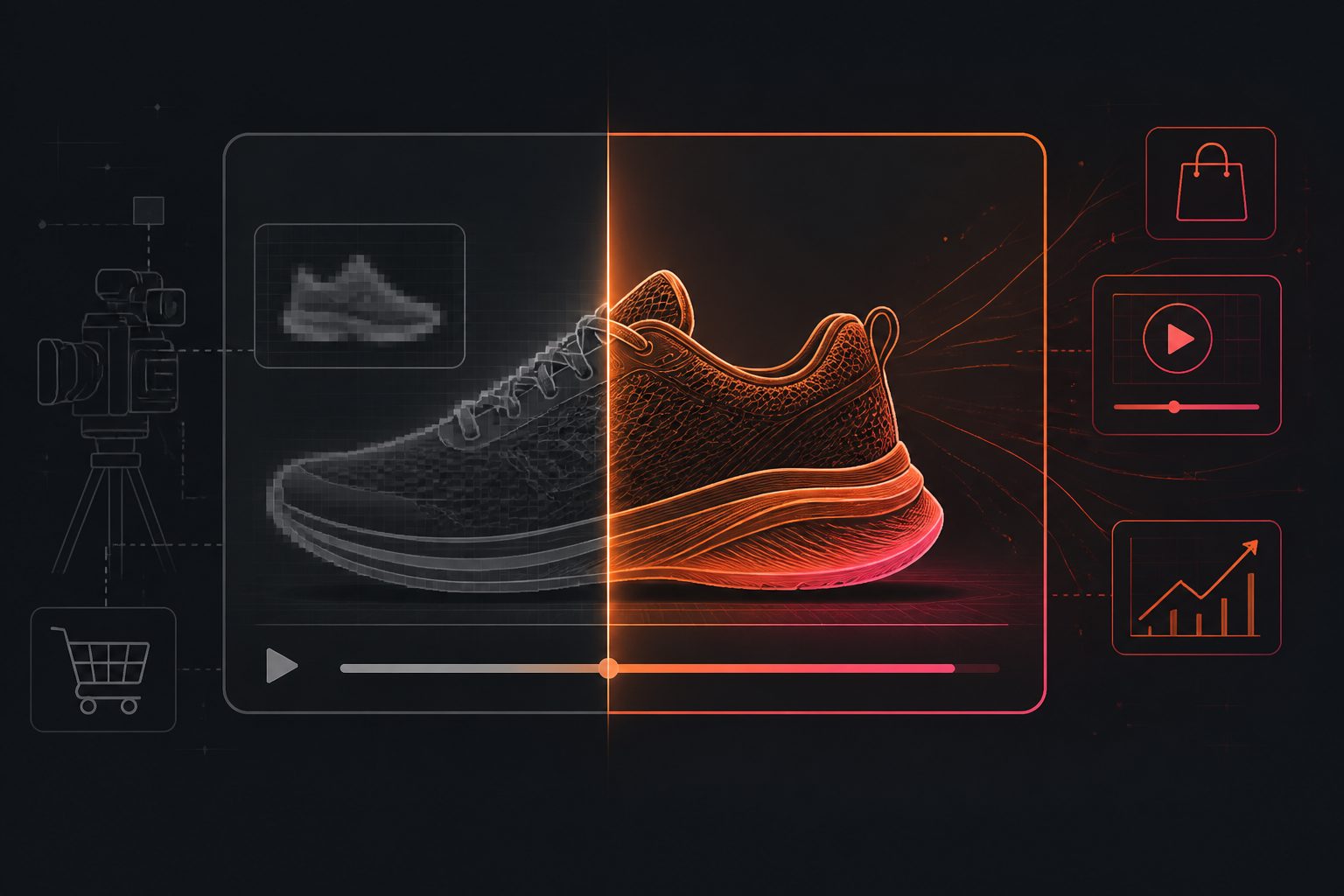
If the source image is soft, use an upscaling step before animation. AdsTurbo Video Upscaling supports before-and-after preview and 4K video export, which can help when a product clip needs cleaner edges or a more presentable finish.
2. Choose one motion objective
Do not combine every effect in one prompt. Select one primary motion objective:
- Reveal: a slow rotation that exposes the silhouette
- Detail: a controlled push-in toward the most intricate area
- Scale: a pull-back showing the figurine on a desk or shelf
- Collection: a lateral movement across several related figures
- Customization: a sequence showing different color or name options
For a single figurine, a 6–12 second clip is often enough to communicate one idea. The opening frame should show the product immediately. The closing frame should return to a clean product view so the clip can loop naturally or end beside a call to action.
3. Add an information layer
A product video becomes more useful when its text answers a specific question. Keep each variation focused on one message, such as:
- “Hand-finished fantasy figurine”
- “Choose your color”
- “Printed to order”
- “Includes display base”
- “Custom nameplate available”
- “Made for collectors”
AdsTurbo Video Subtitle can automatically transcribe speech and create time-synced captions. Captions can also be styled for formats such as TikTok, Instagram Reels, and YouTube Shorts. For silent autoplay placements, use short on-screen text even when the video has no voiceover.
A practical rule is one proof point per scene. A rotating shot can prove the shape. A macro shot can prove the texture. A final frame can present the offer or customization detail.
4. Create variations by changing one variable
The strongest testing structure changes one element at a time:
| Test variable | Example variations |
|---|---|
| Opening frame | Full figure, face close-up, accessory close-up |
| Motion | Rotation, push-in, pull-back |
| Background | Solid color, shelf, workshop-inspired setting |
| Message | Detail, customization, gift use |
| Format | 9:16, 1:1, 16:9 |
| Language | English, Spanish, French, or another target market |
This creates a readable creative test instead of a collection of unrelated videos. AdsTurbo’s Ad Clone workflow can analyze a reference ad and help reconstruct its pacing, shot logic, and CTA structure for new product variations. For a figurine seller, that means retaining a proven opening rhythm while replacing the product, detail shots, and offer.
Shopify and Etsy use cases
Shopify sellers can place video beside product images, on landing pages, or in promotional sections. Shopify supports mixed-media product galleries with images, videos, and 3D models, while its Shop product pages support uploaded video in MOV or MP4 formats. (help.shopify.com)
For Shopify, create three asset types:
- A quiet product-detail video for the product page.
- A vertical short video for paid and organic social.
- A variation focused on customization or gifting.
For Etsy, prioritize clarity over high-production polish. Show the actual figure early, avoid long title cards, and use the video to reveal detail that photographs cannot communicate. A close-up of a face, engraved nameplate, textured cloak, or painted accessory can make the listing feel more tangible.
Sellers validating a new figurine line can also use an ecommerce product validation video workflow to turn one product image into several early-stage creative concepts before investing in a larger shoot.
How to avoid inaccurate AI product videos
AI-generated motion should support product truth, not replace it. Use these controls:
- Keep the camera movement slow and physically plausible.
- Avoid prompts that request new accessories or dramatic transformations.
- Compare the first and last frame for color and shape consistency.
- Review all text overlays manually.
- Do not show a scale reference that makes the figurine appear much larger than it is.
- Use real product photography for claims about finish, size, or included parts.
- Remove any generated shot that changes the face, emblem, weapon, base, or paint pattern.
For a more polished campaign, combine the generated motion with real close-up stills. This creates an evidence chain: the video attracts attention, while the still images confirm the product details.
A practical export plan for one figurine
One product photo can support a compact seven-asset launch set:
- 9:16 reveal video for short-form social.
- 9:16 macro detail video focused on craftsmanship.
- 1:1 product rotation for feeds and catalog placements.
- 16:9 demonstration clip for a storefront or video landing section.
- Customization variation showing available options.
- Gift-focused version with seasonal or occasion-based copy.
- Captioned localized version for another market.
AdsTurbo supports product video creation, subtitles, video translation, AI upscaling, background replacement, and clip-by-clip editing. Its generation tasks run asynchronously, with completion available through status polling or Webhook callbacks. That makes the workflow suitable for batching multiple figurines or connecting generation to a larger catalog process.
For multilingual campaigns, an ecommerce video translation workflow can help adapt captions and audio while preserving the original creative structure. For longer source footage, livestream and long-video repurposing can turn demonstrations or making-of content into shorter clips.
Frequently asked questions
Can one figurine photo create a usable product video?
Yes. A clear JPG or PNG can support a short reveal, rotation, push-in, or shelf-placement video. The best results come from asking for restrained motion and using the original image as the visual reference.
Should the video show a full 360-degree rotation?
Only when the model has meaningful detail on multiple sides. If the rear is plain, a three-quarter turn followed by a macro detail shot may communicate more than a complete rotation.
What should the first three seconds show?
Show the figurine immediately, then reveal the most persuasive feature: sculpt detail, paint quality, personalization, or a distinctive accessory. Avoid opening with a logo-only frame.
Is AI video suitable for Etsy and Shopify product pages?
It can be useful for both, provided the video represents the real product accurately. Shopify supports product videos and mixed-media galleries, while marketplace listings benefit when motion clarifies details that static images leave uncertain.
How can sellers generate many figurine variations?
Use a repeatable template with fixed sections: product reveal, detail close-up, proof point, and CTA. Change one variable at a time, such as hook, motion, background, language, or offer, and process the outputs asynchronously in batches.