By adsturbo.ai | Published 2026-09-24 | Updated 2026-09-24
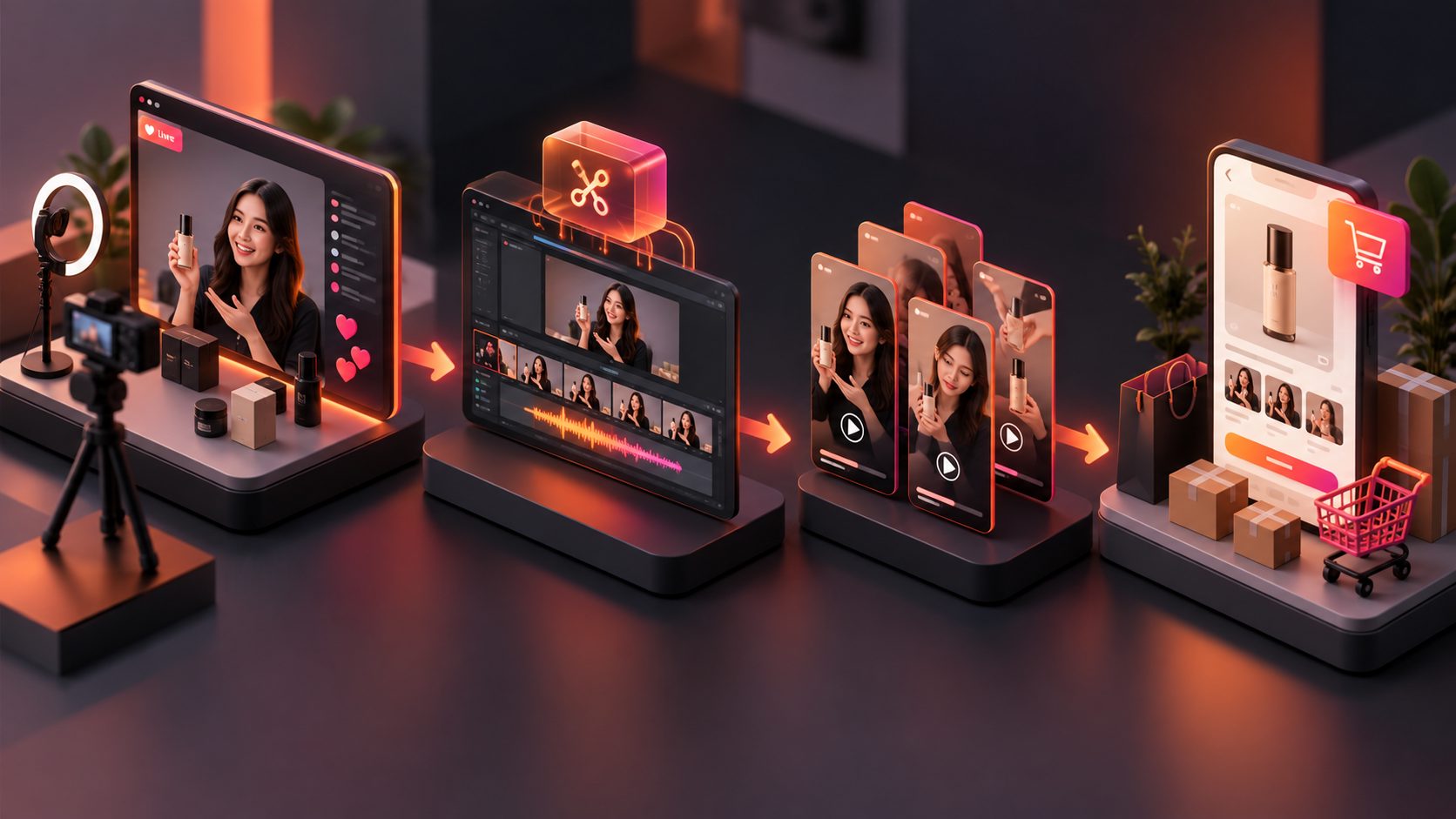
Turning livestream highlights to product video clips ecommerce teams can publish requires more than cutting the most entertaining moments. For TikTok Shop and Amazon Live fashion replays, each short clip should answer one buying question, show the product clearly, and lead naturally toward the next shopping action.
This guide provides a repeatable extraction workflow, an original scoring model, and practical scripts for converting try-ons, demonstrations, and audience Q&A into conversion-focused short videos.
What Makes a Livestream Moment Worth Clipping?
A valuable livestream highlight is a self-contained moment that combines shopper intent, visible product proof, and a clear takeaway. The viewer should understand the product and its relevance without seeing the preceding five minutes of the broadcast.
For apparel livestreams, prioritize moments that show:
- A complete front, side, or back view of the garment
- Fabric movement, stretch, texture, or opacity
- A direct answer about sizing, fit, material, or care
- A comparison between colors, sizes, or styling options
- A credible reaction after trying on the item
- A promotion whose price and availability remain current
Do not select a segment only because chat activity increased. Comments may spike around jokes, technical problems, or unrelated conversation. Confirm that the moment also contains usable product evidence.
TikTok Shop’s US guidance recommends dynamic demonstrations, multiple angles, accurate product descriptions, and a clear match between the product shown and the linked listing. (seller-us.tiktok.com)
How Can You Rank Highlights Before Editing?
The Clip Value Matrix is a 100-point editorial framework for comparing candidate segments before spending time on captions, reframing, or cleanup. It is an original planning model rather than a platform performance guarantee.
| Signal | Weight | Evaluation question |
|---|---|---|
| Buying intent | 25 | Does the moment answer a question that could block a purchase? |
| Visual proof | 25 | Can viewers see the fit, feature, texture, or result? |
| Standalone clarity | 20 | Does the segment make sense without earlier context? |
| Hook strength | 15 | Is there an immediate problem, surprise, or specific claim? |
| Product focus | 10 | Is the featured SKU unmistakable? |
| Editing effort | 5 | Can pauses, interruptions, and framing issues be fixed cleanly? |
Publish candidates scoring 75 or higher first. Segments scoring 60–74 can become supporting clips after a new hook or voiceover is added. Below 60, the editing effort usually exceeds the informational value.
For a 60-minute fashion replay, a practical planning target is six to twelve candidates—not dozens of nearly identical cuts.
How Do You Turn a Replay Into Short Product Videos?
Use this seven-step workflow to move from a long livestream archive to a controlled batch of shoppable assets:
- Create a transcript. Search for repeated buyer terms such as “size,” “stretch,” “see-through,” “pockets,” “material,” and “true to size.”
- Mark product boundaries. Record when each SKU enters and exits the conversation.
- Identify proof moments. Flag try-ons, close-ups, movement tests, comparisons, and direct answers.
- Score each candidate. Apply the Clip Value Matrix before polishing anything.
- Build a clean narrative. Arrange each clip as hook, evidence, answer, and CTA.
- Reframe and caption. Keep the garment visible when converting horizontal or wide footage into vertical video.
- Export platform variants. Create separate versions for discovery feeds, product listings, and paid creative tests.
For more detail on converting buyer objections into scripts, use this workflow for turning Amazon customer questions into product videos.
How Should Try-On Clips and Q&A Clips Differ?
Try-on clips lead with visual evidence. Q&A clips lead with a specific concern. Combining both formats into every edit can make the opening slow and the message unfocused.
| Clip type | Recommended opening | Middle | Closing |
|---|---|---|---|
| Try-on reveal | “Here is how the medium fits at 5'6".” | Front, side, movement, detail | Size or styling CTA |
| Fit question | “Does this run small?” | Host answer plus waistband or shoulder proof | Check the size options |
| Fabric test | “Is the white version see-through?” | Show fabric under normal lighting | Product-specific CTA |
| Comparison | “Black or olive—which is easier to style?” | Side-by-side outfits | Ask viewers to choose |
| Objection answer | “Yes, it has functional pockets.” | Close-up and use demonstration | Direct viewers to the linked item |
A good edit removes greetings and repeated setup but preserves qualifying context. Do not turn “This felt comfortable during the try-on” into an unsupported universal claim such as “comfortable for everyone.”
What Changes Between TikTok Shop and Amazon?
TikTok Shop clips should win attention quickly, while Amazon product videos should reduce uncertainty near the purchase decision. The same source moment can serve both channels, but the packaging should differ.
For TikTok Shop, introduce the hook and product immediately, keep the video dynamic, and connect the exact item displayed to the shoppable product link. TikTok’s current educational materials suggest a hook–key message–CTA structure and emphasize the opening three to six seconds. (seller-us.tiktok.com) The product-link-to-video workflow for TikTok Shop explains how to align creative with the linked listing.
For Amazon, prioritize factual demonstrations such as product overviews, unboxings, setup, and how-to content. Amazon states that sellers can assign these video types to relevant ASINs through Seller Central, where submissions undergo review. (sell.amazon.com) Before uploading, check the Amazon product video rejection checklist.
How Can AdsTurbo Support the Editing Workflow?
AdsTurbo can help process long-form source footage after the candidate moments have been selected. Its available tools include automatic long-video clipping with subtitles, clip-by-clip editing, script extraction, video translation, synchronized subtitles, video upscaling, and product video generation.
A practical workflow is to use the transcript to locate high-intent answers, create short cuts, and then refine each candidate separately. AdsTurbo Video Subtitle can produce time-synchronized captions and export either a captioned video or a standalone subtitle file. Subtitle styling can be adapted for TikTok, Instagram Reels, and YouTube Shorts.
For international campaigns, video translation and subtitle generation can create localized variants from the same approved source. Low-resolution replay footage can also be reviewed with the ecommerce video upscaling workflow, although enhancement cannot restore details that were never captured.
What Should the Final Quality Check Cover?
A conversion-oriented clip must pass four checks: product accuracy, visual clarity, message integrity, and channel readiness. Review the exported file rather than relying only on the editing timeline.
Confirm that:
- The visible product matches the linked SKU and variation
- Size, color, material, price, and promotion details remain accurate
- Captions reproduce the speaker’s meaning correctly
- Text does not cover the garment or important demonstration
- The hook is understandable with sound muted
- The product appears early enough to establish context
- The clip includes only footage the brand has permission to reuse
- The CTA matches the destination and platform
- No expired countdown, coupon, or inventory claim remains
- Different hooks are exported as separate testable variants
When multiple clips share the same body, vary the opening problem or proof point rather than changing only the caption color. The video ad hook testing framework offers a structured approach to first-three-second variations.
Frequently Asked Questions
How long should a livestream product clip be?
Use the shortest duration that preserves the complete answer or demonstration. Many fashion moments fit into 15–35 seconds, but a detailed sizing comparison may need longer. Clarity matters more than forcing every segment into one duration.
Can one livestream moment become several ads?
Yes. One try-on can support separate edits for fit, fabric, styling, pockets, and color. Each version should have a distinct opening and buying question rather than being a near-duplicate export.
Should livestream comments appear in the finished clip?
Show a comment when it supplies useful context, such as “Is the fabric stretchy?” Remove usernames or personal information unless reuse permission and platform rules clearly allow them to remain visible.
What is the biggest mistake when converting livestream highlights to product video clips ecommerce teams can reuse?
The biggest mistake is clipping entertaining dialogue without preserving product proof. A high-view moment is not automatically a useful sales asset. The final video must identify the product, answer a buying concern, and remain accurate outside the original livestream.