By adsturbo.ai | Published 2026-09-23 | Updated 2026-09-23
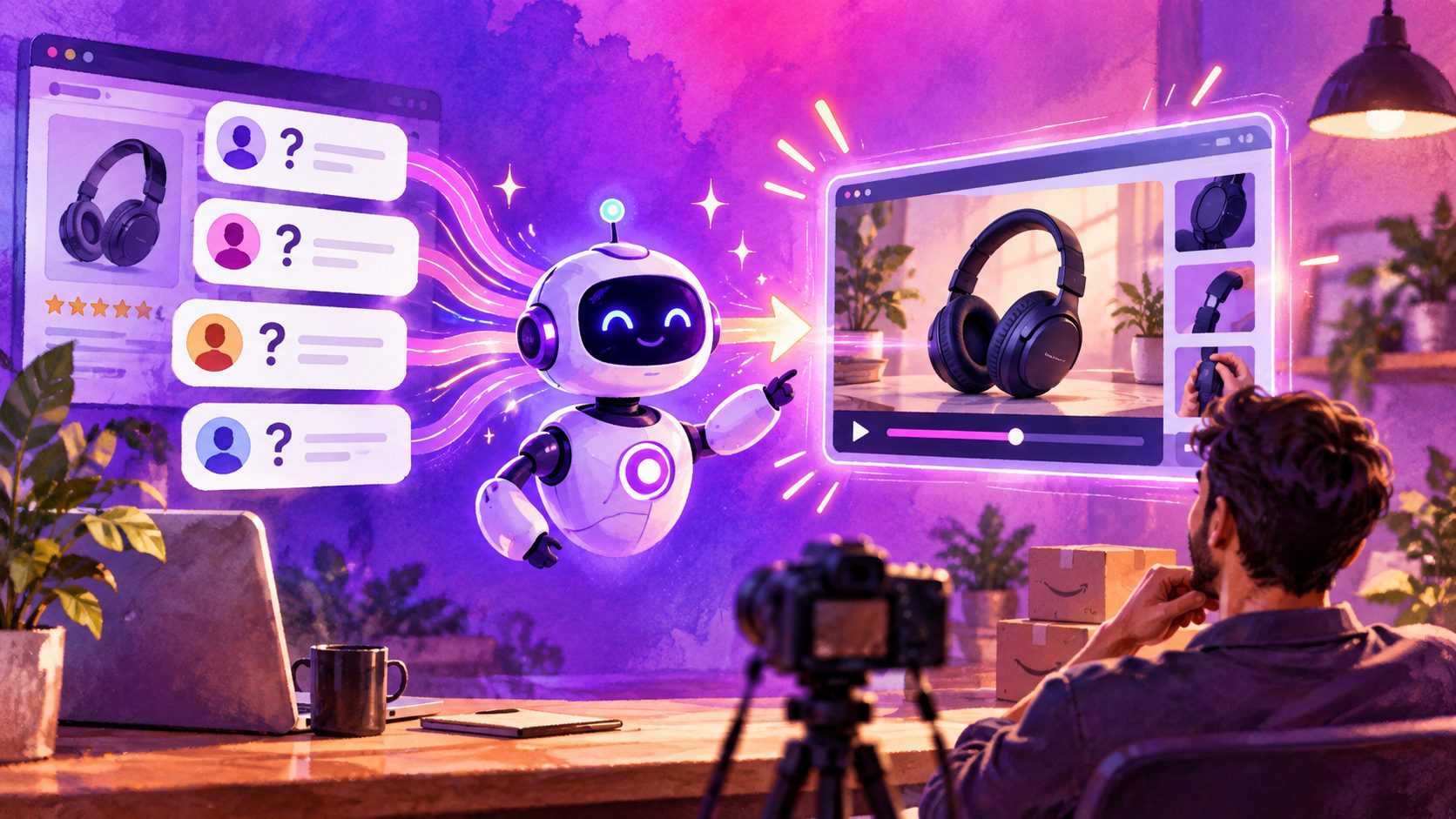
Amazon customer questions to product video AI is a workflow for converting recurring buyer questions into short, visual product answers. Instead of creating a generic product commercial, sellers identify what shoppers still do not understand, then build one focused video around each question.
This approach matches how Amazon shoppers evaluate products: they want to know whether an item fits, works, includes the right accessories, solves a specific problem, or looks as expected. Amazon’s own product-video guidance recommends showing the product in use, explaining what makes it different, and connecting it to the customer’s lifestyle. (sell.amazon.com)
What is an Amazon customer question product video?
An Amazon customer question product video is a short demonstration built to answer one specific buyer concern, such as “Will this fit in my car cup holder?” or “What comes in the box?”
The strongest version has four parts:
- The question: State the buyer’s concern in plain language.
- The proof: Show the product, measurement, feature, or use case.
- The explanation: Clarify the answer without unsupported claims.
- The next step: Invite the shopper to compare the relevant feature or continue reviewing the listing.
A question-led video is different from a broad brand video. A brand video introduces the product. A customer-question video removes a specific obstacle that may be delaying purchase.
Amazon research on product Q&A also highlights why question selection matters: customer questions can be noisy, incomplete, contradictory, or poorly worded. (assets.amazon.science) Therefore, sellers should not simply copy every question into a script. They should group similar questions and verify each answer against approved product information.
Which Amazon questions should become videos first?
Start with questions that are both commercially important and visually answerable. A useful prioritization model is the Q-V-P-R score:
| Factor | Question to ask | Score from 1–5 |
|---|---|---|
| Question frequency | Does the same concern appear repeatedly? | 1–5 |
| Value to conversion | Could the answer remove purchase hesitation? | 1–5 |
| Proof visibility | Can the answer be shown clearly on video? | 1–5 |
| Risk control | Can the claim be demonstrated without speculation? | 1–5 |
Add the four scores. Questions scoring 15 or higher are usually strong candidates for an initial video batch.
For example:
- “Is the lid leakproof?” — high proof visibility if the product supports a safe demonstration.
- “Does this work with my model?” — high conversion value, but only if compatibility data is verified.
- “What size is the product?” — useful when shown beside a familiar object or measurement reference.
- “Is it easy to clean?” — suitable for a close-up of removable parts and a simple cleaning sequence.
- “What is included?” — ideal for an unboxing or flat-lay inventory video.
This framework adds an important filter that generic AI video workflows often miss: a frequently asked question is not automatically a safe or useful video claim.
How do you turn an Amazon FAQ into a storyboard?
Convert each question into a five-shot structure. The goal is not to summarize the entire listing; it is to create a visual answer that can be understood quickly.
Five-shot question-to-video template
-
Question hook, 0–2 seconds
Display the exact concern: “Does it fit a standard cup holder?” -
Product reveal, 2–5 seconds
Show the item from the same angle shoppers see in the listing images. -
Proof shot, 5–10 seconds
Demonstrate the fit, mechanism, included part, material, or usage step. -
Clarifying detail, 10–14 seconds
Add a measurement, limitation, compatibility note, or setup instruction. -
Action ending, 14–20 seconds
Close with a product-focused reminder, such as “Check the size chart before ordering.”
The answer should remain narrow. If the question is about capacity, do not spend half the clip describing the brand story. If it is about installation, show the installation sequence rather than adding unrelated lifestyle footage.
For practical examples, a workflow that turns a product photo into an unboxing video can be adapted into an “What’s included?” answer. A user manual to video tutorial workflow is more suitable for setup, operation, or maintenance questions.
How can AI generate the video from product information?
AI can accelerate the production process when the seller supplies structured inputs rather than a vague prompt. Prepare these four items:
- The exact customer question
- The verified answer
- Product images or a reference video
- Any mandatory details, exclusions, or promotion information
AdsTurbo Product Video supports JPG or PNG product images, with clear product photos on a plain background producing the best results. The workflow can use product information and selling points to create short UGC-style product videos, including product reviews, introductions, and demonstrations.
For more control, AdsTurbo supports clip-by-clip editing, subtitles, background replacement, product image generation, and video translation. Its Video Subtitle tool can automatically transcribe speech, synchronize captions, and export either a subtitled video or a separate subtitle file. Caption styling can be adapted for formats used by TikTok, Instagram Reels, and YouTube Shorts.
This makes one FAQ useful beyond the Amazon listing. A single answer can become:
- A listing video
- A Sponsored Brands creative variation
- A short-form social clip
- A customer-support asset
- A localized video for another marketplace or region
How do you create a repeatable Amazon FAQ video workflow?
Use a production loop rather than making isolated videos manually.
- Collect questions from listing Q&A, reviews, customer support tickets, returns, and pre-sale messages.
- Cluster duplicates into themes such as fit, size, setup, durability, compatibility, cleaning, and included accessories.
- Verify claims against the product specification, packaging, instructions, and approved listing copy.
- Rank questions with the Q-V-P-R score.
- Create one storyboard per question using a single proof point.
- Generate several creative versions with different hooks, actors, voiceovers, or aspect ratios.
- Review visual accuracy before publishing.
- Track performance by question, not only by campaign.
AdsTurbo offers more than 300 AI actors and over 100 product advertising templates, which can support controlled variations for different audiences. Its Ad Clone workflow can also analyze a reference video of up to 12 seconds and generate advertising variations while preserving the reference structure, pacing, shot logic, and CTA pattern. That is useful when a seller has a proven creative format but needs to rebuild it around a new customer question.
For sellers managing multiple products, AdsTurbo’s asynchronous tasks can be monitored through status polling or Webhook callbacks. Higher-level plans support team workflows, API access, and custom workflows, allowing question collection, video generation, and review to fit into a broader content pipeline.
What should sellers avoid in question-answer videos?
Avoid turning a buyer question into an exaggerated promise. A video should demonstrate what the product does, not imply results that the product cannot prove.
Common problems include:
- Answering several unrelated questions in one short clip
- Showing a product detail that does not match the listing image
- Adding measurements without specifying the measuring method
- Using a generic AI actor who never demonstrates the product
- Covering the product with large captions or distracting effects
- Translating the voiceover without checking the localized text
- Removing context from a customer question and creating a misleading answer
A good quality-control rule is simple: pause the video at the proof shot and ask whether a shopper could verify the answer without trusting the narration alone.
Frequently asked questions
Can an AI product video answer Amazon customer questions automatically?
AI can help group questions, draft scripts, create storyboards, generate variations, and add subtitles. Human verification is still needed for specifications, compatibility, safety language, and visual accuracy.
What length should an Amazon question video be?
A focused answer often works best as a short clip of roughly 15–30 seconds, depending on how much proof is required. Complex setup or installation questions may need a longer tutorial, while a simple size or accessory answer can be much shorter.
Can one FAQ video be reused outside Amazon?
Yes. The same verified answer can be adapted for social ads, product pages, customer support, and localized campaigns. Export separate aspect ratios and caption versions when distributing across channels.
What product assets are needed?
At minimum, provide a clear JPG or PNG product image and the verified answer. A reference video, product details, selling points, and promotion information can improve the storyboard and variation quality.
How should sellers measure success?
Track the video by the question it answers. Compare view-through rate, engagement, add-to-cart behavior, conversion rate, and customer-service volume against comparable product creatives. A question video is successful when it improves understanding, not merely when it earns impressions.