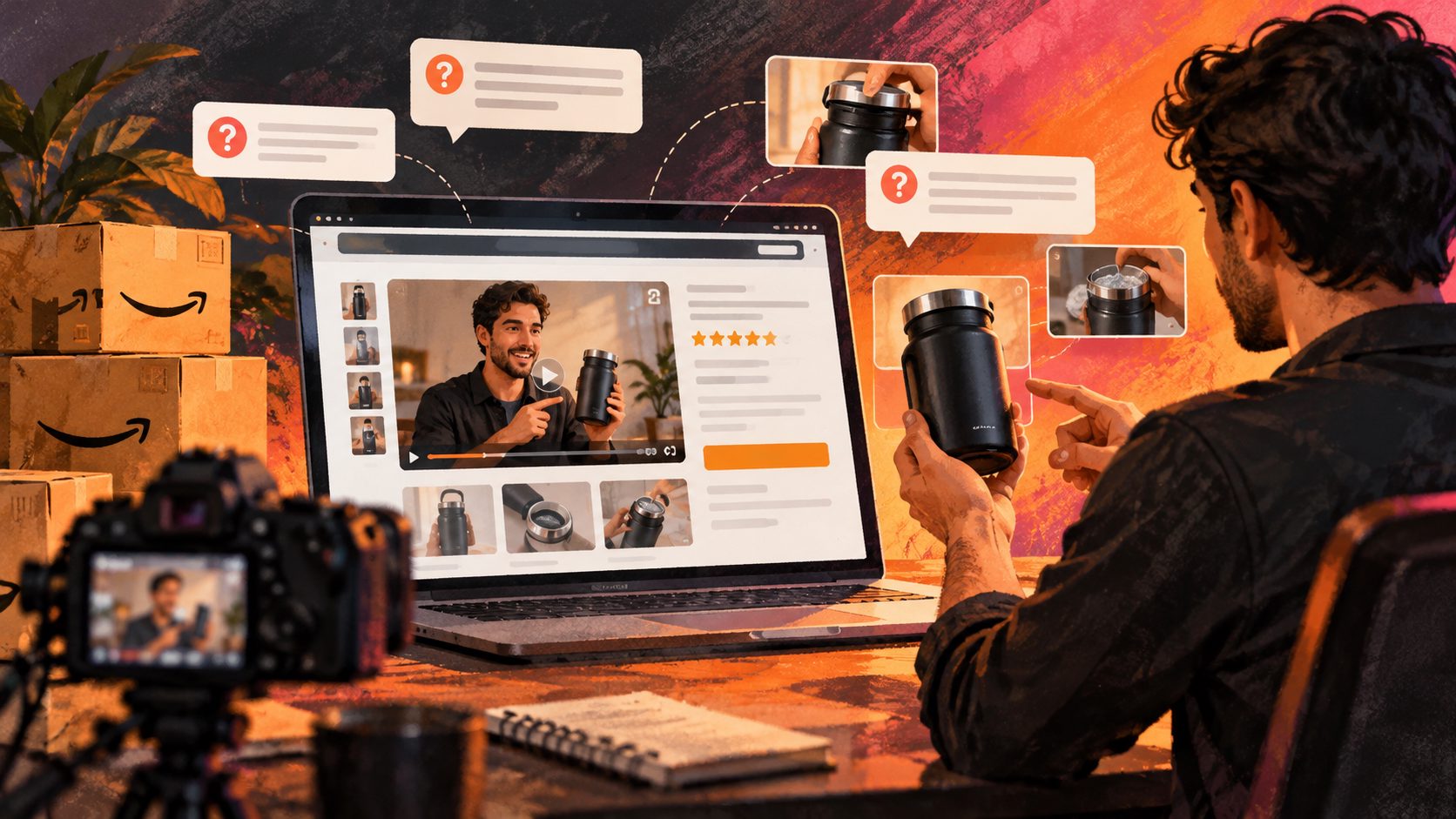
Amazon Lightning Deal Countdown Video Maker: A Compliant 15-Second Workflow


Summarize with
Summary
Learn how to build an Amazon Lightning Deal countdown video maker workflow with truthful urgency, Amazon-ready creative checks, and scalable AI variants.
By adsturbo.ai | Published 2026-10-15 | Updated 2026-10-15
An amazon lightning deal countdown video maker helps sellers turn a product image, promotion, and verified deal window into short-form advertising creative. The strongest workflow does more than add a timer: it connects the product benefit, offer details, and urgency message without making claims that become inaccurate when inventory or timing changes.
Amazon Lightning Deals are time-limited promotions that may also be quantity-limited. Amazon’s advertising materials describe them as commonly running for several hours, while the exact eligibility, timing, and merchandising treatment depend on Amazon’s requirements. (m.media-amazon.com)
What is an Amazon Lightning Deal countdown video maker?
An Amazon Lightning Deal countdown video maker is a creative workflow for producing short promotional videos that show a product, explain one buying reason, and communicate a verified limited-time offer.
The key distinction is between native deal urgency and invented urgency:
- Native urgency comes from an active Amazon deal, its approved timing, and the offer shown on the product detail page.
- Invented urgency uses a timer, “only a few left” message, or repeated scarcity claim without a reliable data source.
- A video should never imply that a countdown is live, synchronized, or inventory-based unless the seller can verify that claim.
For off-Amazon placements, a timer can be useful when it reflects a real campaign window. For Amazon placements, sellers should also consider that Amazon may render deal badges or promotional information within the shopping experience. (advertising.amazon.com)
The original “urgency integrity” framework
A practical way to decide whether a countdown belongs in the video is to score the creative across three data points:
| Data point | Question to verify | Safer creative choice |
|---|---|---|
| Deal timing | Is the start and end time confirmed? | Show a date, “live today,” or a verified timer |
| Offer value | Is the discount or price approved and current? | Show the exact approved offer or use neutral wording |
| Availability | Can remaining inventory be verified? | Avoid units-left claims unless data is reliable |
This framework prevents a common production mistake: treating a real deal as permission to display every possible urgency element. A seller may know the deal window but not the remaining quantity, or know the discount but not whether the video will be viewed after the deal ends.
What should a 15-second Lightning Deal video include?
A high-performing short video should communicate the product and the reason to buy before the viewer reaches the final seconds. Amazon recommends delivering the core message within the first five seconds and designing video ads so they remain understandable without sound. (advertising.amazon.com)
Use this structure:
-
0–2 seconds: Product recognition
Show the product clearly with a simple brand mark or category label. Avoid opening with a long logo animation. -
2–5 seconds: One proof-led benefit
Demonstrate one feature, use case, comparison, or visible result. Do not attempt to explain the full listing. -
5–9 seconds: Offer context
Introduce the Lightning Deal message, discount, or promotional period only after confirming the information in Seller Central. -
9–12 seconds: Countdown or deal reminder
Use a timer only when its time basis is clear. If the asset may be reused, replace a precise timer with “Check today’s offer” or “Limited-time deal.” -
12–15 seconds: Neutral CTA
End with “Shop now,” “See the offer,” or “View product.” Keep the CTA aligned with the destination and avoid pressure that cannot be substantiated.
This sequence is more reliable than placing a countdown in every scene. The timer should support the product story, not replace it.
How do you make the video with AI?
A practical AI production workflow begins with the product asset, not the countdown graphic.
Step 1: Prepare the product image
Use a clear JPG or PNG product image. A clean photo on a plain-color background generally gives the most predictable result for product-focused generation. AdsTurbo Product Image can analyze the product’s shape, color, and category, then generate variations for ecommerce use.
For Amazon listing assets, a compliance-first Amazon product video workflow can help separate product clarity from promotional styling.
Step 2: Write a benefit-first script
Use a compact script template:
“Meet [product]. Built for [specific use case]. Save [verified offer] during the Lightning Deal. Check the current offer on Amazon.”
Replace bracketed claims with information supported by the product listing and active promotion. Avoid adding unsupported guarantees, exaggerated savings, or claims about remaining inventory.
Step 3: Generate several creative angles
Create variants around different customer motivations:
- Problem and solution
- Product demonstration
- Before-and-after comparison
- Gift or seasonal use
- Feature close-up
- UGC-style recommendation
AdsTurbo Product Video supports JPG and PNG product uploads and can generate product review, introduction, and demonstration-style videos. Its platform also provides AI actors, advertising templates, ad cloning, motion control, lip sync, translation, subtitles, and product-focused video workflows.
Step 4: Add captions and localization
Amazon video ads may autoplay without sound, so captions and readable on-screen text are important. AdsTurbo Video Subtitle can transcribe speech, generate synchronized subtitles, and export either a captioned video or a separate subtitle file. Subtitle layouts can be adapted for TikTok, Instagram Reels, and YouTube Shorts.
For cross-border campaigns, create localized versions rather than simply placing translated text over the original edit. AdsTurbo supports video translation, multilingual subtitles, and variants using different voices or characters.
Step 5: Export platform-specific versions
Amazon’s video ad guidance recommends 1920 × 1080 for 16:9 video, a frame rate of at least 15 FPS, and files under 500 MB for the referenced video ad format. Amazon also recommends avoiding black bars and making the message understandable without audio. (advertising.amazon.com)
Keep a master file, then export versions for:
- Amazon video placements
- 9:16 short-form social video
- 1:1 feed placements
- 16:9 desktop or YouTube use
AdsTurbo’s Ad Clone workflow can analyze a reference video up to 12 seconds and generate advertising variations. This is useful for preserving a proven opening rhythm while changing the product, offer, language, or character.
How can sellers avoid countdown compliance problems?
The safest rule is simple: a timer must describe a real, traceable condition.
Before publishing, check:
- The promotion is approved and scheduled for the advertised marketplace.
- The discount, price, and product identifier match the active offer.
- The timer does not continue after the deal ends.
- “Limited stock” or “units remaining” appears only when supported.
- The video does not imply that every viewer has the same remaining time.
- The CTA does not promise a price or benefit that the destination does not show.
- Captions remain readable on mobile screens.
- The first five seconds identify the product and its value.
Amazon’s creative requirements also cover video dimensions, audio behavior, file formats, logos, headlines, and placement-specific assets. Review the relevant Amazon Ads specification before exporting the final version. (advertising.amazon.com)
A useful operational safeguard is to label every asset with its deal start time, deal end time, marketplace, ASIN, and offer version. This small naming convention reduces the risk of an old countdown being reused in a new campaign.
How do you scale Lightning Deal video production?
One product rarely needs only one video. A stronger testing package includes three openings, two benefit angles, two CTA endings, and the required aspect ratios.
That creates a controlled test matrix without changing every variable at once:
- Hook: product reveal, problem statement, or visual result
- Proof: demonstration, close-up, or customer scenario
- Offer: exact promotion, deal-day reminder, or neutral offer prompt
- Ending: “Shop now,” “See details,” or “Check today’s offer”
Use Amazon holiday sale video ad planning when the Lightning Deal is part of a larger seasonal campaign. For older source footage, compressing an Amazon product video without losing the selling point can help preserve the core message in a shorter edit.
AdsTurbo tasks run asynchronously and support status polling or Webhook completion events. Advanced plans include team workflows, API access, and custom workflow support, which can help sellers connect generation, captioning, localization, review, and export steps in a repeatable pipeline.
Frequently asked questions
Can I put a countdown timer in every Amazon deal video?
You can, but it is not always the safest choice. Use a precise timer only when the time window is verified and the asset will not outlive the promotion. Otherwise, use a general deal message and direct shoppers to confirm the current offer.
What is the best length for a Lightning Deal video?
A 15-second structure is practical for short-form testing because it leaves enough time for product recognition, one benefit, offer context, and a CTA. Amazon notes that short videos are preferred and recommends delivering the core message within the first five seconds. (advertising.amazon.com)
Should the video show the exact discount?
Show the exact discount only when it matches the active promotion and destination experience. If the offer may change across marketplaces or placements, use wording such as “Check today’s offer” instead of embedding a fixed price in every scene.
Can one product image generate multiple ad videos?
Yes. A clear JPG or PNG can serve as the source for product introduction, demonstration, review, and UGC-style variants. The best results usually come from changing the hook or proof angle while keeping the product appearance consistent.
How can I reuse one winning ad safely?
Analyze the structure rather than copying unsupported claims. Preserve the pacing, opening pattern, and CTA logic, then rebuild the scenes around your own product, verified promotion, and approved assets.
Conclusion
An amazon lightning deal countdown video maker is most useful when it turns verified promotion data into a clear product story—not when it adds artificial pressure. Start with a recognizable product shot, prove one benefit, display only accurate offer information, and create several controlled variants for testing.
Create ecommerce video ads with AdsTurbo to build product videos, captions, localized versions, and promotional creative from a repeatable workflow.