Amazon Listing FAQ Video Generator: Answer Buyer Questions with Proof

Summarize with
Summary
Learn how to turn Amazon buyer questions into proof-led listing videos for A+ Content, product pages, and lower-return product education. Build FAQ video variations with AdsTurbo.
By AdsTurbo.ai | Published 2026-10-29 | Updated 2026-10-29
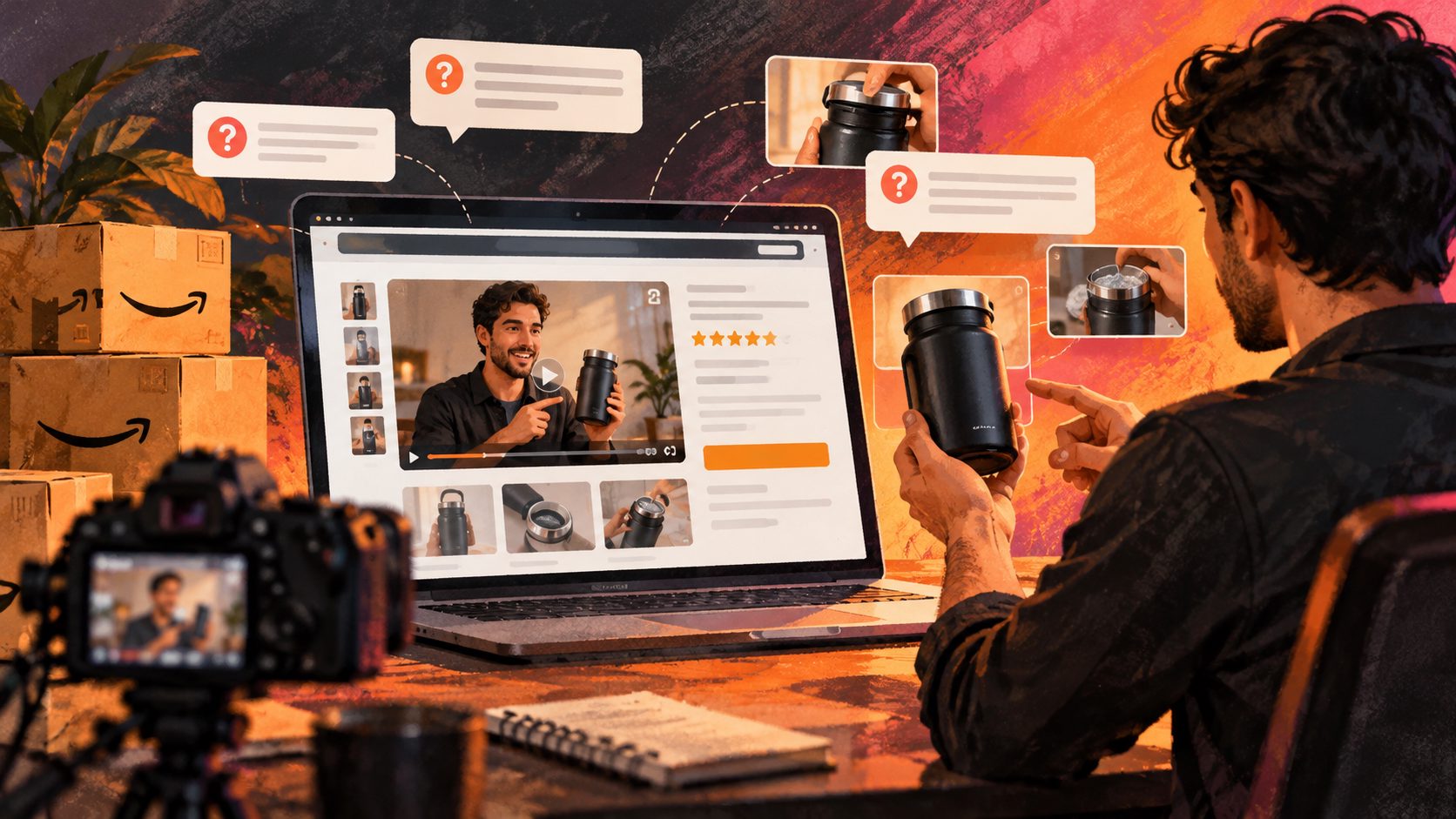
An Amazon listing FAQ video generator turns common buyer questions into short, product-focused videos that demonstrate the answer instead of repeating listing copy. The strongest videos connect one question—such as “Will this fit?” or “How do I clean it?”—to visible proof, clear captions, and an accurate product demonstration.
Amazon recommends product videos that explain what the product is, who it is for, how it works, and how it differs from alternatives. Its seller guidance also specifically recommends addressing common customer questions in video content. (sellercentral.amazon.com)
What is an Amazon listing FAQ video generator?
An Amazon listing FAQ video generator is a content workflow for converting product questions into concise videos suitable for an Amazon detail page, shoppable video placement, or supporting A+ Content assets.
Instead of creating one generic product overview, the workflow produces a question-led sequence:
- Identify a repeated buyer question.
- Write a direct answer using verified product information.
- Show the relevant feature, measurement, setup step, or use case.
- Add readable captions and supporting on-screen text.
- Export a version suited to the intended Amazon placement.
This approach is useful because buyers often hesitate over practical details rather than broad benefits. They want to know whether an item fits their space, includes the necessary accessories, feels a certain way, works with another product, or requires special maintenance.
Amazon describes product videos as a way to improve customer understanding, demonstrate use, and set clearer expectations. Amazon also reports that sellers who added videos to detail pages observed a 24% average sales increase compared with ASINs without video in its internal historical data for January through June 2026. That figure is not a guaranteed result for every listing, but it supports testing video as part of a broader conversion strategy. (sellercentral.amazon.com)
Why FAQ videos can reduce avoidable purchase uncertainty
FAQ videos are most valuable when they answer questions that static images and bullet points leave ambiguous. A buyer may understand that a product is “durable,” for example, but still wonder how it performs in a realistic situation.
A useful distinction is:
| Content type | Main job | Example |
|---|---|---|
| Feature video | Explain what the product includes | “This set includes three interchangeable heads.” |
| Demonstration video | Show how the product works | “Attach the head, lock it, and press the power button.” |
| FAQ video | Resolve a buying objection | “Will it fit a 32-inch cabinet?” |
| Comparison video | Clarify product choice | “Choose the large size for two-person use.” |
| Troubleshooting video | Prevent incorrect use | “If the indicator flashes, reconnect the cable.” |
The original framework here is the Question-to-Proof Matrix: classify each question by the type of evidence it needs before scripting. “Does it fit?” needs a measurement overlay. “Is it easy to use?” needs a short demonstration. “What arrives in the box?” needs an organized contents shot. “Can I wash it?” needs a precise care instruction.
This prevents a common mistake: answering every FAQ with voiceover alone. If the question is visual, the proof should be visual too.
Which Amazon listing questions should become videos?
Start with questions that affect purchase confidence, product fit, or correct usage. The best candidates usually fall into five groups:
Fit and compatibility questions
Examples include:
- What are the exact dimensions?
- Does it fit a particular model, room, device, or body type?
- Is it compatible with a specific connector or accessory?
- How much weight can it support?
Use close-ups, measurements, labeled diagrams, or a realistic scale reference. Avoid vague claims such as “universal” unless the product documentation supports them.
Setup and usage questions
These questions are ideal for step-by-step videos:
- How is it assembled?
- How long does setup take?
- How is it charged or connected?
- What does the first use look like?
Keep the sequence linear. Show the starting condition, the key action, and the finished result.
Contents and specification questions
A short unboxing-style FAQ can clarify:
- What is included?
- What material is used?
- Which size or color is shown?
- Are batteries, tools, or attachments included?
The product shown in the video should match the ASIN or variation being represented.
Care and durability questions
Use demonstrations carefully:
- How should it be cleaned?
- Is it water-resistant?
- Can a component be removed?
- What surfaces or environments is it designed for?
Do not turn a limited demonstration into an unsupported performance guarantee. A video should make expectations more accurate, not simply more persuasive.
Use-case and choice questions
These are especially useful for variant-heavy listings:
- Which size is best for a small space?
- Is this intended for beginners?
- What is the difference between the standard and upgraded version?
- When should a shopper choose this product instead of another variation?
A comparison table or split-screen format can make these answers easier to scan.
How to create an FAQ video for an Amazon listing
A repeatable production process makes it easier to create several useful videos without making the listing feel repetitive.
1. Build a question inventory
Collect questions from the Amazon Q&A section, customer service tickets, reviews, return reasons, product reviews, and internal sales conversations. Then remove questions that cannot be answered accurately from available product information.
Prioritize questions using this order:
- Questions linked to returns or negative reviews.
- Questions that prevent product misuse.
- Questions about fit, compatibility, or included items.
- Questions that distinguish one variation from another.
- General feature questions already answered clearly elsewhere.
2. Convert each question into a one-purpose script
A practical script structure is:
- 0–2 seconds: Display the exact question.
- 2–6 seconds: Give the direct answer.
- 6–13 seconds: Show the proof or demonstration.
- 13–15 seconds: Repeat the key detail in a caption.
For longer explanations, use separate videos rather than packing multiple answers into one clip. One question per video also makes it easier to reuse content across product pages, ads, customer support, and social channels.
3. Use the right visual evidence
Match the answer to the evidence:
- Dimensions → measurement overlay
- Assembly → numbered action sequence
- Compatibility → connector or fit demonstration
- Included items → overhead contents layout
- Texture or material → close-up movement and lighting
- Cleaning → before-and-after process
- Variant selection → side-by-side comparison
AdsTurbo supports product video creation from JPG or PNG product images, with optional selling points and promotional information. Its Product Image workflow can also generate multiple product-image types, including banners, lifestyle scenes, close-ups, material-detail images, instruction images, and brand images. This can help fill visual gaps before producing an FAQ sequence.
For a broader production system, see the guide to turning product photos into video ads.
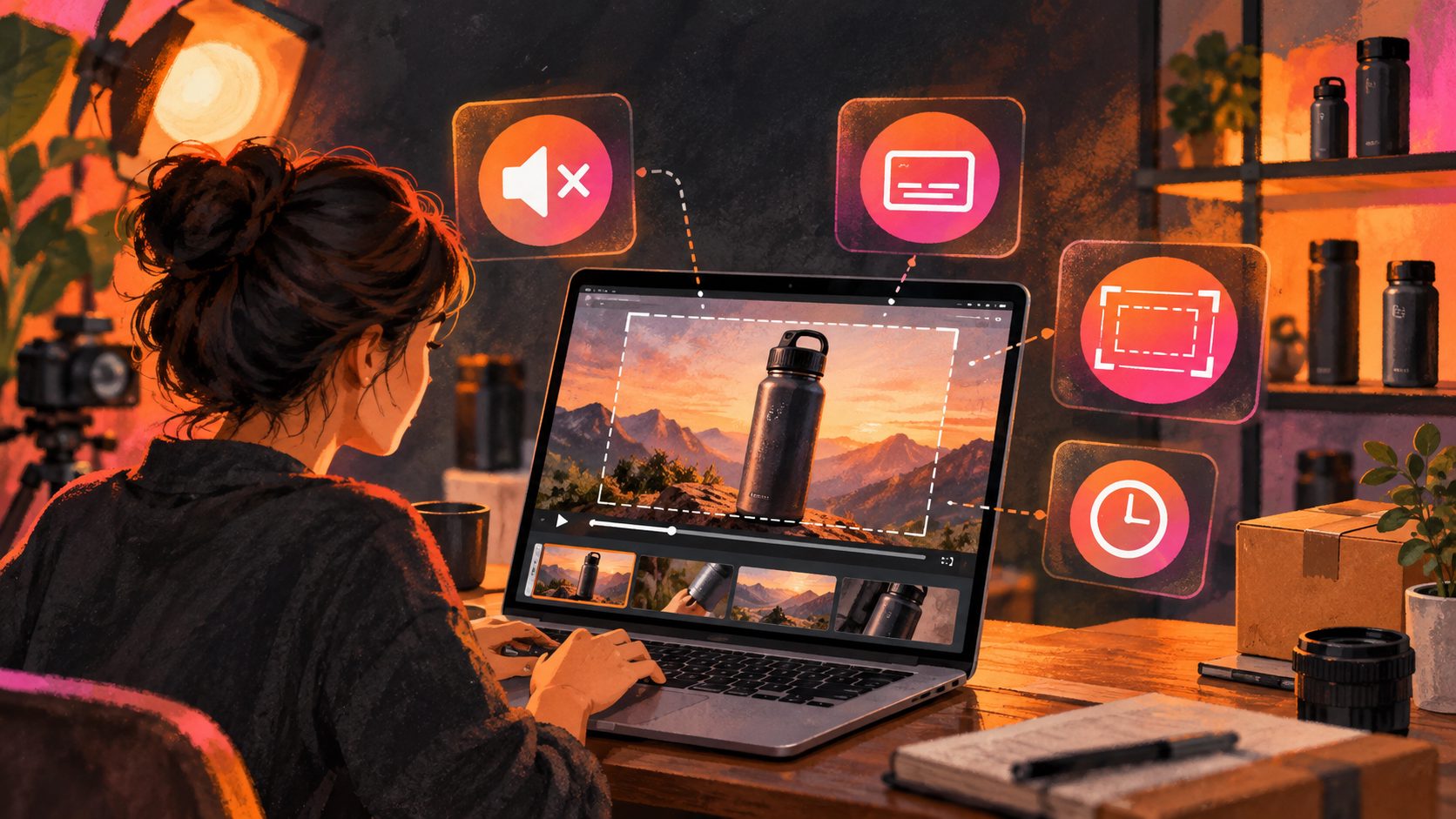
4. Add captions for silent viewing
Captions should carry the essential answer, not merely duplicate every spoken word. Use short lines, high contrast, and enough screen time for mobile viewers to read them.
AdsTurbo Video Subtitle can automatically transcribe speech, create time-synchronized captions, translate subtitles, and export either a video with embedded subtitles or a separate subtitle file. Its subtitle styling is designed for formats used by TikTok, Instagram Reels, and YouTube Shorts, which can support repurposing beyond Amazon.
5. Review the upload requirements
Amazon’s product video guidance emphasizes clear product visibility, accurate information, appropriate lighting, clear audio, and product-focused content. It also warns against misleading claims, unauthorized music or artwork, external website links, and promotional calls to action in product videos. (sellercentral.amazon.com)
If a video contains photorealistic AI-generated people, Amazon says the appropriate metadata must be applied before upload. (sellercentral.amazon.com)
How FAQ videos fit with A+ Content
Amazon A+ Content can add enhanced images, text placements, comparison charts, video, interactive hotspots, and Q&A modules depending on the content type and eligibility. Amazon positions A+ Content as a way to help shoppers make more informed purchase decisions on product detail pages. (sell.amazon.com)
Use FAQ videos and A+ Content for different jobs:
- Main listing video: Demonstrate the product quickly.
- A+ Content: Explain the brand, product system, comparisons, and deeper education.
- Image modules: Reinforce dimensions, materials, contents, and feature labels.
- Q&A modules: Organize recurring questions in a scannable format.
A strong sequence is to answer the highest-friction question in the main video, then use A+ modules to answer secondary questions. This avoids repeating the same claim in every asset.
For scalable catalog production, the bulk catalog video ad workflow offers a useful model for organizing multiple products and creative variations.
How to batch-produce FAQ video variations
Batch production works best when the content is structured as a matrix rather than a collection of unrelated scripts.
Create columns for:
- ASIN or product variation
- Buyer question
- Proof type
- Required asset
- Caption language
- Video format
- Approval status
- Performance result
Then create one video per high-value question and variation. AdsTurbo supports clip-by-clip editing, product video generation, video translation, AI upscaling, background replacement, character replacement, lip sync, motion control, and subtitle generation. Its asynchronous generation model supports status polling or Webhook completion events, while higher-tier plans support team workflows, API access, and custom workflows.
The main benefit is not simply producing more videos. It is preserving the question, proof type, and product variation relationship so that each asset has a clear purpose.
Common mistakes to avoid
Answering several questions at once
A crowded script creates weak proof. Split the content into focused videos.
Showing a different product from the one listed
Mismatched colors, sizes, accessories, or packaging can create inaccurate expectations and increase confusion.
Using unsupported claims
Avoid claims about results, safety, durability, compatibility, or performance unless the product documentation and demonstration support them.
Making the video look like an external advertisement
Amazon’s guidance favors product-focused demonstrations and prohibits promotional calls to action in product videos. Keep the emphasis on helping the shopper understand the item. (sellercentral.amazon.com)
Treating captions as decoration
Captions should answer the question even when sound is muted. Put the most important specification or instruction in readable on-screen text.
Frequently asked questions
Can an FAQ video answer a customer question on Amazon?
Yes. A video can be designed around a customer question and used as a product-focused answer, provided it accurately represents the product and follows Amazon’s content requirements.
Should an FAQ video be different from the main product video?
Usually, yes. The main product video can introduce the product, while FAQ videos resolve specific concerns such as fit, setup, cleaning, compatibility, or included items.
Can one FAQ video be reused across Amazon and social channels?
It can be adapted, but the final version should match each platform’s format, policies, caption requirements, and audience context. AdsTurbo supports video translation, subtitles, editing, and multiple aspect-ratio workflows for content reuse.
What product image format works with AdsTurbo Product Video?
AdsTurbo Product Video supports JPG or PNG product images up to 10 MB. Clear product photos with a simple background generally provide the strongest starting material.
How can sellers start creating FAQ videos?
Start with the three questions most closely connected to returns, hesitation, or incorrect product use. Create one proof-led video for each, review the accuracy, and then expand the same structure across your catalog. Create ecommerce product videos with AdsTurbo.