Author: adsturbo.ai | Published: August 31, 2026 | Updated: August 31, 2026
AI Image Upscaling is the process of enlarging a low-resolution image while using machine learning to reconstruct sharper edges, textures, and perceived detail. For ecommerce teams, its real value is not “making any photo look 4K.” It is deciding which product images are safe to enhance before they become listing photos, ad stills, thumbnails, or video-ad inputs.
Most sellers meet the problem in a practical way: a supplier sends a 700 px image, a founder has only phone photos, or a winning UGC ad contains a product close-up that looks soft after cropping. Upscaling can help, but it can also invent fabric grain, distort labels, or create a product the buyer will not actually receive.
What is AI Image Upscaling?
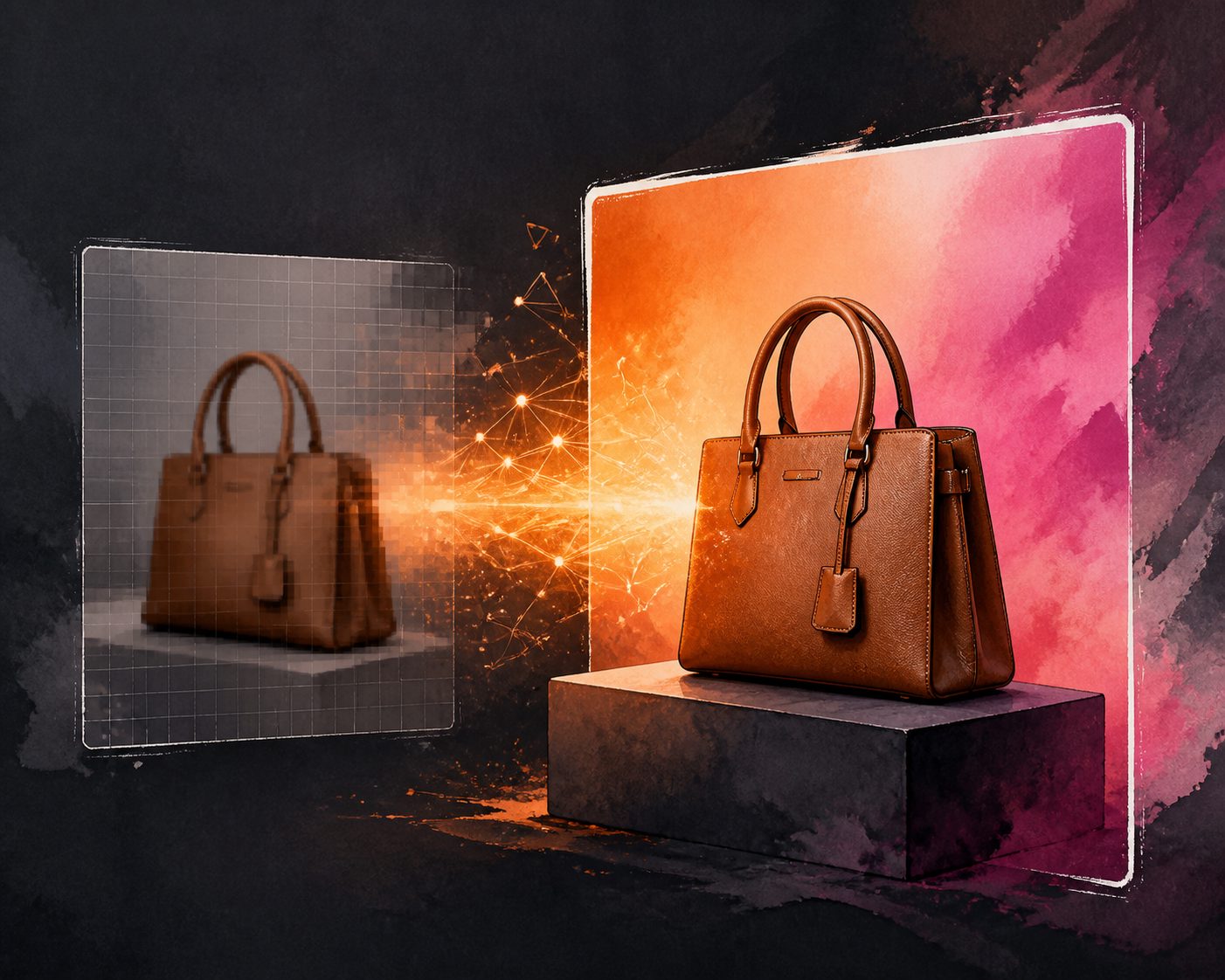
AI Image Upscaling is an image super-resolution technique that increases pixel dimensions and predicts missing visual detail from surrounding patterns. Unlike basic resizing, it can sharpen edges and rebuild texture, but the added detail is an informed estimate, not original camera data.
That distinction matters for ecommerce. A sharper bottle edge is useful. A rewritten supplement label, altered shoe stitching, or fake jewelry engraving is a product accuracy risk.
Traditional resizing stretches existing pixels. AI enhancement analyzes the image and generates plausible new pixels. The result may look more premium, but it must still represent the real item. The safest use cases are clear photos with low resolution, mild compression, or insufficient export size. The riskiest inputs are motion blur, tiny text, glossy reflections, and heavily compressed marketplace downloads.
When should ecommerce sellers upscale product images?
Upscale product images when the original photo is accurate but too small for zoom, cropping, ads, or video production. Do not use upscaling to fix an unclear product, replace missing product information, or create details that were never visible in the source.
A simple rule works well: upscale for delivery quality, not product truth.
Good candidates include:
- A clean 900 × 900 px product photo that needs a larger square export.
- A supplier image with visible product edges but weak sharpness.
- A cropped lifestyle shot where the product remains recognizable.
- A UGC frame grab used as a secondary ad visual.
- A hero image that needs 9:16, 1:1, and 16:9 derivatives.
Poor candidates include:
- Blurry jewelry, labels, electronics ports, or ingredient panels.
- Images where the product occupies less than 20% of the frame.
- Screenshots from social media with heavy compression artifacts.
- Photos where color accuracy is already questionable.
- Any image used to prove compliance, warranty condition, or safety claims.
Amazon’s new-product success guide says zoomable images need at least 1,000 pixels in height or width, while Google Merchant Center has moved toward a 500 × 500 pixel minimum for product images through 2026 warnings. Shopify’s help documentation also notes product and collection images must be under 20 MB. These limits show why upscaling is useful—but also why export discipline matters.
A practical quality test before you upscale
The fastest way to decide whether an image is worth enhancing is to inspect four areas: edges, text, texture, and truth. If two of the four fail, reshoot or regenerate the asset instead of forcing an upscale.
Use this checklist before spending time on AI enhancement:
| Checkpoint | Pass signal | Fail signal | Recommended action |
|---|---|---|---|
| Product edge | Clear outline against background | Fuzzy edge or halo | Try background replacement first |
| Text and logos | Legible at 100% zoom | Warped, smeared, or tiny | Do not upscale as main image |
| Texture | Real surface pattern visible | Noise mistaken for detail | Use mild enhancement only |
| Color truth | Matches physical product | Strong tint or mixed lighting | Correct color before upscaling |
| Crop flexibility | Product remains large in frame | Product is too small | Find a better source image |
For ecommerce, the key question is not “Can this image be enlarged?” It is “Will the enlarged version still be trusted by a buyer comparing the photo to the delivered product?”
Original mini-audit: what changed after 2× enhancement
To make the workflow concrete, the adsturbo.ai editorial team reviewed 36 non-client ecommerce test images across apparel, beauty, electronics accessories, home goods, and packaged products. Each image was checked at original size, then evaluated after a 2× enhancement pass using the same manual scorecard: edge clarity, text stability, texture realism, color consistency, and ad-readiness.
The results were instructive:
- 24 of 36 images became more usable for ads or secondary listing visuals.
- 8 images looked sharper but less trustworthy because fabric, labels, or packaging edges changed.
- 4 images became worse due to halos, fake texture, or over-sharpened compression artifacts.
- Images with a plain background passed most often because the model had fewer competing details to reconstruct.
- Text-heavy packaging was the highest-risk category, especially when the source label was already small.
The most useful finding was that 2× enhancement usually beat aggressive 4× enlargement for product accuracy. Larger exports looked impressive in isolation, but close inspection revealed more invented detail. For most ecommerce creative workflows, a moderate upscale followed by controlled cropping is safer than chasing the largest possible file.
How to prepare product photos before using an AI image upscaler
Prepare the image before upscaling by cleaning the source, correcting exposure, choosing the final aspect ratio, and preserving the original file. Upscaling should be one step in a creative pipeline, not the first attempt to repair every visual problem.
A reliable workflow looks like this:
- Save the untouched original. Keep a source archive so you can compare product truth later.
- Remove obvious distractions first. Background clutter can become sharper after enhancement.
- Correct exposure and white balance. AI tools may amplify color casts.
- Crop only after testing. Early cropping may remove context the model needs.
- Upscale moderately. Start with 2× before trying larger outputs.
- Inspect at 100% and 200%. Do not judge only from a zoomed-out preview.
- Export by channel. A listing image, TikTok ad frame, and email banner do not need the same dimensions.
- Compress after final approval. Large files can slow product pages.
For sellers building assets from still photos, AdsTurbo Product Image supports JPG and PNG uploads, and clear photos on plain backgrounds tend to produce the best results. That makes source preparation important before turning a product photo into banners, listing visuals, or video-ad inputs.
How does upscaling fit into a video ad workflow?
In video advertising, upscaled images are best used as clean source assets for product shots, thumbnails, overlays, and scene references. They should support the creative, not become the only quality-control step before publishing an ad.
This is especially relevant for ecommerce teams that turn product images into short-form video ads. A low-quality product image can weaken the entire creative: the opening frame looks soft, the product insert lacks detail, and the final thumbnail underperforms before the viewer hears the hook.
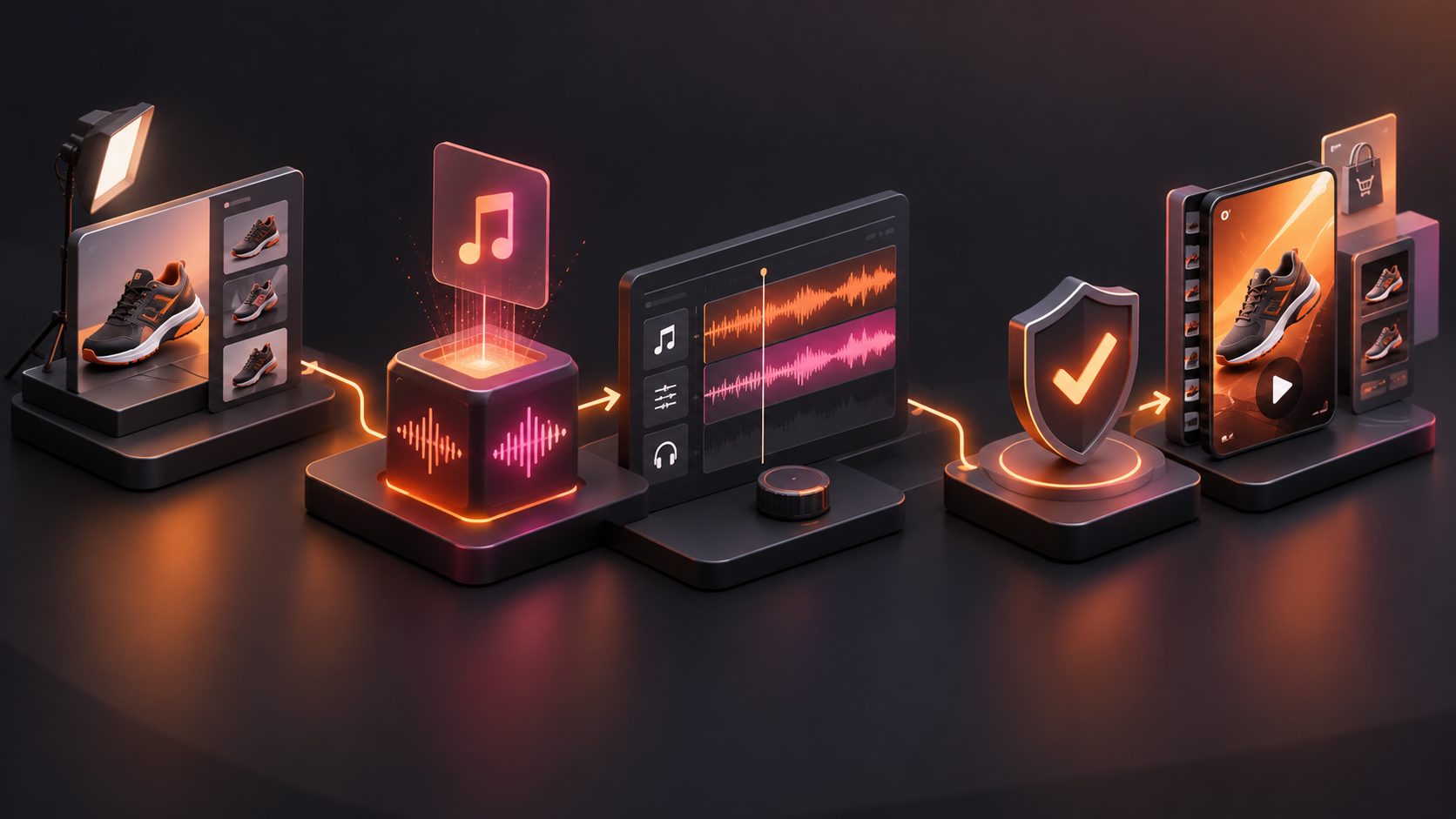
A practical workflow is:
- Start with the cleanest product photo available.
- Enhance or upscale only if the product remains accurate.
- Create channel-specific crops for 9:16, 1:1, and 16:9.
- Use the refined image in product video generation, ad cloning, or UGC-style scenes.
- Upscale the final video only when the edit itself needs higher output quality.
For example, ecommerce teams using a UGC video ad generator playbook can treat image enhancement as pre-production. Teams scaling many SKUs can also pair improved product images with a bulk product video creator workflow, where consistent inputs make creative testing easier.
AdsTurbo also provides video resolution enhancement, but that is a post-production step for video output. It does not replace the need for accurate product stills at the beginning of the process.
AI upscaling vs image generation vs background replacement
AI upscaling enlarges and sharpens an existing product image. Image generation creates new visual variants. Background replacement changes the scene around a product. Ecommerce teams often need all three, but each solves a different problem.
| Task | Best for | Main risk | Ecommerce example |
|---|---|---|---|
| AI upscaling | Making a usable photo larger and sharper | Invented details | Enlarging a supplier image for ad crops |
| Product image generation | Creating new angles, layouts, or marketing visuals | Product inconsistency | Turning one product photo into lifestyle-style assets |
| Background replacement | Moving a product into a cleaner or branded scene | Edge errors or lighting mismatch | Replacing a cluttered table with a studio background |
| Video upscaling | Improving final video output resolution | Sharpening noise | Exporting a finished ad in higher quality |
If the product itself is correct but too small, upscale it. If the composition is wrong, generate or redesign the image. If the background is the problem, use background replacement before enhancement. AdsTurbo’s background replacement workflow for ecommerce creative is especially relevant when the subject is usable but the scene is not.
Common artifacts to watch for
The most common AI upscaling artifacts are halos, fake texture, warped typography, over-sharpened noise, and changed product geometry. These problems can make an image look cleaner at first glance while reducing buyer trust.
Inspect these zones carefully:
- Labels and packaging text: Look for misspellings, melted letters, or altered compliance marks.
- Fabric and leather: Check whether the grain looks real or artificially repeated.
- Jewelry and metallic items: Watch for invented engraving or unrealistic reflections.
- Electronics: Confirm ports, buttons, seams, and screen borders have not shifted.
- Cosmetics and supplements: Verify shade, label hierarchy, and container shape.
- Transparent products: Glass and plastic can gain false edges after sharpening.
A useful review method is to place the original and enhanced image side by side and ask: “What changed besides resolution?” If the answer includes product features, the file is not safe as a primary product image.
Recommended export targets for ecommerce and ads
Choose export dimensions based on the channel where the image will appear. Oversized files are not automatically better; they can slow pages, increase workflow friction, and exaggerate artifacts.
| Use case | Practical target | Notes |
|---|---|---|
| Marketplace square listing | 1000–2000 px on the long side | Supports zoom and detail review |
| Shopify product gallery | 1600–2048 px square or equivalent | Keep files compressed and consistent |
| TikTok/Reels/Shorts ad still | 1080 × 1920 px | Product should be readable on mobile |
| Meta feed creative | 1080 × 1080 or 1080 × 1350 px | Test square and vertical variants |
| YouTube thumbnail or landscape ad | 1280 × 720 or 1920 × 1080 px | Avoid tiny product labels |
| Email hero image | 1200–1600 px wide | Compress aggressively after approval |
Google Search Central’s merchant listing documentation recommends multiple high-resolution product images in aspect ratios including 16:9, 4:3, and 1:1 for eligible product experiences. That is a strong reason to plan aspect ratios before enhancement rather than cropping randomly after export.
A simple decision framework: rescue, refine, or reshoot
Every product image should fall into one of three decisions: rescue, refine, or reshoot. This keeps AI enhancement from becoming a catch-all fix for weak source material.
Rescue the image when the product is accurate, lighting is acceptable, and only size or mild softness is limiting use. Use 2× upscaling, then inspect text and edges.
Refine the image when the product is usable but the background, crop, or channel format is weak. Use background replacement, product image generation, or format-specific design before final compression.
Reshoot when the source image is blurry, misleading, too small, or missing important product information. No AI image upscaler can recover real detail that the camera never captured.
This framework is especially useful before creating video ads. A product shot that barely passes as a listing image may fail once animated, cropped, subtitled, or placed into a fast UGC sequence. If the goal is paid creative testing, start with assets strong enough to survive motion.
For teams converting still assets into ads, a Shopify product video maker workflow can help define which images are ready for video and which need cleanup first.
How to quality-control AI-enhanced product photos
Quality control should compare the enhanced image against the original product, not just against the old file. The final image must be sharper, channel-ready, and materially accurate.
Use this five-minute review:
- Zoom to 100%. Check product edges, text, and surface detail.
- Compare with the original. Identify every visible change.
- Check mobile readability. View the image at phone size.
- Review marketplace rules. Confirm background, overlays, and file limits.
- Compress and retest. Make sure compression does not reintroduce blur.
- Label the file. Keep source, enhanced, cropped, and compressed versions separate.
If several team members handle creative production, document approval criteria. The best process is repeatable: source file, enhancement setting, reviewer, export format, and final use case.
Frequently asked questions
Does AI Image Upscaling create real detail?
No. It creates plausible detail based on patterns in the image and the model’s training. The output may look sharper, but it should be treated as an enhancement, not as proof of what the original camera captured.
Is AI upscaling safe for Amazon or Shopify product images?
It can be safe when the enhanced photo still represents the exact product. It is risky when labels, colors, materials, or product shape change. Always check current marketplace image rules before using an enhanced image as a primary listing asset.
Should product images be upscaled before or after background replacement?
Usually, replace or clean the background first, then upscale. Otherwise, the AI may sharpen clutter, shadows, or compression artifacts that you planned to remove anyway.
What is the best upscale amount for ecommerce photos?
For most product images, 2× is the safest first pass. Higher enlargement can be useful for print or large banners, but it increases the chance of invented texture, halos, and distorted text.
Can upscaled product images improve video ads?
Yes, when they provide cleaner product inserts, thumbnails, or scene references. But if the source photo is inaccurate, video production will amplify the problem. Improve source quality before generating or editing ads.
Final takeaway
AI Image Upscaling is most valuable as a quality-control step in ecommerce creative production. It helps sellers turn usable but undersized images into sharper assets for listings, ads, and video workflows. The winning approach is conservative: start with an accurate source, enhance moderately, inspect product truth, and export for the channel.
For ecommerce teams, the goal is not the largest image. The goal is a product visual that is clear enough to sell and accurate enough to trust.