AI Lip Sync Tool for Ads: A Localization QA Workflow


Summarize with
Summary
Learn how an AI lip sync tool for ads localizes ecommerce voiceovers, scores sync quality, and fixes timing issues before launch.
Author: adsturbo.ai | Published: September 7, 2026 | Updated: September 7, 2026
An AI lip sync tool for ads adjusts a speaker’s mouth movements to match a new voiceover. For ecommerce sellers, its most valuable use is turning an existing UGC or product ad into localized versions without filming every script, language, or offer again.
Generation is only half the job. A localized ad must also preserve natural speech, product accuracy, emotional delivery, readable captions, and the timing of the original hook. This guide provides a practical workflow for evaluating those elements and fixing common failures before launch.
What Should an AI Lip Sync Tool for Ads Actually Do?
An AI lip sync system should align visible mouth shapes with the timing and sounds of a voiceover while preserving the speaker’s identity, facial motion, and surrounding frames. In advertising, the output must also remain convincing during fast hooks, product claims, price mentions, and calls to action.
Good synchronization involves more than making the mouth open on each word. Reviewers should look for:
- Phoneme alignment: visible shapes match sounds such as “p,” “b,” “m,” “f,” and “v.”
- Timing alignment: the mouth starts and stops with the audio.
- Facial continuity: the jaw, teeth, cheeks, and skin do not flicker.
- Performance continuity: emotion still matches the message.
- Commercial clarity: product names, discounts, and CTAs remain easy to understand.
This distinction matters when comparing a talking-photo demo with a production-ready AI lip sync workflow for advertising. A polished single sentence does not prove that a tool can handle an entire conversion-focused ad.
How Can Sellers Score Lip Sync Quality Objectively?
Use a five-part, 10-point scorecard instead of judging the video only by whether it “looks natural.” Score each category from 0 to 2, require at least 8 points overall, and reject any version containing a zero.
| QA category | 0 points | 1 point | 2 points |
|---|---|---|---|
| Mouth-to-sound match | Repeated visible mismatch | Minor errors on difficult words | Convincing throughout |
| Start-and-stop timing | Audio visibly leads or trails | One short timing drift | Clean phrase boundaries |
| Facial continuity | Warping or frame flicker | Small artifacts at cuts | Stable face and mouth |
| Localized delivery | Awkward or misleading wording | Correct but stiff | Natural market-specific speech |
| Conversion clarity | Offer or CTA is unclear | Understandable with effort | Product, offer, and CTA are immediate |
Pass rule: 8/10 or higher, with no zero scores. This prevents strong visual polish from hiding a mistranslated claim or unclear CTA.
The scorecard is deliberately weighted equally. A perfectly animated mouth cannot rescue an incorrect product claim, while excellent translation cannot compensate for distracting facial distortion.
How Do You Run a Six-Clip Preflight Test?
Before processing a full campaign, test six short clips that expose different synchronization weaknesses. Keep the same speaker and visual setup so the tool—not the footage—is the main variable.
- Normal speech: Use one four- to six-second sentence at a conversational pace.
- Plosive-heavy line: Include several words beginning with “p,” “b,” or “m.”
- Fast hook: Test the quickest delivery expected in the first three seconds.
- Product-name line: Include the brand, model, size, or technical term.
- Offer and numbers: Test a discount, date, price, or promotional code.
- CTA with a pause: End with a clear action phrase after a natural pause.
Review each clip at normal speed, then replay difficult moments frame by frame. Test with sound on for synchronization and sound off for visual artifacts and subtitle readability.
Use the same six clips when comparing voices, languages, speakers, or generation settings. This creates a controlled benchmark instead of relying on unrelated showcase videos.
What Is the Best Workflow for Localizing an Ecommerce Ad?
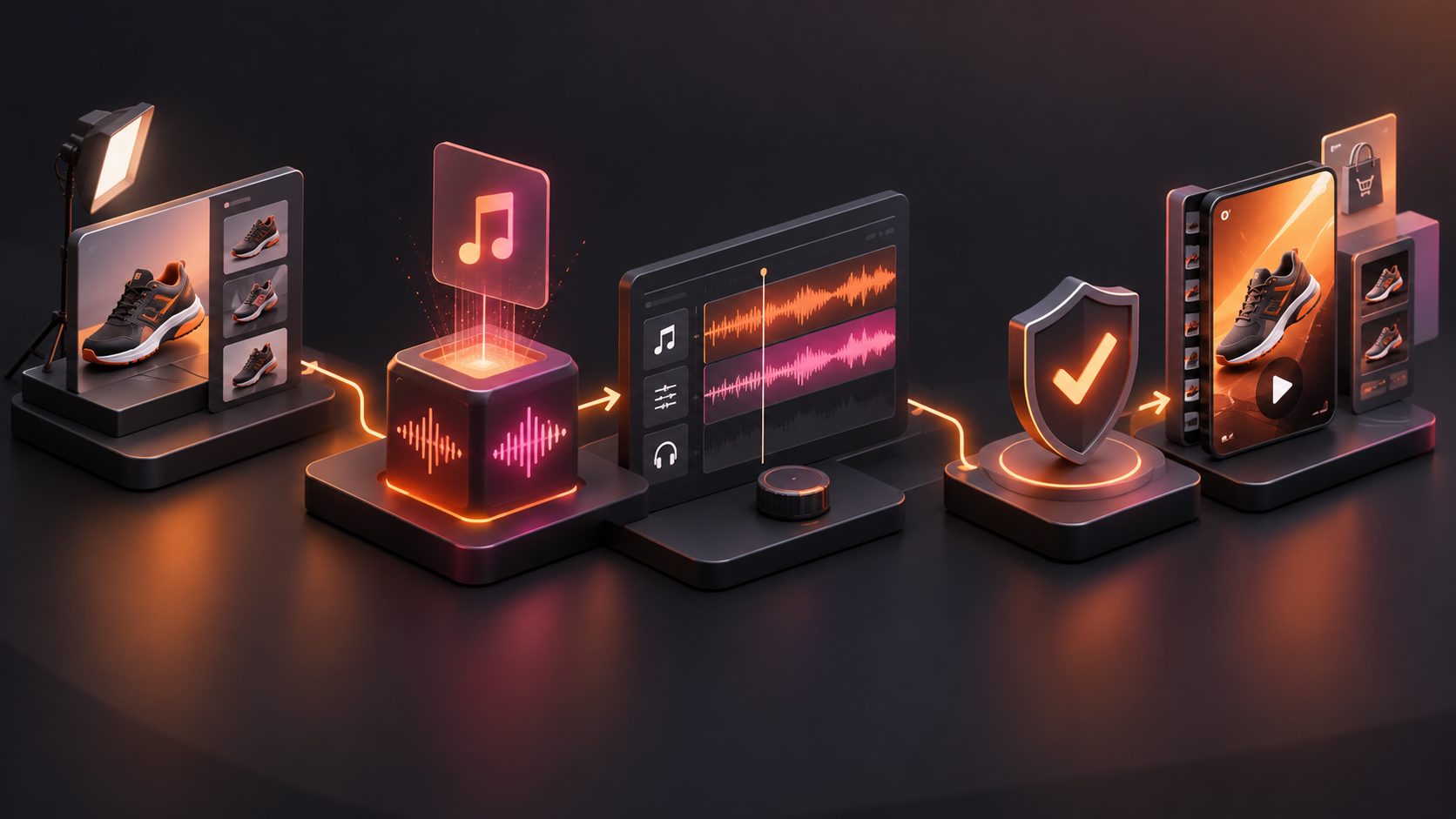
The reliable sequence is script extraction, meaning-based translation, voice generation, timing control, lip sync, subtitle review, and final QA. Editing the script before rendering is usually more efficient than repeatedly regenerating a structurally difficult voiceover.
- Select a proven source ad. Choose footage with a visible face, stable lighting, limited motion blur, and a hook worth preserving.
- Separate the content layers. Document speech, on-screen text, product shots, claims, offer details, and CTA.
- Localize the script by intent. Adapt idioms, units, currencies, and sentence length rather than translating word for word.
- Generate and review the voiceover. Confirm pronunciation, pace, emotion, and pauses before touching the video.
- Apply lip synchronization. Process only speaking segments when product B-roll does not show a face.
- Create localized subtitles. Check line breaks, timing, punctuation, and mobile readability.
- Run the 10-point scorecard. Approve, revise, or reject each market version.
A broader multilingual dubbing workflow for ecommerce videos can help coordinate translation, audio, subtitles, and file naming across markets. For existing campaign footage, AI video ad translation also provides a useful framework for protecting the original hook during localization.
How Do You Fix Common Lip Sync Failures?
Diagnose the source of the problem before regenerating. Many apparent model failures begin with unsuitable footage, crowded audio, or translated sentences that no longer fit the original performance.
| Problem | Likely cause | Best first fix |
|---|---|---|
| Mouth moves before the voice | Leading silence was removed | Add a short pre-roll or shift the audio |
| Final word is clipped | Voiceover ends at the cut | Extend the clip and add trailing silence |
| “P,” “B,” or “M” looks wrong | Weak mouth closure | Slow the word slightly or use another take |
| Jaw or teeth flicker | Blur, obstruction, or low facial detail | Use a clearer front-facing source |
| Fast hook feels robotic | Too many syllables per second | Rewrite the line more concisely |
| Emotion does not match | Voice tone conflicts with expression | Regenerate the voice before the video |
| Sync breaks after a cut | One render spans multiple shots | Process speaking clips separately |
| Captions disagree with speech | Script versions diverged | Lock one approved transcript before export |
Clip-by-clip correction is especially useful for paid social ads because one defective line should not require rebuilding an otherwise acceptable video. It also allows sellers to protect the opening hook while replacing only a product claim or CTA.
Where Does AdsTurbo Fit Into This Process?
AdsTurbo supports AI Lip Sync using a clear JPG or PNG portrait and an MP3 or WAV audio file. Sellers can combine lip synchronization with video translation, subtitles, character replacement, AI upscaling, and clip-by-clip editing when preparing localized ad variants.
AdsTurbo Video Subtitle automatically transcribes speech into time-synchronized captions. Users can download a video with embedded subtitles or export a separate subtitle file, making it easier to review whether the spoken script, visible mouth movements, and captions agree.
For broader production planning, the UGC ad video production workflow for ecommerce sellers explains how creator-style footage, product demonstrations, hooks, and CTAs fit into a repeatable campaign process. Advanced AdsTurbo plans also support team workflows and custom workflow support (API access itself is available on every plan).
Frequently Asked Questions
Can AI lip sync localize an ad without changing the original footage?
Yes. It can modify the visible speaking performance to match replacement audio while retaining the surrounding scene. However, unclear faces, profile angles, hands covering the mouth, and heavy motion blur can reduce output quality.
Should subtitles still be added to a lip-synced ad?
Usually, yes. Lip synchronization improves audiovisual consistency, while subtitles support viewers watching without audio and clarify product names or offer details. The caption text must match the approved voiceover exactly.
Is a front-facing speaker required?
A straight or slightly angled face generally provides the clearest mouth information. Strong profile angles may still work, but they should be included in the preflight test before processing a complete campaign.
Should sellers lip sync product B-roll?
No, unless a visible person is speaking in the shot. Product close-ups, demonstrations, packaging shots, and screen recordings can retain the localized audio without facial processing.
When is an AI lip sync result ready for paid ads?
An output is ready when it scores at least 8/10 on mouth match, timing, facial continuity, localization, and conversion clarity—with no category scoring zero. It should also pass a final check for product claims, offer accuracy, subtitles, and platform framing.
An AI lip sync tool for ads works best as part of a controlled localization system, not as a one-click finishing effect. Start with six diagnostic clips, approve the audio before rendering, score every output consistently, and repair individual lines before scaling the creative across markets.