By adsturbo.ai | Published 2026-10-12 | Updated 2026-10-12
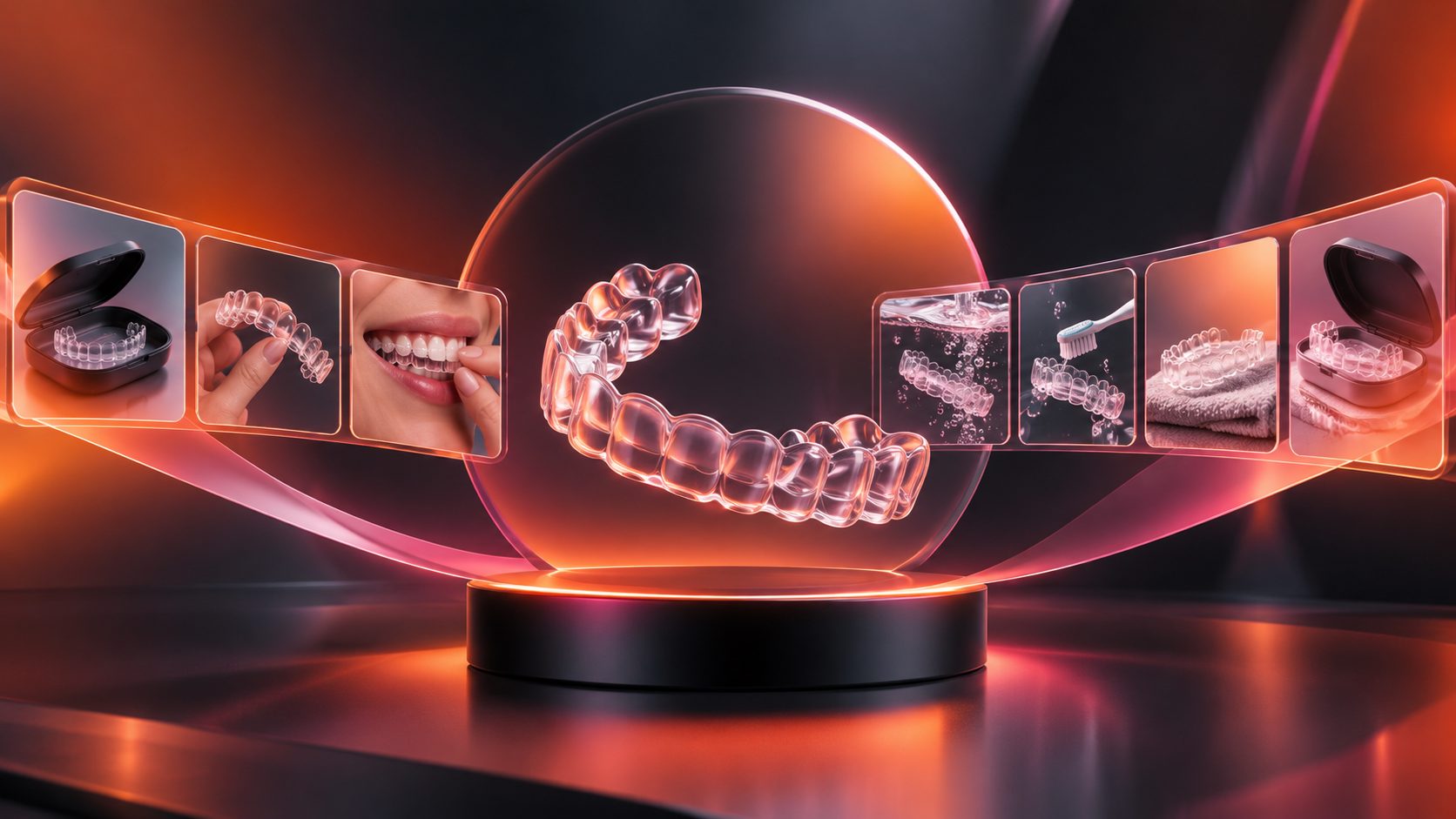
A clear aligner wear and clean video demo ecommerce creative should make three things immediately visible: tray orientation, gentle insertion or removal, and the approved cleaning routine. Brands can demonstrate all three without hiring an on-camera model by combining a dental arch model, gloved hands, macro product shots, and concise instructional overlays.
What Should a Clear Aligner Demonstration Prove?
A useful aligner video proves that the product can be identified, handled, seated, removed, cleaned, and stored through an easy-to-follow sequence. It should demonstrate observable actions, not promise treatment speed, perfect fit, pain-free movement, or guaranteed dental outcomes.
The FDA explains that clear aligner treatment normally involves professional evaluation, customized trays, directed wear, progress monitoring, and retention. Its current consumer guidance also states that clear aligners marketed directly to consumers without dentist or orthodontist supervision have not been authorized. (fda.gov)
For ecommerce creative, that distinction changes the script. Use language such as:
- “Follow your provider’s wear instructions.”
- “Remove before cleaning as directed.”
- “Use the cleaning method specified for your trays.”
- “Contact your dental professional about pain or fit concerns.”
Avoid presenting a generic demonstration as personalized clinical advice. The video should support the product instructions supplied by the manufacturer and treating professional, not replace them.
How Do You Structure the Demo in Eight Shots?
An effective 15-second sequence moves from identification to handling, fit, cleaning, and storage. Each shot should communicate one action, while the entire edit preserves hand position and tray orientation so viewers never have to guess what changed.
| Time | Shot | Visible proof | Suggested overlay |
|---|---|---|---|
| 0–1.5 sec | Clean product setup | Upper and lower trays beside the case | “Know your trays” |
| 1.5–3 sec | Orientation close-up | Front edge and molar ends | “Check orientation” |
| 3–5 sec | Front placement | Tray aligned over a dental model | “Seat the front gently” |
| 5–7 sec | Side placement | Fingers press toward the molars | “Press along both sides” |
| 7–8.5 sec | Edge inspection | Macro view of the seated rim | “Check for gaps” |
| 8.5–10.5 sec | Removal | Tray released from the rear on both sides | “Release evenly” |
| 10.5–13 sec | Cleaning | Rinse or approved soak sequence | “Clean as directed” |
| 13–15 sec | Storage and CTA | Dry tray placed inside its case | “Protect every tray” |
This proof-first structure also works for other compact demonstrations. Compare it with a 15-second product proof SOP, where each cut answers one buyer question rather than adding decorative footage.
How Can You Film Clear Trays Without a Human Model?
A model-free aligner demo uses a neutral dental arch, controlled hand movement, and edge lighting to make transparent material readable. The main production problem is not the lack of a face—it is preventing the tray from disappearing against the background.
Use the Touch–Transparency–Transition framework:
- Touch: Keep fingertips outside the tray’s critical contours. Show where pressure is applied without obscuring the action.
- Transparency: Place a pale gray, blue, or graduated surface behind the clear tray. Add soft rim light so its edges remain visible.
- Transition: Match the tray angle and hand position between cuts. A sudden orientation change can make a correct sequence appear misleading.
Shoot macro details at a slight angle rather than directly overhead. Reserve a white background for packaging and case shots; transparent trays usually need more separation. A rotating platform can show thickness and contours, but it should not imply custom fit unless the photographed tray is genuinely made for the displayed model.
The same visibility principle appears in this macro product framework for colored contact lens ads.
What Cleaning Steps Are Safe to Show?
Show only the cleaning process approved for the specific aligner or cleaning product. A defensible generic sequence is removal, a lukewarm-water rinse, use of the labeled cleaning method, a thorough final rinse, and protected storage.
Do not turn one manufacturer’s directions into a universal rule. For example, Invisalign’s US accessory instructions specify warm—not hot—water and a 15-minute soak for its own Cleaning Crystals system. Those timing and preparation details apply to that product and should not automatically be copied into another brand’s demonstration. (shop.invisalign.com)
Avoid visually suggesting unverified practices such as:
- Boiling or using very hot water
- Placing trays in a dishwasher
- Using an unlabeled chemical mixture
- Scrubbing aggressively with an abrasive paste
- Returning a visibly contaminated tray to the mouth
- Calling a rinse “sterilization” without appropriate evidence
If the product has several approved methods, film modular cleaning clips. The ecommerce team can then replace the soak, rinse, or brushing segment without rebuilding the entire ad.
How Should Ecommerce Brands Control Health Claims?
Every visual, caption, voice-over line, badge, and before-and-after transition contributes to the advertisement’s overall message. The FTC advises health-product marketers to evaluate both express and implied claims and to possess appropriate scientific support before publishing objective benefit or safety claims. (ftc.gov)
Use a claim-control table during scripting:
| Lower-risk demonstration | Claim requiring product-specific support |
|---|---|
| “Shows a step-by-step cleaning routine” | “Eliminates harmful bacteria” |
| “Tray appears clear after rinsing” | “Prevents staining” |
| “Demonstrates gentle insertion” | “Guarantees a perfect fit” |
| “Designed for convenient storage” | “Prevents all tray damage” |
| “Follow provider-directed wear time” | “Produces results in a fixed number of weeks” |
Disclosures should appear when the relevant action or claim appears—not after a rapid CTA. A disclaimer also cannot neutralize a contradictory visual, such as dramatic tooth movement paired with small text saying that results vary.
For additional creative checks, adapt the review process in this ecommerce ad compliance preflight guide to oral-care claims and product instructions.
How Can AdsTurbo Support the Production Workflow?
AdsTurbo can support a modular workflow in which product stills, shot-level edits, subtitles, translations, and final exports are prepared separately. This is useful when a brand needs multiple aspect ratios or localized versions without repeatedly filming the same tray and case.
A practical workflow is:
- Photograph the aligner package, case, and accessories against a clean, solid-color background.
- Upload JPG or PNG product images for supporting ecommerce visuals.
- Assemble approved demonstration clips with Clip by Clip editing.
- Replace distracting backgrounds where clearer product separation is needed.
- Generate time-synchronized subtitles and export either a captioned video or a separate subtitle file.
- Translate approved copy for regional versions.
- Upscale the final footage when macro edges need greater clarity.
AdsTurbo Product Image supports nine aspect ratios, while its image and video toolset includes product image generation, background replacement, subtitles, translation, and resolution enhancement. Generated imagery should support the presentation; factual insertion and cleaning actions still need review against the product’s approved instructions.
Brands converting limited product assets into ads can also use the principles in this white-background image to multilingual product video workflow.
What Is the 12-Point Preflight for the Final Video?
The 12-Point Aligner Demo Preflight is an original editorial scoring framework, not a clinical standard. Score each category from zero to three, publish at 10 or higher, and reject any version that receives zero for clinical fidelity or claim safety.
| Category | Three-point standard |
|---|---|
| Clinical fidelity | Tray orientation, handling, cleaning, and warnings match approved instructions |
| Product visibility | Tray edges, hand contact, liquid level, and case are clearly readable |
| Continuity | Hand position, tray direction, props, and cleaning stages remain consistent |
| Claim safety | Every spoken, written, and implied claim is accurate and substantiated |
Before export, review the video once without sound and once without visuals. The silent review reveals risky implied claims created by demonstrations. The audio-only review catches unsupported promises hidden in a fast voice-over.
Finally, inspect the 9:16 version on a phone at normal playback speed. If viewers cannot identify the tray orientation or read the safety cue without pausing, enlarge the detail or add time instead of adding more copy.
Frequently Asked Questions
Can an aligner wear demo be made without showing a real mouth?
Yes. A dental arch model, transparent tray, gloved hands, macro photography, and directional captions can demonstrate handling. Clearly present the setup as an instructional product visualization rather than an actual patient result.
How long should the ecommerce video be?
A focused wear-and-clean advertisement can work in approximately 15 seconds. Longer educational versions can separate insertion, removal, cleaning, storage, and troubleshooting into individual chapters.
Should a video specify daily wear time?
Only repeat the wear instructions authorized for the product and treatment program. FDA guidance notes that patients should follow the directions of their dentist or orthodontist. (fda.gov)
Can the cleaning clip claim that the tray is disinfected?
Not without suitable evidence for the exact product, method, concentration, and contact time shown. “Rinse,” “clean,” or “use as directed” may describe visible actions without implying unsupported microbial performance.
Which aspect ratios should the brand prepare?
Create 9:16 for vertical short-form placements, 1:1 for square feeds and product pages, and 16:9 for landscape placements. Keep essential hand movements, captions, and tray edges inside a central safe area so every crop remains understandable.