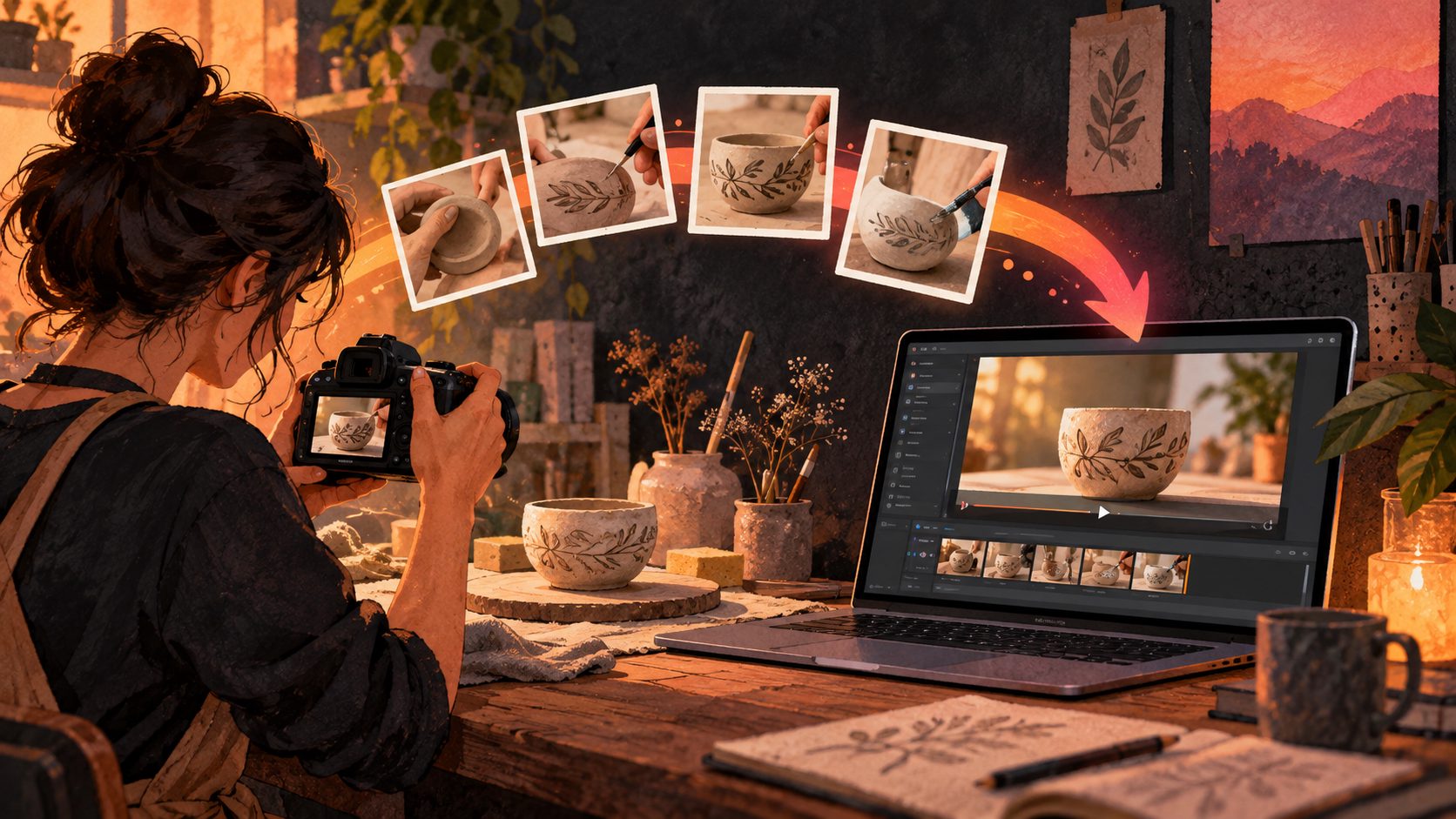
By adsturbo.ai | Published 2026-10-10 | Updated 2026-10-10
Etsy handmade wood product video ads AI should make a real handcrafted item easier to inspect—not turn it into an imaginary product. The strongest 15-second videos use restrained camera motion to reveal wood grain, joints, edge finishing, scale, and maker-applied details while preserving the product’s actual construction.
This guide provides a photo-to-video workflow, a precise storyboard, and an original fidelity scorecard for checking whether an AI-generated clip still represents the item a buyer will receive.
What Should an AI Video Show for a Handmade Wood Product?
A useful handmade wood video answers three buyer questions quickly: What does the material look like, how was the piece assembled, and how large is it? Every shot should provide evidence for at least one of those questions.
For a cutting board, jewelry box, shelf, lamp, or small furniture piece, prioritize:
- Grain direction, figure, knots, and natural color variation
- Joinery such as dovetails, box joints, mortise-and-tenon connections, or dowels
- Edge treatment, including chamfers, roundovers, or hand-sanded corners
- Finish appearance under moving light
- Hardware, engraving, personalization, or burned-in maker marks
- Scale beside a hand, familiar object, or measured dimension
- The finished product rather than a generic woodworking scene
Etsy’s guidance recommends showing craftsmanship, materials, scale, and the finished item. Its Creativity Standards also require listings for seller-made products to use original photo or video content of the final product. AI motion should therefore enhance genuine source material without inventing a different grain pattern, joint, or accessory. Review Etsy’s video ideas for handmade listings and its Creativity Standards. (etsy.com)
How Do You Prepare Wood Product Photos for AI Animation?
Start with four to six sharp photos of the actual sale-ready item. AI cannot faithfully reveal joinery or texture that is hidden, blurred, cropped out, or covered by harsh reflections.
Use this source-photo checklist:
- Hero view: Photograph the complete product at a three-quarter angle.
- Grain view: Fill most of the frame with the most distinctive wood figure.
- Joint view: Capture one corner or connection in sharp focus.
- Finish view: Use soft side lighting to reveal sheen and sanding quality.
- Scale view: Place a hand or familiar object beside the product.
- Feature view: Photograph engraving, hardware, storage, or moving parts.
Keep white balance consistent. Avoid portrait-mode blur around thin handles and corners, because imperfect masks can produce melting edges when animated. If you need a phone-first capture process before using AI, follow this Etsy handmade close-up listing video guide.
AdsTurbo Product Video accepts JPG or PNG product images up to 10 MB and can automatically analyze an uploaded item to generate a short UGC-style product video. Use the clearest original product image as the visual anchor rather than asking the model to reconstruct the object from text alone.
What Is the Best 15-Second Storyboard?
A high-information Etsy wood video moves from recognition to proof. The sequence below gives grain and joinery enough screen time without making the clip feel like a slow slideshow.
| Time | Shot | Buyer evidence | Motion direction |
|---|---|---|---|
| 0–2 sec | Full-product hero view | Shape and overall design | Slow 5% push-in |
| 2–5 sec | Macro grain close-up | Real material and figure | Gentle lateral slide |
| 5–8 sec | Joint or corner detail | Construction quality | Small arc around joint |
| 8–11 sec | Edge and finish | Sanding, finish, thickness | Light sweep or tilt |
| 11–13 sec | Hand or object for scale | Practical size | Stable frame |
| 13–15 sec | Finished hero view | Product recall and variation | Slow pullback |
For Etsy itself, design the sequence to work silently. Etsy currently allows up to two listing videos, each 3–15 seconds, with a maximum file size of 100 MB; uploaded listing videos do not retain audio, and Etsy recommends at least 1080-pixel resolution. Etsy’s official listing video requirements should be checked again before export because platform specifications can change. (help.etsy.com)
For paid social, reuse the same visual sequence but add music, voice-over, captions, and a direct CTA. Do not assume that an Etsy listing upload and a TikTok or Instagram ad should use identical text density.
How Should You Prompt the AI Without Distorting the Product?
The safest prompt describes camera behavior and visible evidence, not a redesigned object. Name the real species or construction method only when you know it is accurate.
Use this prompt structure:
Create a restrained 15-second macro product video from the uploaded photo of the actual handmade wooden item. Preserve its exact shape, grain pattern, joints, color, engraving, hardware, and proportions. Begin with a full three-quarter view, move into a slow close-up of the grain, reveal the visible joint and edge finishing, then return to the complete product. Use soft side lighting and realistic shallow depth of field. Do not add knots, seams, handles, decorations, text, or moving parts that are absent from the source image.
Negative instructions matter for handmade products. Add phrases such as:
- No liquid or rubber-like wood deformation
- No changing grain between frames
- No extra fingers or distorted hands
- No invented hardware or joinery
- No altered engraving or personalization
- No exaggerated gloss
- No floating product edges
When a generated camera move changes the physical design, replace that shot instead of hiding the error with faster editing. This product-accurate image-to-video workflow offers additional methods for controlling geometry and material consistency.
How Can You Check Grain and Joinery Fidelity?
The Grain–Joinery–Scale scorecard is a practical preflight framework for handmade wood videos. Score each dimension from 0 to 2 and publish only clips reaching at least 5 out of 6, with no zero in any category.
| Check | 0 points | 1 point | 2 points |
|---|---|---|---|
| Grain | Grain changes or flows unnaturally | Minor softening | Pattern and direction stay consistent |
| Joinery | Connection appears impossible | Detail is partially obscured | Joint remains structurally consistent |
| Scale | Size becomes misleading | No clear scale evidence | Dimensions or reference object clarify size |
This framework prevents a common creative mistake: optimizing for cinematic motion while reducing product truth. A beautiful clip that changes a dovetail into a seamless corner may create expectations the delivered product cannot meet.
Pause the video at 25%, 50%, and 75% of its duration. Compare each frame with the source photograph, checking corners, grain landmarks, engraving, and hardware count. AdsTurbo’s clip-by-clip editing can be used to replace only the failed segment, while AI upscaling can improve final resolution after visual accuracy has been approved.
How Do You Export One Video for Etsy and Social Ads?
Create a clean master first, then produce channel-specific versions. This keeps the product evidence consistent while allowing different crops, captions, and calls to action.
For the Etsy version:
- Keep the duration at 15 seconds or less
- Make every claim understandable without audio
- Keep important details away from crop-prone edges
- Use minimal text, such as wood species or dimensions
- Export at 1080 pixels or higher before compression
For off-Etsy ads, create vertical, square, and landscape variations. Add a concise hook such as “Look closely at the hand-cut joints,” followed by one material fact and one CTA. Sellers producing without a studio can adapt the process in this no-filming ecommerce video SOP.
Frequently Asked Questions
Can AI create an Etsy video from one wood product photo?
Yes, but one photo limits what can be shown truthfully. Use a clear three-quarter image and request a modest push-in rather than a full rotation that would require the AI to invent unseen surfaces.
Should an Etsy wood listing video include sound?
Design it without sound because Etsy removes audio from listing videos. Keep a separate audio-enabled version for social advertising. (help.etsy.com)
Can the AI add a hand holding the product?
It can, but hands increase the risk of incorrect scale, warped fingers, or altered edges. A real photograph containing a hand is safer when size is an important purchase consideration.
Should I show the woodworking process or only the finished item?
Use the listing video to prove the finished item first. If two video slots are available, the second can show sanding, carving, assembly, personalization, or finishing—as long as it accurately reflects your process.
Turn Texture Into Purchase Evidence
The goal of Etsy handmade wood product video ads AI is not maximum motion. It is maximum confidence per second. Begin with original photos, reveal material and construction deliberately, reject invented details with the Grain–Joinery–Scale scorecard, and export separate silent and paid-social versions.
AdsTurbo can support this workflow with product video generation, clip-by-clip editing, background replacement, subtitles, and video upscaling. The maker should still make the final decision: if a frame does not look like the product on the workbench, it should not represent the product online.