Etsy listing video maker: Create Listing Videos From Product Images


Summarize with
Summary
Use an Etsy listing video maker to turn product images, benefits, and use cases into silent 3–15 second listing clips. Follow Etsy’s current specs and workflow.
作者:adsturbo.ai|发布日期:September 10, 2026|更新日期:September 10, 2026
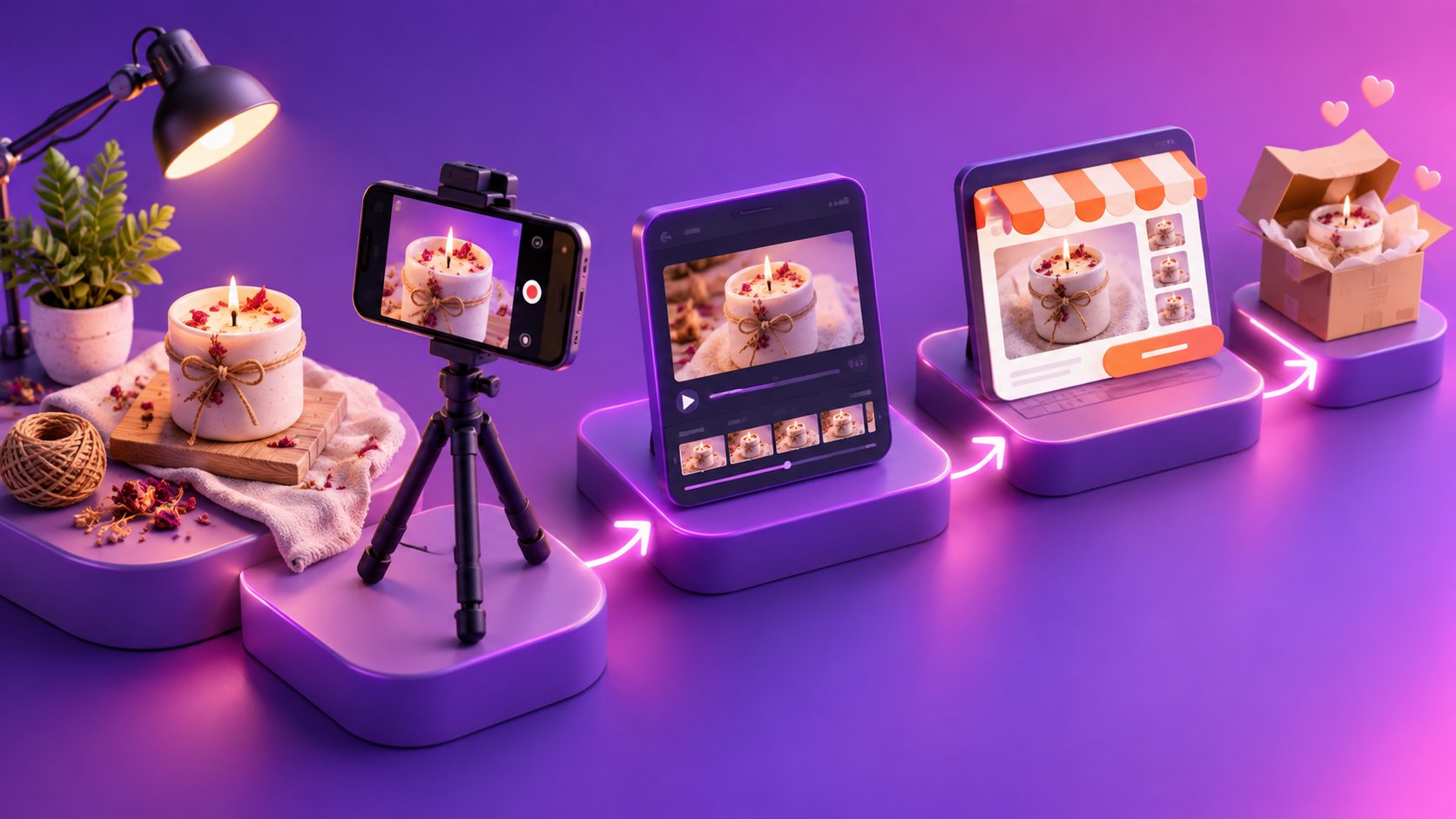
An Etsy listing video maker helps sellers turn product photos, key benefits, and real-world use cases into short listing clips without setting up a full video shoot. The most effective workflow is not to create a cinematic commercial; it is to make a silent product proof video that quickly answers buyer questions about appearance, scale, texture, and use.
What is an Etsy listing video maker?
An Etsy listing video maker is a tool or workflow that converts product footage, product images, or short visual sequences into a video suitable for an Etsy listing. It may include trimming, cropping, motion effects, text overlays, background changes, or AI-generated product scenes.
For Etsy sellers, the listing video has a specific job: reduce uncertainty before purchase. A necklace video can show how it catches light. A ceramic mug video can reveal its glaze and size. A digital product video can demonstrate the interface or final result.
Etsy’s current Help Center says listing videos may be 3–15 seconds long, up to 100 MB, without audio after upload, with an ideal resolution of at least 1080 pixels. The current guidance also allows up to two videos per listing and recommends a 2:1 or 1:2 aspect ratio. Check the official Etsy listing video requirements before publishing because platform specifications can change.
Etsy listing video specifications at a glance
| Requirement | Current Etsy guidance |
|---|---|
| Length | 3–15 seconds |
| Maximum file size | 100 MB |
| Audio | Removed after upload |
| Ideal resolution | At least 1080 pixels |
| Aspect ratio | 2:1 or 1:2 |
| Videos per listing | Up to 2 |
| Common formats | MP4, MOV, FLV, AVI, 3GP, MPEG, and others |
Some older tutorials still mention a 5–15-second limit or one video per listing. For current publishing decisions, prioritize Etsy’s Help Center over older third-party guides.
Why use product images to create an Etsy video?
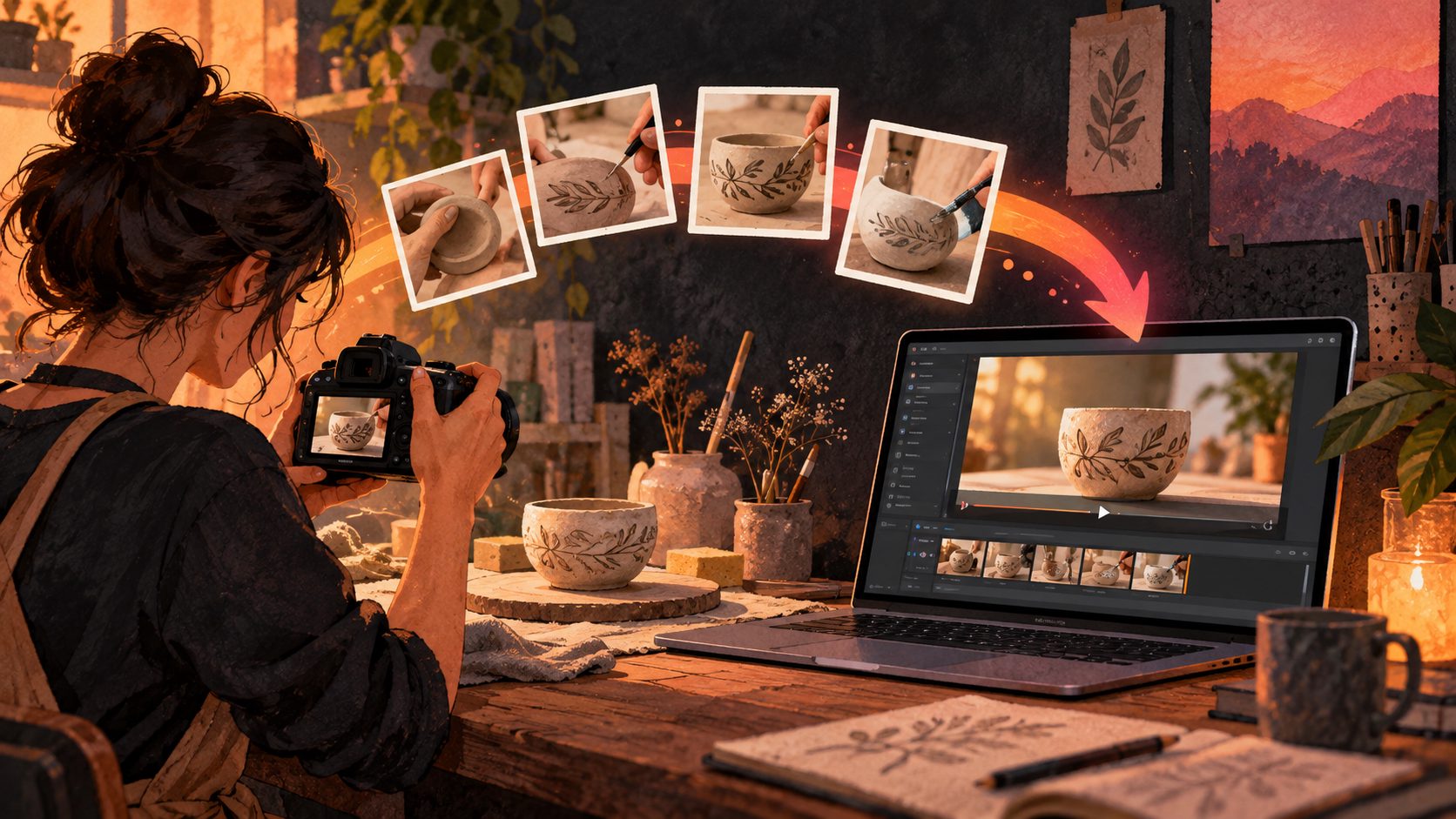
Product images are often the fastest starting point for sellers with many SKUs, handmade variations, or limited filming equipment. A clear product photo can be turned into a controlled sequence with slow movement, close-up framing, or a simulated use context.
The important distinction is between adding motion and inventing product details. An Etsy video should remain consistent with the actual item. Avoid AI scenes that change the product’s shape, color, material, proportions, or included accessories.
A practical image-first workflow works well when:
- You already have clean listing photos.
- The product is small, stationary, or difficult to film.
- You need videos for multiple colors, sizes, or variations.
- You want to test several visual openings.
- You need one master asset that can later be adapted for social ads.
For best results with AdsTurbo Product Image, upload a clear JPG or PNG product photo. A sharp image on a plain or solid-color background gives the system a stronger visual starting point. AdsTurbo Product Image can analyze the product’s shape, color, and category, and can output different image types such as banners, lifestyle scenes, close-ups, material details, instruction visuals, and brand images.
You can also read this guide on turning product images into videos for ecommerce ads for a broader image-to-video production workflow.
How to make an Etsy listing video in five steps
A repeatable process is more useful than a complex editing timeline. Use the following workflow for each product or variation.
-
Choose one buyer question.
Decide whether the video will show size, texture, functionality, fit, finish, packaging, or a use case. One short clip cannot explain everything equally well. -
Prepare the source image or footage.
Use a high-resolution JPG or PNG product image, or a steady video recorded with indirect light and a clean background. Make sure the product is accurately represented. -
Build a proof-first sequence.
Start with the full product, then move to one detail, one scale reference, and one use moment. Keep the product visible instead of opening with a logo animation or decorative transition. -
Trim and format for Etsy.
Keep the final clip between 3 and 15 seconds, under 100 MB, silent, and within Etsy’s accepted aspect-ratio range. Export at 1080 pixels or higher when possible. -
Upload and inspect the listing.
In Etsy Shop Manager, open the listing, go to Photo and video, and upload the finished file. Review it on a mobile screen to confirm that the product remains clear and that any text is readable.
AdsTurbo Product Video supports JPG and PNG product uploads and can generate UGC-style short videos, including product review, product introduction, and product demonstration formats. This makes it useful when the listing has strong product photography but lacks original video footage.
A 15-second storyboard for Etsy product videos
The following storyboard is an editorial framework designed for silent product listings. It assigns each section a single communication goal, which helps prevent overcrowded videos.
| Time | Visual job | Example |
|---|---|---|
| 0–2 seconds | Identify the item | Full product in the clearest angle |
| 2–5 seconds | Show a differentiator | Texture, stitching, finish, or shape |
| 5–9 seconds | Prove scale or use | In a hand, on a table, worn, opened, or used |
| 9–12 seconds | Reinforce the benefit | A close-up of the feature that matters |
| 12–15 seconds | Leave a clean ending | Stable hero frame with optional short text |
This structure adds value beyond a basic slideshow because every shot has a buyer-facing purpose. If the product is highly tactile, spend more time on the detail shot. If size is a common source of returns, prioritize a hand, ruler, model, or familiar surface for scale.
With two available video slots, consider separating the jobs:
- Video 1: product appearance, finish, and key detail.
- Video 2: product use, size, packaging, or variation comparison.
That is generally more useful than uploading two nearly identical rotations.
How to create Etsy listing videos in batches
Batch production is valuable when a shop has multiple products but should not mean producing identical videos for every SKU. Start by organizing products into visual groups: jewelry, apparel, stationery, home decor, beauty accessories, or digital downloads.
For each group, create a consistent template with replaceable fields:
- Product image
- Primary benefit
- Detail shot
- Use case
- Variant name
- Final frame
Then vary the first two seconds across a small test set. For example, one version can open with the full product, another with a texture close-up, and a third with the product in use. The listing video remains informative, while the opening angle changes the buyer’s first impression.
AdsTurbo also provides bulk product video workflows for multi-SKU ecommerce production. Higher-level plans support team workflows and custom workflows (API access itself is available on every plan). All generation tasks run asynchronously, so larger jobs can be monitored through status polling or completed through Webhook callbacks.
For developers, AdsTurbo’s API uses standard REST architecture with Bearer API Key authentication. Its available video-generation endpoints include shot analysis, lip sync, watermark removal, translation, upscaling, face swap, motion control, and subtitles. Not every endpoint is necessary for an Etsy listing, but the modular structure can support a wider creative system beyond the Etsy upload.
See the bulk product video generator workflow when preparing videos across multiple products or variations.
Common mistakes to avoid
A strong Etsy product video should make the item easier to understand, not simply make the listing look busier.
Avoid these common problems:
- Opening with a logo instead of the product.
- Using rapid zooms that hide material detail.
- Adding narration when Etsy removes audio.
- Relying on tiny text overlays.
- Using backgrounds that compete with the item.
- Applying filters that alter the product’s actual color.
- Showing props that appear to be included but are not.
- Exporting a social-media video without checking Etsy’s ratio and duration limits.
- Using AI-generated scenes that change the product’s construction or dimensions.
If the source footage is blurry or heavily compressed, AdsTurbo AI Upscaling can improve video resolution and supports before-and-after previewing. However, upscaling cannot recover details that were never captured. A clear source image remains the foundation of an accurate listing video.
For promotional campaigns outside the Etsy listing, you can also explore AI product video generation for testable ecommerce ads. Keep the Etsy listing export separate from longer social ads, since listing videos are silent and tightly constrained.
Frequently asked questions
Can an Etsy listing video have sound?
No. Etsy removes audio from listing videos after upload. Design the clip so the product remains understandable without narration, music, or sound effects.
How long should an Etsy listing video be?
Etsy currently accepts videos from 3 to 15 seconds. A concise clip is usually easier to watch, but the right length depends on how much visual proof the product needs.
Can I make an Etsy video without filming?
Yes. You can animate or sequence product images, create image-based product scenes, or use an AI product video workflow. The final result should still accurately represent the item shoppers will receive.
Should I use one or two videos per listing?
Use the second slot when it answers a different buyer question. For example, pair a material close-up with a product-in-use clip instead of repeating the same angle.
Can I reuse an Etsy listing video for ads?
Yes, but prepare a separate export for each channel. Etsy listing videos are silent and limited to 3–15 seconds, while TikTok, Meta, and YouTube ads may use different dimensions, audio, captions, and calls to action.