By adsturbo.ai | Published 2026-09-22 | Updated 2026-09-22
An exit intent video popup ecommerce strategy shows a short, product-focused video when a shopper appears ready to leave a store. Instead of displaying only a coupon, the popup combines visual proof, a relevant offer, and one clear next step to reduce hesitation before the shopper exits.
What is an exit intent video popup for ecommerce?
An exit intent video popup is a targeted overlay triggered by behavior that suggests a visitor may leave a product page, cart, or store. On desktop, this often means cursor movement toward the browser controls. On mobile, the trigger may rely on scrolling, inactivity, tab switching, or other session signals. (shopify.com)
The video should not act like a general brand commercial. Its job is narrower: answer the final objection that is blocking the purchase.
Useful popup video angles include:
- A quick demonstration of how the product works
- A close-up of texture, size, fit, or finish
- A customer-style product introduction
- A reminder of the current discount or free-shipping threshold
- A short “still deciding?” message paired with a saved cart
The strongest version connects the creative to the shopper’s context. A visitor who viewed a product but did not add it to cart may need proof. A visitor with items in the cart may need reassurance, delivery information, or a limited incentive.
Why use video instead of a standard discount popup?
A standard popup usually asks the shopper to make a decision based on text alone. A video can show the product in use, clarify its value, and make the offer feel connected to the item the visitor was considering.
This matters because the discount is not always the real objection. Shoppers may hesitate because they are unsure about:
- Product quality
- How the item looks in real life
- Whether it solves their specific problem
- How to use or assemble it
- Whether the purchase is worth the price
- Which variant is right for them
A product-led video can address one of these concerns in seconds. For example, a beauty seller might show application and texture, while a home-goods seller might show scale, setup, or storage.
The practical rule is simple: use the video to reduce uncertainty, then use the offer to remove the remaining friction.
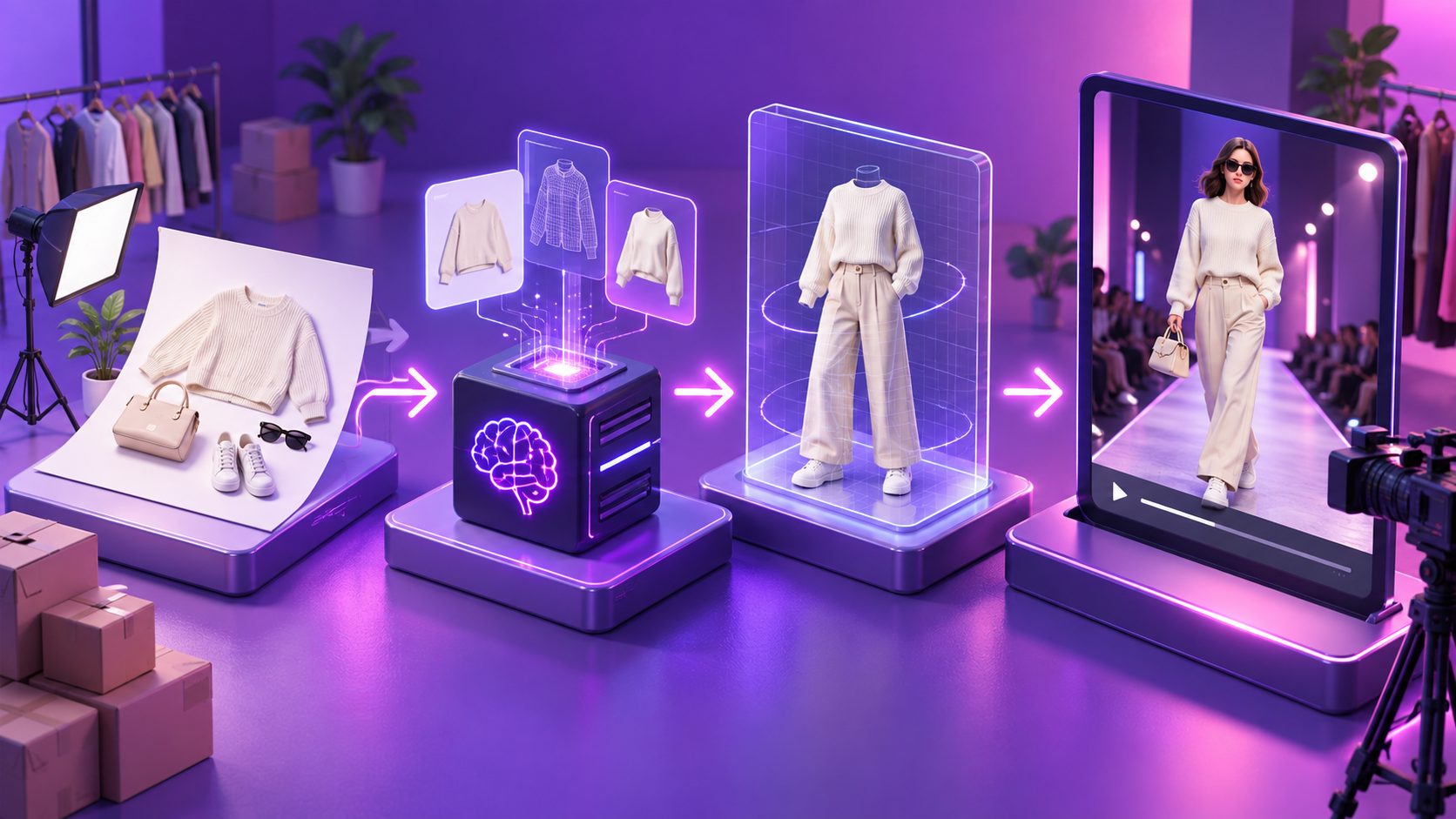
For stores starting from a single product photo, AdsTurbo Product Video can use a JPG or PNG image, with optional product selling points and promotional information, to create short-form product advertising content. Its generated formats can include product review, product introduction, and product demonstration videos.
Where should the popup appear?
Exit intent works best when the trigger matches the shopper’s level of intent. Shopify guidance recommends considering product pages, carts, and checkout-related moments rather than showing the same message to every visitor. (shopify.com)
Use this targeting framework:
| Shopper context | Best video message | Suggested CTA |
|---|---|---|
| Product page, no cart activity | Show the product benefit or use case | “See how it works” |
| Product viewed multiple times | Address a likely objection | “Use my offer” |
| Cart contains an item | Show the selected product and incentive | “Return to cart” |
| High-value cart | Emphasize value, bundle, or shipping | “Complete my order” |
| First-time visitor | Introduce the product without over-discounting | “Get the details” |
Avoid triggering the popup immediately after a visitor lands. A visitor who has not interacted with the page has not demonstrated buying intent, so a discount video can feel premature.
A useful starting rule is to trigger only after a meaningful signal, such as a product view, scroll depth, cart addition, or repeated page visit. Then limit the campaign to once per session or once per visitor window.
How to create the video from a product image
A fast workflow for Shopify and other direct-to-consumer stores is:
-
Choose one product and one objection.
Do not try to explain every feature. Select one reason the shopper may hesitate, such as uncertainty about size, usage, durability, or appearance. -
Prepare the source image.
Upload a clear JPG or PNG product image. A sharp product photo on a plain background generally gives the cleanest starting point in AdsTurbo Product Image. -
Write the offer before the script.
Define the discount, free-shipping condition, bundle benefit, or promotional deadline. The video should support a real offer, not create artificial urgency. -
Build a short sequence.
A practical structure is: product recognition, benefit demonstration, offer, CTA. Keep the first visual recognizable so the shopper immediately understands what the popup is about. -
Create multiple versions.
Change one variable at a time: opening shot, headline, benefit, discount framing, or CTA. AdsTurbo supports product video generation and can help ecommerce sellers produce creative variations from product assets. -
Export for the popup layout.
Test vertical, square, or compact landscape versions depending on the popup design and device. The video should remain understandable with sound off.
For more product-led creative ideas, the product photo to video ads workflow explains how sellers can turn a clean product image into campaign-ready video concepts.
A practical framework for testing popup videos
Most guides recommend strong CTAs, relevant imagery, audience targeting, and A/B testing. (shopify.com) The missing step is usually a clear way to decide what to test first.
Use the V-O-C framework:
- V — Visual proof: Does the first two seconds show the actual product or a clear use case?
- O — Offer relevance: Does the incentive match the shopper’s stage and cart context?
- C — Conversion path: Can the shopper understand and use the CTA without extra steps?
Score each category from 0 to 2:
| Score | Meaning |
|---|---|
| 0 | Missing or confusing |
| 1 | Present but weak |
| 2 | Clear and context-specific |
A popup scoring below 5 should be improved before testing discount percentages. If the product is unclear or the CTA creates friction, a larger discount may simply reduce margin without fixing the conversion problem.
Test in this order:
- Product demonstration versus product close-up
- Benefit-led headline versus discount-led headline
- Cart-specific offer versus generic store offer
- One CTA versus multiple actions
- Short video versus longer explanation
For deeper creative iteration, use a video hook testing framework to refresh the opening seconds without changing the entire campaign.
How to avoid hurting SEO and user experience
An exit popup is a conversion element, not an excuse to cover the page aggressively. Google Search Central advises avoiding intrusive interstitials that obscure content, especially when users arrive from mobile search. Smaller, dismissible banners and dialogs create less friction. (developers.google.com)
Apply these safeguards:
- Do not show the popup immediately on landing
- Keep the close button visible and easy to tap
- Avoid covering the entire mobile viewport
- Do not autoplay with sound
- Pause or stop the video when the popup closes
- Limit frequency during the same session
- Preserve the shopper’s cart and current page
- Make the offer terms easy to understand
If using Shopify discounts, verify whether the campaign should use a discount code or an automatic discount. Shopify states that automatic discounts apply when eligibility conditions are met and that customers must add qualifying items to the cart. (help.shopify.com)
What should you measure?
Track the popup as a funnel rather than judging it only by clicks:
- Popup impressions
- Video starts and completion rate
- CTA click-through rate
- Discount-code copy or application rate
- Add-to-cart rate
- Checkout initiation
- Purchase conversion rate
- Revenue per exposed visitor
- Average order value
- Gross margin after discount
The most important comparison is usually revenue per exposed visitor, not popup click rate. A video may receive fewer clicks than an aggressive coupon but still produce better-quality orders and less unnecessary discounting.
AdsTurbo can support the creative production side of this process with product videos, subtitles, translations, background replacement, AI upscaling, and other video editing controls. For cost planning across different creative formats, the AI video generator pricing comparison provides a useful production framework.
Frequently asked questions
Does an exit intent popup work on mobile?
Yes, but mobile exit intent cannot rely only on cursor movement. Mobile campaigns typically use signals such as rapid upward scrolling, inactivity, tab changes, or return behavior. The popup should be compact, dismissible, and designed for touch interaction.
Should the popup always offer a discount?
No. A product demonstration, free shipping threshold, bundle recommendation, warranty reminder, or saved-cart message may be more appropriate. Use discounts when price is a genuine barrier, not as the default response to every exit.
How long should the popup video be?
Keep it as short as possible while proving one point. For many product offers, a concise sequence with a recognizable product, one benefit, and one CTA is easier to understand than a full commercial.
Can a product image become a popup video?
Yes. AdsTurbo Product Video supports JPG and PNG product uploads and can generate product review, introduction, and demonstration-style videos. Clear source imagery and focused selling points generally make the output easier to use in a popup workflow.
How can I test whether the popup is profitable?
Compare exposed visitors with a control group or with a prior period, then evaluate revenue per exposed visitor and margin—not only clicks or email signups. Keep the trigger, audience, and offer rules consistent while changing one creative variable at a time.