Hoverboard Beginner Tutorial Video Ad: A Safety-First Script


Summarize with
Summary
Create a hoverboard beginner tutorial video ad that demonstrates balance, mounting, stopping, and safe practice steps. Use this conversion-focused script with AdsTurbo.
By AdsTurbo | Published 2026-10-28 | Updated 2026-10-28
A hoverboard beginner tutorial video ad should do more than show a confident rider gliding at full speed. It should demonstrate how a first-time buyer mounts, finds balance, turns, slows down, and steps off safely. That practical sequence reduces uncertainty and gives shoppers a clearer reason to trust the product.
What should a beginner hoverboard video ad explain?
A beginner hoverboard video ad should explain the first five actions: prepare the riding area, step onto the board, keep the body centered, make small weight shifts, and dismount with control. The strongest creative makes each action visible instead of relying on fast cuts or vague claims.
A useful beginner sequence includes:
- Safety preparation: helmet, protective gear, flat closed-toe shoes, and an open practice area.
- Mounting: place one foot firmly on the footpad, then bring the second foot up without jumping.
- Neutral balance: keep the torso upright and place the body’s center over the board.
- Movement control: use small forward and backward weight shifts rather than leaning dramatically.
- Stopping and dismounting: reduce speed, stabilize, and step off deliberately.
The Consumer Product Safety Commission recommends wearing a helmet, following manufacturer instructions, checking the device for damage, and using caution around pedestrians and vehicles. (cpsc.gov)
The key teaching point: show weight shifts, not just motion
Hoverboards respond to pressure and balance changes under the rider’s feet. A beginner can understand this faster when the video shows a close-up of the footpads and an overlay such as “small shift forward = move forward” rather than simply showing the rider moving.
Avoid telling viewers to “lean hard.” That wording can encourage overcorrection. A better line is:
“Keep your shoulders relaxed and make small shifts from your ankles and hips.”
This is also a useful product-demonstration angle for ecommerce brands because it turns an invisible feature—pressure-sensitive control—into something viewers can see.
A 30-second script for a hoverboard beginner tutorial video ad
The following script is designed for a vertical UGC-style ad on TikTok, Instagram Reels, or YouTube Shorts. It prioritizes reassurance before speed.
| Time | Visual direction | Voiceover or on-screen text |
|---|---|---|
| 0–3 sec | Beginner stands beside the hoverboard in an open, flat area | “First time on a hoverboard? Start here.” |
| 3–7 sec | Show helmet, wrist guards, knee pads, and closed-toe shoes | “Wear protective gear and practice away from traffic, stairs, and obstacles.” |
| 7–11 sec | Close-up of one foot stepping onto the board, followed by the second | “Place one foot down, then step up smoothly. Don’t jump.” |
| 11–16 sec | Side view with a simple vertical body-line graphic | “Keep your shoulders relaxed and your weight centered over the board.” |
| 16–20 sec | Close-up of feet making a small forward shift | “Move with small pressure changes—not a dramatic lean.” |
| 20–24 sec | Rider makes a wide, slow turn | “For turning, shift gently and keep your eyes in the direction you want to go.” |
| 24–27 sec | Rider slows down and steps off one foot at a time | “To stop, slow down first, then step off carefully.” |
| 27–30 sec | Product hero shot with beginner riding calmly | “Learn the basics first. Then enjoy the ride.” |
This structure differs from typical “trick” ads because it answers the buyer’s main objection: “Can I learn this without immediately falling?” It also gives the viewer a clear mental model before presenting the product as entertainment.
How should the video demonstrate safe mounting and dismounting?
Mounting and dismounting deserve separate shots because they are common moments of hesitation. Film them from a side angle and a foot-level close-up so viewers can see both body position and foot placement.
Mounting shot
Use a stable surface with enough room around the rider. The rider should:
- Place the first foot near the center of the footpad.
- Keep that leg slightly relaxed rather than locked.
- Bring the second foot onto the opposite pad smoothly.
- Pause for one second before moving forward.
Do not begin with a moving shot. Starting after the rider is already gliding can make the product look more difficult than it is.
Dismounting shot
The rider should slow down before stepping off. Show the sequence at normal speed first, then repeat it in a short slow-motion insert. Avoid dramatic falls, fake panic, or exaggerated “fail” footage; these may attract attention but can increase purchase anxiety for a safety-conscious shopper.
For additional guidance, Jetson’s hoverboard riding instructions also emphasize safety gear, flat surfaces, and keeping the body centered over the board. (support.ridejetson.com)
What safety information belongs in a product ad?
A product ad should include practical safety guidance without making unsupported promises. Mention controlled practice, protective gear, local rules, and the manufacturer’s instructions. Do not claim that a hoverboard is “fall-proof,” “risk-free,” or suitable for every age or environment.
Include a short end card such as:
Practice on a smooth, flat surface. Wear a helmet and protective gear. Follow local laws and the manufacturer’s instructions.
The U.S. CPSC also advises users to check for product damage, avoid abrupt movements, remain visible to others, and use only the recommended charger. It warns against unattended or overnight charging for micromobility products. (cpsc.gov)
For a store selling across the United States, avoid presenting one local rule as universal. Riding restrictions, age requirements, and permitted locations can differ by state, city, or property owner.
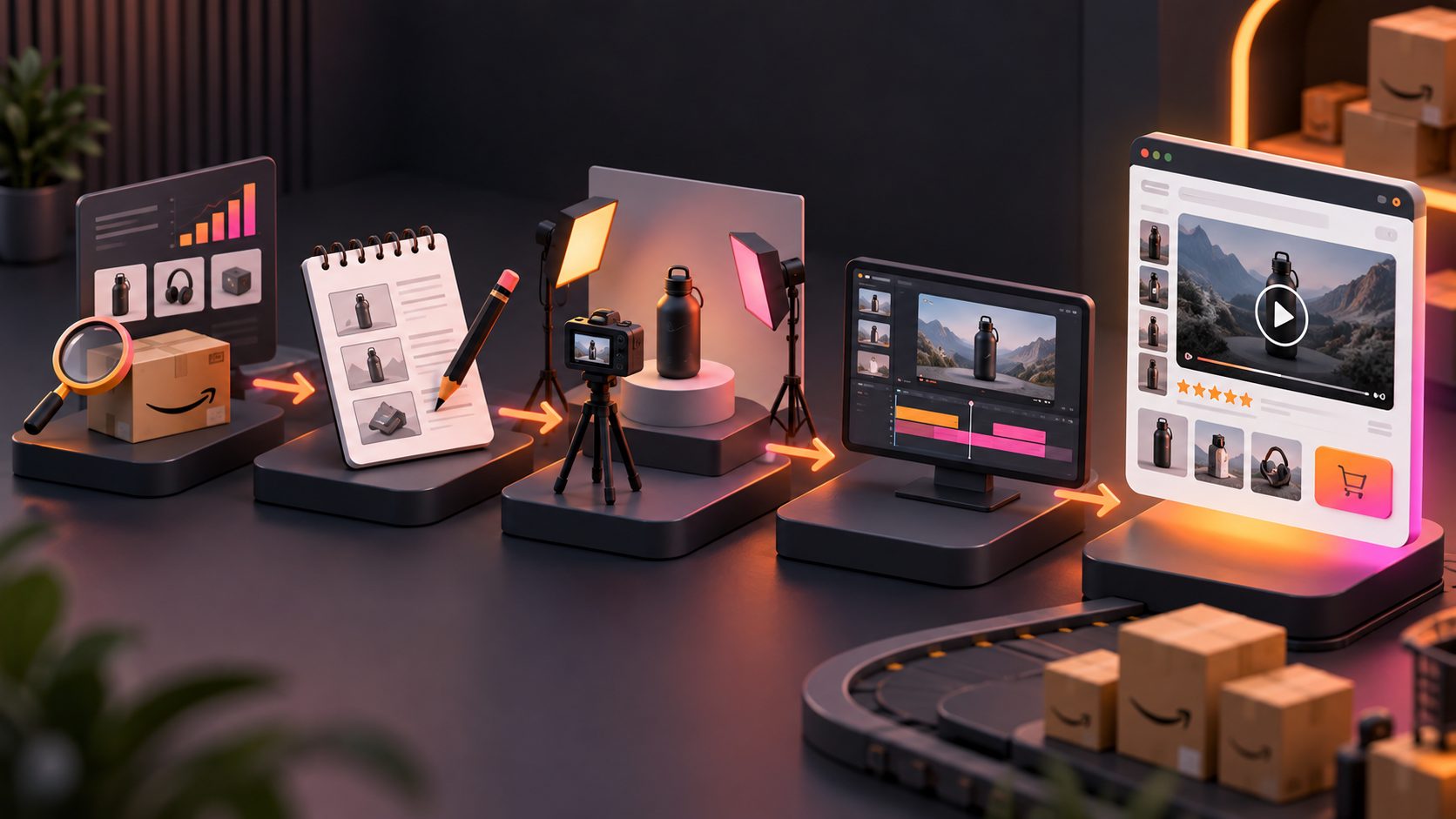
How can an ecommerce brand produce more tutorial variations?
A single tutorial can become a testing system by changing one variable at a time:
- Audience: first-time adult rider, parent shopping for a teenager, or gift buyer.
- Opening hook: “How to mount,” “How to stop,” or “Three mistakes beginners make.”
- Presenter: different AI actors or UGC-style personalities.
- Format: 9:16 for short-form video, 1:1 for feeds, and 16:9 for product pages or YouTube.
- Proof point: foot placement, balance posture, turning, or stopping.
- CTA: “See the beginner guide,” “Choose your board,” or “Watch the full setup.”
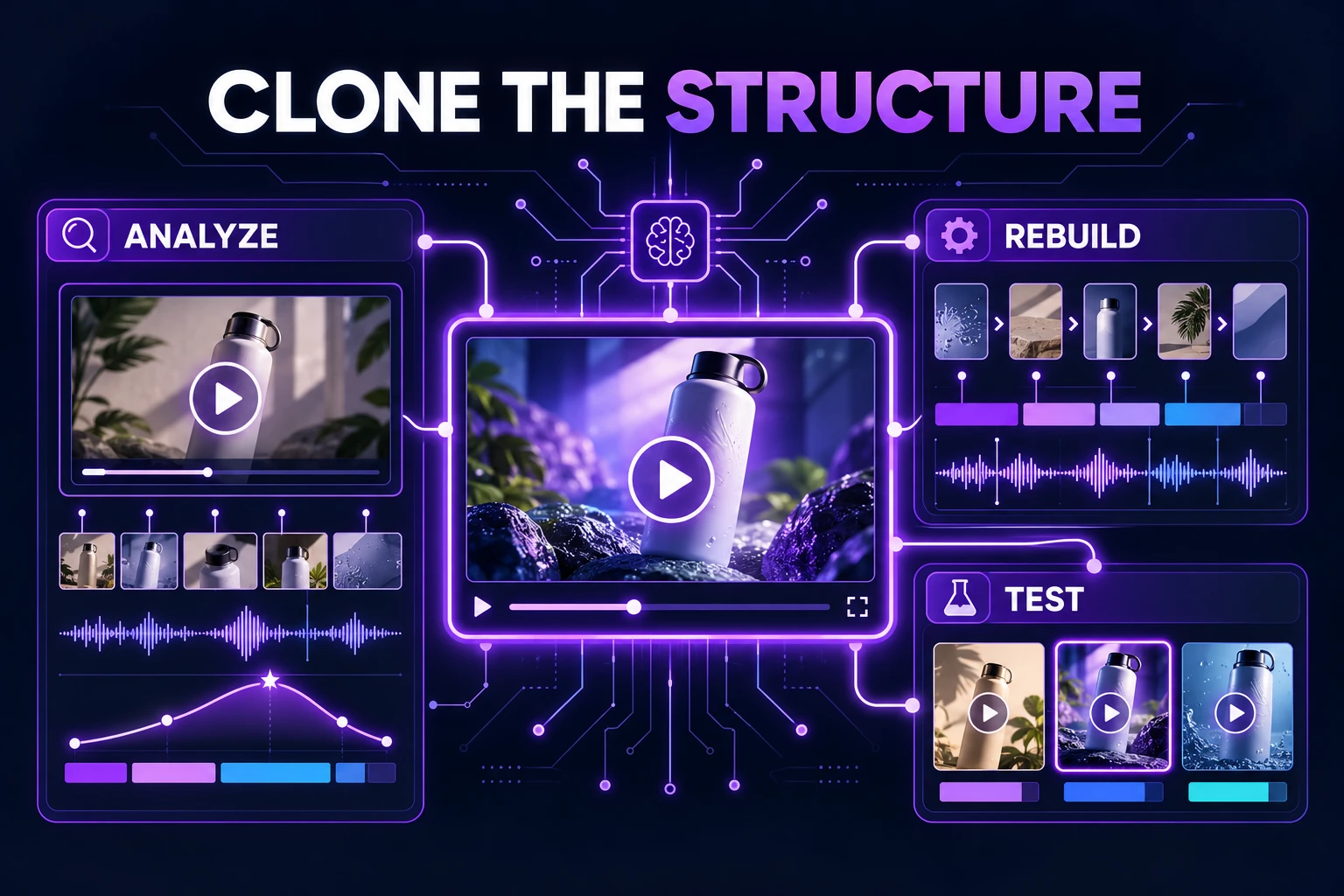
AdsTurbo provides more than 300 AI actors and over 100 product advertising templates, allowing brands to build presenter and hook variations without reshooting every concept. Its Ad Clone workflow can also analyze a reference ad and reconstruct its pacing, scene logic, and CTA structure for new creative variations.
For brands working from existing footage, the 4K video upscaling guide for ecommerce ads explains how improved clarity can help preserve instructional details such as foot position and safety gear. A TikTok Shop PiP product video workflow can be useful when the product needs to remain visible while the presenter demonstrates each step.
A practical testing framework for this product category
An original way to evaluate beginner creatives is to score them on reassurance density: the number of useful confidence-building moments delivered before the product pitch.
For a 30-second ad, aim for:
- 0–5 seconds: identify the beginner problem.
- 5–12 seconds: remove uncertainty about safety and setup.
- 12–22 seconds: demonstrate the control method.
- 22–27 seconds: show stopping or dismounting.
- 27–30 seconds: present the product and CTA.
This is not a platform benchmark or an industry statistic. It is a creative-planning framework for comparing variations consistently. In practice, it helps sellers avoid spending the entire opening on cinematic riding footage while leaving the buyer’s most important question unanswered.
AdsTurbo can support this workflow through product video generation, clip-by-clip editing, subtitles, video translation, motion control, character replacement, and video upscaling. Its Video Subtitle tool can generate synchronized captions and export either a subtitled video or a separate subtitle file for different placements.
Frequently asked questions
Is a hoverboard beginner tutorial video ad better than a lifestyle ad?
For first-time buyers, a tutorial-led ad often addresses more purchase friction because it demonstrates how the product is used. A lifestyle edit can work well for retargeting or brand awareness, while a tutorial is stronger when the shopper still has safety or learning concerns.
What should beginners wear in the video?
Show a helmet and consider wrist, elbow, and knee protection. Flat, closed-toe shoes are also practical for a first practice session. The CPSC and pediatric safety guidance recommend protective equipment and following manufacturer instructions. (cpsc.gov)
Where should someone practice?
Use a smooth, flat, open area away from traffic, stairs, water, loose gravel, and crowded walkways. Always check local requirements and the product manual before riding.
How can a seller localize the same ad?
Create versions with translated voiceover, subtitles, different presenters, and platform-specific aspect ratios. AdsTurbo supports video translation, synchronized subtitles, character replacement, and multiple output formats for creative localization.
What makes the ad more trustworthy?
Show the actual learning sequence, use calm instructions, disclose practical safety precautions, and avoid claims that eliminate all risk. A clear demonstration usually builds more trust than a fast montage of advanced riding.
To create a beginner-focused product video and test multiple hooks, explore AdsTurbo’s ecommerce video creation tools.