How to Create Amazon Sponsored Brands Video Ads

Summarize with
Summary
Learn how to create Amazon Sponsored Brands video ads with the right format, structure, targeting, and approval checks. Build a testable creative workflow today.
作者:adsturbo.ai|发布日期:2026年9月13日|更新日期:2026年9月13日
Learning how to create Amazon Sponsored Brands video ads starts with two decisions: where the ad should send shoppers and what product benefit the video must communicate before they scroll away. Amazon supports video campaigns that link to a Brand Store or product detail page, but approval depends on both technical specifications and creative-policy compliance.
This guide explains the complete process, from campaign setup and video production to targeting, testing, and final submission.
What Are Amazon Sponsored Brands Video Ads?
Amazon Sponsored Brands video ads are keyword-, product-, or category-targeted ads that use autoplay video to promote a brand or product in Amazon shopping results and, in some placements, on product detail pages.
The video begins playing without sound when approximately 50% of the ad is visible, so the creative must communicate its main benefit visually and through readable on-screen text. Amazon describes these ads as a way to drive shoppers to either a Brand Store or a product detail page. See the official Amazon Sponsored Brands video guide for placement and campaign details.
Sponsored Brands video is different from a traditional brand commercial. Its job is not to explain everything. Its job is to earn attention, demonstrate relevance, and create enough curiosity for the shopper to click.
What Video Specifications Does Amazon Require?
Amazon Sponsored Brands video creatives must use a horizontal 16:9 format and meet specific file, duration, codec, and audio requirements.
| Requirement | Amazon specification |
|---|---|
| Duration | 6–45 seconds; 20 seconds or less is recommended |
| Dimensions | 1280×720, 1920×1080, or 3840×2160 pixels |
| Aspect ratio | 16:9, square pixels |
| File size | 500 MB or less |
| File format | MP4 or MOV |
| Video codec | H.264 or H.265 |
| Frame rate | Supported rates from 23.976 to 30 fps |
| Video bitrate | Minimum 1 Mbps; 4 Mbps or higher recommended |
| Audio | PCM, AAC, or MP3; stereo or mono |
| Audio bitrate | Minimum 96 kbps |
| Audio sample rate | Minimum 44.1 kHz |
These requirements come from Amazon Ads’ Sponsored Brands video specifications. Avoid letterboxing, pillarboxing, or blurred borders. Keep critical text away from the lower-right corner, where Amazon’s mute control may cover important information.
How Do You Create a Sponsored Brands Video Campaign?
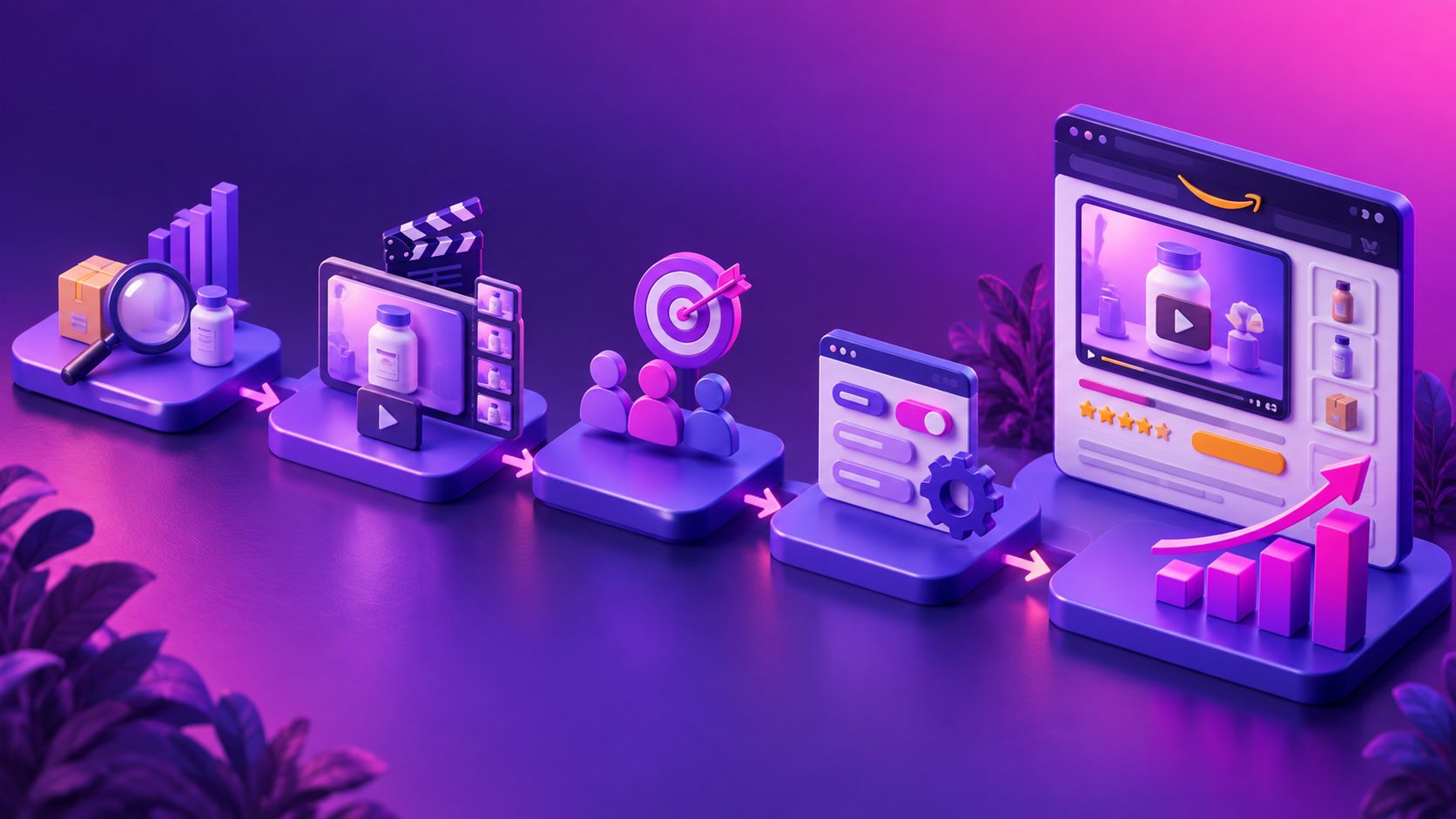
Follow this sequence to create and submit your campaign.
1. Confirm your brand and product eligibility
Sponsored Brands video is intended for registered sellers and brands using Amazon Ads. Your product detail page should already have accurate images, clear benefits, competitive pricing, and sufficient inventory.
If the landing page is weak, the video cannot fully solve the conversion problem. A video may win the click, but the product detail page or Brand Store must complete the sale.
2. Choose the landing page
Amazon generally gives you two destination choices:
- Brand Store: Best when you want to introduce several products, communicate a broader value proposition, or build brand discovery.
- Product detail page: Best when the video focuses on one product and one purchase decision.
Use a Brand Store when the creative says “explore the collection.” Use a product detail page when the creative says “solve this specific problem with this product.”
3. Select the video ad format
In the Amazon Ads console, sign in, create a campaign, choose Sponsored Brands, and select the video format. Amazon also provides a Video Generator through the campaign workflow and the Creative tools area.
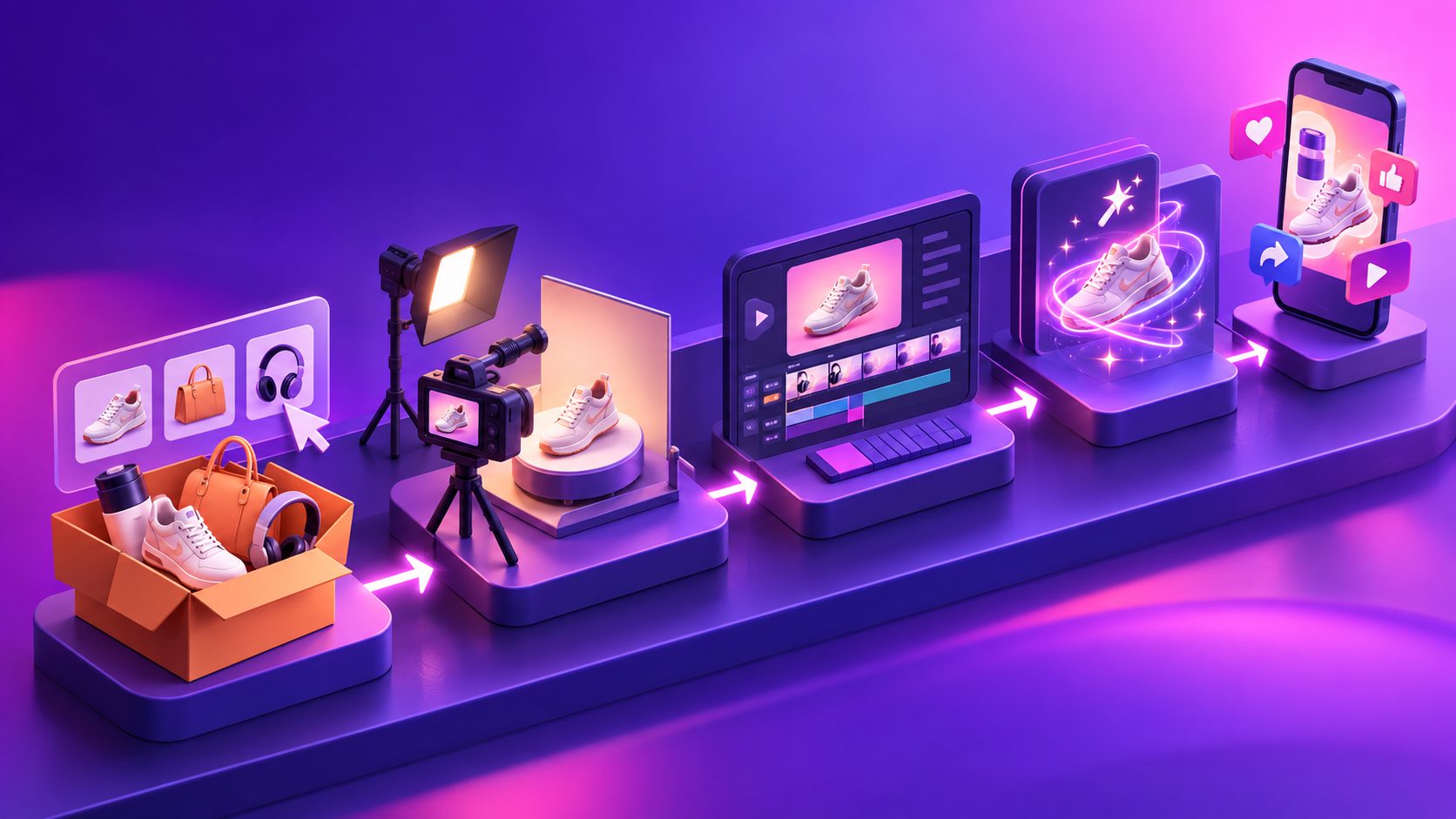
For sellers who already have product images, reference ads, or UGC footage, an external workflow can provide more control over hooks, actors, translations, subtitles, and variations. AdsTurbo supports product video generation from JPG or PNG product images, along with ad cloning, subtitles, video translation, background replacement, lip sync, character swap, and AI upscaling.
For a broader production workflow, see this guide to creating AI product videos from product images.
4. Build the video around one product promise
A practical Sponsored Brands video should usually follow this structure:
- Hook: Show the product or problem immediately.
- Proof: Demonstrate the feature, use case, material, result, or comparison.
- Context: Explain who the product is for and why it matters.
- Brand cue: Introduce the brand, logo, or product family.
- Action: End with a clear reason to visit the Store or product page.
This is more effective than opening with a long logo animation. Amazon recommends showing something interesting or product-related in the first few seconds and keeping the message brief.
5. Design for muted autoplay
Treat sound as optional. Use large, high-contrast captions and make sure the product benefit is understandable without narration.
A simple test is to watch the video with the audio disabled and answer three questions:
- What product is being shown?
- What problem or desire does it address?
- What should the shopper do next?
If any answer is unclear by the end of the first five seconds, revise the opening.
6. Set targeting, budget, and bidding
Choose the targeting method that matches your campaign goal:
- Keyword targeting: Reach shoppers actively searching for relevant terms.
- Product targeting: Appear near selected products or categories.
- Brand Store campaign: Support brand discovery and product exploration.
- Product detail page campaign: Focus on a particular product and its purchase path.
Amazon states that Sponsored Brands campaigns may use CPC or, depending on the selected goal, vCPM pricing. Start with a controlled budget, separate branded and non-branded targeting, and avoid mixing unrelated products in one campaign.
7. Submit the creative for moderation
Before submission, review the video for:
- Marketplace-appropriate language
- Accurate product claims
- Readable text on mobile screens
- No unsupported guarantees or misleading comparisons
- No black or blurred borders
- No important information in the lower-right safe-area risk zone
- Product visibility within the opening seconds
- A clear end card with brand and product context
Amazon’s Sponsored Ads guidelines and acceptance policies should be checked before launch because a technically valid video can still be rejected for policy reasons.
What Is the Best Creative Testing Framework?
The most useful testing unit is not “Video A versus Video B.” It is one variable at a time across the same buyer intent.
Use this four-part framework:
| Test variable | Example variations |
|---|---|
| Hook | Problem statement, product close-up, visual result |
| Proof | Demonstration, before-and-after, feature explanation |
| Presenter | Product-only, AI actor, creator-style delivery |
| CTA | Visit the Store, view the product, shop the collection |
Keep the product, audience, destination, and offer consistent while changing one creative variable. This makes performance data easier to interpret.
A useful original diagnostic is the 3-second clarity test:
- 0–1 second: Is the product visible?
- 1–2 seconds: Is the main benefit apparent?
- 2–3 seconds: Is the viewer given a reason to continue?
A video that fails this test may still look polished, but it is poorly matched to search-result behavior. For a repeatable SKU-to-creative process, see this ecommerce ad creative scaling workflow.
How Should You Measure Performance?
Evaluate the campaign in stages rather than judging it by sales alone.
- Reach: Impressions and viewable impressions show whether targeting and bids are producing exposure.
- Attention: Video views, view-through rate, and early drop-off indicate whether the opening works.
- Traffic: Click-through rate shows whether the creative creates enough interest.
- Shopping quality: Detail page views, Store visits, add-to-cart activity, and conversion rate reveal post-click quality.
- Efficiency: Advertising cost of sales and return on ad spend help assess commercial performance.
A low CTR usually points to a weak hook, unclear product relevance, or poor targeting. A strong CTR with weak conversion may indicate a mismatch between the video promise and the landing page.
Frequently Asked Questions
How long should an Amazon Sponsored Brands video be?
Amazon accepts videos from 6 to 45 seconds and recommends 20 seconds or less. For many product-focused campaigns, a concise 10–20 second structure is easier to understand, easier to test, and less likely to lose attention before the CTA.
Can I use a vertical TikTok video?
Sponsored Brands video requires a 16:9 horizontal creative. A vertical video should be reformatted rather than uploaded with black or blurred sidebars. Rebuild the composition so the product, captions, and CTA remain readable in the horizontal layout.
Should the video include voiceover?
Voiceover is optional. Because the ad starts muted, the core message must work with visuals and captions alone. Add voiceover when it improves explanation, but never use it as the only way to communicate the product benefit.
Can I create multiple language versions?
Yes, but each version should match the language of the Amazon marketplace where it will run. Amazon recommends localized on-screen text or voiceover for different marketplaces. AdsTurbo supports video translation and subtitle generation for localization workflows.
Can product images be turned into a video ad?
Yes. Product images can be assembled into a product-focused video with motion, text, scenes, and a CTA. AdsTurbo Product Video accepts JPG or PNG product images and can generate product review, product introduction, and product demonstration formats.
Final Checklist Before Launch
Use this checklist before submitting your campaign:
- The video is 6–45 seconds and preferably 20 seconds or shorter.
- The file is MP4 or MOV, under 500 MB, and uses 16:9 dimensions.
- The product or product benefit appears in the opening seconds.
- The message works without audio.
- Captions are readable on mobile.
- The lower-right safe area is clear.
- The landing page matches the promise in the video.
- Targeting reflects one clear shopper intent.
- The creative follows Amazon’s acceptance policies.
- At least two or three hook variations are ready for testing.
A compliant file gets through moderation. A focused, product-led concept gives the campaign a better chance of earning attention and qualified clicks.