Jewelry Macro Sparkle Video AI Generator: A Controlled Workflow

Summarize with
Summary
Learn how to use a jewelry macro sparkle video AI generator for accurate facets, controlled reflections, and ecommerce ad variants. Build a testable workflow with AdsTurbo.
By adsturbo.ai | Published 2026-11-05 | Updated 2026-11-05
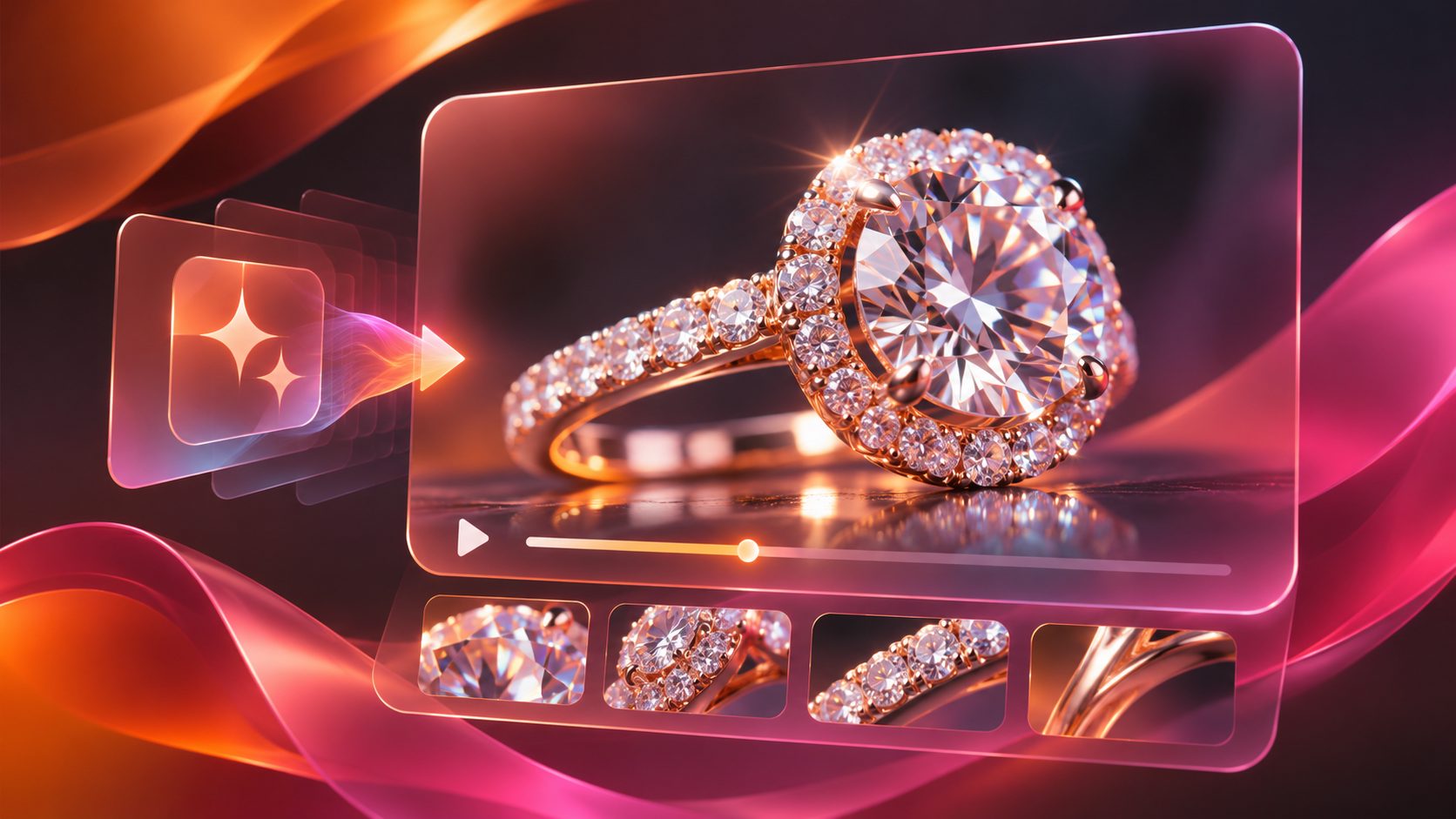
A jewelry macro sparkle video AI generator turns a sharp product image into a short video that reveals facets, metal finish, setting detail, and controlled light movement. For high-ticket jewelry stores, the goal is not to add random glitter. It is to make the real piece easier to inspect while creating enough motion for product pages, TikTok, Instagram Reels, YouTube Shorts, and paid social ads.
What makes a jewelry macro video look premium?
A premium jewelry macro video keeps the product stable while motion is introduced through camera movement, rotation, or a restrained light sweep. The gemstone, prongs, engraving, metal color, and proportions should remain consistent from the first frame to the last.
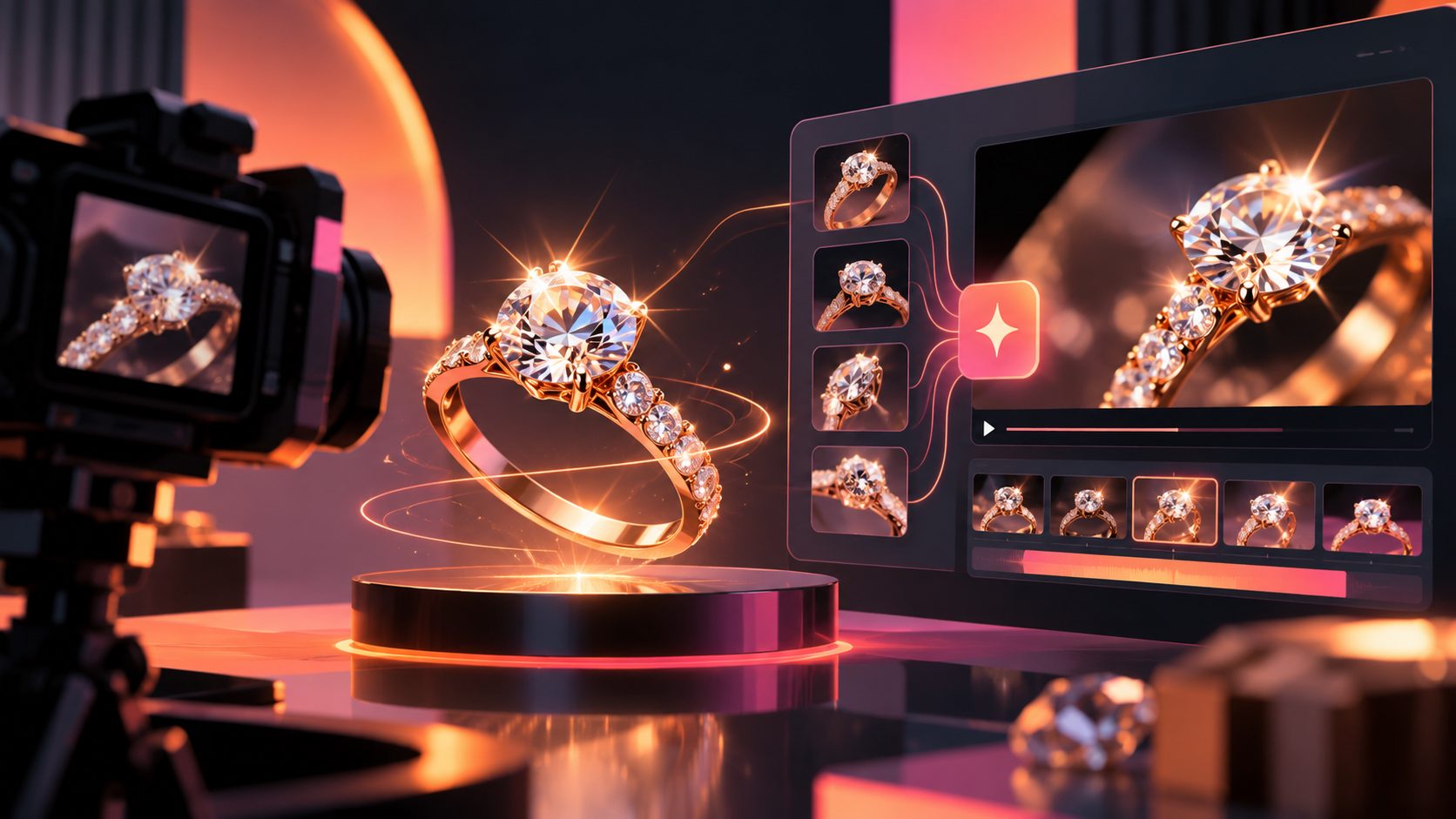
Current search results commonly recommend starting with a clean macro image, using a slow turn, and keeping the background static. That approach is useful because a moving object changes its angle relative to the light, naturally producing a more credible glint than a fixed sparkle overlay. (kling.ai)
The important distinction is reflection control:
- Good motion: one smooth rotation, a subtle highlight traveling across facets, or a slow camera push-in.
- Risky motion: rapid spinning, flashing particles, liquid metal, changing stone colors, or multiple pieces merging together.
- Trust-breaking output: altered settings, extra stones, distorted clasps, incorrect metal colors, or text that changes between frames.
For high-consideration purchases, visual accuracy matters more than cinematic complexity. A six-second close-up that preserves the item can be more useful than a dramatic scene that makes the jewelry look different.
What input image should you use?
Start with one product per image and use the clearest product photograph available. AdsTurbo Product Image accepts JPG and PNG product images, and clear photos on a plain-color background provide the best starting point for analysis and generation.
Before uploading, check five details:
- The entire piece is visible. Avoid cropped prongs, chains, clasps, or earring backs.
- The metal color is neutral. Strong color casts can turn white gold, silver, or platinum into a different-looking material.
- The stone is sharp. Blur in the source image becomes more noticeable when the image is animated.
- The item is isolated. Remove unrelated props, hands, packaging, and duplicate products.
- The angle supports the story. A three-quarter ring view works well for showing both the setting and the stone; a flat front view may be better for pendants and earrings.
A practical rule is to generate the first video from the image that best represents the actual product—not necessarily the most artistic image in the catalog.
How do you prompt controlled sparkle instead of fake glitter?
Use a prompt that specifies what moves, what stays fixed, and how the light behaves. The prompt should describe the jewelry as a physical product, not as a fantasy object.
A reliable prompt structure
Animate the jewelry from the reference image as an accurate product showcase.
Keep the exact design, stone count, setting, proportions, metal color, and surface texture.
Use a slow, smooth three-quarter rotation.
Add one soft controlled light sweep across the stone facets and polished metal.
Keep the background, pedestal, and overall composition stable.
Luxury macro product video, shallow depth of field, realistic reflections,
no extra stones, no design changes, no distortion, no floating particles.
This structure adds an original control layer that many generic jewelry-video guides overlook: separating object motion from lighting motion. If both the camera and light change aggressively, the model has more opportunities to reinterpret the product. If the object moves slowly while the environment stays stable, the sparkle has a clearer visual cause.
Use a negative instruction when the platform supports it:
Do not change the jewelry design, gemstone shape, prongs, engraving, chain length,
metal color, or number of stones.
Which shot types should a jewelry brand generate?
A strong product video system uses different shots for different buyer questions. Do not force every item into the same rotating-ring template.
| Shot type | Buyer question answered | Best use |
|---|---|---|
| Macro sparkle turn | Does the stone and finish look refined? | Product page, retargeting ad |
| Setting detail push-in | How are the prongs, edges, or engraving made? | Consideration-stage creative |
| On-hand or on-neck view | What is the approximate scale? | Social ads and landing pages |
| Gift reveal | What is the emotional buying moment? | Seasonal campaigns and email |
| Side-angle rotation | How deep or dimensional is the piece? | Rings, pendants, statement pieces |
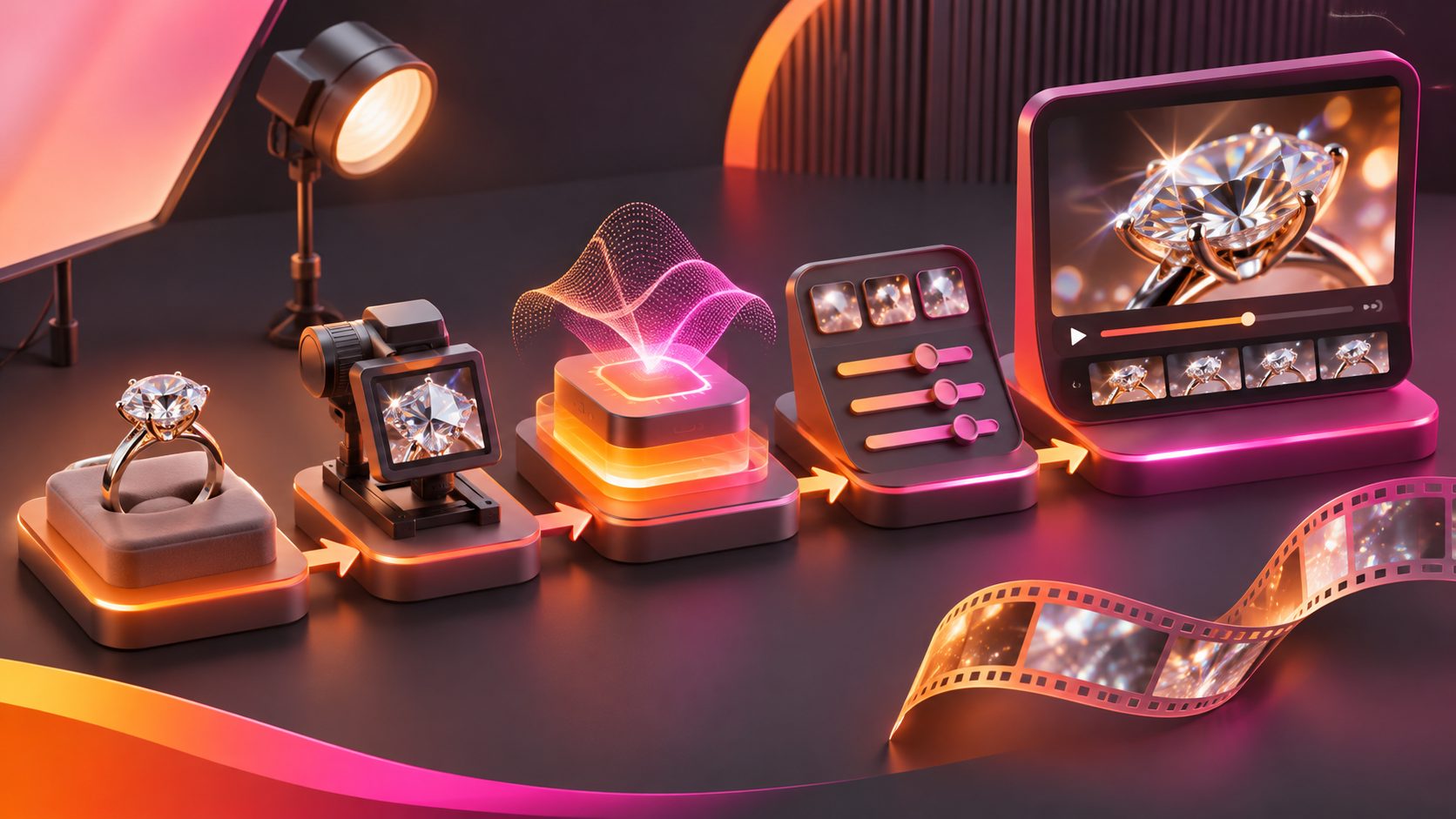
The highest-value workflow is usually macro first, context second. Start with an accurate detail shot. Then create an on-model or gift scene only after the product identity is stable.
AdsTurbo Product Video can generate UGC-style product videos from JPG or PNG product images, with optional selling points and promotional information. For a broader test plan, pair the macro asset with a product explanation or review-style version instead of using sparkle in every ad.
How can you test jewelry creative without wasting production time?
Treat each video as a controlled experiment. Change one major variable at a time:
- Hook: “See the setting up close” versus “A closer look at the stone.”
- Motion: slow rotation versus camera push-in.
- Background: white, black, velvet, or a restrained lifestyle scene.
- Proof angle: craftsmanship, scale, giftability, or material finish.
- CTA: view details, explore the collection, or shop the piece.
A useful first batch is 12 variations for one hero product:
- 3 opening hooks
- 2 motion styles
- 2 aspect ratios
Keep the product image and the core claim fixed. This makes the creative test more interpretable than changing the jewelry, background, copy, and offer simultaneously.
AdsTurbo Ad Clone can help reconstruct the structure, pacing, shot logic, and CTA pattern of a reference advertisement. Its API can analyze reference videos up to 12 seconds and generate variants in parallel, which is useful when a store already has a winning creative structure but needs jewelry-specific versions.
For additional testing ideas, see the guide to an ecommerce ad creative variation generator.
How should the final video be adapted for ecommerce channels?
Create the master shot first, then adapt the framing. A vertical 9:16 version should keep the jewelry large enough to read on a phone. A square 1:1 version can work for product feeds, while 16:9 is better suited to some landing pages and video placements.
Protect the first two seconds:
- Open with the clearest view of the stone or signature detail.
- Introduce movement immediately, but keep it slow.
- Place the key claim after the viewer sees the product.
- End with a clean product view and a simple CTA.
Add subtitles when the video includes narration or a product explanation. AdsTurbo Video Subtitle can automatically transcribe speech, create time-synced captions, translate them, and export either a video with embedded subtitles or a separate subtitle file.
For international stores, create localized versions with translated voice and captions rather than placing long multilingual text on the same frame. AdsTurbo supports video translation, and its broader workflow can combine product visuals, editing, subtitles, and localization.
What should you verify before publishing?
AI-generated sparkle is a presentation effect, not evidence of gemstone quality, certification, metal purity, or durability. Compare the finished clip with the physical item or approved product photography before publication. Other jewelry video workflows also warn that generated clips can alter settings, engravings, or gemstone details if the input is weak or the prompt is too unconstrained. (everygenai.lol)
Use this approval checklist:
- Does the stone count match?
- Are prongs, clasps, and engravings unchanged?
- Is the metal color accurate?
- Does the item keep the same proportions?
- Does the reflection move naturally?
- Are captions and promotional claims correct?
- Is the video framed for the intended channel?
- Does the final CTA lead to the matching product page?
AdsTurbo’s asynchronous generation supports status polling or Webhook completion events. For larger catalogs, this makes it practical to submit multiple product-video jobs and route completed assets into a review workflow. Advanced plans also support team workflows, API access, and custom workflows.
Frequently asked questions
What is the best length for a jewelry macro video?
A short clip is usually easier to use in product pages and social ads. A practical starting range is 4–8 seconds for one macro action, with longer edits reserved for combining detail, scale, and offer scenes.
How do I make diamonds sparkle realistically?
Begin with a sharp source image and use one restrained light sweep or slow angle change. Avoid adding many artificial starbursts, because excessive sparkle can hide the actual facets and make the video feel synthetic.
Can AI preserve an exact jewelry design?
It can preserve the design more reliably when the input is sharp, isolated, and well lit, but every generated clip should be checked against the real product. Treat design verification as a publishing requirement.
Should I use a black or white background?
Use black when you want contrast and a luxury mood; use white when consistency with a product catalog or marketplace listing matters more. Test the background separately from the motion so you know what caused a performance difference.
Can one product image create multiple ad versions?
Yes. A single product image can support macro turns, detail shots, promotional visuals, and product-video variations. AdsTurbo also supports product images, promotional assets, video editing, subtitles, translation, and API-based workflows for scaling a creative system.