Author: adsturbo.ai | Published: September 19, 2026 | Updated: September 19, 2026
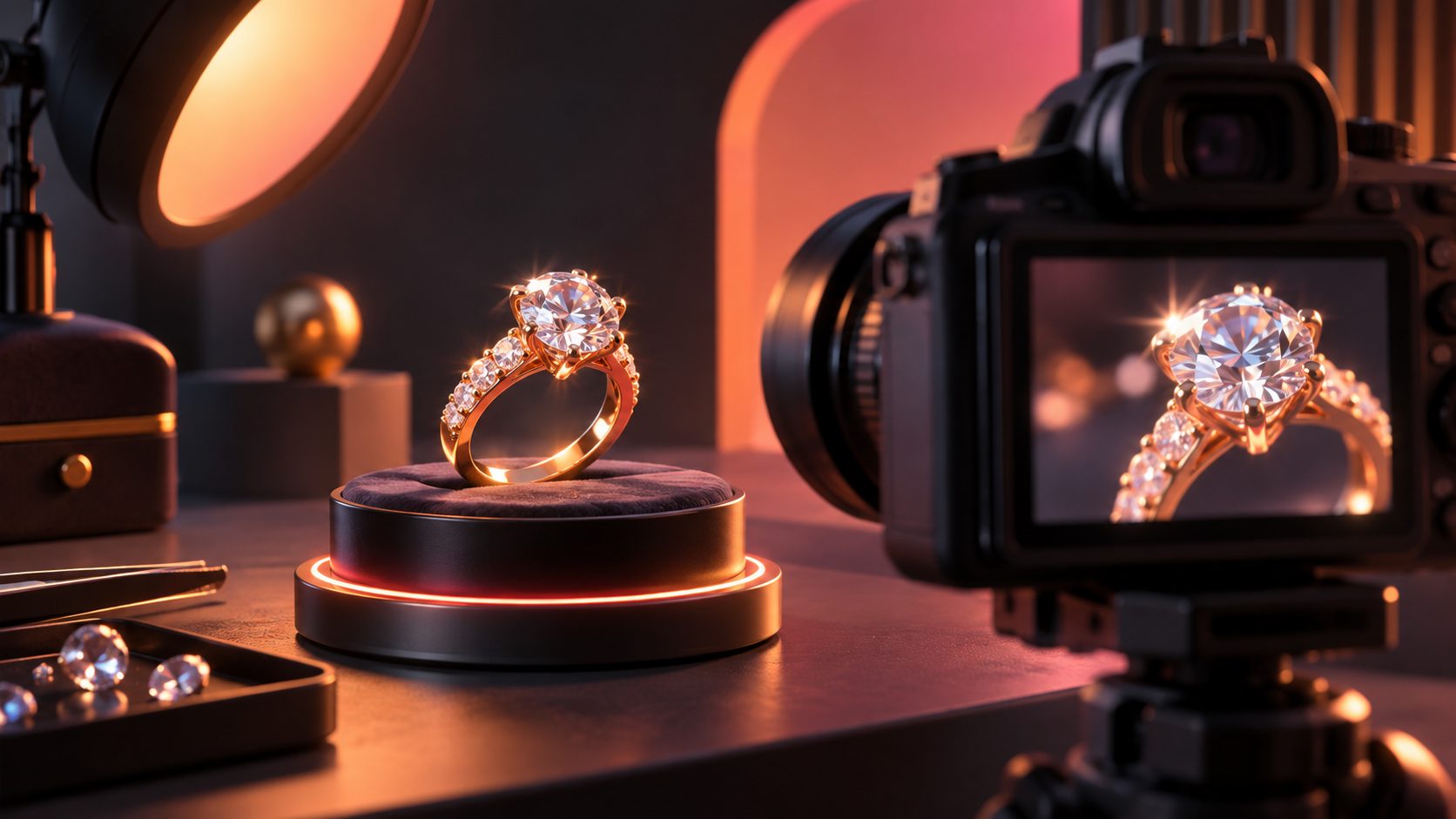
A jewelry macro video ads maker turns a clean product photo into a close-up ecommerce video with controlled camera movement, shifting reflections, and platform-ready framing. The challenge is not merely creating motion—it is preserving the real stone count, setting geometry, metal color, engraving, and proportions while making the piece look luminous.
This guide presents a fidelity-first workflow for rings, necklaces, earrings, bracelets, watches, and other reflective products.
What Is a Jewelry Macro Video Ads Maker?
A jewelry macro video ads maker is an image-to-video tool used to animate close product photographs into short advertisements. It can simulate slow push-ins, orbital camera moves, light sweeps, suspended movement, or presentation-box reveals without requiring a complete macro filming setup.
Unlike a general slideshow maker, it must handle extremely small visual details. A misplaced prong, invented gemstone, distorted chain link, or altered engraving can misrepresent a high-value SKU.
This matters because jewelry sparkle is not one visual effect. The Gemological Institute of America distinguishes brightness, fire, and scintillation: reflected white light, dispersed spectral color, and flashes created when the stone, viewer, or light moves. The GIA explanation of diamond cut and light behavior provides a useful vocabulary for evaluating generated motion.
The best result therefore looks dynamic without redesigning the product.
Why Do AI-Generated Jewelry Videos Often Look Wrong?
Jewelry videos fail when the model receives too little product information or is asked to invent motion beyond the visible evidence. Reflective metals, transparent stones, tiny settings, and shallow depth of field make errors especially noticeable in macro shots.
Common failure modes include:
- False fire: oversized rainbow flashes that resemble animated effects.
- Facet drift: the stone’s internal pattern changes between frames.
- Geometry changes: prongs, clasps, links, or bezels appear and disappear.
- Metal contamination: yellow gold shifts toward copper or silver turns blue.
- Texture smoothing: engraving and pavé details become soft.
- Impossible reflections: highlights move independently of the product and light.
- Invented rear surfaces: a front-only photo becomes an inaccurate 360-degree spin.
A single image does not document unseen angles. For one-photo generation, use a restrained push-in, five-to-15-degree orbit, or moving-light effect. Reserve full rotations for workflows supplied with multiple verified views or a trustworthy 3D model.
How Do You Turn a Jewelry Photo Into a Macro Video Ad?
The safest workflow separates product truth, motion generation, and ad assembly. Each stage should be approved before the next begins.
- Prepare the source image. Use a sharp JPG or PNG with unclipped highlights, accurate white balance, and enough resolution to inspect prongs and edges.
- Clean the background. Remove dust and distracting reflections, but do not erase natural contact shadows or product details.
- Choose a safe motion envelope. Start with a slow push-in, slight lateral slide, or narrow orbit rather than a full spin.
- Describe what must remain fixed. Specify unchanged stone count, setting, engraving, proportions, background, and product color.
- Generate a short master clip. A four-to-six-second shot is easier to inspect and reuse than one long, complex generation.
- Review individual frames. Compare the opening, middle, and final frames against the approved product photograph.
- Build the advertisement. Add the offer, brand, proof point, and CTA only after the product shot passes inspection.
For larger catalogs, separate this approval process from batch production. The bulk SKU video generation workflow explains how reusable templates and controlled inputs can reduce inconsistency across many products.
What Prompt Produces Realistic Jewelry Sparkle?
A strong prompt defines restrained movement, stable geometry, realistic lighting, and explicit exclusions. Avoid vague instructions such as “make it luxurious” without describing what the camera and light should do.
Use this adaptable prompt:
Slow macro push-in toward the jewelry piece. A narrow softbox reflection moves gradually across the polished metal while small, physically plausible flashes appear on the gemstone. Preserve the exact silhouette, stone count, prong placement, engraving, metal color, scale, and background. Keep the camera stable, motion smooth, and depth of field natural. Do not add gemstones, alter the setting, exaggerate rainbow effects, or reveal unseen surfaces.
Generate separate clips for separate actions. Combining rotation, levitation, zooming, opening packaging, and dramatic light changes in one prompt increases temporal errors.
How Does the Six-Frame Macro Fidelity Gate Work?
The Six-Frame Macro Fidelity Gate is an original QA framework for deciding whether an AI jewelry clip is safe to publish. Extract frames at 0%, 20%, 40%, 60%, 80%, and 100% of the video, then score six attributes from 0 to 2.
| Attribute | 0 points | 1 point | 2 points |
|---|---|---|---|
| Silhouette | Changed | Minor edge drift | Exact |
| Stone and prong count | Incorrect | Temporarily unclear | Consistent |
| Metal color | Wrong | Slight shift | Accurate |
| Engraving or texture | Lost | Softened | Preserved |
| Reflection behavior | Impossible | Exaggerated | Plausible |
| Background and shadow | Unstable | Minor flicker | Stable |
Use 10/12 as the minimum publishing score, with an important override: a score of zero for silhouette or stone-and-prong count means automatic rejection. This threshold is an editorial control framework, not an industry benchmark.
For example, a halo ring scoring 2, 2, 1, 2, 1, and 2 earns 10/12 and may only need color correction. If the halo gains an extra stone, reject the clip regardless of its total score.
How Should a Jewelry Macro Ad Be Structured?
A useful jewelry ad combines visual proof with one clear buying reason. For a 10-to-15-second creative, assign every shot a specific job.
| Time | Shot | Purpose |
|---|---|---|
| 0–2 seconds | Strongest macro reflection or reveal | Stop the scroll |
| 2–6 seconds | Controlled close-up movement | Show finish and craftsmanship |
| 6–9 seconds | Second angle or on-body scale reference | Reduce uncertainty |
| 9–12 seconds | Offer, material, or design detail | Support the decision |
| 12–15 seconds | Product, logo, and CTA | Direct the next action |
Do not place text over the center stone or fine detailing. Build a clean first frame because many placements may display it before playback; this ecommerce video thumbnail guide covers first-frame hierarchy in more detail.
For product pages, a silent loop may be sufficient. Paid social usually benefits from concise captions, an early brand cue, and a direct CTA.
How Can AdsTurbo Support the Production Workflow?
AdsTurbo can combine product-image preparation, video generation, clip-level editing, subtitles, background replacement, and resolution enhancement in one ecommerce workflow. Its Product Video tool accepts JPG or PNG product images up to 10MB and can create product review, introduction, and demonstration formats.
Start with an approved product photo on a plain background. AdsTurbo Product Image can analyze the item’s shape, color, and category, while its nine aspect-ratio outputs support channels such as Shopify, Amazon, TikTok Shop, and Instagram. After video generation, use Clip by Clip editing to assemble approved shots and AI Upscaling to prepare a higher-resolution export.
For campaign adaptation, create 9:16, 1:1, and 16:9 versions rather than cropping one master blindly. Google Ads also recommends supplying horizontal, vertical, and square orientations in its official video creative guidance.
Explore the broader AdsTurbo ecommerce video workflow while keeping the fidelity gate between generation and publication.
What Must Be Checked Before Publishing?
The final review should compare the advertisement with the physical SKU and its listing data. Attractive motion does not justify a materially inaccurate representation.
Confirm that:
- The stone type, count, cut appearance, and setting match the product.
- Metal color and surface finish remain consistent.
- Engravings, hallmarks, clasps, and decorative details are unchanged.
- On-body scenes do not imply an inaccurate size.
- Promotional text matches the landing page.
- Synthetic, imitation, treated, or plated materials are described correctly.
- The CTA remains visible after platform cropping.
The FTC Jewelry Guides emphasize truthful descriptions and disclosure of material information. Treat visual generation with the same care as written product claims: if the clip changes a material characteristic, regenerate it rather than relying on a disclaimer.
Frequently Asked Questions
Can one jewelry photo produce a full 360-degree video?
It can produce a simulated rotation, but unseen surfaces must be inferred. For high-value jewelry, use limited camera movement unless you have verified images from multiple angles or an accurate 3D model.
What is the best background for image-to-video jewelry ads?
A plain, contrasting background with a natural contact shadow is the safest input. It gives the model clear boundaries around chains, prongs, transparent stones, and polished edges.
How long should a macro jewelry ad be?
A single macro shot often works best at four to six seconds. A complete performance ad can combine two or three approved shots into a 10-to-15-second sequence with an offer and CTA.
Can AI improve sparkle without changing the product?
Yes, but the safest method is restrained light movement rather than regenerated facets. Compare six evenly spaced frames with the source image and reject any clip that changes stone count, setting geometry, or metal color.
Should jewelry video ads use 4K exports?
Higher resolution helps preserve engraving and small settings, especially for product pages and reusable masters. However, a clean, accurate source and stable generation matter more than upscaling a distorted clip.