Object Replacement Character Copy: AI Video Localization for Ecommerce

Summarize with
Summary
Object replacement character copy can mean Unicode text or AI video subject swapping. Learn the difference and build localized ecommerce ad variants faster.
By adsturbo.ai | Published 2026-11-13 | Updated 2026-11-13
Object replacement character copy has two very different meanings. In Unicode, the Object Replacement Character is U+FFFC, a placeholder for an embedded object in a text stream. In ecommerce video production, people may use similar wording to describe copying a video while replacing its character, presenter, or product.
That distinction matters. One is a text-rendering issue; the other is an AI creative workflow for producing localized advertising variations.
What does “object replacement character copy” mean?
Object replacement character copy can refer either to a Unicode placeholder or to copying a video concept while replacing a visible character or object. The correct interpretation depends on whether the discussion involves text encoding, document formatting, or video production.
The Unicode meaning
The Unicode Standard defines U+FFFC as an insertion point for an object located within a text stream. It acts as an anchor while the actual object information remains outside the character data. (unicode.org)
If you see a small “OBJ” box after copying content between apps, the issue may be that an embedded image, document object, or unsupported element was represented by this placeholder. It is not normally a request to “replace a person” or “copy a video character.”
The video-production meaning
In AI video workflows, character replacement means changing the person or presenter in existing footage while preserving important elements such as:
- Camera framing and movement
- Timing and gestures
- Background and lighting
- Product placement
- Scene rhythm and call-to-action structure
Object replacement is broader. It can refer to replacing a product, prop, garment, package, or other visible subject. Several current video tools distinguish between full-character replacement, motion transfer, and object swapping because each preserves different parts of the original clip. (temvideo.ai)
Character replacement vs. face swap vs. motion transfer
These terms overlap, but they are not interchangeable.
| Workflow | What changes | What usually stays |
|---|---|---|
| Face swap | Facial identity or appearance | Body, clothing, pose, and scene |
| Character replacement | The broader person or character | Performance timing, scene, and camera |
| Motion transfer | The subject performing the action | Reference movement and choreography |
| Object replacement | Product, prop, outfit, or selected item | Presenter, setting, and shot structure |
| Video localization | Language, voice, captions, and cultural details | Core offer and product narrative |
A face swap is useful when the existing body and performance already work. A character replacement is more suitable when a campaign needs a different presenter, market persona, or audience fit. Motion transfer is useful when the goal is to reuse a proven performance with a new character.
This distinction is especially important for cross-border ecommerce. Replacing a presenter does not automatically translate the voice, rewrite the captions, or adapt the offer. Visual identity, language, pricing, and cultural context must be handled as separate creative decisions. (temvideo.ai)
Why ecommerce brands copy a winning video before replacing the character
The most efficient localization workflow often starts with a proven creative rather than a blank prompt.
A strong source video already contains several difficult-to-recreate elements:
- A working opening hook
- A tested product demonstration
- A clear sequence of scenes
- A recognizable objection-handling moment
- A final CTA and offer structure
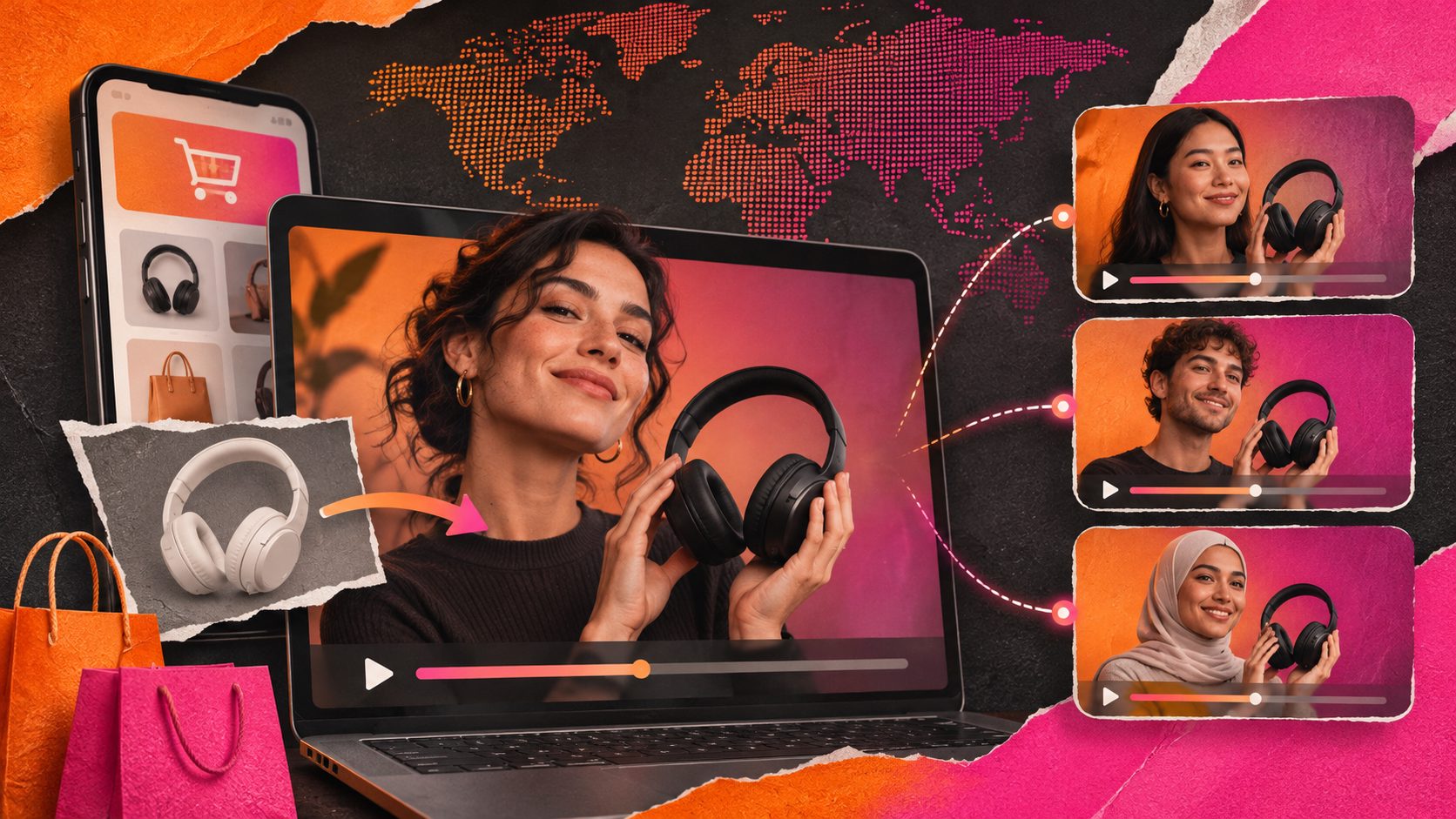
Replacing the character lets a brand test a different presenter without rebuilding the entire concept. For example, one English product demonstration could be adapted into multiple presenter-led versions for different markets, while keeping the product proof and editing rhythm consistent.
AdsTurbo’s Ad Clone workflow can analyze a reference video, extract its structure, rhythm, and conversion points, and help reconstruct advertising variations. Its Ad Clone API can analyze reference clips up to 12 seconds and generate variants in parallel. The practical benefit is not simply “more videos”; it is a more comparable testing matrix.
An original testing framework: change one creative layer at a time
For localization tests, avoid changing the presenter, script, offer, product angle, and edit all at once. A cleaner framework is:
- Cell A: Same character, translated voice and captions
- Cell B: New character, same script and offer
- Cell C: New character, localized script and captions
- Cell D: New character, localized script, and market-specific CTA
This creates a four-cell matrix that helps identify whether performance changes come from the person, the language, or the offer. It also reduces the risk of interpreting a completely different video as a “character replacement” test.
How to create a localized character-replacement ad
1. Select a suitable source clip
Choose a short video with one clear presenter and limited scene changes. Stable camera movement, visible body positioning, and consistent lighting generally make replacement easier to review.
Avoid clips where the subject is heavily obscured, extremely small in the frame, or interacting with many fast-moving objects. Current AI replacement workflows commonly warn that occlusion, complex poses, and difficult lighting can produce temporal inconsistencies or artifacts. (cs231n.stanford.edu)
2. Prepare the replacement reference
Use a clear JPG or PNG portrait with good lighting and a visible face. For a product replacement, use a clean product image with a simple background. AdsTurbo Product Image works best when the uploaded product photo is clear and placed against a solid-color background.
The reference should match the intended market and creative role. A close-up portrait may work for a talking-head ad, while a full-body or three-quarter image may be more appropriate for demonstrations involving movement.
3. Define what changes and what stays
A useful instruction should identify:
- The exact person or object to replace
- The reference image to use
- The movement and pose to preserve
- The product position to preserve
- The background, camera angle, and lighting to retain
- Any label, packaging, or hand interaction that must remain accurate
This is where object replacement differs from a generic video generator. The objective is controlled adaptation, not an entirely new scene.
4. Add localization layers separately
After the visual replacement, review:
- Voice and pronunciation
- On-screen text
- Subtitles
- Currency and discount language
- Product claims
- CTA wording
- Platform aspect ratio
AdsTurbo supports video translation, AI-generated subtitles, lip sync, character replacement, motion control, and video upscaling. For final polish, an AI video enhancer can help improve low-resolution or heavily compressed source footage before export.
5. Inspect frame-level consistency
Do not approve the result from the first frame alone. Review the moments where quality usually fails:
- Hands crossing the face or product
- Hair or clothing moving quickly
- Reflections and transparent packaging
- Side profiles
- Fast head turns
- Product labels facing the camera
- Cuts between different scenes
A replacement that looks convincing in a thumbnail can still show identity drift or product distortion during motion.
Character replacement for multi-country campaigns
Character replacement is most valuable when it is connected to a broader localization system.
A repeatable campaign can use:
- One proven product demonstration
- Several region-appropriate presenters
- Localized audio and captions
- Market-specific visual ratios
- Different CTAs for cold and warm audiences
- Consistent product claims across every version
AdsTurbo can generate ad variations from products, reference videos, and selling points for new-product launches and batch testing. Its higher-level plans also support team workflows, API access, and custom workflows. All generation tasks run asynchronously, with completion available through status polling or webhook callbacks, which is useful when a batch contains many creative jobs.
For teams building an automated pipeline, AdsTurbo’s API uses standard REST architecture with Bearer API Key authentication. Its video generation API includes endpoints for video analysis, lip sync, translation, upscaling, character replacement, motion control, watermark removal, and subtitles.
Common questions
Is the Object Replacement Character the same as character replacement in video?
No. U+FFFC is a Unicode placeholder for an embedded object. Character replacement in video is an AI editing workflow that changes a visible person or character.
Can character replacement localize a video automatically?
Not by itself. The presenter may change, but voice, captions, script, offer, and cultural references still require separate localization.
What is the difference between character replacement and face swap?
Face swap primarily changes facial identity. Character replacement can change the broader appearance of the person while preserving the original performance and scene structure.
What product images work best for object replacement?
Use a clear JPG or PNG image with the product fully visible, accurate colors, and minimal background clutter. Solid-color backgrounds are generally easier to process and review.
Should the original source video be reused for every country?
Use the same source when the product proof and offer are globally relevant. Create a new source or edit when the demonstration, compliance requirements, cultural context, or CTA differs significantly by market.