作者:adsturbo.ai|发布日期:September 5, 2026|更新日期:September 5, 2026
A one click ecommerce product video generator is fastest when it does more than make a pretty clip. For ecommerce sellers, the real job is turning one asset into a video that can be tested on TikTok, Meta, Shorts, or product pages without rebuilding the creative from scratch.
What “one click” should mean for ecommerce sellers
The best definition is simple: one source asset in, a usable first draft out. In practice, that source asset can be a product image, a product page link, or a reference video. The generator should handle framing, scene sequencing, captions, and aspect ratio, then leave room for review.
That matters because top-ranking pages in this space mostly promise speed, templates, and platform fit. They often stop short of explaining which input to start with and how to keep the result testable. That is the gap this workflow closes.
What the market pages usually cover—and what they miss
A quick scan of leading US Google results in this niche shows a clear pattern: most pages emphasize one-click URL import, image upload, captions, templates, and social formats. Some also mention multilingual output, voiceover, or export sizes for Reels, Shorts, and TikTok.
What they usually miss is more useful for operators than for demos: input selection logic, quality thresholds, and variant strategy. Sellers do not just need a video; they need a repeatable way to move from one asset to a testable ad set.
Which input should you use: image, link, or reference video?
The right input depends on what already exists in the catalog.
| Input | Best when | Main strength | Main risk |
|---|---|---|---|
| Product image | You have strong photos and weak motion assets | Fastest path from static asset to video | Weak images produce weak motion stories |
| Product link | The listing already has images, copy, and pricing | Pulls live product context into the draft | Bad PDP copy can leak into the video |
| Reference video | You already have a winning ad or a strong competitor-style structure | Preserves hook, pacing, and CTA logic | Copying structure without adapting the offer can flatten results |
Rule of thumb: if the product is visually simple, start from an image. If the listing is already polished, start from the link. If a video already works, start from the reference clip and rebuild it as a variant.
How to use product images without wasting production time
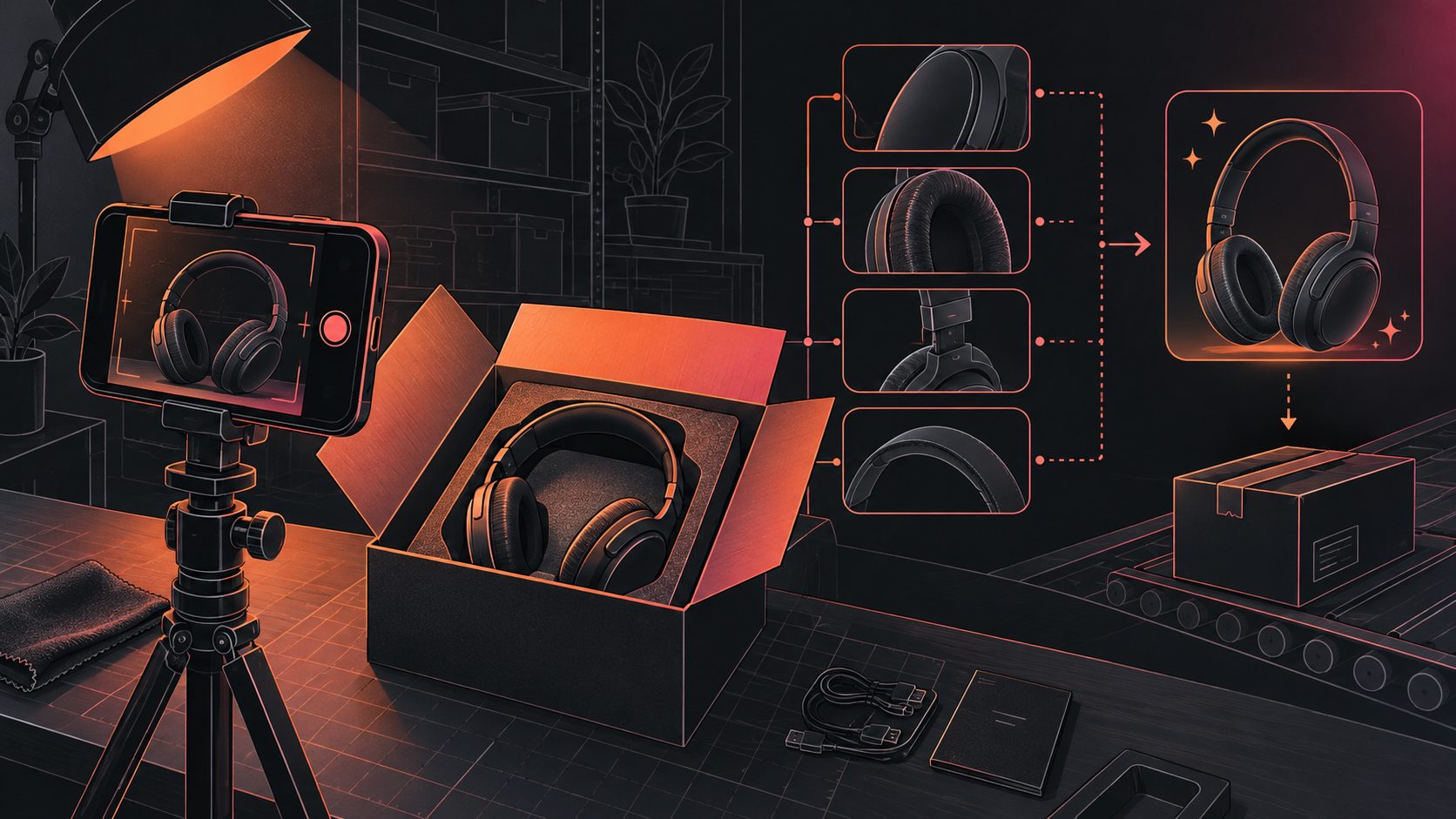
Product images are the cleanest entry point for most ecommerce sellers. Google’s own Merchant Center help says Product Studio can turn product images into videos in a few clicks, which matches how many teams already work: image first, draft second, review third. See the official Google Merchant Center Product Studio video guide.
For AdsTurbo, this is where the workflow is especially practical:
- Upload JPG or PNG product images
- Use clear, pure-background photos when possible
- Let the system analyze product shape, color, and category
- Export assets for Amazon, Shopify, TikTok Shop, and Instagram-style formats
AdsTurbo Product Image also supports 9 aspect ratios and multiple localized text overlays, so the same core product shot can become a listing visual, a paid-social crop, or a promo banner.
How to turn a product link into a testable ad draft
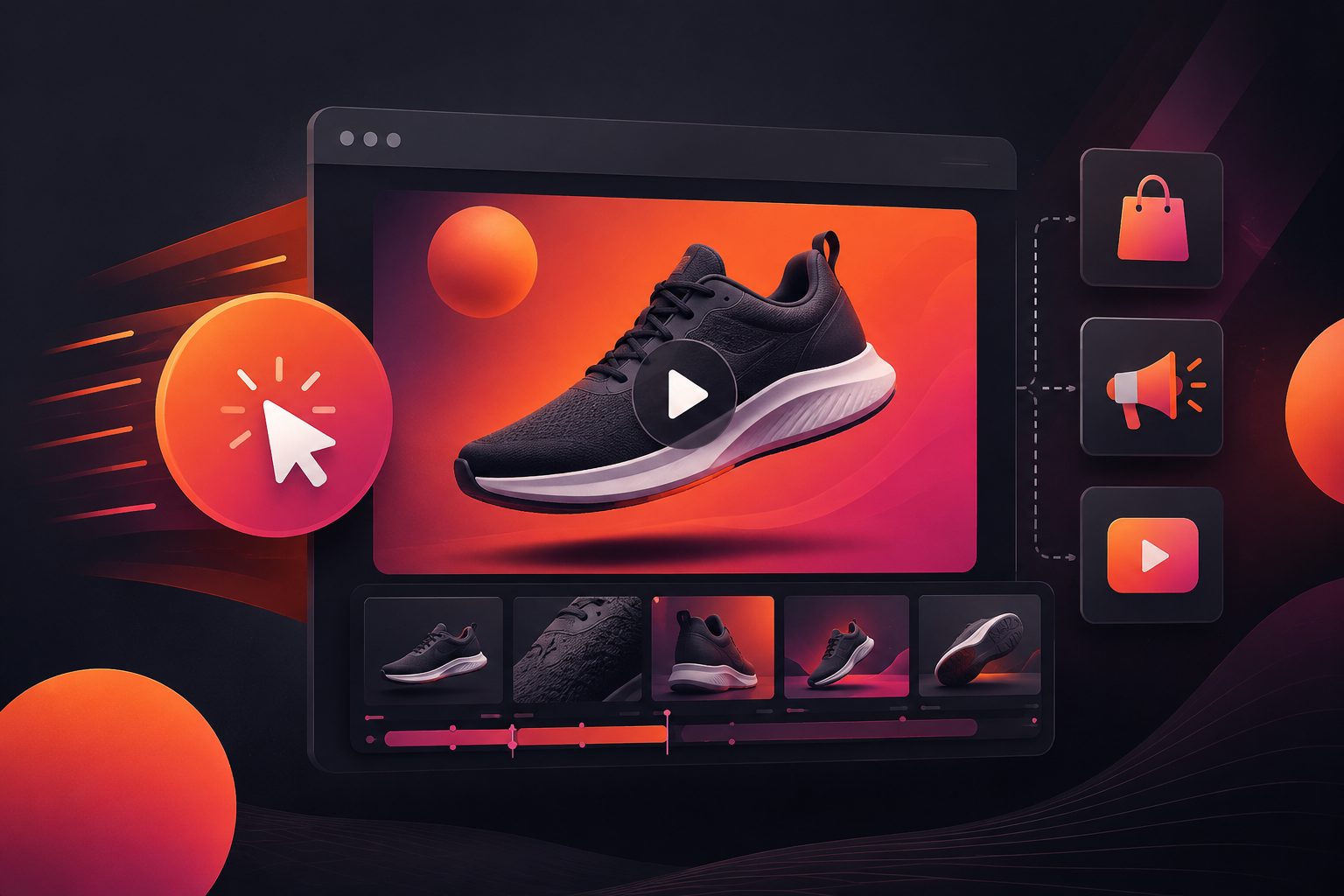
A product link is the best input when the page already contains enough visual and copy signals. That is why many modern tools center on URL-to-video workflows: they can extract images, product context, and selling points from the page and turn them into a first draft quickly.
For ecommerce teams, the link-based workflow is strongest when you want to:
- Convert a live listing into a video without manual storyboard work.
- Keep the product page, ad hook, and offer aligned.
- Generate multiple cuts for testing without rebuilding the asset library.
A practical internal reference here is the Shopify product video generator workflow for testable ads. It maps well to sellers who want a page-first process instead of starting from a blank creative brief.
How to reuse a reference video without reshooting
Reference-video workflows are where the biggest info gain sits. Most pages mention “video to video” or “ad cloning,” but the real value is preserving the parts that already convert: the first seconds, the rhythm, the shot logic, and the CTA structure.
AdsTurbo’s Ad Clone workflow is built around that idea. A seller can use a winning ad as the structural base, then rebuild it into a fresh version for a different product, market, or audience. AdsTurbo’s Ad Clone API can analyze a reference video up to 12 seconds long and generate variants in parallel, which makes it useful for A/B testing rather than one-off editing.
For teams scaling this approach, the most efficient pattern is:
- keep the opening hook
- swap the product angle or offer
- localize the text and voice
- export multiple formats for channel testing
What makes a video testable instead of just polished?
A polished video looks complete. A testable video answers a decision. That means it should show one primary promise, one product, and one clear next step.
The best testable ads usually share four traits:
- A clear hook in the first few seconds
- One product benefit, not five
- Readable captions or subtitle support
- Platform-ready framing for vertical or square placements
This is where AI Video Ad Generator Workflow for Ecommerce Product Ads and Bulk SKU Video Generation for Ecommerce Teams become useful complements. The first helps structure the creative. The second helps teams scale it across catalogs without losing consistency.
Where AdsTurbo fits in a real ecommerce workflow
AdsTurbo is built for the kind of modular production ecommerce sellers actually need. It offers:
- Ad Clone, Lip Sync, Product Video, Character Swap, AI Upscaling, Background Replace, Video Subtitle
- Face Swap, lip sync, translation, upscaling, watermark removal, and script extraction
- 300+ AI actors and 100+ product ad templates
- Asynchronous generation, with status polling or webhook callbacks
- API access on every plan, and team workflows on higher plans
That combination matters because a one-click workflow is rarely the full workflow. Sellers often need to start from one asset, then localize, subtitle, upscale, or repurpose the result into short-form edits. AdsTurbo’s clip-by-clip editing and subtitle export options help keep those steps in one place.
Practical workflow for sellers who want speed and testability
A simple production sequence works well:
-
Start with the strongest asset
- image if the product is visually clear
- link if the listing is already rich
- reference video if a format is already working
-
Generate the first cut
- keep the hook tight
- match the offer to the actual product page
- choose the platform ratio before exporting
-
Make three testing variants
- one benefit-led
- one offer-led
- one audience-led
-
Reuse what wins
- localize it
- subtitle it
- expand it into additional SKU or market versions
For ecommerce teams, that sequence is usually more valuable than chasing “fully automatic” promises.
Common questions
Is a product image enough to make a video ad?
Yes, if the image is clear and the product is easy to understand visually. Pure-background shots usually give the generator better material to work with.
Should I start from a product page or a reference video?
Use the product page when you want fresh drafts from live listing content. Use a reference video when you already have a winning structure worth preserving.
Do I need a studio shoot first?
No. A good product image, product link, or reference clip is often enough to create a testable first draft.
Can I localize the same creative for different markets?
Yes. AdsTurbo supports video translation, subtitles, and multiple language outputs, which makes it useful for cross-border testing.
What is the fastest way to scale catalog videos?
Start with your best product photos, generate first drafts in batches, then refine the winners rather than rebuilding every SKU manually.
Final take
A one click ecommerce product video generator is most useful when it behaves like a decision engine, not just a rendering button. The winning workflow is not “upload anything and hope.” It is choose the right input, generate a clean first draft, and turn that draft into a testable ad.
That is the difference between making a video and building a repeatable ecommerce creative system.