By adsturbo.ai | Published 2026-10-21 | Updated 2026-10-21
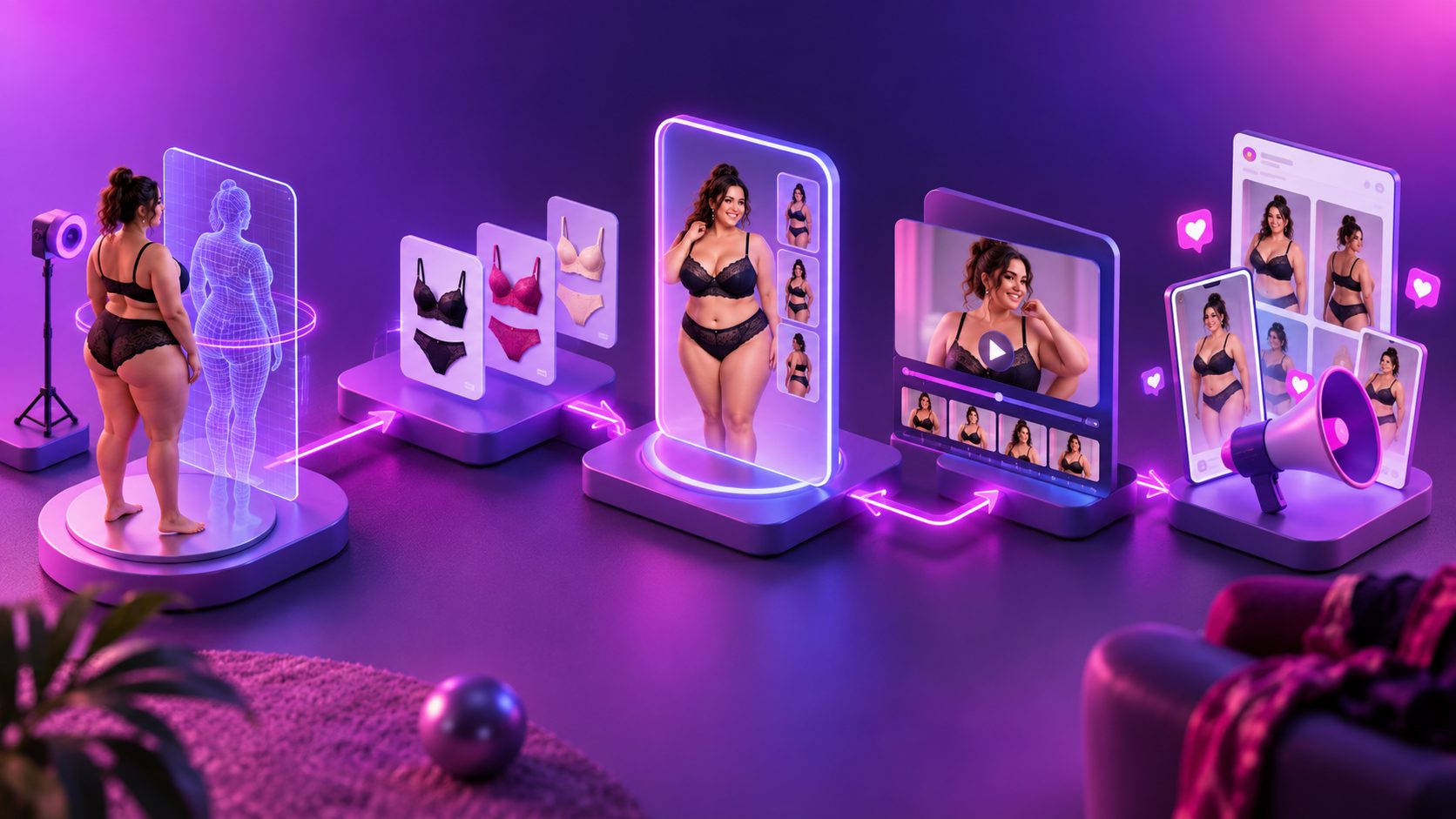
A plus size lingerie try on video without model can be created from accurate product images, a virtual character, controlled motion, and clear product messaging. The goal is not to make the garment look more provocative; it is to show fit, construction, coverage, and styling in a way that shoppers and advertising platforms can understand.
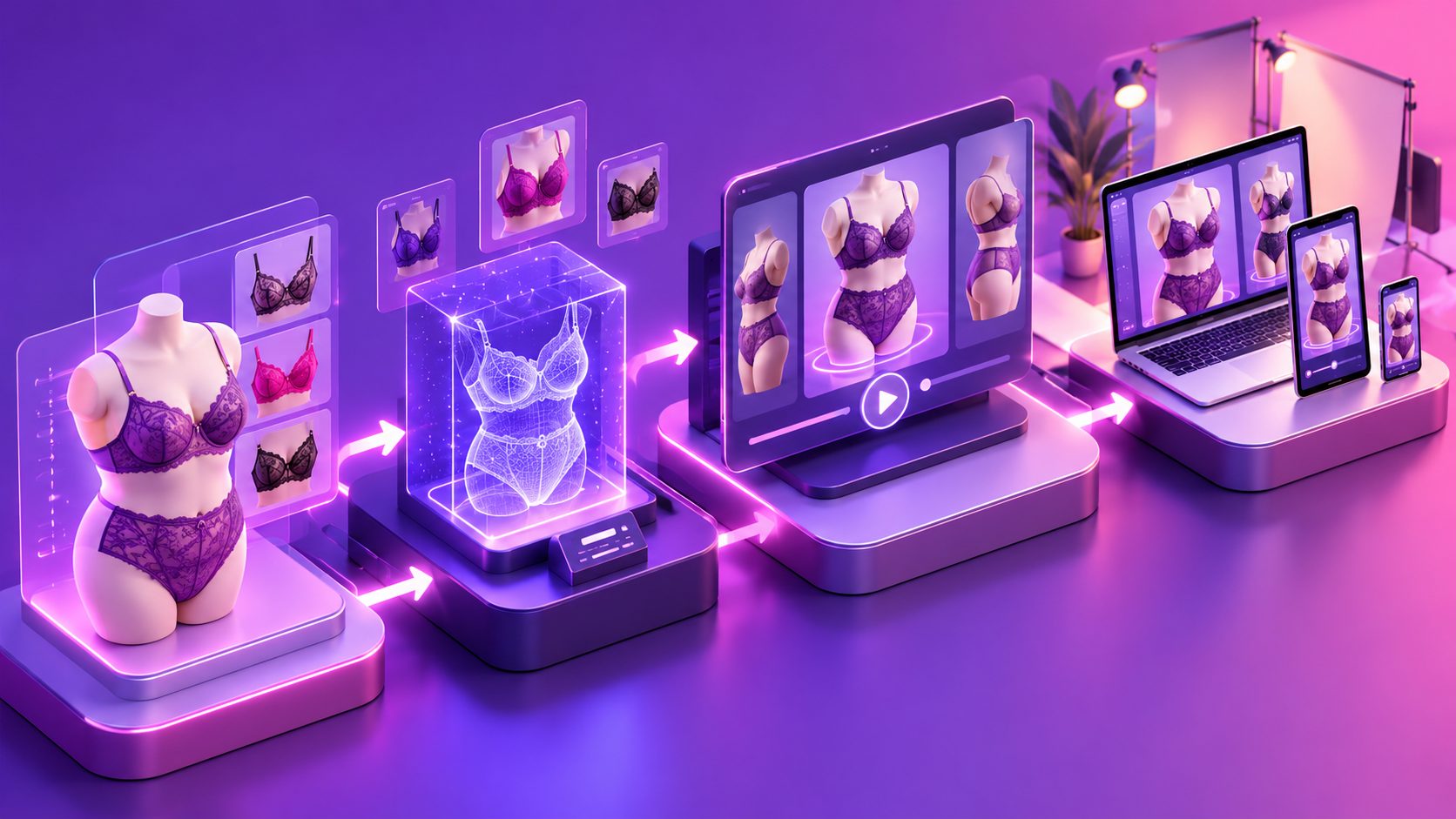
AI lingerie workflows commonly combine a clean garment image, an AI fashion model, background control, and image-to-video animation. The strongest workflows treat the product image as the source of truth instead of allowing the generated person to define the garment. (weshop.ai)
What is a model-free plus size lingerie try-on video?
A model-free try-on video is an ecommerce creative that presents lingerie on a generated or digitally controlled character rather than a person hired for a physical photoshoot. It can show a front view, side angle, fabric detail, stretch, straps, closure, or styling context without requiring a new shoot for every size, color, or market.
This format is best understood as a product visualization, not proof that the garment will fit every body exactly. A responsible video should connect the visual to a size chart, measurements, fabric information, and return policy. It should also avoid implying that a generated body represents a guaranteed fit.
For lingerie, this distinction matters because thin straps, lace, mesh, underwire, and elastic edges are difficult to preserve during motion. Research on virtual try-on also identifies garment deformation and precise size control as continuing technical challenges, especially for underwear and body-contouring apparel. (arxiv.org)
Why the product image matters more than the virtual model
The most important production decision is to create a verified garment reference before generating a character or scene. A visually attractive virtual model cannot compensate for distorted lace, changed cup shape, missing hardware, or inaccurate color.
Use this asset checklist:
- Upload a clear JPG or PNG product image.
- Prefer a plain, solid-color background.
- Photograph the garment flat, on a hanger, or on a neutral mannequin.
- Keep straps, seams, closures, cups, and decorative details visible.
- Use consistent lighting and avoid heavy filters.
- Prepare separate references for different colors or product variants.
AdsTurbo Product Image supports JPG and PNG uploads. Clear product photos on a plain background are suited to downstream generation, and the tool can analyze product shape, color, and category. It can also produce ecommerce image formats for channels such as Amazon, Shopify, TikTok Shop, and Instagram.
A useful internal rule is “garment approval before character approval.” Do not judge the creative by face quality, pose, or background until the lingerie remains accurate in a still product frame.
How to create the video without hiring a model
A reliable workflow separates product accuracy, character direction, movement, and compliance review.
1. Define the commercial purpose
Choose one purpose for the first video:
- Show coverage and silhouette
- Demonstrate stretch or adjustable straps
- Present a new colorway
- Introduce a bundle or promotion
- Create a short social ad for testing
- Explain sizing and fit guidance
Avoid asking one 15-second video to communicate every benefit. A fit-focused video and a discount-focused video should usually have different openings, captions, and calls to action.
2. Build a consistent virtual character
Select a mature, body-inclusive character whose styling supports the product. Keep the character’s pose neutral at the beginning: standing, turning slightly, or adjusting a strap without exaggerated movement.
For plus size creative, consistency is more valuable than novelty. Use the same character identity across several videos when testing hooks, offers, or colors. Changing the face, body proportions, lighting, and garment at the same time makes performance comparisons harder to interpret.
AdsTurbo provides AI actors and supports character replacement workflows. Character Swap can use a source video or image together with a target character image while retaining motion, lighting, and scene context. This makes it possible to create audience or localization variants without reshooting the original movement.
3. Use controlled motion instead of complex choreography
Start with a short sequence:
- Front-facing hold
- Slow three-quarter turn
- Side profile
- Close-up of a product detail
- Final frame with size or offer information
Complex walking, fast spins, hand interaction, and fabric pulling increase the chance of warped straps or inconsistent lace. Thin, form-fitting apparel is particularly sensitive to temporal inconsistencies during video generation.
AdsTurbo Motion Control can transfer movement from a reference video to a target character image. For product-led lingerie ads, a simple reference movement is often safer than asking the system to invent a full fashion performance.
4. Add captions that clarify rather than exaggerate
Many social videos are watched without sound. Use short captions such as:
- “Wireless support”
- “Adjustable straps”
- “Stretch lace”
- “Available in sizes 1X–4X”
- “Check the size guide”
- “Designed for everyday comfort”
Do not claim “perfect fit,” “no returns,” “looks good on everyone,” or similar guarantees unless the brand can substantiate them. AdsTurbo Video Subtitle can automatically transcribe audio, generate synchronized captions, and export either a captioned video or a separate subtitle file. Caption layouts can be adapted for TikTok, Instagram Reels, and YouTube Shorts.
For a practical captioning process, see the guide to automatic captions for ecommerce video ads.
How to reduce ad-review risk for lingerie content
No workflow can guarantee approval, but clear product framing usually creates fewer avoidable problems than suggestive framing.
Keep the camera product-focused
Use medium or full-body framing for the main shot. Reserve close-ups for legitimate construction details such as lace texture, seams, hooks, or adjustable features. Avoid camera movement that imitates voyeuristic framing or focuses unnecessarily on intimate body areas.
Make the commercial context obvious
Show the product name, category, size guidance, or benefit early. A retail presentation with a neutral background is easier to understand than a scene built around sexualized posing.
Avoid misleading “real person” implications
If the character is generated, do not imply that the person is a real customer, professional reviewer, or verified testimonial source. The visual can demonstrate styling without pretending to document a real fitting experience.
Check every frame manually
Review the exported video for:
- Garment shape and color
- Strap and lace continuity
- Body and hand artifacts
- Unintended exposure
- Text that overlaps the product
- Captions that make unsupported claims
- Final-frame cropping on each platform
The ecommerce video ad rejection guide offers a broader framework for diagnosing creative issues before launch.
A practical 15-second storyboard
| Time | Visual | Message |
|---|---|---|
| 0–2 seconds | Clean product-and-character opening | “A better view of the fit” |
| 2–6 seconds | Front and three-quarter angle | Show silhouette and coverage |
| 6–9 seconds | Detail shot | Highlight lace, closure, or straps |
| 9–12 seconds | Second pose or color variant | Reinforce style or range |
| 12–15 seconds | Product image, size guide, CTA | “Check your size and shop the set” |
This structure is deliberately conservative. It gives the viewer enough information to identify the garment before introducing the offer. The main creative insight is that accuracy should occupy the first half of the video; persuasion should occupy the second half.
How to turn one video into a testing system
Instead of generating unrelated videos, create controlled variants. Keep the garment, character, and primary movement stable while changing one variable:
- Hook: comfort versus styling
- Character: different age or presentation
- Background: studio versus bedroom
- Caption: feature versus promotion
- CTA: shop now versus view the size guide
- Language: English versus localized versions
AdsTurbo Ad Clone can analyze a reference video of up to 12 seconds and help reconstruct its structure, pacing, shot logic, and CTA pattern for new variants. The platform also supports video translation, AI upscaling, background replacement, subtitles, and other post-production controls.
For broader campaign testing, the Facebook ecommerce ad creative automation framework explains how to organize creative variables instead of changing everything at once.
Track more than clicks. For each variant, compare:
- Three-second hold rate
- Average watch time
- Click-through rate
- Product-page engagement
- Add-to-cart rate
- Comments about sizing or fit
- Return or support questions after purchase
Comments and support tickets are especially valuable for lingerie. They can reveal whether the video answered the shopper’s real concern or only attracted attention.
Common questions
Can one product photo create a try-on video?
Yes, one clear JPG or PNG product image can serve as the base asset for product-image and product-video workflows. The more accurate the source image, the less likely the generated result is to change the garment.
Should the video show a real model?
Not always. A virtual character can support concept testing, localization, and product visualization. Real customers or creators remain valuable when the message depends on lived experience, comfort claims, or authentic testimonials.
How should plus size fit be represented?
Use inclusive character direction, clear measurements, and a visible size guide. Do not treat one generated body as a universal representation of every plus size customer.
Can the same creative be used on every platform?
The core idea can be reused, but framing, captions, and aspect ratio should be adapted. AdsTurbo supports multiple video and image workflows, including subtitles and platform-oriented formats.
What should be checked before publishing?
Verify the garment, captions, claims, character presentation, cropping, and final call to action. A human review of the complete exported video is essential before paid distribution.
A model-free lingerie video works best when it is treated as an accurate product explanation first and a visual hook second. Start with a clean garment reference, use controlled motion, make sizing information visible, and build variants that test one creative variable at a time. Explore AdsTurbo’s AI ecommerce video workflows to turn product images and reference assets into structured advertising concepts.