作者:adsturbo.ai|发布日期:2026年9月20日|更新日期:2026年9月20日
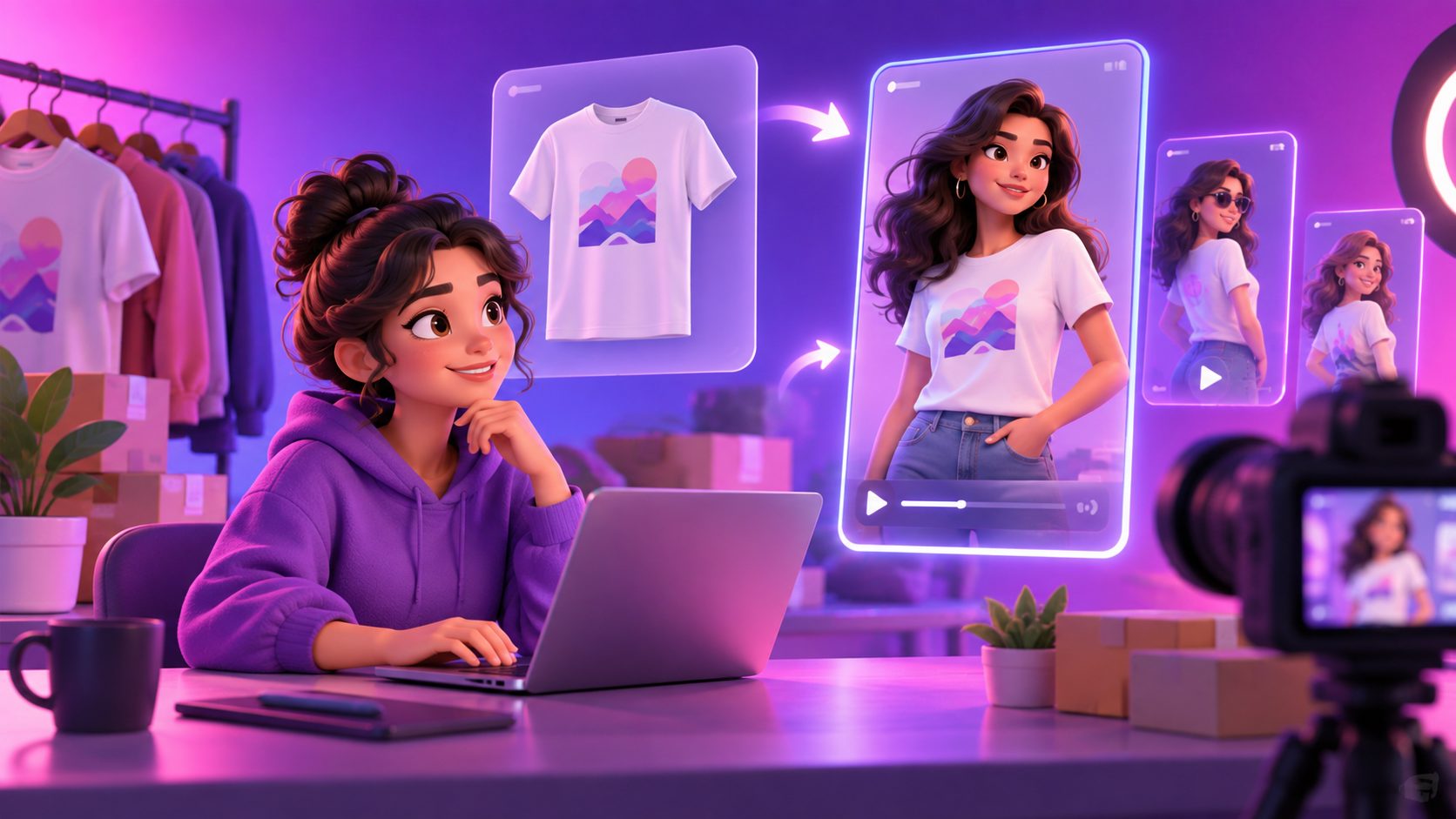
A plus size model video generator AI workflow can turn a flat-lay clothing photo into a short fashion clip showing a fuller-figured model walking, turning, posing, or presenting the garment. For DTC and cross-border apparel sellers, the opportunity is not simply replacing a photoshoot. It is creating more inclusive creative variations while keeping product details, body representation, and advertising claims under control.
Most current tools focus on the same basic promise: upload a flat lay or mannequin image, select a model, and animate the result for product pages or social ads. Some platforms also support 9:16, 1:1, and 16:9 exports, which makes the workflow relevant to TikTok, Instagram, Shorts, and ecommerce listings. (apps.shopify.com)
What is a plus-size fashion model video generator?
A plus-size fashion model video generator is an AI workflow that maps a clothing product image onto a generated or selected fuller-bodied model, then produces motion such as a walk, turn, pose, or close-up. It is best understood as a creative visualization system, not a guaranteed digital fitting room.
The input may be a flat lay, ghost mannequin image, product photo, or an existing model image. The output can include:
- On-model product visuals
- Short walking or posing clips
- UGC-style product videos
- Social ad variations
- Product-page motion assets
- Localized versions with different actors, voiceovers, subtitles, or languages
Several products in the current search landscape specifically position flat-lay-to-model generation as a way to show garment drape and movement without booking a studio or model. However, the strongest pages still tend to under-explain the difference between showing a garment attractively and proving how a specific size fits a real customer. (tintin-x.com)
Why flat-lay images are not enough for plus-size apparel ads
A flat-lay photo communicates color, silhouette, print, and construction. It does not clearly communicate how a garment behaves around the bust, waist, hips, arms, or thighs when the wearer moves.
For plus-size shoppers, useful motion can answer practical visual questions:
- Does the hem move naturally while walking?
- Does the fabric appear structured, stretchy, lightweight, or fluid?
- Where does the garment sit on the body?
- Does the sleeve or neckline remain visually consistent during movement?
- Does the product look appropriate in a real lifestyle context?
That does not mean an AI clip should replace a size chart, garment measurements, model measurements, or customer reviews. The safer ecommerce position is to use AI video for style and movement communication, while using verified product data for fit guidance.
This distinction is also the main opportunity for better content. Many ranking pages emphasize speed and visual realism, but a responsible workflow must separate creative confidence from fit accuracy.
A practical workflow for turning a clothing photo into a video
The most reliable process starts with the product asset rather than the prompt. AdsTurbo Product Image accepts JPG or PNG product images, and clear product photos on a plain background are recommended for better results. It can analyze the product’s shape, color, and category, then generate multiple image types for ecommerce use.
1. Prepare a clean garment reference
Use a front-facing image with visible edges, even lighting, and minimal occlusion. Avoid hands, props, heavy shadows, or folded areas that hide the garment’s shape.
For a plus-size fashion workflow, prepare additional references when available:
- Front view
- Back view
- Close-up of fabric texture
- Detail of buttons, zippers, or prints
- Measurement chart
- Fabric composition and stretch information
The extra references do not guarantee perfect video consistency, but they make quality checking easier.
2. Define the model direction precisely
A useful model brief should describe body representation without reducing the model to a vague label. Specify:
- Approximate body category
- Height range or visual proportion
- Skin tone and hair direction
- Age range
- Styling and setting
- Camera framing
- Motion type
- Intended channel
For example: “adult curve model wearing a relaxed-fit linen shirt, full-body walking shot, natural daylight, neutral studio, slow turn to show side drape, vertical social format.”
Avoid promising a particular numeric size unless the visual output has been reviewed against the actual garment measurements.
3. Generate motion that proves one product benefit
Do not ask the model to perform too many actions in one clip. A short video should demonstrate one clear idea:
- A slow walk for drape
- A side turn for silhouette
- A close-up for texture
- A seated movement for stretch or comfort messaging
- A front-facing pose for print and color recognition
AdsTurbo supports product video creation, ad cloning, motion control, character replacement, video translation, subtitles, and AI upscaling. Its Product Video workflow can use JPG or PNG product images and optional selling points or promotional information to create short product videos.
4. Add the conversion layer
The visual is only one part of the ad. Add a concise hook, benefit, and call to action:
- Hook: “A polished linen layer for warm-weather dressing”
- Benefit: “Lightweight texture with an easy, relaxed silhouette”
- CTA: “See the full size range”
AdsTurbo Video Subtitle can automatically transcribe speech, create synchronized captions, translate subtitles, and export either a captioned video or a separate subtitle file. This is useful when the same creative needs English, Spanish, French, or other market versions.
For a broader testing system, the ecommerce video ad ROAS framework provides a useful way to connect creative variants with performance analysis.
The quality-control framework most sellers miss
A generated fashion clip should pass three separate checks: product fidelity, body-motion plausibility, and advertising clarity.
Product fidelity
Compare the video with the original product image. Check:
- Color under different lighting
- Print placement
- Collar, sleeve, and hem shape
- Buttons, zippers, and trims
- Logos and text
- Number of pockets or panels
If these details change, use the clip for mood or awareness only, not as the primary product demonstration.
Body-motion plausibility
Inspect the most difficult frames: walking, turning, arm movement, and side angles. Watch for:
- Fabric merging with the body
- Sudden waist changes
- Incorrect sleeve length
- Distorted hands or accessories
- Unstable garment edges
- Body proportions changing between frames
This is an original, practical scoring method for creative review:
| Area | Pass condition | Action if it fails |
|---|---|---|
| Garment identity | Product remains recognizable | Regenerate with a cleaner reference |
| Motion continuity | Body and clothing remain stable | Shorten the movement |
| Representation | Model direction matches the intended audience | Rework the casting brief |
| Claim safety | No unsupported fit or performance promise | Rewrite the script |
| Channel readiness | Framing and captions suit the placement | Export a new ratio or subtitle layout |
A clip that looks attractive but fails product fidelity should not be treated as a product demo. This review step is more valuable than generating many variations without a decision rule.
How AdsTurbo fits a scalable apparel workflow
AdsTurbo is useful when a seller needs more than one isolated video. Its platform includes Product Image, Product Video, Ad Clone, Motion Control, Character Swap, Video Translation, AI Upscaling, Background Replace, and Video Subtitle tools.
A seller can use the workflow in stages:
- Create product visuals from the apparel image.
- Generate a plus-size model concept and short product clip.
- Create alternate hooks, scenes, or model directions.
- Translate voiceover and subtitles for new markets.
- Upscale or clean the final asset where needed.
- Produce channel-specific versions for TikTok, Meta, Shorts, or product pages.
AdsTurbo also supports long-video repurposing into shorter captioned clips, which can help sellers extract several social assets from one approved source video. All generation tasks run asynchronously, with completion available through status polling or webhook callbacks. For advanced plans, team workflows, API access, and custom workflows support higher-volume production.
The flat-lay to 3D fashion runway workflow is especially relevant when the goal is to transform a product-only apparel image into a more dynamic fashion presentation.
Common mistakes to avoid
Treating an AI model as proof of exact fit
A generated model can improve visual inclusion, but it should not replace garment measurements or a real fit reference. Label the content clearly in your internal asset system and avoid claims such as “fits every body” unless supported by evidence.
Using one movement for every garment
A fitted blazer, stretch dress, knit cardigan, and wide-leg trouser should not all use the same walk cycle. Match motion to the product’s real selling point.
Hiding product limitations with excessive effects
Fast cuts, heavy transitions, and aggressive zooms can hide inconsistencies rather than improve performance. Clean, readable footage is usually easier to evaluate and localize.
Ignoring subtitles and regional context
Cross-border shoppers may respond to different hooks, languages, and styling cues. Use localized captions and preserve the original product claim instead of translating promotional language mechanically.
Frequently asked questions
Can AI create a plus-size model video from one clothing photo?
Yes. A single JPG or PNG product image can serve as the starting point for an AI-generated on-model visual or short product video. Results are more dependable when the garment is clearly photographed against a plain background and the output is reviewed for product consistency.
Is an AI fashion video the same as virtual try-on?
No. Virtual try-on usually focuses on placing a garment on a user or selected person. A generated fashion ad focuses on producing persuasive visual content. Neither should automatically be treated as an exact sizing tool.
What video format works best for social ads?
Vertical 9:16 is generally the natural starting point for TikTok, Instagram Reels, and YouTube Shorts. Square and landscape versions may be useful for feeds, product pages, and other placements. AdsTurbo supports multiple video and image workflows for channel-specific adaptation.
Can the same video be localized for other countries?
Yes. A source video can be adapted with translated voiceover, subtitles, alternate characters, or new creative text. AdsTurbo provides video translation, lip sync, character replacement, and subtitle tools for this type of localization workflow.
How should sellers validate the final output?
Compare the generated clip with the original garment reference, inspect difficult motion frames, verify every claim in the script, and check that captions, framing, and calls to action are readable on the intended placement.
Final takeaway
A plus size model video generator AI is most valuable when it helps apparel sellers show movement, representation, and product context at scale. The strongest workflow does not promise that generated footage can replace real fit evidence. Instead, it combines clean product references, carefully chosen motion, transparent claims, caption localization, and a repeatable quality-control framework.
That approach gives DTC and cross-border brands more creative options without losing sight of what shoppers need: a recognizable product, a believable presentation, and enough verified information to make a confident purchase.