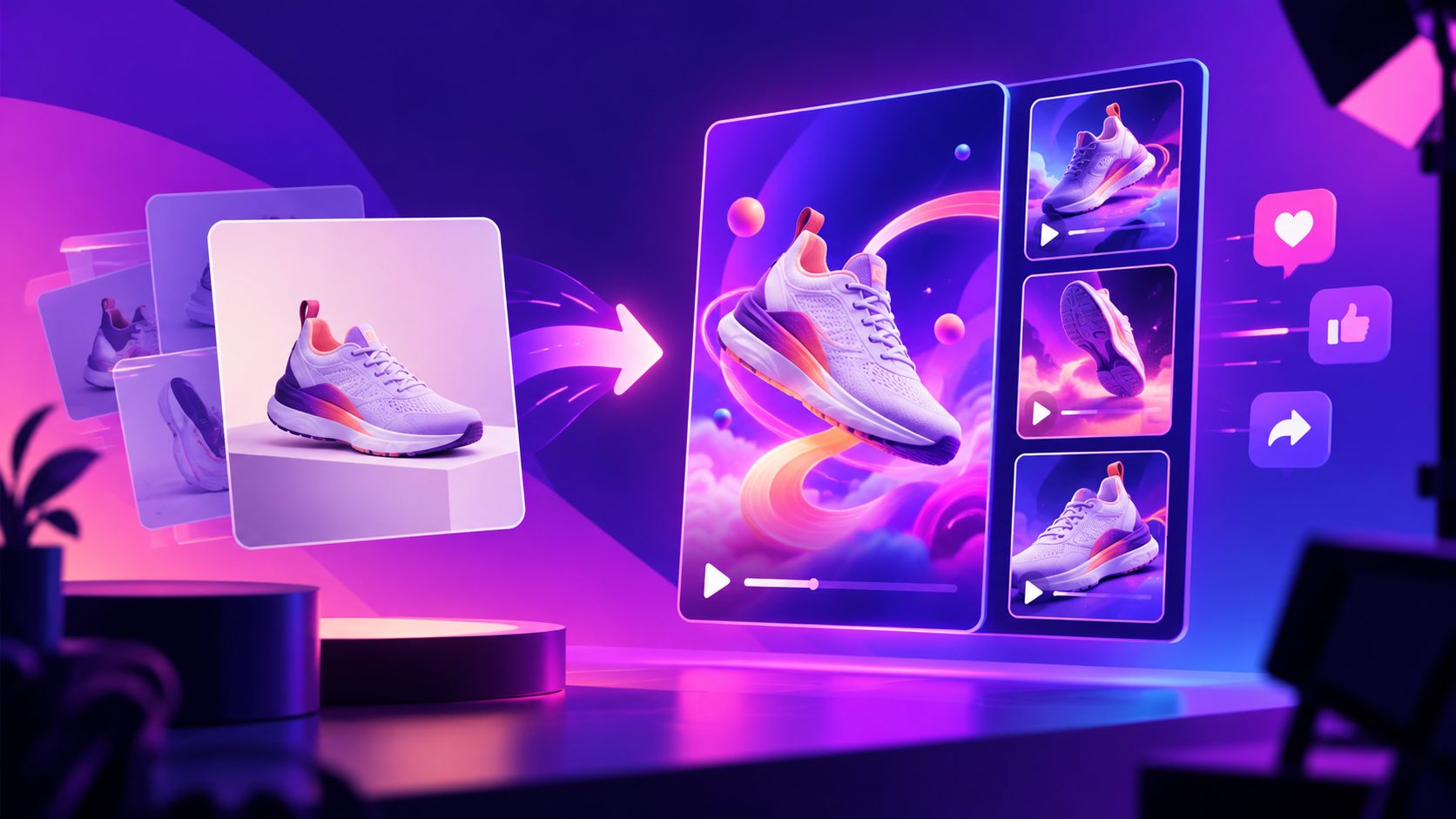
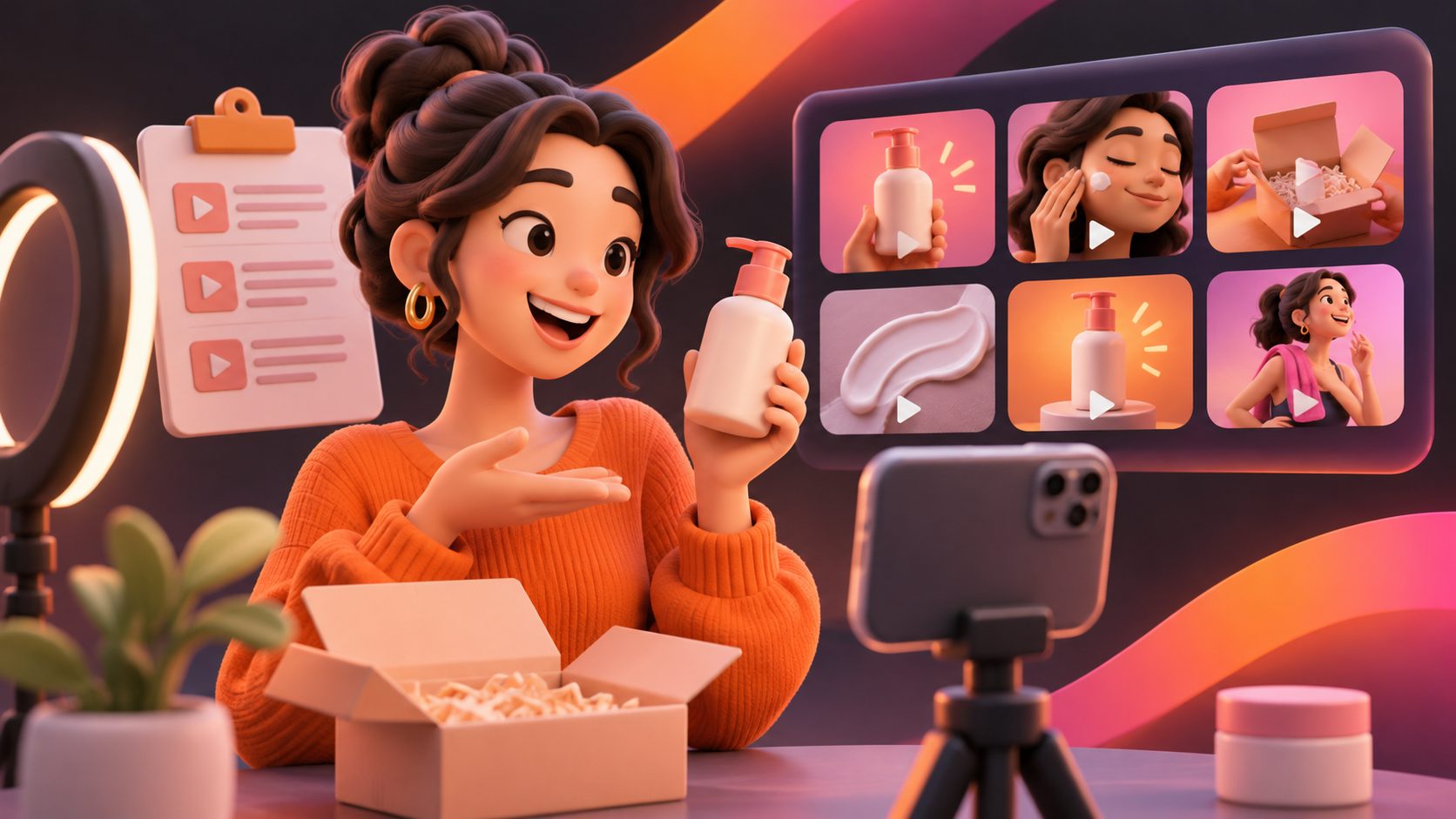
Turn Product Images into TikTok Shop Video Ads


Summarize with
Summary
Learn how to turn product images into TikTok Shop video ads with a 9:16 storyboard, motion-first workflow, compliance checks, and batch testing steps.
By adsturbo.ai | Published 2026-11-13 | Updated 2026-11-13
You can turn product images into TikTok Shop video ads by converting a small set of clean product photos into a 9:16 sequence with movement, benefits, captions, and a clear product-focused call to action. The strongest workflow does not simply add a slow zoom to a listing image. It assigns each image a job: hook, product proof, benefit, use case, and purchase prompt.
TikTok’s official guidance emphasizes vertical video, fast hooks, clear product demonstrations, captions, and dynamic visuals. TikTok Shop also warns against relying on static images throughout a promotional video, so image-to-video production should create meaningful motion rather than a slideshow. (seller-us.tiktok.com)
What makes a product image suitable for TikTok Shop video?
A suitable product image is clear, product-centered, and easy to crop into a vertical frame. White-background photos are useful for identifying the product, while lifestyle images add context and help explain how the product fits into a buyer’s routine.
TikTok recommends high-quality catalog images, including JPEG or PNG files and images of at least 500 × 500 pixels for catalog use. Its guidance also favors clean backgrounds, visible products, and minimal distractions. (ads.tiktok.com)
Before generating a video, prepare:
- One clear hero image showing the full product.
- One close-up showing texture, material, controls, or a key detail.
- One image showing scale, use, or a relevant lifestyle context.
- Accurate product benefits and claims from the listing.
- The current offer, discount, or bundle details, if applicable.
- A short call to action such as “Shop the product” or “See it in TikTok Shop.”
If you only have one product image, create several crops and motion treatments, but do not pretend that a generated scene proves a product feature that the original image does not support.
How should you structure a 15-second image-to-video ad?
A practical 15-second format uses five short scenes. Each scene has a specific conversion role instead of repeating the same product shot.
| Time | Scene purpose | Image treatment | On-screen message |
|---|---|---|---|
| 0–2 seconds | Stop the scroll | Fast crop, product reveal, or problem-led zoom | “Still dealing with [problem]?” |
| 2–5 seconds | Identify the product | Full-product motion with clean background | Product name or category |
| 5–8 seconds | Show the key benefit | Detail crop, rotation, or animated callout | One specific benefit |
| 8–12 seconds | Add context | Lifestyle composition or use-case movement | “Made for [buyer situation]” |
| 12–15 seconds | Close the sale | Product hero frame with offer or CTA | “Shop now on TikTok Shop” |
The key distinction is visual change versus visual noise. A product can rotate, move closer, transition between angles, or appear in a controlled lifestyle scene. However, excessive effects can make the ad feel less trustworthy and make the product harder to inspect.
TikTok’s video advertising guidance recommends showing value early, using 9:16 vertical framing, keeping text in safe zones, and avoiding long logo introductions. (ads.tiktok.com)
How do you turn a white-background image into a dynamic ad?
Start with the white-background image as the product reference, not as the entire finished video. Use it to establish accurate shape, color, and proportions, then build motion around verified product details.
A reliable transformation sequence is:
- Remove dead space. Crop the product so it occupies enough of the vertical frame without cutting off important edges.
- Create a visual hook. Begin with a close-up, a fast reveal, or a question tied to the customer’s problem.
- Animate one physical property. Use a controlled turn, push-in, tilt, or parallax effect.
- Introduce one benefit. Match the benefit to a visible product attribute or a documented listing claim.
- Add a context scene. Place the product in a believable setting without changing its design or implied function.
- Return to the product. End with a clean hero frame so viewers know exactly what to shop.
This approach is more dependable than asking an image model to invent an entire commercial from one photo. The source image acts as an accuracy anchor, while the storyboard supplies pacing and persuasion.
For a practical production pipeline, AdsTurbo Product Video can use JPG or PNG product images, with optional selling points and promotional information, to create short product videos. For additional editing, an AI video enhancer can improve the presentation of low-resolution or heavily compressed footage before export.
What should you add besides images?
Images provide product identity, but captions and audio provide explanation. A strong image-to-video ad usually combines four layers:
- Motion: camera movement, product rotation, scene transitions, or animated emphasis.
- Text: short captions that can be understood without sound.
- Voice or music: optional audio that supports the viewing pace.
- Product anchor: the promoted product must remain visually consistent with the linked listing.
Use one idea per caption. For example, replace “Premium quality and innovative design” with a concrete statement such as “Locks in place in one step,” but only when that claim is accurate for the product.
AdsTurbo Video Subtitle can automatically transcribe speech and create time-synced captions. It also supports embedded subtitle downloads or separate subtitle-file exports, which is useful when creating multiple versions for TikTok, Instagram Reels, and YouTube Shorts.
For more detail on sound-off creative, see this silent ecommerce video ads captions framework.
How can you batch-create TikTok Shop variations?
Batch production works best when you change one variable at a time. Instead of making ten unrelated videos, build a controlled creative matrix.
| Variable | Example versions |
|---|---|
| Hook | Problem question, surprising detail, product reveal |
| Proof angle | Close-up, use case, comparison, convenience |
| Persona | Busy parent, commuter, home organizer |
| Offer | Product benefit, bundle, limited promotion |
| Ending | Product CTA, benefit recap, comment prompt |
A useful first batch is three hooks × two benefit angles × two endings, producing 12 structured variations. Keep the product, offer, and core claim consistent so performance differences are easier to interpret.
This is an original testing rule worth applying: do not vary the hook, voice, pacing, caption style, and offer in the same test batch. If every element changes, a winning or losing result cannot tell you what actually affected viewer response.
AdsTurbo Ad Clone can analyze a reference video of up to 12 seconds and generate advertising variations while preserving structural elements such as pacing, shot logic, and CTA direction. That makes it useful when you have a proven creative pattern but need new product-image-based executions.
You can also review this ecommerce creative batching system before setting up weekly production.
What TikTok Shop compliance checks matter most?
The main risk is creating a video that looks polished but does not accurately represent the linked product. TikTok guidance warns against static image splicing, vague demonstrations, misleading prices, and content that does not clearly show the promoted item. (seller-us.tiktok.com)
Check every export for:
- Product color, size, shape, and accessories.
- Accurate discount, price, bundle, and availability language.
- A visible relationship between the video and the tagged product.
- Captions that do not cover key product details or TikTok interface elements.
- Dynamic movement rather than a full-video slideshow.
- No unsupported performance, health, safety, or scarcity claims.
- A product demonstration that reflects realistic use.
If the original image cannot prove a feature, use wording such as “designed for” only when supported by the product information. Do not let generated backgrounds, people, or visual effects imply functions the product does not have.
Frequently asked questions
Can I create a TikTok Shop video from one product photo?
Yes. One photo can support a short video through crops, zooms, parallax, controlled rotation, text overlays, and scene transitions. Multiple images usually produce a more credible sequence because they provide additional angles and details.
Is a white-background product image enough?
It is a strong starting point, but not always enough for a persuasive ad. Add a close-up, a scale reference, or a realistic use-case frame when possible. The final video should explain why the product matters, not only what it looks like.
What aspect ratio should I use?
Use a 9:16 vertical layout for TikTok-style full-screen viewing. TikTok’s advertising guidance recommends vertical video and advises keeping captions and important text inside safe areas. (ads.tiktok.com)
How long should the video be?
A 15-second video is a practical starting point for a focused product message. Test longer versions only when the product requires demonstration, comparison, or explanation. Remove any opening that delays the product or benefit.
Can image-to-video replace real product demonstrations?
Not always. Image-based production is useful for rapid creative testing and catalog expansion, but products that depend on physical proof should include credible demonstrations whenever possible. The final responsibility is to ensure that the video accurately represents the item customers will receive.