How to Make a Product Launch Video for Ecommerce

Summarize with
Summary
Learn how to make a product launch video from one clear benefit to a testable ad campaign, with scripts, shot planning, formats, and AI workflows.
作者:adsturbo.ai|发布日期:2026-09-08|更新日期:2026-09-08
Learning how to make a product launch video is less about adding cinematic effects and more about making one product benefit easy to understand, remember, and test. For ecommerce sellers, the strongest launch video connects a clear hook to a visible product moment, proof, and a specific call to action.
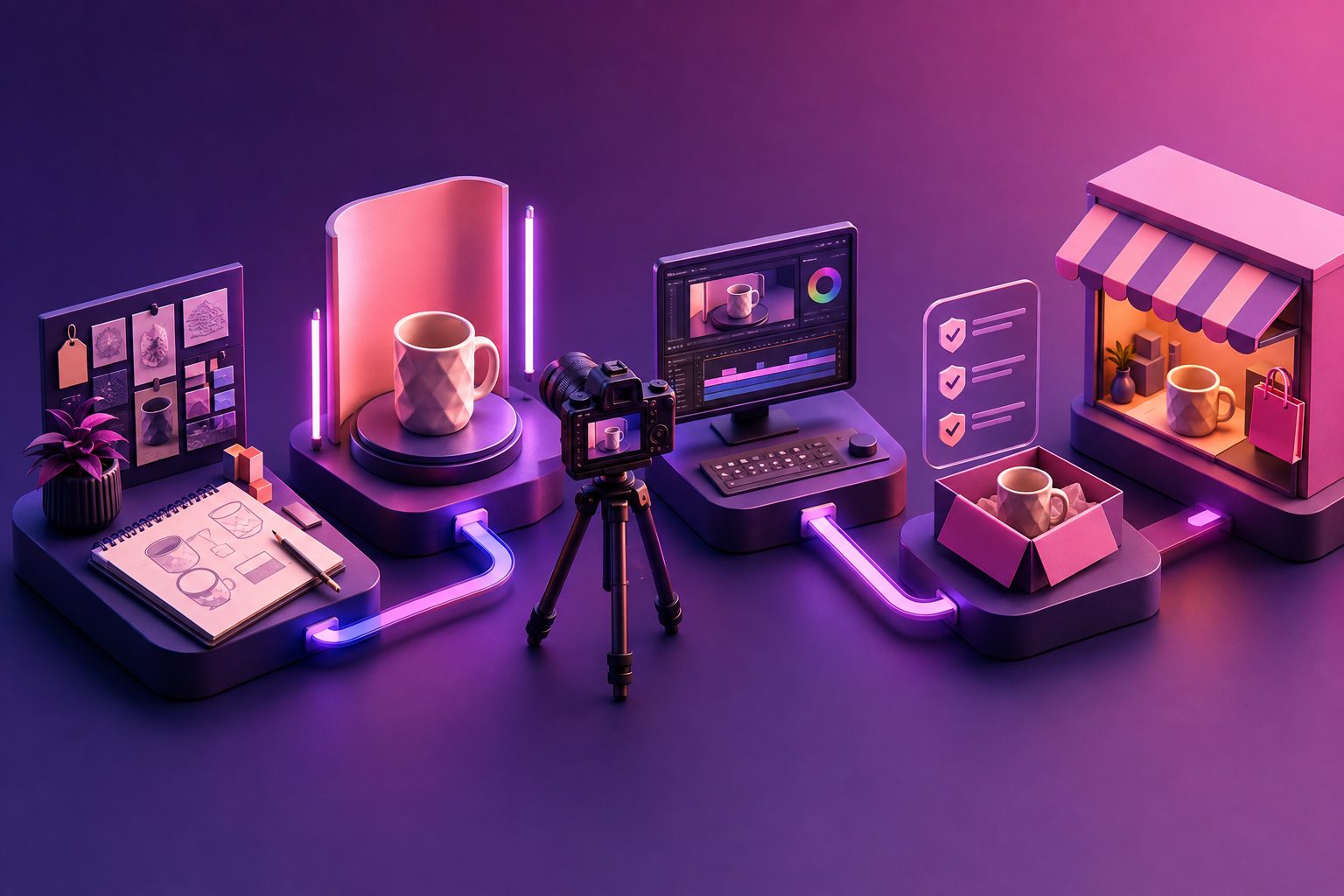
A practical launch video can be built from a product photo, a short reference video, a few selling points, and a distribution plan. The process below covers the path from positioning to script, production, platform versions, and first-round creative testing.
What is a product launch video?
A product launch video is a short marketing asset designed to introduce a new product, offer, collection, or major product update to an audience. Unlike a detailed product demo, it focuses on creating immediate understanding and interest rather than explaining every feature.
Most launch videos use a simple structure: hook, customer problem, product reveal, benefit, proof, and call to action. Current creative guides commonly recommend short social versions around 15–30 seconds, while broader launch or landing-page videos may run from 30 seconds to two minutes depending on the message and channel. (pexo.ai)
For ecommerce, the video should answer three questions quickly:
- What is this product?
- Why should the viewer care now?
- What should the viewer do next?
Step 1: Choose one launch message
Start with one customer-facing promise, not a list of product specifications. A useful message explains the outcome in a sentence:
“This compact blender makes a fresh smoothie in your office without taking up counter space.”
The sentence should identify the audience, problem, product, and benefit. If the message requires several clauses or contains more than two major benefits, it is probably too broad for a short launch video.
Use this three-part filter:
| Question | What to define |
|---|---|
| Who is it for? | A specific customer or use case |
| What changes? | The main problem or desired outcome |
| Why launch now? | Newness, seasonal demand, limited offer, or improved version |
This is also where launch videos differ from generic product videos. A product video can explain how an item works. A launch video must create a reason to pay attention now, such as a new release, introductory offer, limited stock, or early-access benefit.
Step 2: Turn the benefit into a short script
A product launch video script should be written before editing begins. For a 30-second ad, plan approximately five beats:
- Hook, 0–3 seconds: Show the problem, result, or most distinctive product visual.
- Context, 3–8 seconds: Make the customer situation recognizable.
- Product reveal, 8–15 seconds: Show the product clearly and in use.
- Proof, 15–24 seconds: Demonstrate one to three concrete reasons to believe the claim.
- CTA, 24–30 seconds: Tell viewers whether to shop, join the waitlist, claim an offer, or learn more.
A simple script template:
[Hook] Still dealing with [specific problem]?
[Context] Most [target customers] lose time because [friction].
[Reveal] Meet [product name], designed to [primary benefit].
[Proof] It helps you [feature or use case 1] and [feature or use case 2].
[CTA] Shop the launch offer at [destination].
Avoid opening with a long logo animation. Several current launch-video guides emphasize that the first seconds should lead with the problem, product, or strongest visual rather than brand ceremony. (puppydog.io)
Step 3: Build a shot list around evidence
A launch video should not merely show a product; it should show why the product matters. Create a shot list that turns each important claim into a visible action.
For a physical ecommerce product, include:
- A clean hero shot that establishes shape, color, and packaging.
- A close-up of the feature that supports the main benefit.
- A real or simulated use scene.
- A comparison, transformation, or before-and-after moment where appropriate.
- A final product-and-offer frame with readable CTA text.
For a digital product, replace physical shots with screen recordings, interface transitions, workflow demonstrations, and outcome screens.
A useful original planning framework is the Claim–Proof–Placement grid:
| Claim | Proof shot | Best placement |
|---|---|---|
| Saves space | Product beside a crowded alternative | Hook or reveal |
| Easier to use | Three-step demonstration | Middle section |
| Available for launch | Offer, date, or stock message | Final CTA |
This prevents a common production mistake: writing ambitious copy and then discovering that the footage cannot prove it.
Step 4: Choose the fastest production method
There are three practical ways to produce a launch video:
Film the product yourself
Use this option when texture, physical interaction, or real-world performance is central to the sale. Keep the background controlled, use consistent lighting, and capture wide, medium, and close-up shots so the edit has flexibility.
Create the video from product assets
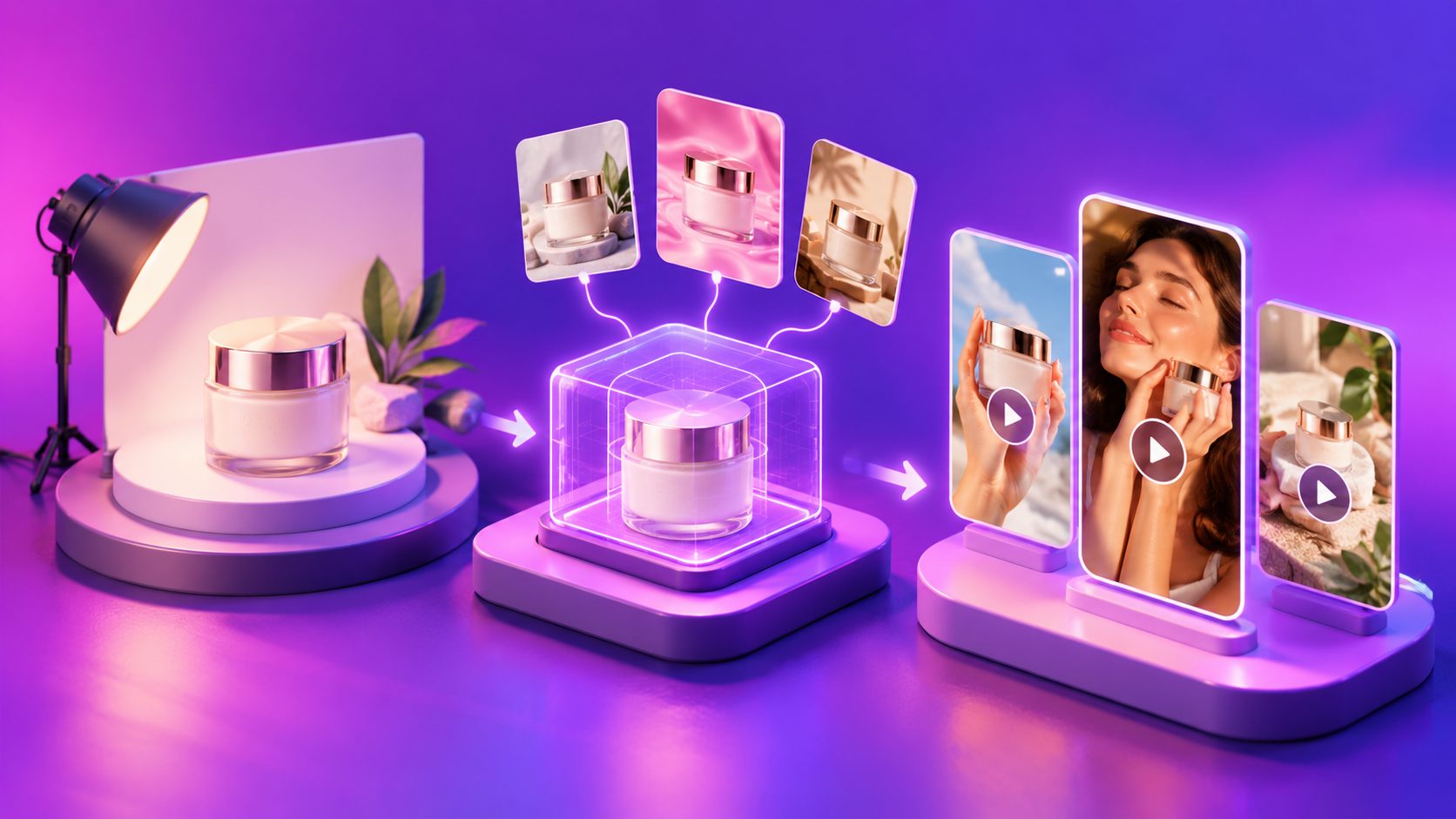
If you have strong product photography but limited filming resources, use a product image as the visual foundation. AdsTurbo Product Video accepts JPG or PNG product images, with clear product photos on a solid-color background recommended for better results. It can generate product review, introduction, and demonstration-style short videos.
For sellers creating a new listing or testing several hooks, this approach reduces the need for a separate shoot. You can also use a 15-second product photo workflow for video ads to structure a faster first draft.
Rework an existing winning ad
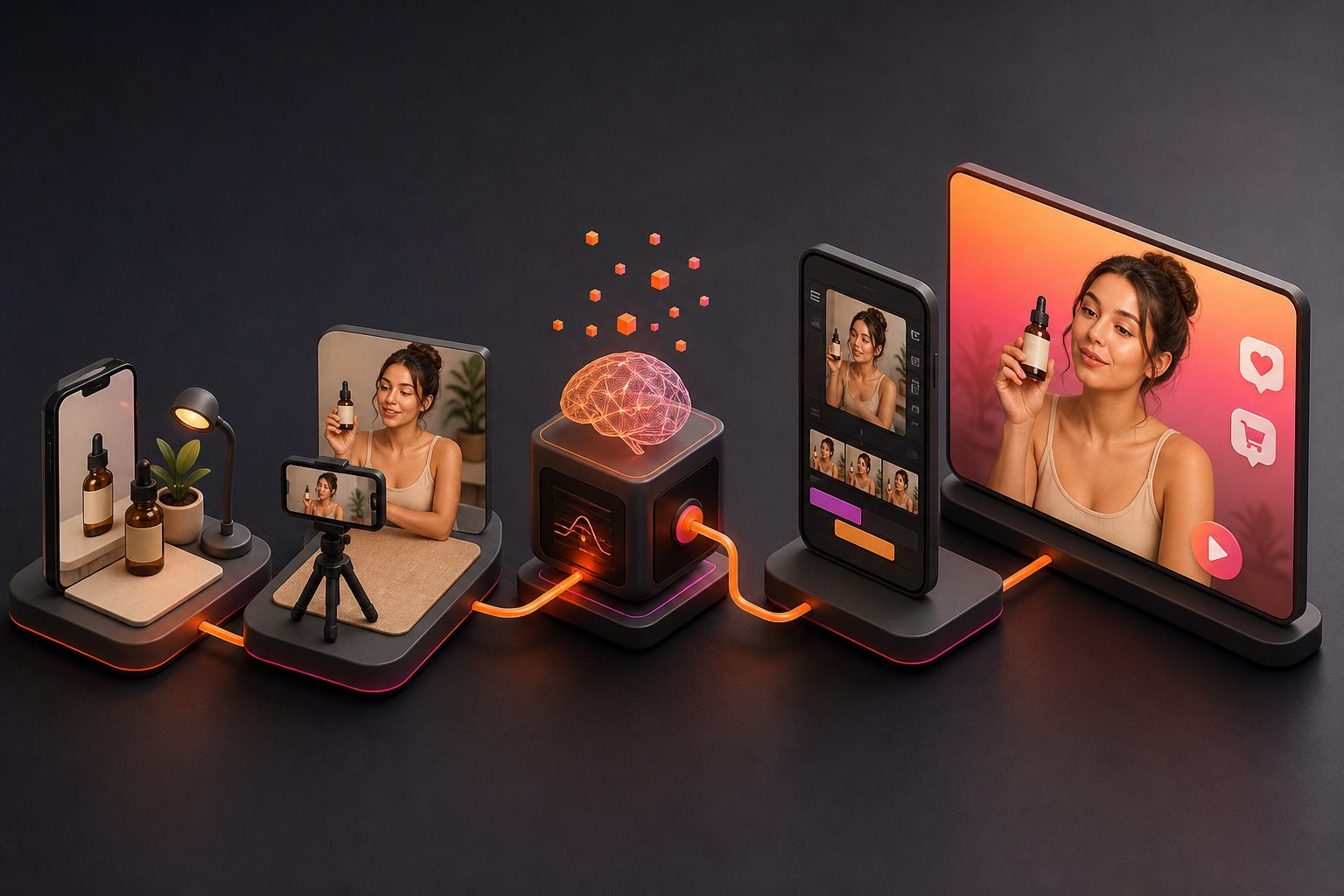
If you already have a reference ad, analyze its hook, pacing, shot order, on-screen text, and CTA before recreating anything. AdsTurbo Ad Clone can analyze a reference video up to 12 seconds and generate advertising variations. The workflow is most useful when you preserve the proven creative logic while changing the product, message, voice, character, or language.
This is not a reason to copy another brand’s identity or protected assets. Treat the reference as a structural guide, and use owned or licensed materials in the final advertisement.
Step 5: Produce platform-ready versions
Do not make one master file and crop it at the end. Plan the launch around the placements that matter:
- 9:16: TikTok, Instagram Reels, and YouTube Shorts.
- 1:1: Feed placements and selected marketplace or social placements.
- 16:9: Product pages, YouTube, presentations, and landing pages.
AdsTurbo Ad Clone supports 9:16, 1:1, and 16:9 outputs for channels such as TikTok, Meta, and Shorts. Its Video Subtitle tool can automatically transcribe speech, create time-synchronized captions, and export either a video with embedded subtitles or a separate subtitle file.
Captions should make the video understandable without sound. Keep the main text within the platform’s safe area, use short phrases, and avoid placing important details beneath interface buttons or product overlays.
For cross-border launches, localize more than the voice-over. Translate the spoken content, subtitles, offer language, measurement units, and CTA. AdsTurbo provides video translation, lip sync, character replacement, and AI upscaling tools for adapting existing creative to different audiences.
Step 6: Turn one launch video into a testing system
The most valuable launch asset is not always the final polished video. It is the set of controlled variations that helps identify what the market responds to.
Change one major variable at a time:
- Hook: pain point versus product reveal.
- Presenter: creator-style speaker versus AI actor.
- Benefit: convenience versus performance.
- Proof: demonstration versus comparison.
- CTA: shop now versus learn more.
- Language or market: original version versus localized version.
AdsTurbo provides more than 260 AI actors, over 100 product advertising templates, and tools for ad cloning, motion control, lip sync, product video creation, translation, subtitles, and upscaling. Higher-level plans also support team workflows and custom workflows (API access itself is available on every plan).
For an ecommerce launch, a practical first batch could contain three hooks, two benefit angles, two CTAs, and two aspect ratios. That creates 24 planned combinations before adding language or presenter changes. The point is not to publish every version blindly; it is to create a structured test matrix where each result teaches you something.
For developers or larger teams, AdsTurbo’s API uses Bearer API key authentication and provides composable modules for image generation, Persona, AI actors, ad cloning, video generation, and task processing. All generation tasks run asynchronously, with completion events available through status polling or Webhook callbacks. More details are available in the ecommerce video production at scale guide.
Common product launch video mistakes
Should a launch video show every product feature?
No. Lead with one memorable benefit and use only the supporting features needed to make that benefit credible. A crowded feature list weakens recall and makes the CTA feel disconnected.
How long should a product launch video be?
Use the shortest length that communicates the message. A 15–30 second version is usually easier to test on short-form channels, while a longer version can support a landing page or detailed product introduction. The correct length depends on audience awareness and the complexity of the product. (pexo.ai)
Can I make a launch video from one product photo?
Yes. A clear JPG or PNG image can serve as the starting asset for an AI-generated product video. Use a clean image with a simple background, then check every generated frame for product shape, color, labeling, and feature accuracy.
Should I create one video for every platform?
Create one core concept, then adapt the framing, captions, pacing, and CTA for each placement. A vertical social cut and a product-page video may share the same message but should not necessarily use the same edit.
How do I know whether the launch video worked?
Measure the stage you intended to improve: thumb-stop or view rate for the hook, watch time for the structure, clicks for the CTA, and purchases or qualified leads for commercial impact. Keep a record of the message, format, audience, and result so the next creative batch builds on evidence rather than preference.
Final checklist before publishing
Before launch, confirm that:
- The first three seconds communicate a clear reason to watch.
- The product appears accurately and early enough.
- Every major claim has a visible proof point.
- Captions are readable on a phone.
- The offer, date, or availability is unambiguous.
- The video has the correct aspect ratio for each placement.
- The CTA matches the destination page.
- Variations are labeled by hook, benefit, presenter, and market.
A strong product launch video is not simply an announcement. It is a reusable creative system: one clear promise, one proof structure, several platform-ready edits, and a testing plan that turns early performance into better ads.