By adsturbo.ai | Published 2026-10-13 | Updated 2026-10-13
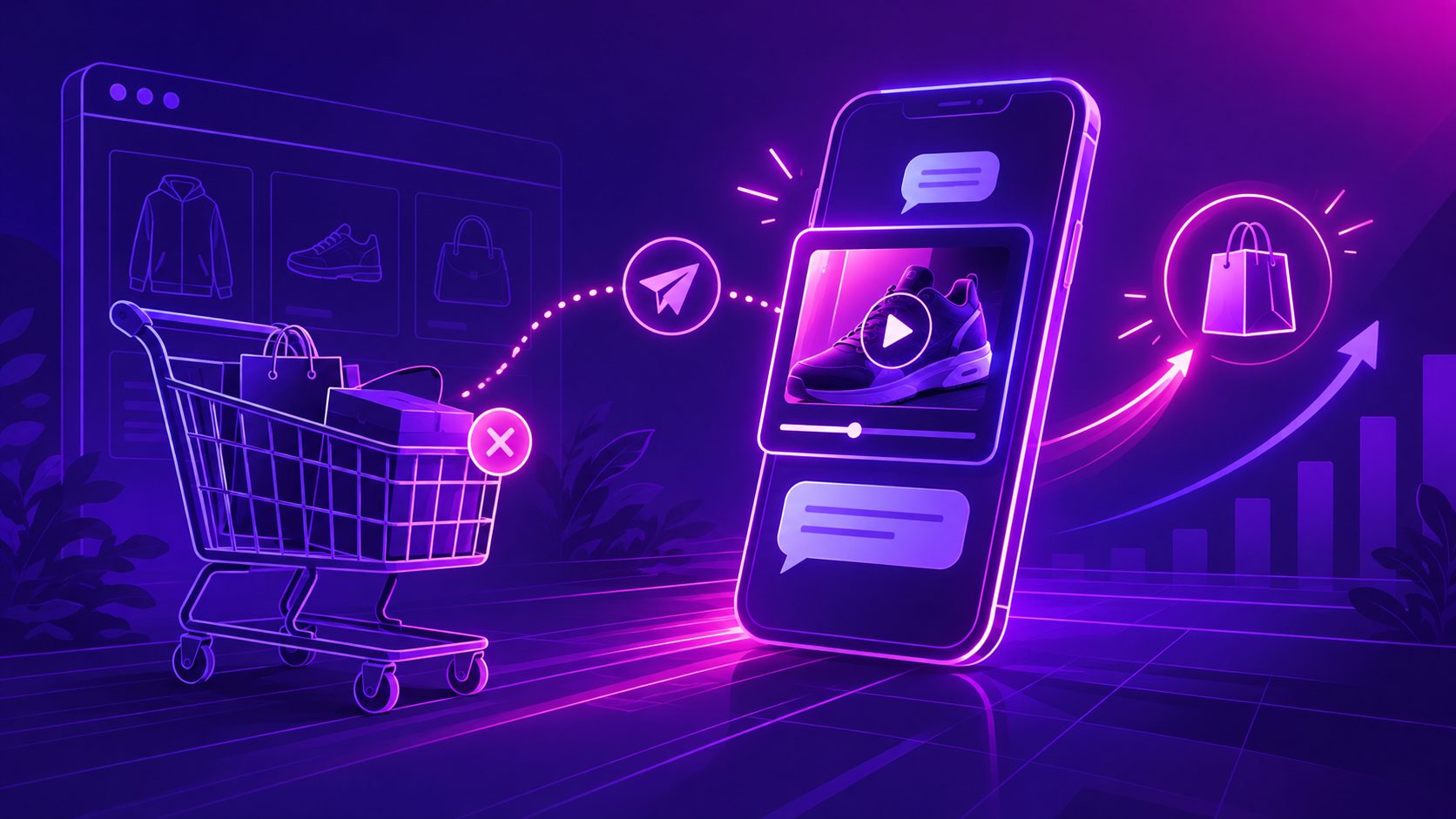
A Shopify abandoned checkout SMS dynamic video flow sends an opted-in shopper a short, product-relevant video plus a direct recovery link after checkout starts but no order is completed. The safest implementation pre-renders reusable video variants, personalizes the message and destination at send time, and measures completed orders—not video views alone.
What Is a Dynamic Video Checkout Reminder?
A dynamic video checkout reminder is an SMS or MMS recovery message whose creative reflects the abandoned product, variant, offer, language, or customer segment. Unlike a generic “you left something behind” text, it restores visual product context before directing the shopper back to checkout.
Shopify distinguishes an abandoned checkout from an abandoned cart: the shopper has already started checkout rather than merely adding an item. Shopify supports automated SMS for abandoned checkout, cart, and product-browse events through its messaging automations. (help.shopify.com)
The video does not need to play inside every messaging app. Three delivery patterns are practical:
- SMS with a linked thumbnail: Broad compatibility and a controlled landing experience.
- MMS with an image or lightweight preview: More visual, but subject to carrier and file constraints.
- MMS with video: Possible on supporting platforms, although compression and device behavior require careful testing.
Klaviyo warns when an MMS video exceeds 600 KB, illustrating why a poster image linked to a mobile video page is often more dependable than attaching the full 15-second file. (help.klaviyo.com)
Which Personalization Model Should You Use?
The best model is render once, personalize twice: cache video by product or segment, then personalize the SMS copy and checkout link for each recipient. This avoids delaying a time-sensitive reminder while a unique video is rendered for every abandoned checkout.
| Model | Video changes by | Send-time changes | Best use |
|---|---|---|---|
| Product cache | SKU or collection | Name and recovery URL | Large catalogs |
| Segment cache | SKU, language, offer | Recovery URL | Cross-border campaigns |
| Cart-level render | Exact cart contents | Copy and recovery URL | High-value checkouts |
For most stores, the middle option offers the strongest balance. Create variants such as SKU × language × offer, but keep the customer’s checkout URL dynamic.
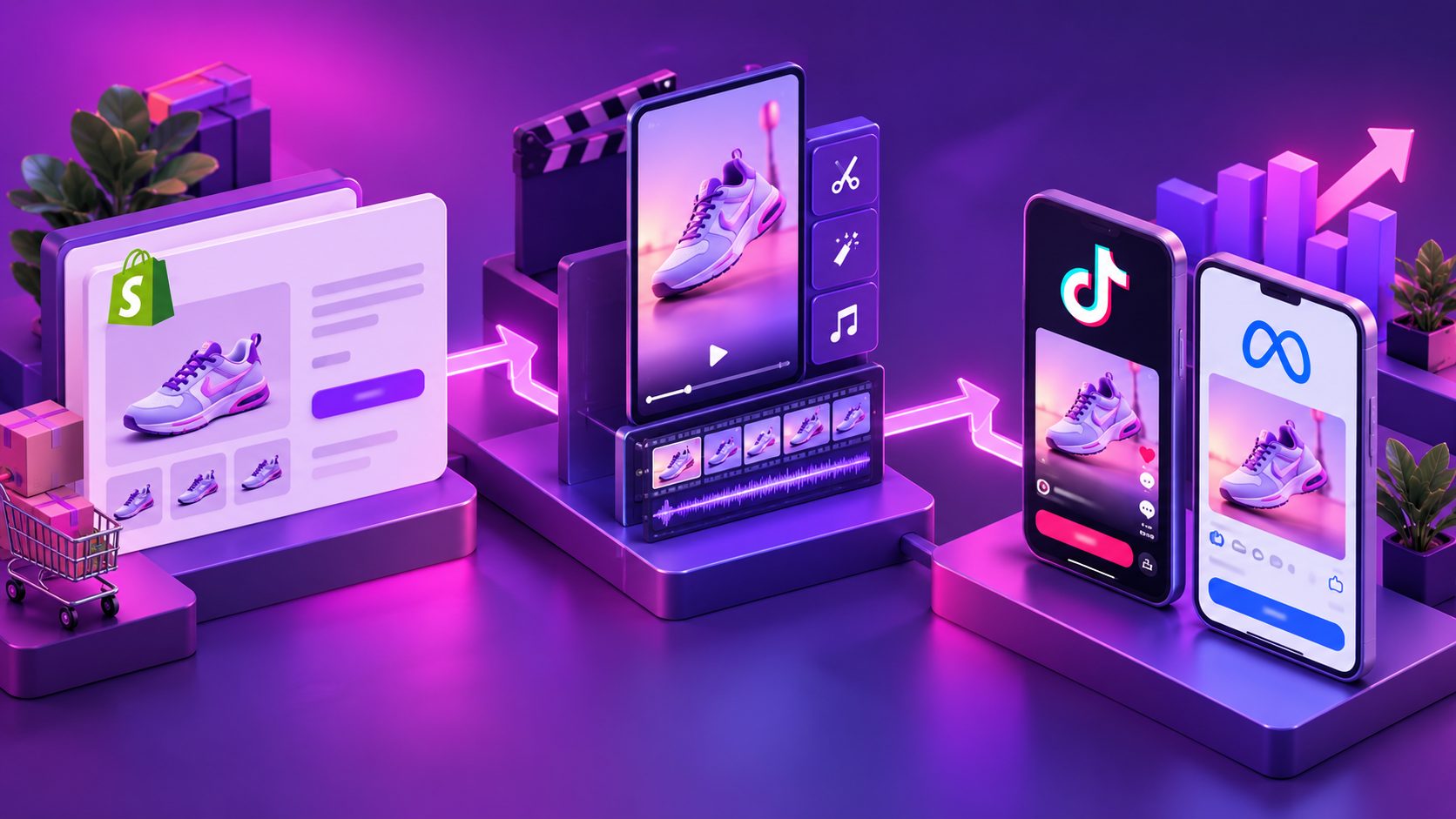
AdsTurbo Product Video can generate review, introduction, and demonstration videos from a JPG or PNG product image. Sellers starting with supplier photography can use a white-background image-to-video workflow to create reusable SKU-level assets.
For custom pipelines, AdsTurbo generation tasks run asynchronously and can return completion events through status polling or webhooks. That architecture suits pre-generation and caching better than waiting for a render after every checkout abandonment.
What Should the 15-Second Video Show?
A checkout-recovery video should answer one unresolved buying question, not replay a complete prospecting ad. Use the first three seconds to restore product recognition, the middle to remove friction, and the final seconds to lead back to checkout.
Use this original 3–8–4 recovery storyboard:
- Seconds 0–3 — Recognition: Show the exact product, color, or variant with a short line such as “Still considering the CarryLite Mini?”
- Seconds 3–11 — Resolution: Demonstrate one proof point tied to likely hesitation: fit, size, texture, compatibility, setup, shipping, or returns.
- Seconds 11–15 — Action: Display the offer only if applicable, followed by “Return to checkout.”
Keep text large enough for a phone screen and avoid presenting several benefits at once. If the clip includes speech, synchronized captions preserve the message when sound is off. AdsTurbo Video Subtitle can transcribe speech, produce time-synced subtitles, and export either a captioned video or a separate subtitle file.
The destination page must continue the same promise. For example, a video proving product fit should not lead to a generic homepage. A product page or restored checkout with matching visual evidence creates stronger message continuity; the same principle applies when adding video social proof near a Shopify checkout.
How Do You Build the Automation?
Build the workflow around eligibility, inventory, rendering readiness, and purchase status. The video is only one component; trigger accuracy and suppression rules determine whether the experience feels useful or intrusive.
- Capture valid SMS consent. Keep marketing consent separate from transactional notification permission.
- Trigger on checkout abandonment. Do not mix product browsing, cart abandonment, and checkout abandonment into one flow.
- Wait for a defined test window. Start with one timing variant, then compare it against a later send.
- Suppress completed purchases. Recheck order status immediately before sending.
- Validate inventory and variant availability. Skip or replace creative for unavailable products.
- Select a cached video. Match by SKU first, followed by language, offer, or customer segment.
- Create the mobile destination. Use a restored checkout URL when supported, with a product page fallback.
- Send one concise message. Include brand identification, context, link, and required opt-out language.
- Record delivery and conversion events. Track delivered messages, clicks, recovered orders, revenue, and opt-outs.
A simple message structure is:
Brand: Your selected [product] is still waiting. Watch the 15-second demo, then return to checkout: [short link]. Reply STOP to opt out.
If email remains part of the sequence, use the same product proof while adapting the presentation to a click-first Klaviyo video email.
How Do You Keep the Flow Compliant and Deliverable?
Only send checkout-recovery marketing texts to people who provided the required SMS consent. Email permission does not automatically authorize SMS, and Shopify’s SMS marketing checkbox cannot be preselected at checkout. (help.shopify.com)
For US recipients, the FCC states that certain advertising or telemarketing robotexts require prior express written consent. Merchants should obtain legal guidance for their audience, sending technology, opt-in language, and applicable state rules; this article is not legal advice. (docs.fcc.gov)
Klaviyo’s US abandoned-cart guidance calls for double opt-in, no more than one SMS per recipient, delivery within 48 hours, and retention of quiet hours. (help.klaviyo.com)
Before launch, verify:
- The subscriber, product, and destination match.
- The brand is identified in the message.
- STOP requests are processed promptly.
- Recent purchasers and unavailable products are suppressed.
- The link uses the correct restored checkout.
- The thumbnail and page load acceptably on cellular data.
- Android and iOS experiences are tested separately.
How Should You Measure the Test?
Judge the experiment by incremental recovered orders per delivered message, not raw video plays. A visually impressive campaign can still underperform if it delays the send, increases opt-outs, or sends shoppers to a slow landing page.
Run three mutually exclusive cells:
| Cell | Message experience | Primary question |
|---|---|---|
| A | Text and checkout link | What is the baseline? |
| B | Dynamic product image and link | Does visual recognition help? |
| C | Video thumbnail and mobile video page | Does demonstrated proof add value? |
Keep timing, offer, eligibility, and attribution windows identical. Track delivery rate, click-through rate, completed checkouts, revenue per delivered message, unsubscribe rate, and page-load failures.
Apply a continuity audit to every variant: does the SMS wording match the thumbnail, does the video address the same objection, and does the destination preserve the product and offer? This three-point check isolates creative quality from broken recovery mechanics.
Frequently Asked Questions
Can Shopify send an abandoned checkout SMS?
Yes. Shopify Messaging includes SMS automation templates for abandoned checkout, abandoned cart, and abandoned product-browse events. Custom workflows may also use Shopify Flow and third-party messaging systems. (help.shopify.com)
Should the video be attached directly to the text?
Not necessarily. A lightweight thumbnail or preview linked to a mobile landing page usually gives merchants more control over playback, analytics, compression, and the return-to-checkout experience.
Does every shopper need a uniquely rendered video?
No. Product- or segment-level videos can be cached, while the message, offer, and checkout link are personalized at send time. Reserve cart-level rendering for cases where its added relevance justifies the latency and production cost.
How long should an abandoned checkout video be?
Approximately 15 seconds is enough for product recognition, one proof point, and a clear return-to-checkout action. Remove introductions, broad brand stories, and benefits unrelated to the likely checkout objection.
Can AdsTurbo localize the recovery creative?
AdsTurbo provides video translation, lip sync, subtitles, product video generation, and localized creative tools. A store can prepare language-specific video variants, then let its messaging workflow select the appropriate cached asset.
Turn the Reminder Into Product Proof
A Shopify abandoned checkout SMS dynamic video performs a narrow job: remind the shopper what they selected, resolve one source of hesitation, and make returning effortless. Start with cached SKU-level clips, one consent-safe message, and a controlled comparison against text and image reminders.
Use AdsTurbo to create reusable product video variants, synchronized subtitles, translations, and mobile-ready creative for your recovery workflow.