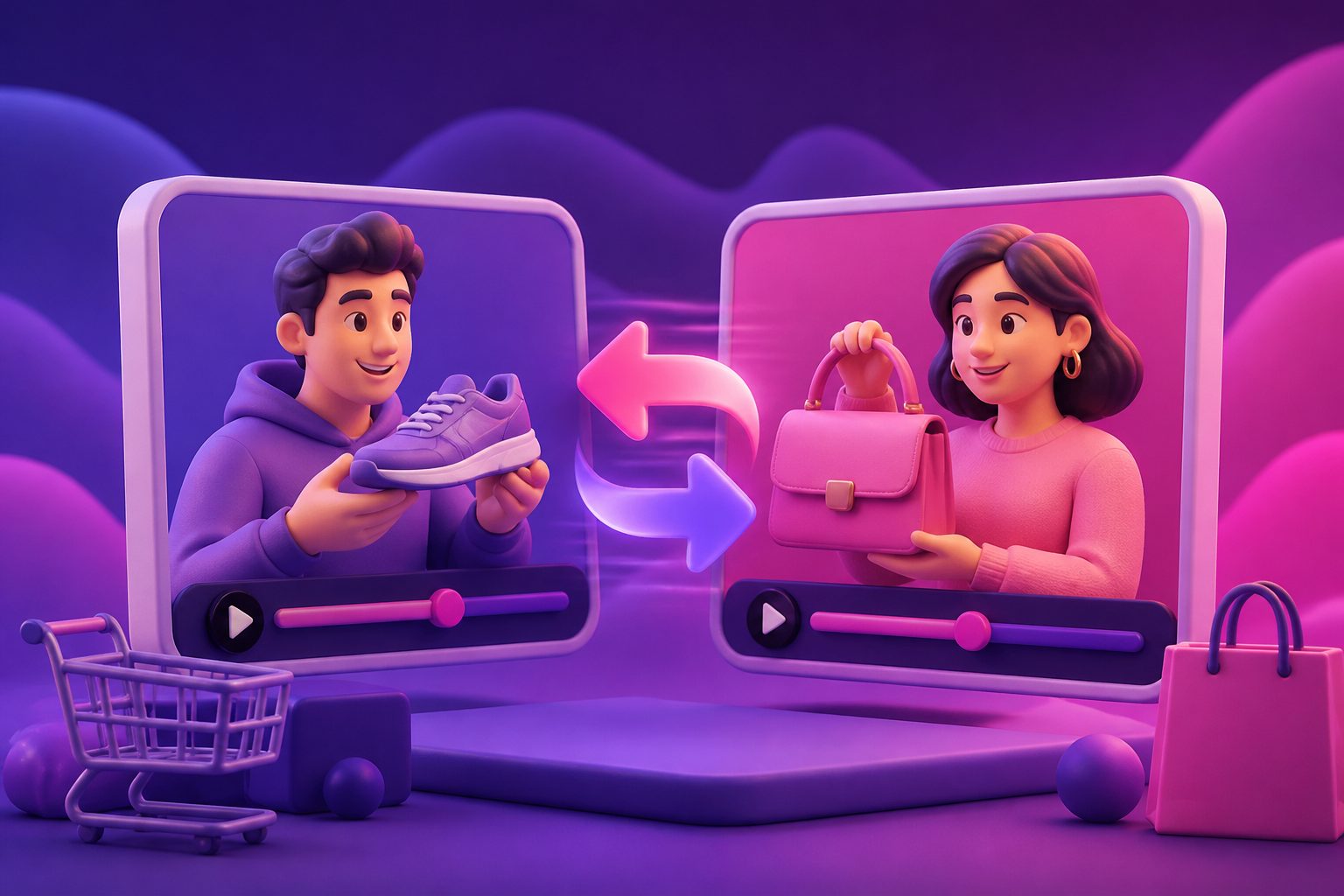
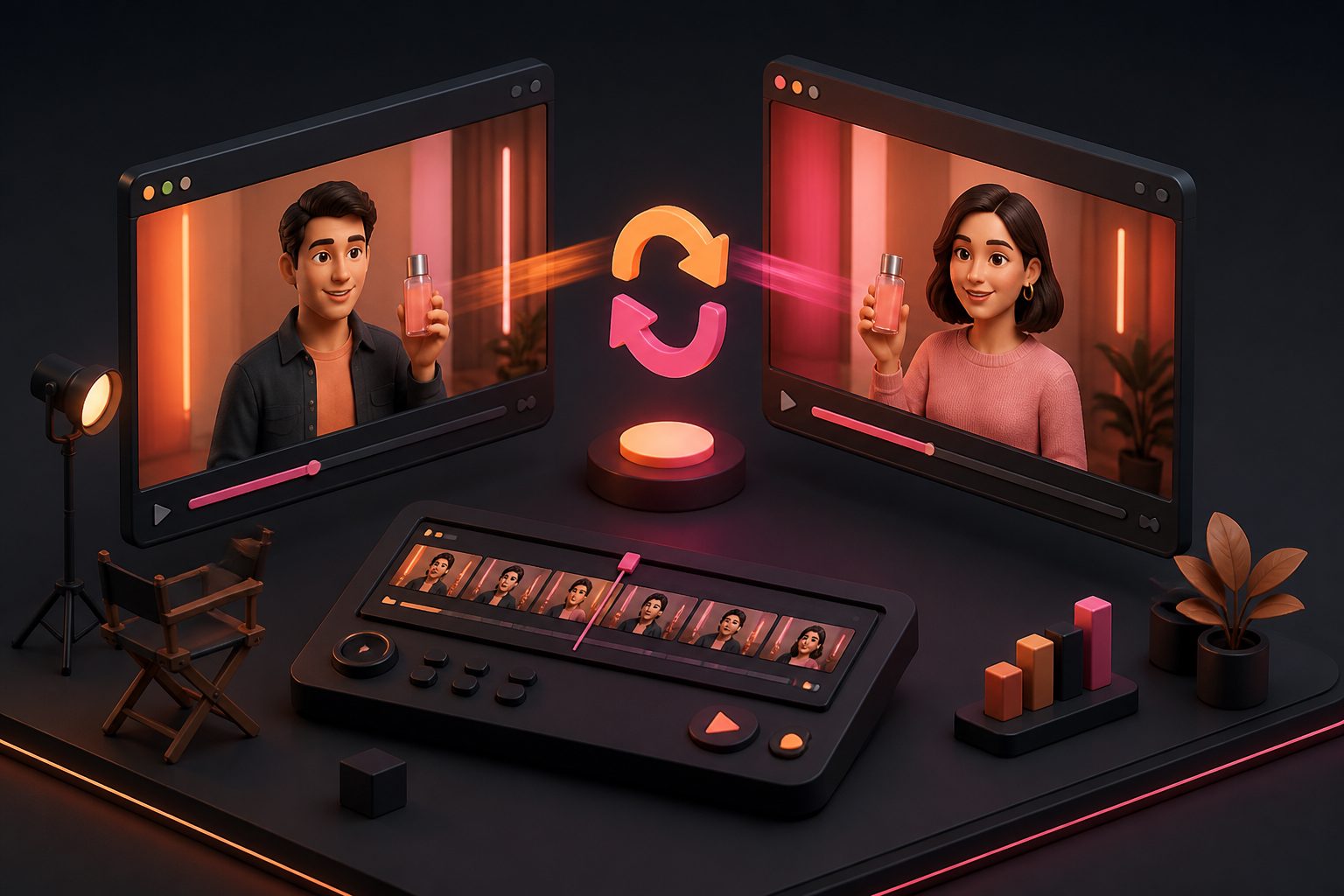
Swap Character Video AI: How to Replace the Actor in a Video

Summarize with
Summary
Swap the character in a video with AI: what to upload, how to keep motion and product shots intact, a 20-point quality check, and consent rules for ads.
Swap character video AI means using artificial intelligence to replace the person or character in an existing video while keeping the original motion, pacing, camera movement, and scene structure. For ecommerce teams, the value is not novelty. It is the ability to adapt one proven product ad into audience-specific variants without reshooting it.
Short answer: to swap a character in a video with AI, upload a source clip with one clearly visible person, add a clear image of a character you have permission to use, generate, then review faces, hands, edges, and product shots before you publish. In AdsTurbo this is the Character Swap tool, and it works on both videos and images.
Most tutorials stop at the upload-and-generate step. A product ad needs more than a clean replacement: a believable presenter, clear product interaction, readable captions, platform-safe framing, and usage rights that survive paid media review. This guide covers when to swap, how to brief it, and how to judge whether the output is ready for TikTok, Meta, YouTube Shorts, marketplace listings, or Shopify landing pages.
What is AI character swapping in video?
AI character swapping is a video-to-video editing workflow that replaces the on-screen person with a new identity or AI actor while keeping the source clip's performance cues. In ecommerce ads, it is used to localize presenters, test audience fit, and refresh creative fatigue.
A full-body character swap is different from a basic face swap. A face swap usually changes facial identity and leaves the body, clothing, and most of the footage intact. Character replacement can affect the whole visible person: face, body shape, styling, pose consistency, and sometimes wardrobe.
That difference matters for ecommerce. A skincare ad with hands applying serum, a fashion try-on video, or a gadget demo depends on body motion and product handling. If only the face changes but the hands, sleeves, or silhouette feel inconsistent, the ad can look uncanny even when each frame seems sharp.
AdsTurbo offers Character Swap alongside Ad Clone, Lip Sync, Product Video, Video Translation, Video Subtitle, AI upscaling, background replacement, and watermark removal for your own videos, so identity changes can be combined with broader ad iteration.
How to swap a character in a video with AdsTurbo
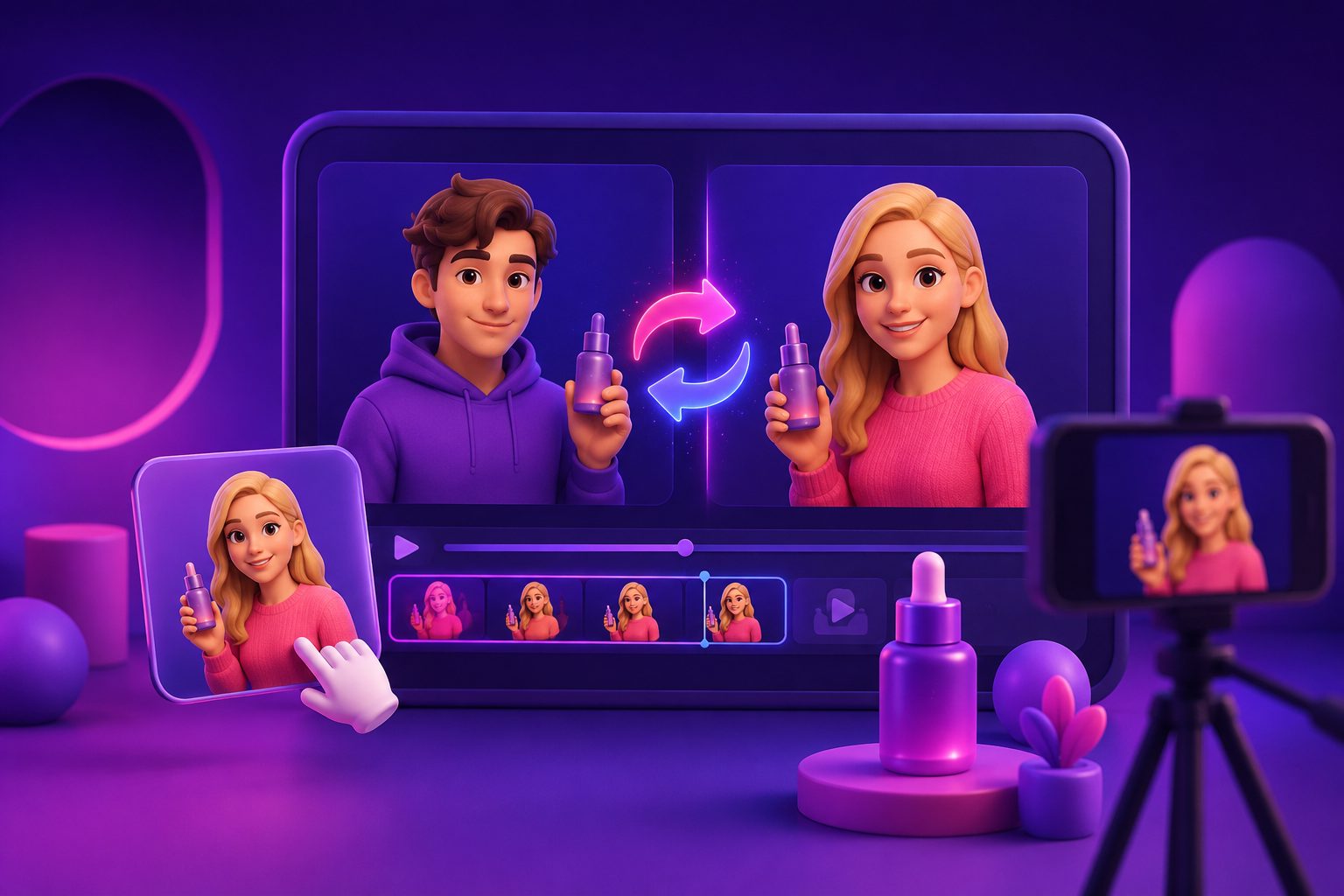
The workflow in AdsTurbo Character Swap has three steps:
- Upload the source. One video or image with a visible main person. For video, AdsTurbo uses the source motion, timing, lighting, and scene as references.
- Add a character image. Use a clear image with the character's face visible. If the source includes full-body motion, prefer a reference that also shows the body and limbs, and avoid heavy blur or occlusion.
- Generate and review. Check faces, hands, edges, and occlusion before using the result. To build several versions, submit the same source with different character images and review each one separately.
Character Swap changes the character only. It does not translate speech, captions, or on-screen text, so use Lip Sync or Video Translation when the message has to change too.
When should ecommerce teams use it?
Use character swapping when the source ad already has a strong structure but the presenter no longer fits the audience, market, or campaign angle. It is best for creative adaptation, not for rescuing weak footage or hiding poor product storytelling.
Good use cases include:
- Regional localization: replace a generic presenter with a character that better matches the target market, then pair the video with translated voiceover and subtitles.
- Audience testing: compare creator archetypes, age ranges, styling, or persona types while keeping the same hook and CTA.
- Creative fatigue refresh: keep a winning ad's opening rhythm but update the visible actor so the asset feels new.
- Product-line adaptation: reuse a proven demonstration structure for similar SKUs with different presenters or scenes.
- Brand consistency: replace mismatched stock footage actors with a consistent AI actor or approved persona.
Avoid a swap when the original clip has unclear hand-object contact, heavy occlusion, fast camera shake, reflective surfaces, or another person crossing in front of the subject. These raise the risk of warped fingers, drifting identity, and inconsistent product scale.
If you are starting from a product page instead of an existing ad, a URL to Video AI workflow may be a cleaner starting point than forcing a character replacement onto unsuitable footage.
Character swap vs face swap vs motion control
The right workflow depends on what must change. If the body and clothing are already right, a face swap may be enough. If the whole presenter must change, use character swap. If a still persona needs to perform a movement, motion control is usually the better fit.
| Workflow | What changes | What stays stable | Best ecommerce use |
|---|---|---|---|
| Face swap | Face identity | Body, outfit, scene, motion | Minor presenter refresh |
| Character swap | Visible character identity | Source motion and scene logic | New actor or persona for the same ad |
| Motion control | Character movement | Reference action pattern | Making an AI actor perform a demo or gesture |
| Lip sync | Mouth movement | Visual presenter and scene | New voiceover, translated speech, offer updates |
| Ad clone | Hook, pacing, shot logic, CTA structure | The product-specific message can change | Rebuilding a proven ad format for another SKU |
A strong ecommerce workflow often combines several of these. AdsTurbo Ad Clone analyzes an authorized reference ad's structure, pacing, and on-screen text into an editable prompt and generates new variations. Character Swap can then change the presenter, while Lip Sync and Video Translation adapt the spoken message for a new market.
For movement-heavy scenes, the guide on how to control motion in AI video ads explains when motion control should come before character replacement.
A practical 7-step workflow for product ads
To swap a character in a product ad video, start with a clean source clip, define the new character, protect product visibility, generate short variants, review frame-level realism, then localize captions and export platform-specific ratios.
-
Choose a source clip with a proven job.
Pick an ad that already has a clear hook, visible product, simple action, and a measurable reason to exist. A weak ad with a new actor is still a weak ad. -
Trim the test segment first.
Start with 6–12 seconds, especially around the hook and the first product interaction. Short tests reveal identity drift faster and keep review cycles manageable. -
Prepare the target character image.
Use a clear reference image with a visible face, consistent lighting, and styling close to the ad you want. Only use a likeness you have permission to use, an AI actor, or a brand-owned persona. -
Lock the product zone.
Before generating, note which areas must not change: logo, packaging, hands touching the product, screen UI, color-critical materials, and offer text. -
Generate a few audience variants.
Test different presenter archetypes only when they support a business hypothesis. "Different" is not enough; tie each variant to an audience, region, use case, or objection. -
Run a realism pass before a marketing pass.
Check face stability, hands, edges, shadows, eye direction, and product contact before debating hooks or copy. -
Finish with captions, ratios, and compliance.
AdsTurbo Video Subtitle transcribes speech and generates time-synced subtitles styled for TikTok, Instagram, and YouTube. TikTok recommends vertical 9:16 creative and at least 720p in its creative best practices, and Google recommends vertical video assets for Shorts ads in its Shorts ads asset guidance.
The 5-layer quality check most tutorials skip
A usable swap character video AI output should be judged in layers: identity, motion, product truth, platform fit, and legal clearance. If any layer fails, the ad may look impressive in preview but underperform or get blocked in paid distribution.
1. Identity stability
Watch the video at normal speed, then at half speed. The new character should not morph between frames, change age, lose facial structure, or shift hairstyle unnaturally. Minor variation is common, but identity drift near cuts or fast head turns is a warning sign.
2. Motion continuity
The new character must inherit the source performance without rubbery shoulders, floating hands, or broken pose transitions. Pay extra attention to gestures in the first three seconds, because short-form viewers judge authenticity quickly.
3. Product truth
This is the ecommerce-specific layer. The product must keep the same size, shape, color, and position. Packaging claims, labels, before/after visuals, app screens, and discount text should not be altered by the swap.
4. Platform composition
Check whether the face, product, and captions fit inside vertical placements. For TikTok and Reels-style ads, keep essential information away from edges covered by the app UI. For feed placements, prepare square or 4:5 crops instead of relying on automatic cropping.
5. Rights and disclosure
Do not swap in a real person's likeness, voice, or recognizable persona without their permission, and only edit footage you own or are licensed to use. TikTok's ad disclaimer guidance lists AI-generated, synthetic, or manipulated media among the categories that need a disclaimer in TikTok Ads Manager. Meta has also expanded AI transparency for ads, including labels for images or videos created or significantly edited with its generative AI features, as described in Meta's GenAI transparency update.
The 20-point swap readiness test
Before sending a character-swapped ad to paid media, score it out of 20. This framework gives ecommerce creative teams a simple go/no-go decision instead of a visual opinion.
| Category | Points | Pass condition |
|---|---|---|
| Hook clarity | 4 | The viewer understands the product or problem within 2 seconds |
| Character realism | 4 | Face, body, edges, and motion stay stable across the clip |
| Product integrity | 4 | Product shape, color, label, and hand contact stay accurate |
| Message fit | 3 | Voice, captions, offer, and CTA match the new character |
| Platform fit | 3 | Ratio, caption zone, and opening frame suit the placement |
| Rights readiness | 2 | Likeness, voice, music, and source footage are cleared |
A score of 17–20 is ready for a small-budget test. 14–16 needs editing before launch. Anything below 14 should be regenerated or replaced with a cleaner source clip.
The highest-leverage category is product integrity. A slightly imperfect cheek shadow may pass in a fast social ad. A changed supplement label, distorted shoe sole, or inaccurate skincare texture does not, because it affects trust and claim accuracy.
This is where many general character-swap guides fall short: they ask "does the person look swapped?" while ecommerce teams need to ask "does the ad still sell the correct product honestly?"
How AdsTurbo fits into a character replacement workflow
AdsTurbo is an AI video ad platform for ecommerce sellers that covers character replacement, ad cloning, product video generation, lip sync, video translation, AI upscaling, subtitle generation, background replacement, and image workflows.
A practical sequence looks like this:
- Use Ad Clone to break down an authorized reference ad's hook, pacing, shot logic, and CTA.
- Use Character Swap to test different presenters or personas.
- Use Lip Sync or Video Translation to localize the speech.
- Use Video Subtitle to create time-synced captions for short-form placements.
- Upscale the winning variant if it needs a higher-resolution export for other channels.
If you need new presenters rather than edited ones, AdsTurbo has 260+ AI actors and 100+ product ad templates. Teams that automate production can also run these tools through the AdsTurbo API; the pricing page shows which plans include API access.
For a deeper walkthrough of the replacement step itself, see Replace Character in Video AI.
Common mistakes that make character-swapped ads look fake
Most failed AI actor swaps come from bad inputs, not just weak models. The fastest improvement is cleaner footage, simpler action, and a protected product.
- Using a cluttered source clip. Crowded scenes confuse subject boundaries.
- Changing too many variables at once. Swap one major element first, then adjust voice, captions, or background.
- Ignoring hands. Hands are where viewers most often notice AI artifacts in product demos.
- Letting captions cover the product. A perfect swap still fails if subtitles hide the SKU.
- Using unauthorized likenesses. Public figures, creators, employees, and customers all require permission.
- Testing only one variant. Character replacement pays off when it feeds structured A/B tests.
When the background, not the actor, is the mismatch, a background replacement workflow for ecommerce creatives may solve the problem with less risk.
How to plan variants for real A/B testing
A/B testing works best when each character variant represents a hypothesis. Don't create ten random presenters; create three to five variants that isolate audience perception, trust signals, or market fit.
| Variant | Character angle | Hypothesis |
|---|---|---|
| A | Original presenter | Control benchmark |
| B | Expert-style presenter | Increases trust for technical products |
| C | Lifestyle creator | Improves engagement for beauty or fashion |
| D | Parent or household persona | Fits family-oriented products |
| E | Localized regional actor | Improves relevance in a new market |
Keep the hook, offer, product shots, and CTA the same in the first test. If every variable changes, the results won't tell you whether the character swap mattered.
After the first round, combine the winning presenter with new hooks. This two-stage approach separates "who should say it?" from "what should they say?"
Frequently asked questions
Can AI replace a person in any video?
Many videos, but not every clip is a good candidate. Simple lighting, one main subject, clear body edges, and moderate movement give better results than crowded scenes, heavy blur, mirrors, or complex hand-object interactions.
What files do I need to swap a character in a video?
A short source video (or image) with a clearly visible main person, plus one clear image of the character you want to swap in. Use a reference with good lighting and a front-facing or three-quarter view; avoid sunglasses, heavy filters, extreme angles, and mismatched lighting.
Is character swap the same as a deepfake?
The technology can overlap, but intent and permission matter. A compliant ecommerce workflow uses approved assets, authorized likenesses, AI actors, or brand-owned personas. It should never impersonate real people or imply an endorsement without consent.
Should the voice change when the character changes?
Often, yes. If the new presenter looks different but the voice clearly belongs to the original actor, viewers notice the mismatch. Lip sync, a translated voiceover, or fresh subtitles can align the new character with the message.
How much does it cost to swap a character on AdsTurbo?
Signing up is free, but new accounts do not include free credits. Character Swap runs on credits: the one-time starter pack is $9.90 for 600 credits, and monthly plans start at $39. See the pricing page for current plans.
What should be tested first: hook, actor, or product shot?
Start with the hook if the ad is new. Start with the actor if you already have a winning structure and need localization or a fatigue refresh. Never sacrifice product clarity for a more dramatic swap.
The bottom line
Swap character video AI is most useful when it extends a proven ecommerce ad, not when it becomes the idea itself. The winning workflow starts with a strong source clip, replaces the presenter for a clear audience reason, protects product truth, checks rights, and exports platform-ready variants.
For ecommerce sellers, the advantage is speed with structure: one reference ad can become several localized, audience-specific, captioned, and resized variants without a full reshoot. Treat character swapping as a creative testing system, not a one-click effect.