Software & SaaS
Campaign Teardown at a Glance
A rapid breakdown of Canva's rhythm-driven SaaS commercial combining snappy interface interactions with relatable workplace humor.
Formula
Product Demo / Workplace Comedy
Hook Shots
- Immediate emotional stake posed through a direct question about wowing meeting audiences.
- Instant celebratory contrast with an unexpected burst of flying confetti inside a modern conference room.
Transforming SaaS Walkthroughs into Visual Euphoria
Canva's "Wow at Work" spot demonstrates how to elevate a multi-product SaaS announcement into an energetic cultural statement. Rather than relying on dry cursor captures or technical lists, the campaign packages presentations, whiteboards, video editing, and print-on-demand into a punchy hip-hop rhythm.
By balancing high-saturation brand colors with expressive workplace performances, the film addresses the creative friction professionals face daily. The pacing proves that enterprise tools do not need rigid corporate aesthetics to communicate professional utility.
Core Creative Architecture & Motion Mechanics
1. Rhyme-Driven Kinetic Pacing
- Every voiceover phrase adheres to strict metric rhythm, timing punchy verbs directly to on-screen UI transitions.
- Feature demonstrations are stripped of setup latency, resolving complex multi-step tasks in single-frame visual payoffs.
- The soundtrack drives rapid cutting intervals, keeping cognitive momentum high across diverse use cases.
2. Tangible Emotional Validation
- Digital design outputs transition immediately into the physical world via custom merchandise unboxing.
- The spot celebrates routine workplace victories through exaggerated reactions like confetti explosions and arm-voguing.
- Relatable comedic archetypes dismantle the typical coldness associated with B2B productivity software.
3. Progressive Capability Stacking
- The narrative opens on familiar presentation decks before expanding outward to whiteboards, websites, and video assets.
- Generative AI tools are framed as playful collaborative sparks rather than intimidating technical hurdles.
- The concluding call to action shifts from commercial demonstration to an open-ended invitation for personal creation.
Storyboard & Voiceover Progression
The Ambition Hook
Establishes immediate workplace stakes with an expressive reaction cut straight to an applauding, confetti-filled boardroom.
Want to make your presentation wow a crowd? With Canva you can amaze the crowd. Want to brainstorm?
Collaborative Ideation
Highlights real-time digital whiteboards with vibrant sticky notes, transitioning smoothly into formatted document templates.
Put your pencils down. Online whiteboards, ideas all around. Coming in hot with a Canva Doc.
One-Click Transformation
Demonstrates rapid document-to-presentation conversion followed by mobile site scrolling and video editing timeline playback.
Docs to Decks? I like it a lot! Design a website quick in minutes. Canva videos, too?
Physical Reality Bridge
Validates output quality beyond pixels by unboxing custom-printed merchandise delivered directly to the office.
One stop shop! You can design with ease. Print with free delivery.
Template & AI Delight
Shows the team marveling over ready-made layouts and instant generative image variations on a smartphone display.
Make your work feel like a breeze. Beautiful templates? Yes, please!
Brand Call to Action
Concludes on team laughter and an animated brand icon parade against a vibrant cyan-purple gradient canvas.
Whoa, whoa, whoa, whoa! You can get the job done, play and have fun. What will you design today at canva.com? Canva!
Generative Video Prompt Architecture
Characters & Styling
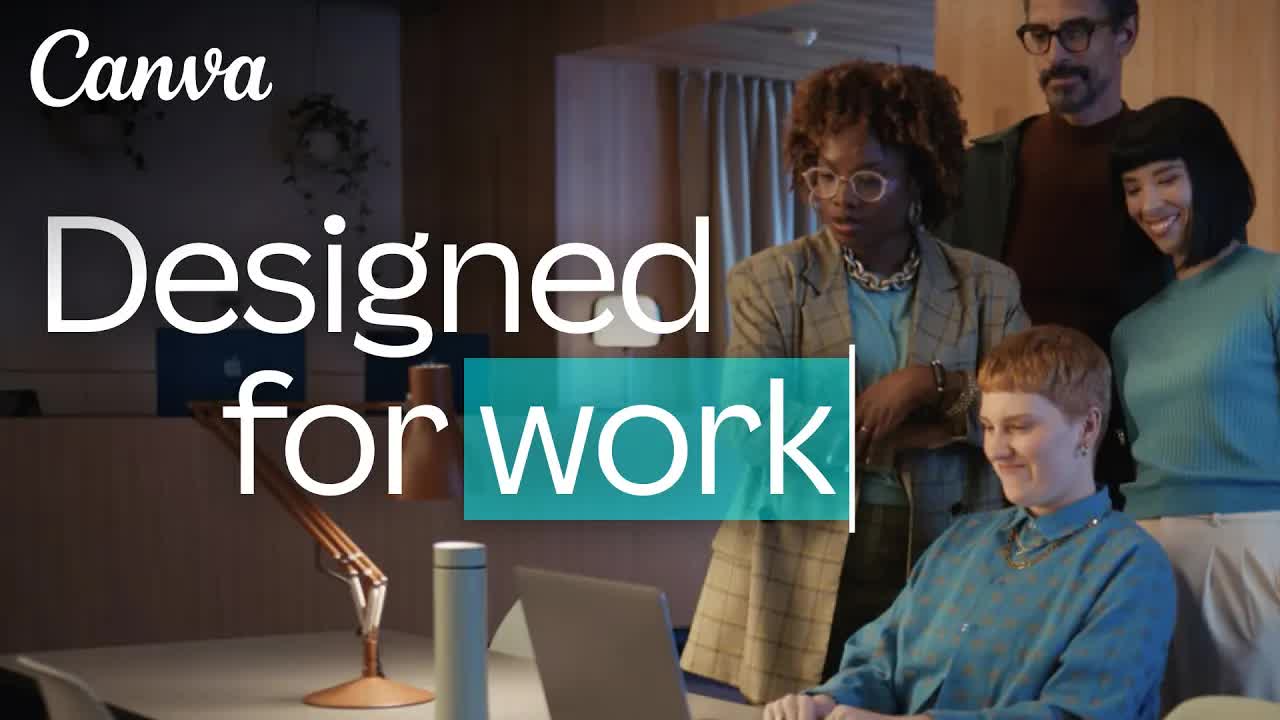
A diverse creative team featuring an East Asian woman in a yellow knit top, a Black woman wearing novelty star sunglasses and an oversized plaid blazer, and colleagues in pastel tailoring. UI displays include colorful whiteboard nodes, slide conversion tools, and a four-grid AI asset layout.
Choreography & Motion
Talent performs fast-paced reactions including gasping, throwing hands in celebration, typing rhythmically, and executing synchronized office arm movements. Hands scroll mobile site mockups while colleagues unbox a freshly printed graphic t-shirt.
Lensing & Transitions
Dynamic whip pans and rapid cuts alternate between tight over-the-shoulder UI macros and wide frontal ensemble angles. Camera cadence maintains 0.5 to 1.5 second cuts locked to a driving musical tempo.
Environment & Palette
A luminous, contemporary open-plan studio filled with warm wooden surfaces, party bunting, and lush indoor plants. The atmosphere uses commercial studio-grade soft lighting paired with dopamine-inducing cyan, magenta, yellow, and lilac tones.
Cross-Category Creative Framework
- E-Commerce Automation Suite: Open on a marketer dreading weekend banner production, cutting to a single URL input that auto-generates ten localized video storefronts as the team packs up early.
- Interior Staging Software: Begin in a bleak concrete room, using a single-finger swipe on a mobile screen to instantly furnish the space in warm Japandi decor followed by an enthusiastic client high-five.
- Expense Management Platform: Frame the anxiety of tax receipts spread across a desk, resolving instantly as a camera scan organizes line items into clean charts while digital confetti rains down.
FAQ
01How does Canva make complex software workflows engaging in 30 seconds?
Canva replaces exhaustive instructional UI walkthroughs with kinetic, beat-synced single-click payoffs. Each feature is paired with an exaggerated human reaction, communicating speed and emotional payoff instead of manual step-by-step clicks.
02Why include a physical unboxing in a digital software ad?
Showing a custom-printed t-shirt emerging from a parcel bridges the gap between digital screen work and real-world results. It grounds the abstract value of visual design into tangible execution that viewers instinctively trust.
03What editing tempo keeps user retention high in SaaS video spots?
Shot transitions average between 0.5 and 1.5 seconds, cutting precisely on musical downbeats and rhyming voiceover syllables. Rapid alternating between macro UI actions and expressive wide shots prevents screen fatigue.
04How can AI video generation workflows reproduce this commercial style?
In AdsTurbo, prompt architectures specify bright dopamine color palettes (cyan, magenta, lilac), stylized creative office environments, and explicit micro-expressions like gasping or throwing hands up on beat transitions.