Software & SaaS
Creative Intelligence Digest
Key structural elements and AI video generation blueprint for Canva's enterprise repositioning commercial.
Formula
Antithesis Voiceover + Dynamic UI Montage + Human Reaction Proof
Hook Shots
- Replaces sterile cubicle aesthetics with warm oak desks and ambient practical lighting to signal modern work culture.
- Launches dynamic digital cursors within one second to build micro-suspense directly on the interface.
- Opens with an antithetical script premise to challenge viewer assumptions about product capability.
Repositioning Enterprise Utility Through Kinetic Product Montage
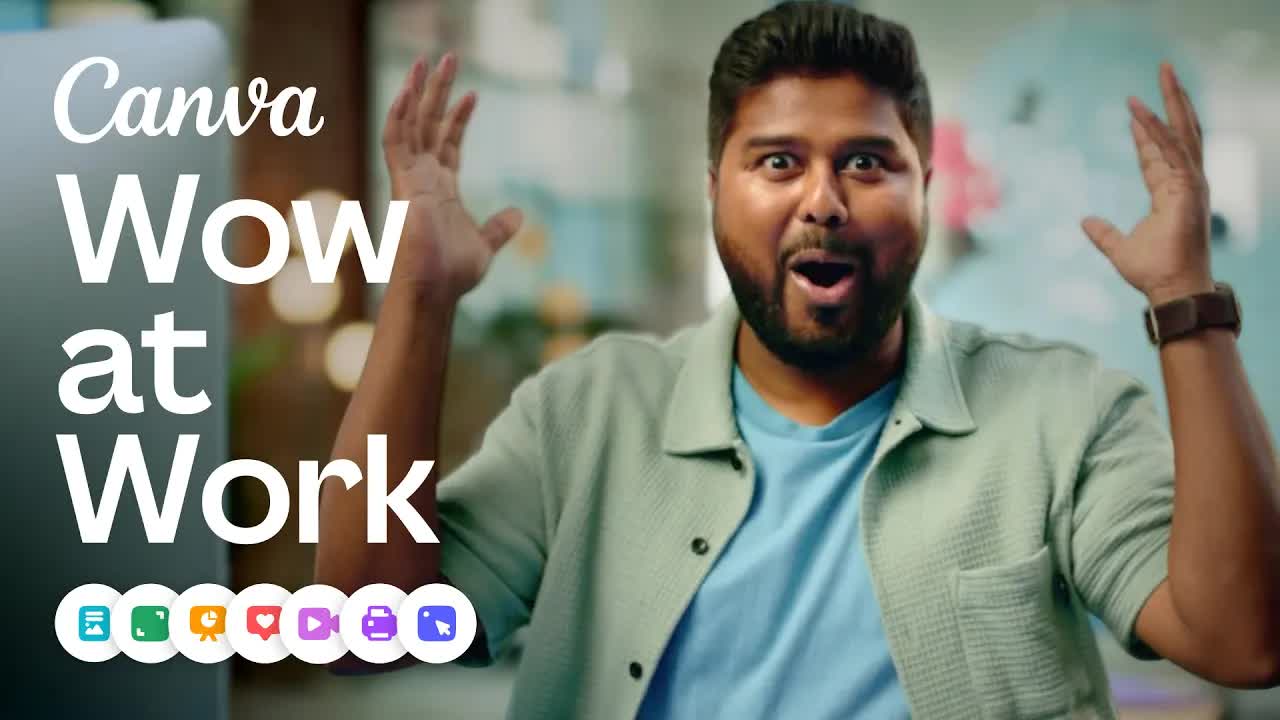
In Designed for work, Canva dismantles the perception of being merely an entry-level consumer graphic design tool. The 30-second commercial moves through a tightly synchronized sequence of multi-department workflows, reframing the platform as an enterprise-grade visual communication suite capable of handling docs, data visualization, executive pitches, and mobile design.
Rather than relying on abstract brand manifestos or dry interface tutorials, the spot connects kinetic UI interactions directly with positive workplace outcomes. By alternating between over-the-shoulder software interaction and human celebration, the commercial demonstrates both functional capability and cultural resonance across modern teams.
Creative Architecture & Narrative Mechanics
1. Reframing via Scripted Antithesis
- Anchors each visual transition with parallel voiceover phrasing: 'It's not just a [standard tool], but [elevated outcome].'
- Systematically elevates basic enterprise artifacts—whiteboards, docs, presentations—into collaborative creative outputs.
- Ends on an umbrella brand pivot ('It's not just design. It's designed for work') that redefines the company's addressable enterprise market.
2. In-Frame Functional Proof
- Avoids static screenshots by showing live vector movement, snapping color blocks, responsive layout resizing, and dynamic charts.
- Pairs every digital interaction with real-time multi-user cursor tags, making cross-functional team collaboration immediately obvious.
- Validates software ease-of-use through tangible gestures: quick clicks, smiling colleague reviews, and confident stage presentations.
3. Audiovisual Acceleration Cadence
- Establishes a comfortable 6-second cadence across the first three hero use cases before doubling editing speed in the final third.
- Utilizes tactical Foley effects—mechanical typing, cursor snaps, whooshes, and room applause—to give UI interactions weight.
- Culminates in a rhythmic three-part escalation ('Every task, every teammate, every department') that lands on the brand logo lockup.
30-Second Beat Sheet & Audiovisual Rhythm
Hook & Collaboration Canvas
Establishes a stylish modern workspace before zooming into an over-the-shoulder view of dynamic cursors collaborating on an infinite whiteboard canvas.
With Canva, it's not just a whiteboard, but a playground for ideas.
Enterprise Documentation Demo
Transitions to a structured strategy document featuring live data charts and rich modular blocks, proving capability for formal business documentation.
It's not just a doc, but a way to wow with words.
Presentation & Social Proof
Cuts from collaborative slide design on a laptop to a speaker commanding a boardroom digital screen accompanied by audience applause.
It's not just a presentation, but all the power of visual communication.
Multi-Workflow Acceleration
Quick whip-cuts display video timeline editing, corridor high-fives, and a responsive website preview to communicate cross-departmental utility.
Every task, every teammate, every department.
Category Reframe
Pauses on a shared team laptop huddle to challenge standard assumptions regarding the platform's historical boundaries.
It's not just design.
Value Proposition & Brand Lockup
Resolves into bold typographic messaging and an animated app-icon suite, closing on the clean gradient Canva logo.
It's designed for work.
AI Video Generation Blueprint
Talent & Cast Styling
Diverse team of contemporary knowledge workers in professional attire, featuring a creative in a teal patterned top, an executive in an emerald blazer with structured curls, and a presenter in a rust-brown tailored suit. Hardware includes minimalist aluminum laptops, frameless monitors, and thin-bezel smartphones displaying collaborative vector software layouts.
Subject & Interface Motion
Talent types smoothly, reviews screens, and gestures toward digital displays while meeting rooms offer nodding approval and applause. UI screens feature color-coded named cursors zipping across infinite boards, dynamic growth charts auto-populating, and drag-and-drop slide layouts snapping into place.
Cinematography & Framing
Starts with an eye-level medium push-in, transitioning smoothly into over-the-shoulder screen perspectives and graphic-tracking micro-zooms. Uses energetic whip pans and match-cuts between laptop screens and conference displays to maintain narrative forward momentum.
Set Design & Illumination
Contemporary open-plan office environment outfitted with light Scandinavian oak finishes, indoor plants, minimalist orb lighting, and glass-partitioned meeting cubes. Color palette balances natural wood grains and soft office illumination with saturated brand accents of vivid orange, mint green, and electric violet.
Cross-Category Adaptation Strategies
- Project Management Platforms: Structure the hook around chaotic multi-tool communication ('It's not just a task list, but total team alignment'), showing fragmented tickets snapping into color-coded Gantt milestones followed by smooth team handoffs.
- AI Enterprise Search & Knowledge Bases: Open on an employee drowning in nested folder hierarchies ('It's not just a search bar, but your company's collective brain'), using quick cursor entry to synthesize data cards across disparate apps into clean meeting summaries.
- Financial Modeling Tools: Reframe legacy enterprise friction ('It's not just a spreadsheet, but real-time forecasting'), transitioning from dense rows of black-and-white data to an interactive 3D cash-flow waterfall that leadership approves instantly.
- Developer Workflow Suites: Center on automated deployment pipelines ('It's not just code review, but shipping at velocity'), pairing terminal CLI executions directly with green continuous-integration checks and corridor developer celebrations.
FAQ
01What creative formula does Canva use in 'Designed for work'?
Canva relies on an in-use product demonstration blended with workplace live action. It pairs an antithetical voiceover framework ('not just X, but Y') with immediate UI micro-interactions and collaborative human reactions.
02Why does this commercial hook viewers within the first three seconds?
Instead of cold corporate office environments, it opens on a warm Scandinavian workspace and immediately tracks colorful, animated user cursors zipping across a digital whiteboard. This establishes momentum before corporate drop-off can occur.
03How can creative teams recreate this hybrid live-action and UI aesthetic using AI tools?
Producers generate cinematic office environments and human talent through video models like Runway or Kling, then composite native vector UI plates and animated cursor graphics onto screens using tracking and screen replacement workflows.
04How should a 30-second horizontal SaaS spot adapt to vertical 9:16 mobile feeds?
A vertical adaptation removes gradual scene-setting to show a split-screen or full-bleed interface transformation within the first two seconds, resolving into quick reaction cuts and an interactive direct-response call to action.