Author: adsturbo.ai|Published: September 6, 2026|Updated: September 6, 2026
AI avatar video ads are short product videos where a synthetic presenter explains, demonstrates, or introduces an item for paid social or marketplace traffic. For U.S. ecommerce sellers, the best use case is not a long brand story. It is a clear 15-second product intro: hook, product proof, benefit, and call to action.
What are AI avatar video ads?
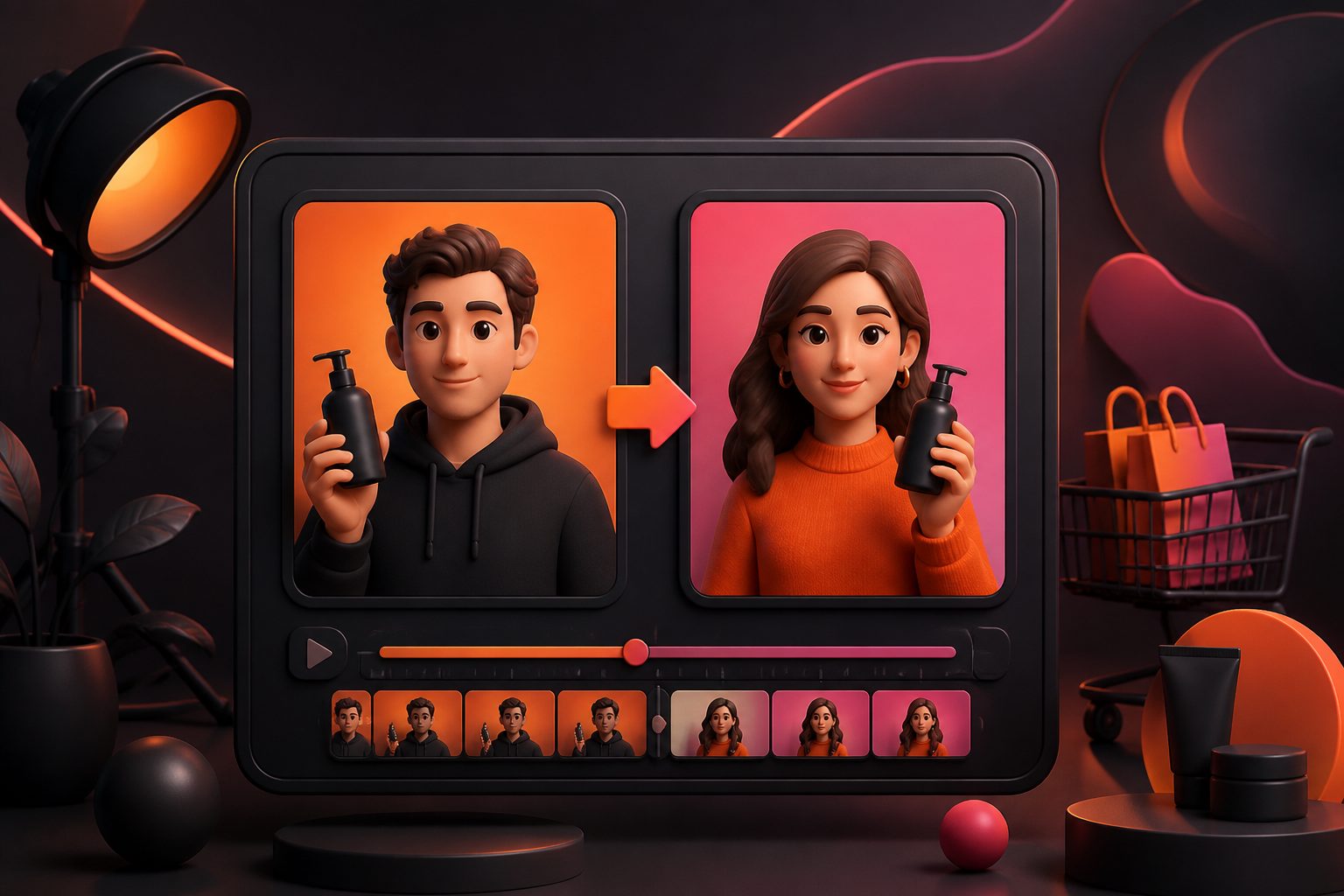
AI avatar video ads are product ads led by an AI presenter, digital spokesperson, or AI actor instead of a hired creator. The avatar speaks a scripted message while product photos, captions, close-ups, and offer text support the sale.
For ecommerce teams, this format works because it separates three jobs that used to be bundled together: the person on camera, the product footage, and the ad structure. A seller can test different hooks, avatars, languages, or calls to action without reshooting the whole video.
That does not mean the avatar should pretend to be a real customer. The FTC’s guidance on endorsements, influencers, and reviews stresses that advertising claims and material connections must not mislead consumers. In practice, avatar ads are safest when they present product facts, demonstrations, or brand messages rather than fabricated personal testimonials.
Why 15 seconds is the right starting length
A 15-second avatar ad is long enough to show the product and short enough to force one clear message. It fits TikTok, Reels, Shorts, and many paid social placements without turning into a mini explainer.
TikTok’s own ad guidance emphasizes vertical creative and lists 9:16 as the standard video size in its ad format requirements. That matters because the avatar’s face, product, captions, and CTA all compete for limited mobile screen space.
For product intros, 15 seconds also keeps production decisions simple. Instead of asking, “What should we say about everything?” ask, “What must a cold viewer understand before they scroll?” The answer is usually one pain point, one product promise, one visible proof point, and one next action.
The 15-second framework: Hook, Hold, Hand-off, CTA
The strongest structure for AI spokesperson ads is a four-part sequence: Hook, Hold, Hand-off, CTA. This original framework keeps the avatar from talking too much and gives the product enough screen time to sell.
| Time | Segment | What the viewer should see | Script job |
|---|---|---|---|
| 0–3s | Hook | Avatar face plus product or problem text | Stop the scroll with a specific use case |
| 3–7s | Hold | Product close-up, texture, feature, or before/after | Explain why the item matters |
| 7–12s | Hand-off | Product in use, bundle, variant, or benefit overlay | Shift attention from avatar to product proof |
| 12–15s | CTA | Offer, store cue, or next step | Tell the viewer what to do now |
A common mistake is making the avatar speak for all 15 seconds. The avatar should earn attention, then hand attention to the product. For UGC-style pacing, pair this structure with a practical workflow such as how to make UGC style video ads with AI.
How to write the script before choosing the avatar
Write the script before selecting the avatar because message-market fit matters more than the face. A good 15-second script has about 35–45 spoken words, one primary product claim, and caption text that still makes sense with sound off.
Use this script pattern:
- Name the buying moment. “If your desk is always crowded…”
- Introduce the product plainly. “This foldable stand lifts your laptop and phone.”
- Show the benefit. “It frees space and keeps your screen at eye level.”
- Add a proof cue. “It folds flat for a backpack or drawer.”
- End with one CTA. “Shop the compact setup today.”
For better creative testing, create three versions: problem-first, benefit-first, and offer-first. If you already have winning competitor-style references or past ads, use a structured teardown process like a video ad script analysis tool for hooks, structure, and CTA before rewriting the script for your own product.
Choosing the right avatar for U.S. ecommerce buyers
The right avatar is the one that makes the product feel easier to understand, not the one that looks most impressive. Match the avatar to the buyer context: expert guide, relatable shopper, founder, stylist, trainer, or product demonstrator.
For example, a skincare product may need a calm educator tone. A kitchen gadget can use a fast, practical demo style. A tech accessory often benefits from a concise reviewer format with close-up overlays.
AdsTurbo provides more than 300 AI actors and over 100 product ad templates, which helps sellers test presenter style without organizing creator shoots. For a 15-second product intro, start with two avatar directions only: one “trusted explainer” and one “native UGC creator.” More options can slow testing before you know which message works.
Building the ad from one product image
A single clean product image can be enough to create a testable first ad. The image should be sharp, well-lit, and ideally photographed on a plain background so the system can identify product shape, color, and category.
AdsTurbo Product Video supports JPG or PNG product images up to 10MB and can generate product review, product introduction, and product demonstration videos. For image-led workflows, AdsTurbo Product Image can create ecommerce visuals such as main banners, lifestyle scenes, close-ups, material detail images, usage instruction images, and brand images from one uploaded product photo.
For sellers working from Amazon, Shopify, TikTok Shop, or Instagram assets, image ratios matter. AdsTurbo Product Image supports 9 output ratios for marketplace and social use cases. A practical production path is to first create or clean the product visual, then move into a short video workflow such as a one-click ecommerce product video generator.
Editing clip by clip instead of regenerating everything
Clip-by-clip editing is the fastest way to improve avatar ads because most weak ads have one broken moment, not a broken concept. Fix the weak segment instead of restarting the whole video.
In a 15-second ad, review four checkpoints:
- First frame: Does the viewer instantly know the category?
- First three seconds: Is the hook specific enough to stop scrolling?
- Middle proof: Is the product visible while the benefit is explained?
- Final frame: Is the CTA readable without audio?
AdsTurbo offers Clip by Clip editing, video subtitles, background replacement, product image generation, event poster creation, white background image tools, and API services. Its Video Subtitle tool can automatically transcribe speech and generate time-synced subtitles, with layouts adapted for TikTok, Instagram Reels, and YouTube Shorts. Sellers can download a video with embedded captions or export a separate subtitle file.
Localizing the same avatar ad without reshooting
Localization works best when the original ad has a simple structure and clean claims. Translate the buying moment, adapt the offer language, and keep the product proof visually consistent.
AdsTurbo includes video translation, lip sync, face swap, character swap, AI upscaling, subtitles, and motion control. Its video generation API offers eight processing endpoints: shot analysis, lip sync, watermark removal, translation, super-resolution, face swap, motion control, and subtitles. API access is available on every plan, and advanced plans add team workflows and custom workflow support.
For cross-border sellers, start with one English 15-second winner, then create localized variants for language, voice, avatar, and captions. A detailed workflow for adapting speech and subtitles is covered in AI video ad translation without losing the hook.
Compliance checklist for avatar product ads
Avatar ads should be treated like any other performance creative: claims need support, endorsements need care, and viewers should not be misled about who is speaking. This is especially important when the avatar sounds like a customer.
Use this checklist before launch:
- Avoid fake personal experience. Do not write “I used this for 30 days” unless the claim is based on a real, substantiated testimonial.
- Keep product claims provable. Performance, health, savings, and comparison claims need evidence.
- Make disclosures visible. If a disclosure is required, it should be easy to notice and understand.
- Do not impersonate real people. Use licensed, platform-provided, or properly consented likenesses.
- Keep captions consistent with speech. On-screen text should not exaggerate what the voice says.
The FTC’s small business advertising FAQ summarizes the core rule: advertising should be truthful, not misleading, and supported where needed. For AI avatar video ads, that standard applies to the script, captions, product visuals, and landing page.
A practical production workflow in AdsTurbo
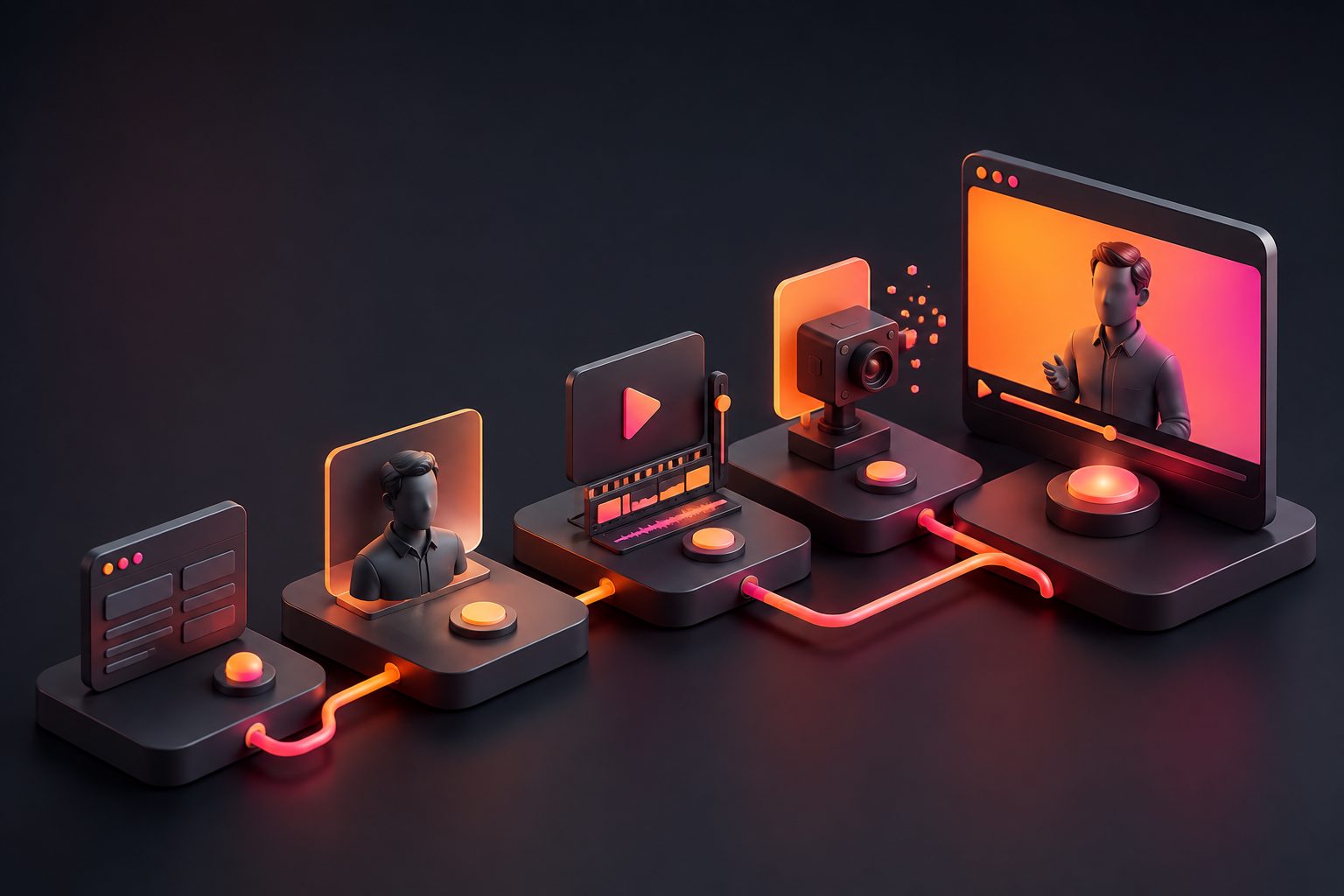
A reliable workflow turns one product into multiple testable ad variations without creating a messy creative library. The goal is not to produce one perfect video; it is to produce a controlled batch that reveals which angle works.
- Upload the product image. Use a clear JPG or PNG; plain backgrounds typically perform best for product extraction.
- Write three short scripts. Test problem-first, benefit-first, and offer-first hooks.
- Choose two avatar styles. Use one expert-style presenter and one UGC-style presenter.
- Generate 15-second videos asynchronously. AdsTurbo generation tasks run asynchronously, with completion available through status polling or webhook callbacks.
- Add captions and platform-safe framing. Keep key text away from interface overlays.
- Export variants by ratio. Use vertical first, then square or landscape if needed.
- Localize winners. Translate and lip sync only after the original message shows promise.
For teams building repeatable systems, AdsTurbo API uses a standard REST architecture with Bearer API Key authentication. The API includes composable modules for image generation, Persona, AI actors, ad cloning, video generation, and task processing.
Common questions
Are AI avatar ads the same as AI UGC ads?
Not always. AI UGC ads try to feel like creator-style social content, while AI avatar ads can also be explainers, demos, tutorials, or brand-led product intros. The overlap is strongest when the avatar speaks casually and the edit feels native to short-form feeds.
How many versions should an ecommerce seller test first?
Start with six versions: three scripts multiplied by two avatars. This keeps the batch small enough to diagnose. If one hook wins, create more variants around that hook rather than changing every variable at once.
Do avatar ads need captions?
Yes, captions are strongly recommended. Many viewers watch social video with low or no sound, and captions also help clarify product names, offers, and feature claims. Time-synced subtitles are especially useful in fast 15-second edits.
Can one product photo create a usable video ad?
Yes, if the photo is clear and the product is easy to isolate. A plain background, sharp edges, and accurate color help AI tools generate better product scenes, close-ups, and ecommerce visuals.
When should sellers use lip sync or translation?
Use lip sync and translation after a base ad has a proven hook or clear organic engagement. Localizing every draft too early creates extra assets before you know which message deserves scaling.