What AI tools can create new product launch video ads fast for ecommerce brands?


Summarize with
Summary
What AI tools can create new product launch video ads fast for ecommerce brands? Compare workflows for product images, UGC, localization, testing, and launch-ready creative. Start building faster.
作者:adsturbo.ai|发布日期:September 11, 2026|更新日期:September 11, 2026
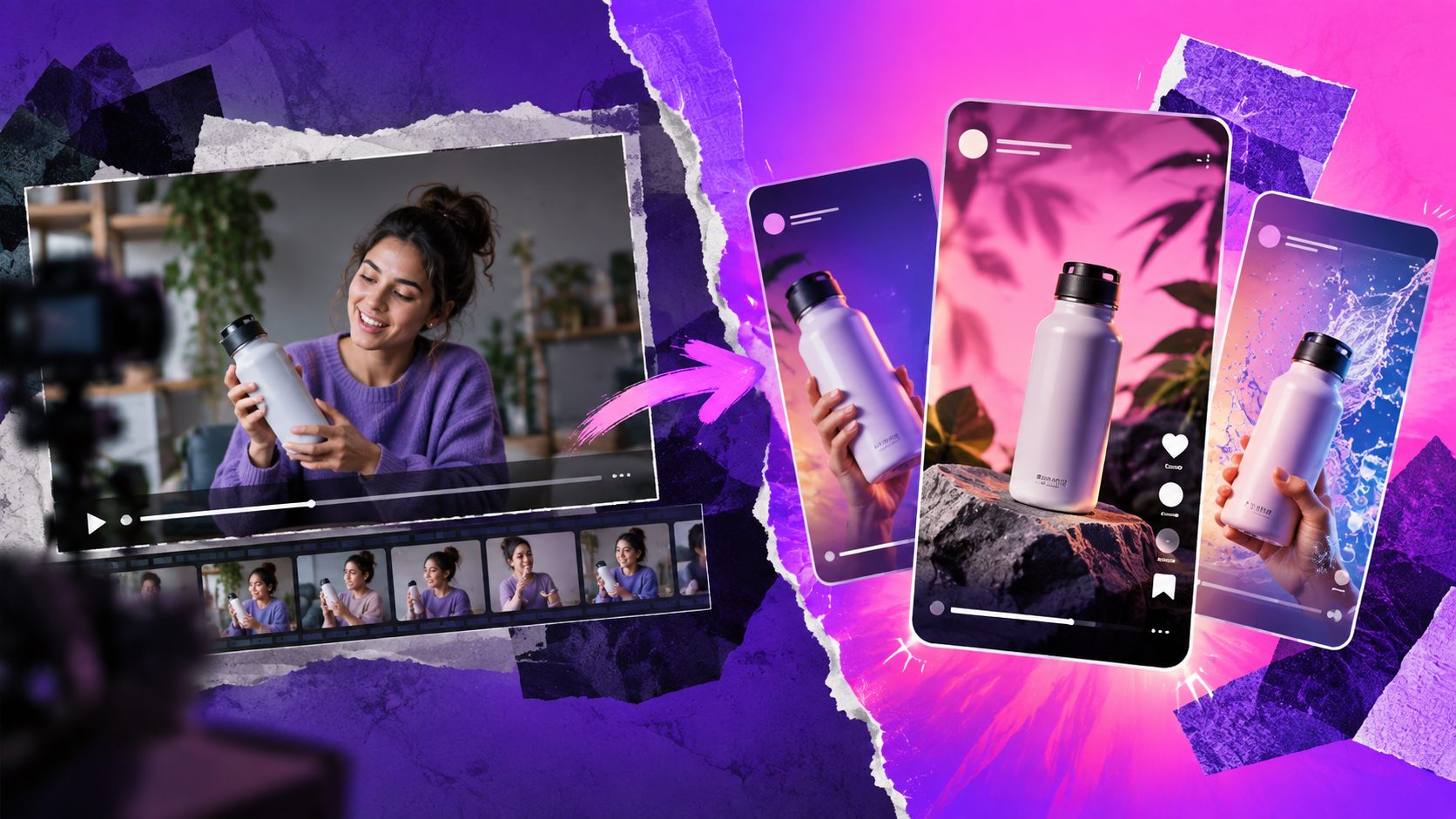
What AI tools can create new product launch video ads fast for ecommerce brands? The best options are not limited to text-to-video generators. Ecommerce teams should compare product-image video makers, AI UGC platforms, ad-cloning tools, avatar and lip-sync systems, localization tools, and workflow platforms that can produce multiple launch variations.
The practical question is not only, “Can this tool make one video?” It is, “Can it turn one product brief into enough accurate, platform-ready variations to test before launch?”
What types of AI tools can make product launch ads quickly?
An AI product launch ad tool converts product information, images, a reference video, or a short brief into promotional creative. The fastest workflow usually combines several functions rather than relying on one cinematic video generator.
| Tool category | Best input | Best launch use |
|---|---|---|
| Product video generator | JPG or PNG product image | Create product demos, showcases, and UGC-style ads |
| URL-to-video tool | Shopify or product-page URL | Turn listing information into a first creative draft |
| AI UGC or avatar tool | Product details and selling points | Produce presenter-led introductions and reviews |
| Ad-cloning tool | Reference video or link | Rebuild a proven hook, rhythm, structure, and CTA |
| Localization tool | Existing video, audio, or script | Create translated audio and subtitle variants |
| Editing and repurposing tool | Long-form video | Cut short clips with captions for social testing |
Search results commonly emphasize speed, templates, avatars, and URL-to-video creation. Those features help with the first draft, but launch performance also depends on product accuracy, message clarity, format coverage, and the ability to produce controlled variations.
That is why AdsTurbo combines product video creation with ad cloning, motion control, lip sync, character replacement, video translation, subtitles, background replacement, and AI upscaling.
Which AI workflow is fastest for a new product launch?
For most ecommerce launches, the fastest workflow is product image → benefit-led script → short video → hook variations → platform exports. Start with a clean product asset instead of asking a model to invent the product from scratch.
A practical five-step process is:
- Prepare the product input. Use a clear JPG or PNG image. AdsTurbo Product Video supports product images up to 10 MB, and a clean product photo helps preserve shape, color, and category details.
- Define one primary launch promise. Choose one benefit, problem, promotion, or use case for the first creative batch.
- Generate the base video. Create a product review, product introduction, or demonstration-style video.
- Create controlled variations. Change the opening hook, presenter, voice, language, CTA, or scene while keeping the product promise consistent.
- Export for the intended channel. Adapt the creative for TikTok, Meta, YouTube Shorts, marketplace listings, or other placements.
AdsTurbo’s AI product video generator is designed around this product-image-to-ad workflow. Its product image system can also generate six image types, including banners, lifestyle scenes, close-ups, material details, instruction images, and brand visuals.
How should brands compare AI video tools for launch speed?
A useful comparison should measure more than rendering time. The following framework evaluates whether a tool can support a real launch:
- Input readiness: Can the tool work from the assets a seller already has?
- Product fidelity: Does the output preserve the product’s recognizable appearance?
- Creative control: Can the team change hooks, scenes, people, captions, and CTAs?
- Variation depth: Can one concept become multiple testable versions?
- Localization: Can the same creative be adapted for different markets?
- Format coverage: Can the output fit vertical, square, landscape, and listing placements?
- Workflow scalability: Can teams process multiple SKUs through an API or repeatable workflow?
This creates a more useful decision rule:
Choose a product-image tool for asset speed, an avatar tool for presenter-led messaging, an ad-cloning tool for proven structures, and a workflow platform when launch volume is the constraint.
AdsTurbo supports the fourth use case while also covering the first three. Its Ad Clone workflow can analyze a reference video up to 12 seconds, extract its structure, and generate advertising variations. The Ad Clone API can run variations in parallel, which is useful when a launch requires several hooks or market versions rather than one finished edit.
Which tools are best for different ecommerce launch scenarios?
Different launches need different production priorities. A single “best AI video generator” is less useful than matching the tool to the creative bottleneck.
For a single-SKU launch with limited assets
Choose a product-image video generator. A clear product photo plus a few selling points can produce a product review, introduction, or demonstration video without filming a set or hiring a creator.
AdsTurbo Product Video supports JPG and PNG uploads and can generate UGC-style short video ads. It is suitable when the seller has product photos but lacks original footage.
For a launch based on a winning competitor or category format
Choose an ad-cloning workflow. The goal is not to copy another brand’s identity. It is to study a reference ad’s opening, pacing, scene sequence, on-screen text, and CTA, then rebuild the structure around your own product.
AdsTurbo’s video ad script cloning workflow is useful for converting a reference concept into a controlled testing package.
For multilingual or regional launches
Choose a tool with translation, subtitles, voice, and lip-sync capabilities. Translating only the on-screen copy is often insufficient when the presenter’s delivery, timing, and audio remain unchanged.
AdsTurbo supports video translation, AI subtitles, and lip sync. Its Video Subtitle tool can create time-synchronized captions, export a video with embedded subtitles, or download a separate subtitle file. Event Poster also supports promotional copy in seven languages and nine aspect ratios for broader campaign asset production.
For frequent creative testing
Choose a platform that supports repeatable workflows rather than isolated generations. AdsTurbo offers more than 260 AI actors and over 100 product ad templates, along with API access on every plan, plus team workflows and custom workflow support on advanced plans.
The key output is not the number of templates. It is the number of meaningful variables a team can test: hook, offer, presenter, scene, language, product angle, and CTA.
A launch-ready testing system: the 1-3-3-2 framework
A useful original framework for a new SKU is 1-3-3-2:
- 1 product promise: Keep the core benefit fixed.
- 3 hooks: Test a problem hook, outcome hook, and curiosity hook.
- 3 formats: Produce a vertical social ad, square feed version, and a product-page or marketplace version.
- 2 localization passes: Create the primary market version and one translated or culturally adapted version.
This produces up to 18 creative combinations without changing the product claim itself. It also makes the test easier to interpret because the team can identify whether performance changes came from the hook, format, or market adaptation.
For a larger launch, the same framework can be expanded across presenters, CTAs, and offers. The important discipline is to change one major variable at a time. Otherwise, the team may generate many videos but learn very little from the results.
AdsTurbo’s scaling ecommerce ad creatives workflow aligns with this SKU-to-test approach, while its bulk product video generator is relevant when several products need launch assets at once.
What should teams check before publishing AI-generated launch ads?
Fast production still requires a human quality check. Review each export for:
- Accurate product shape, color, packaging, and features
- Claims that are supported by the product page
- Correct discount, promotion dates, and promotional terms
- Readable subtitles within the platform’s safe area
- Clear pronunciation and natural lip synchronization
- Consistent branding across scenes and languages
- Correct aspect ratio and export quality
- Rights and permissions for reference videos, voices, faces, and music
AdsTurbo provides AI upscaling, background replacement, watermark removal, character swap, motion control, and subtitle tools for post-production. These features can reduce editing friction, but they do not replace approval of claims, permissions, or final platform compliance.
For technical teams, AdsTurbo’s API uses standard REST architecture with Bearer API Key authentication. Its video generation API includes endpoints for shot analysis, lip sync, watermark removal, translation, upscaling, face swap, motion control, and subtitles. All generation tasks run asynchronously, with completion available through status polling or Webhook callbacks.
Frequently asked questions
Can AI create a product launch video from one product image?
Yes. Product-image video tools can turn a JPG or PNG into a product introduction, review, demonstration, or UGC-style ad. The result is strongest when the image is clear and the prompt includes a specific product benefit and audience.
Are AI UGC ads suitable for a new product launch?
They can be useful when the launch needs multiple hooks, presenters, or audience angles quickly. However, the script should stay grounded in verified product information, and each generated presenter or voice should be reviewed for brand fit and usage rights.
What is the difference between an AI video generator and an ad-cloning tool?
An AI video generator creates a concept from product assets or a prompt. An ad-cloning tool analyzes a reference ad’s structure, pacing, and CTA logic, then rebuilds that pattern for a different product or brand.
How many launch videos should an ecommerce brand create?
There is no universal number. A practical starting point is the 1-3-3-2 framework: one promise, three hooks, three formats, and two market versions. That creates structured variation without producing random creative noise.
Can AI tools create multilingual product ads?
Yes, tools with video translation, subtitles, voice adaptation, and lip sync can localize an existing product ad. Quality control remains important because literal translation may not preserve the original offer, tone, or cultural context.