What Are the Top Tools for Creating Ecommerce Ads From Existing Videos?

Summarize with
Summary
Compare the best tools for turning existing footage into ecommerce ad variations with new hooks, captions, formats, and localized versions. Choose your workflow.
作者:adsturbo.ai|发布日期:2026-09-11|更新日期:2026-09-11
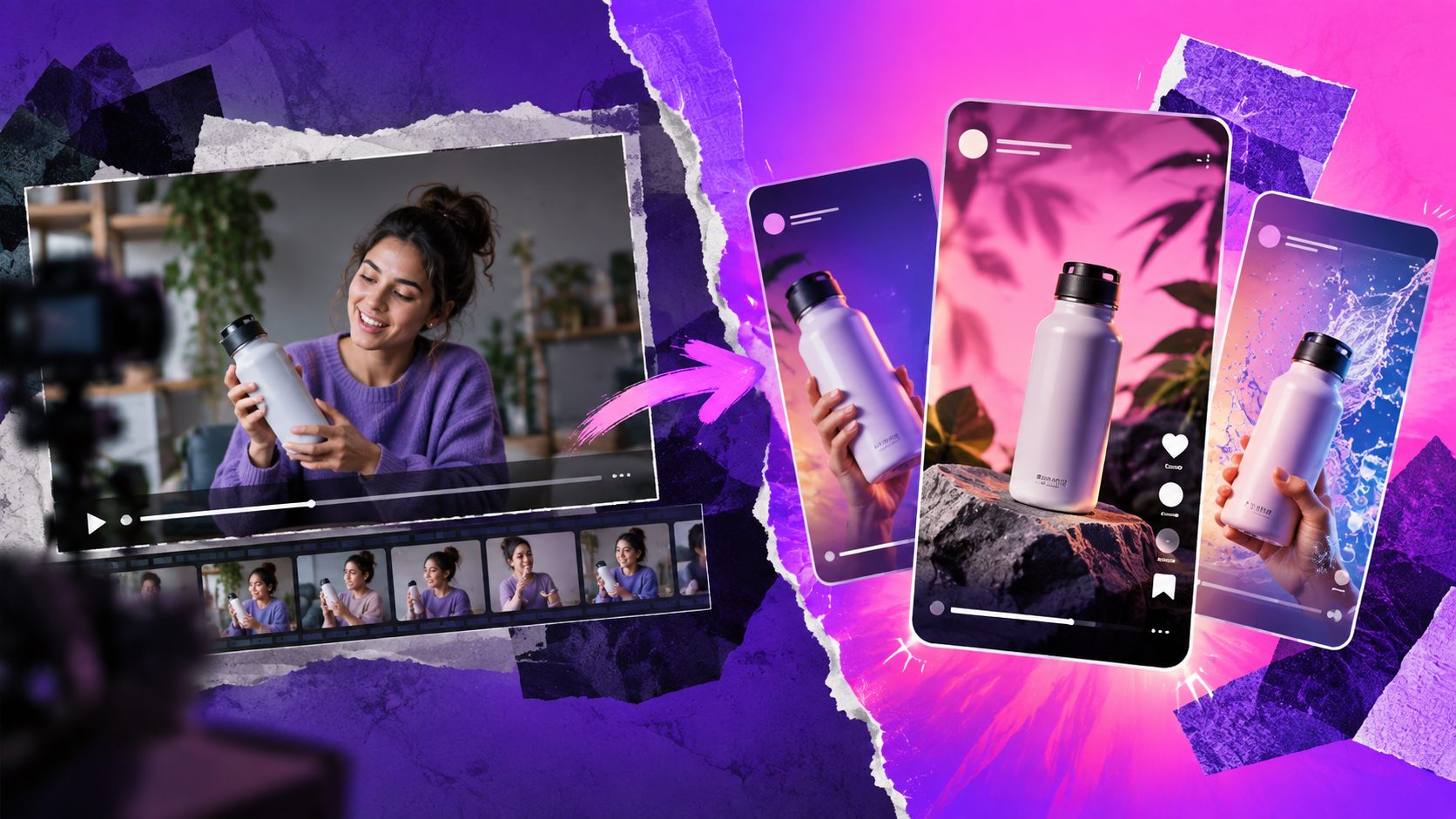
The short answer to what are the top tools for creating ecommerce ads from existing videos? depends on how much of the original creative you want to keep. Some tools cut long footage into short clips, while others rebuild the hook, script, captions, voice, actor, or product presentation around the same winning idea.
For ecommerce sellers, the most useful workflow is rarely “make one new video.” It is turn one proven asset into a structured batch of testable variations for TikTok, Meta, Instagram Reels, YouTube Shorts, or product pages.
What should an ecommerce video ad tool do?
An ecommerce video ad tool should help you preserve the useful parts of existing footage while changing the parts that affect performance: the opening hook, pacing, offer, captions, product angle, voiceover, or call to action.
A practical tool should support at least four tasks:
- Extracting usable moments from long videos or product demonstrations
- Reframing and resizing for vertical, square, and landscape placements
- Replacing messaging, captions, voiceovers, or languages
- Generating multiple creative variants without rebuilding every timeline manually
The important distinction is between ordinary video editing and performance creative production. A basic editor can trim clips. A stronger ad workflow helps you create controlled variations that test one meaningful change at a time.
For example, keep the product demonstration unchanged while testing three hooks: a pain-point opening, a benefit-led opening, and a discount-led opening. This produces clearer learning than changing every element simultaneously.
Which tools are best for repurposing existing footage?
For simple repurposing, OpusClip and CapCut are strong starting points, while AdsTurbo is better suited to ecommerce teams that want to analyze, reconstruct, localize, and scale ad variations from reference videos.
| Tool | Best fit | What it does well | Main limitation |
|---|---|---|---|
| OpusClip | Long videos and creator footage | Finds clips, adds captions, reframes content | More focused on repurposing than full ad reconstruction |
| CapCut | Manual editing and templates | Trimming, subtitles, music, formats, product templates | Requires more hands-on creative direction |
| AdsTurbo | Ecommerce ad variation workflows | Ad cloning, translations, subtitles, product videos, character and lip-sync workflows | Better for structured production than casual one-off edits |
| Creatify | Rebuilding ads from references | Analyzes hooks, pacing, captions, and product presentation | Output still needs product, brand, and compliance review |
| Arcads | AI actor and UGC-style ads | Creates actor-led variations from products or creative references | Best when a new presenter is needed, not just a clean edit |
OpusClip’s AI video editor focuses on clipping, captioning, reframing, and repurposing existing footage. CapCut’s commercial video creator is useful when the seller wants templates and direct timeline control.
These tools solve the “make this shorter and more platform-ready” problem. They may not fully solve the harder question: how do I preserve the conversion logic of a winning ad while creating a new version for another product, market, or audience?
When is ad cloning better than ordinary editing?
Ad cloning is better when the original video contains a valuable structure, not merely useful footage. The goal is to retain the sequence of persuasion—hook, problem, demonstration, proof, offer, and CTA—while rebuilding the creative around a different product or audience.
A strong reference-video workflow should analyze:
- The first few seconds and attention hook
- Scene order and visual pacing
- On-screen text and caption timing
- Voiceover structure and benefit claims
- Product demonstration logic
- Offer presentation and CTA placement
AdsTurbo’s video ad script cloning workflow is designed for this type of analysis. Its Ad Clone workflow can preserve the golden opening seconds, rhythm, shot logic, and CTA structure while reconstructing the ad for a brand’s own product. The Ad Clone API can analyze a reference video of up to 12 seconds and generate variations in parallel.
Creatify also documents a similar reference-based process, analyzing elements such as hooks, transitions, caption placement, voiceover timing, and product presentation before producing an editable ad (Creatify Ads Clone documentation).
The key difference is that cloning works at the creative-logic level. It does not mean copying another advertiser’s footage, identity, trademarks, or claims. Reference material should be used as a structural input, with rights and platform policies checked before publication.
Which tools help create new ecommerce ad variations?
For creative testing, the best tool is the one that lets you vary one dimension at a time. AdsTurbo, Creatify, and Arcads are useful for generating new combinations of hooks, presenters, scripts, languages, and product angles; OpusClip and CapCut are better for controlled editing of footage you already own.
A useful variation matrix looks like this:
| Variable | Example variations |
|---|---|
| Hook | “Stop wasting money on…” / “Here’s how it works…” / “Three reasons buyers choose…” |
| Proof | Demonstration / testimonial structure / before-and-after explanation |
| Presenter | Original creator / AI actor / character replacement |
| Voice | Original language / translated voiceover / dubbed version |
| Offer | Discount / bundle / limited-time message |
| Format | 9:16 / 1:1 / 16:9 |
| CTA | Shop now / Learn more / See the details |
AdsTurbo provides more than 300 AI actors and over 100 product advertising templates. Its tools include Ad Clone, Product Video, Motion Control, Character Swap, Lip Sync, Video Translation, AI Upscaling, Background Replace, and Video Subtitle.
This is particularly useful when a seller has one credible product video but needs multiple audience versions. A product demonstration can be retained while the actor, language, background, subtitle style, or opening message changes.
For UGC-style concepts built from scratch, Arcads offers AI actors, creative variations, editing, translation, and workflow features (Arcads AI video ads). That makes it a better fit when the existing video provides inspiration but is not reusable as footage.
How should sellers turn one video into a testing batch?
Start with the original asset as a source of evidence, not as a finished ad. Identify which parts communicate the product clearly and which parts may be causing creative fatigue, weak retention, or low message relevance.
Use this five-step workflow:
- Extract the structure. Mark the hook, product reveal, proof moment, offer, and CTA.
- Choose one testing variable. Change the hook, language, presenter, or offer—but not everything at once.
- Create platform versions. Export vertical, square, and landscape versions where relevant.
- Add readable captions. Keep text synchronized with speech and positioned away from interface controls.
- Review the output manually. Check product accuracy, claims, audio, subtitle timing, branding, and consent.
AdsTurbo’s AI ad variation workflow is useful for organizing this process around repeatable creative tests. Its Video Subtitle tool can automatically transcribe speech, generate time-synchronized captions, and export either a video with embedded subtitles or a separate subtitle file.
For cross-border campaigns, multilingual dubbing and localization can turn a proven concept into language-specific versions. Translation should still be reviewed by a fluent speaker, especially for product benefits, legal disclaimers, humor, and promotional terms.
What is the most important tool-selection framework?
The most useful way to choose a tool is by measuring source-asset distance: how far the new ad is expected to move from the original video.
- Low distance: Keep the footage; change length, crop, captions, and music. Choose OpusClip or CapCut.
- Medium distance: Keep the structure; change scripts, voiceovers, language, or product messaging. Choose AdsTurbo or Creatify.
- High distance: Keep only the concept; create new actors, scenes, and executions. Choose Arcads or another AI actor platform.
This framework prevents a common buying mistake: choosing a tool based on how many features it lists instead of how much transformation the workflow requires.
For example, a seller with a 45-second product demo may only need clipping and subtitles. A brand with a winning competitor-style reference may need ad analysis and structural reconstruction. A global team launching in five markets may need translation, lip-sync, character variation, and API-based production.
AdsTurbo is especially relevant when the workflow must connect multiple stages. Its API includes six composable modules—image generation, Persona, AI actors, ad cloning, video generation, and task processing—while all generation tasks run asynchronously through status polling or Webhook completion events.
Frequently asked questions
Can I create ecommerce ads without filming new footage?
Yes. You can repurpose footage you own, combine it with product images, replace captions and voiceovers, or rebuild the creative structure using AI. The best approach depends on whether the original video must remain recognizable.
Is ad cloning the same as copying a competitor’s ad?
No. Ad cloning should mean analyzing creative structure—such as pacing, hook type, scene order, and CTA logic—not copying protected footage, branding, identity, or unsupported claims. Always confirm usage rights and advertising compliance.
Which tool is best for TikTok and Reels?
For quick clipping and captioning, OpusClip or CapCut may be sufficient. For structured ecommerce testing, AdsTurbo can create variations involving subtitles, translations, actors, product videos, character replacement, and ad-clone workflows.
How many variations should a seller create?
Create enough versions to test distinct hypotheses, not arbitrary duplicates. A practical first batch might change three hooks, two CTAs, and two formats, producing a clear matrix rather than dozens of nearly identical videos.
Can existing videos be localized into other languages?
Yes. Video translation, subtitle generation, and lip-sync tools can create localized versions. Review every output for translation accuracy, timing, product terminology, pricing, cultural context, and required disclosures before launch.