Author: adsturbo.ai|Published: 2026-08-26|Updated: 2026-08-26
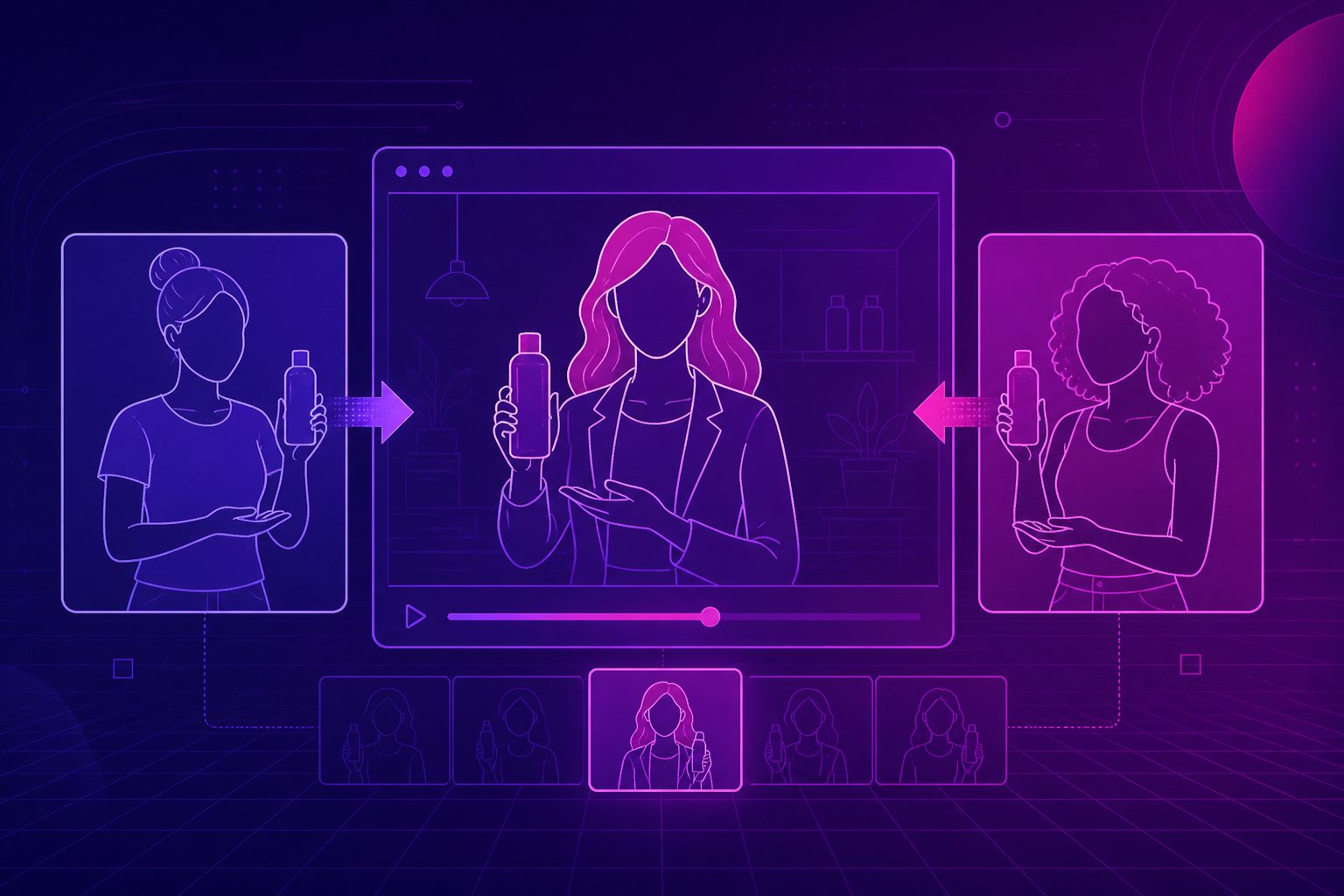
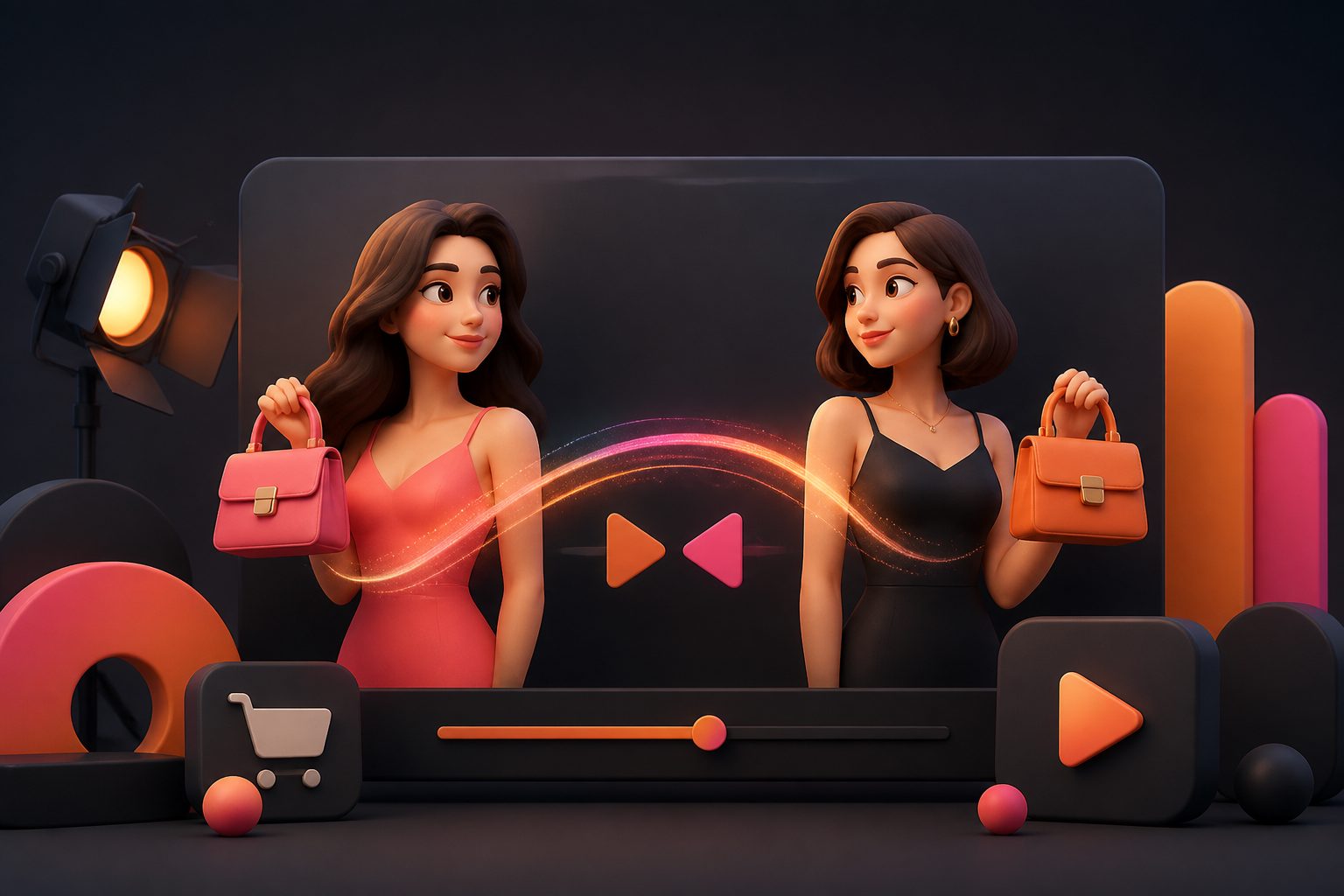
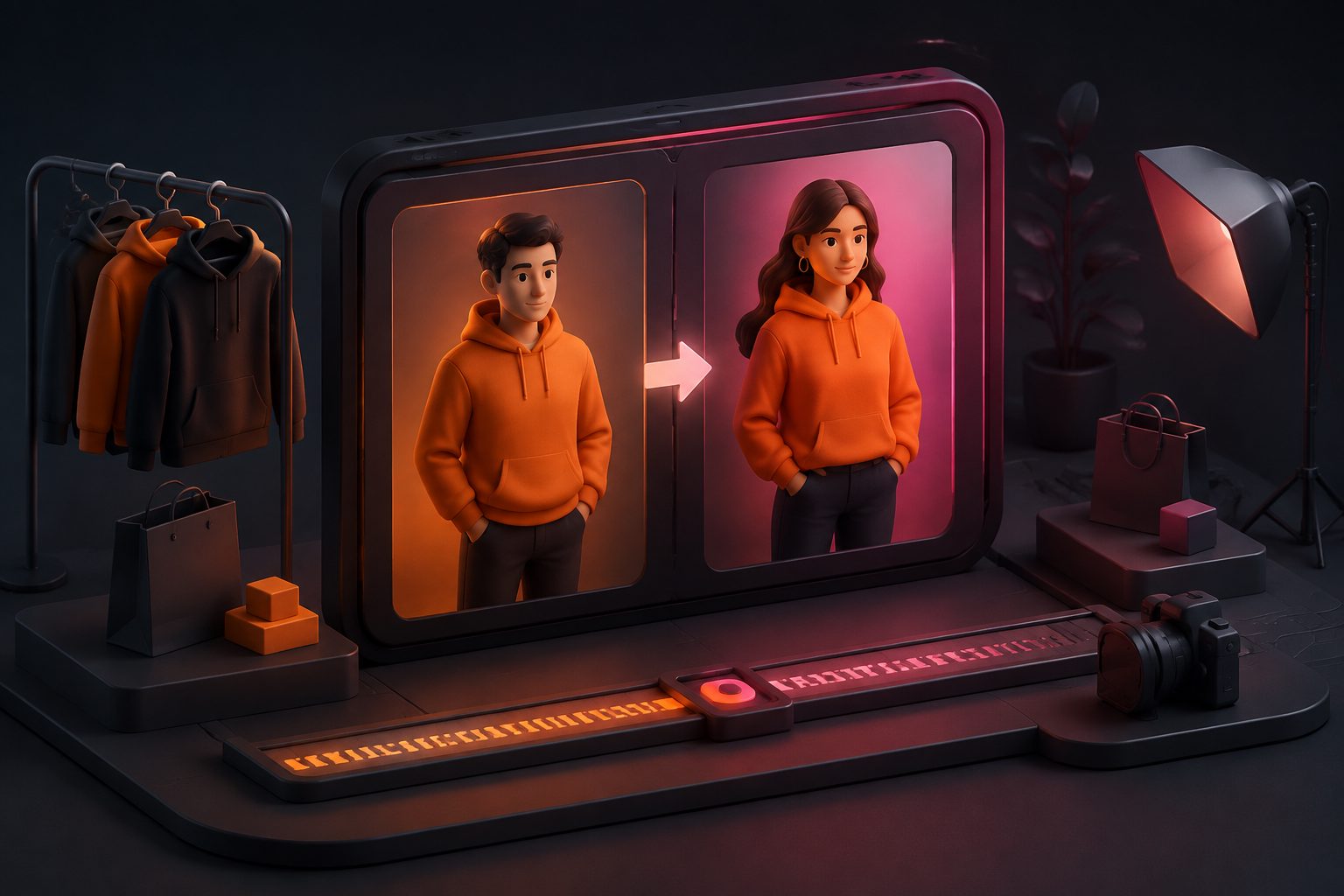
Character replace ai video is the workflow for swapping the person, performer, or persona inside an existing clip while keeping the motion, camera path, lighting, and scene logic intact. For ecommerce, it is most useful when the ad already works but the presenter, language, or market needs to change.
What character replace ai video actually means
Character replace ai video is not just a face swap. It is a broader video-editing workflow that replaces the visible character in a clip while preserving the original action, timing, and scene structure. A relevant research thread is the arXiv paper on Replace Anyone in Videos, which treats the task as keeping motion coherent while inserting a new identity.
For ecommerce teams, that matters because the ad’s value often lives in the hook, pacing, and product proof. If those parts are already strong, you do not need to rebuild the whole shoot. You need a cleaner way to localize the performer and keep the rest of the clip stable.
What good tools preserve, and why that matters
The baseline expectation is simple: the source video should still feel like the source video. Strong character replacement tools preserve motion, framing, lighting, scene context, and often audio. That is the floor, not the finish line.
The real question is whether the output still works as an ad. If the product handoff breaks, the subject drifts, or the shot loses trust, the edit has failed even if the character looks convincing.
In practical terms, the best workflow is the one that lets the source clip own the movement and the new character own the identity. That is the core idea behind modern AI character replacement.
Character replacement vs face swap vs motion control
These terms are related, but they solve different problems.
| Workflow | Best for | What it does not solve |
|---|---|---|
| Face swap | Changing only the face in an existing clip | Body, clothing, and pose may stay unchanged |
| Character replacement | Replacing the visible performer or persona | Needs careful source selection and QA |
| Motion control | Applying motion from one video to another character | May create a new scene instead of preserving the original one |
| Text-to-video | Generating a scene from scratch | Does not preserve a proven ad structure |
If the clip already performs well, character replacement is usually the safer choice. If you only need a new animated scene, motion control or text-to-video may fit better.
A 10-point fit score for ecommerce clips
Most bad outputs start with the wrong source clip. A useful internal screen is a simple 10-point replacement fit score. Score each item from 0 to 2.
| Criterion | 0 | 1 | 2 |
|---|---|---|---|
| Framing stability | Camera moves a lot | Some movement | Stable framing |
| Product visibility | Product is unclear | Product appears intermittently | Product is easy to read |
| Hand and body clarity | Frequent occlusion | Partial occlusion | Clear gestures |
| Lighting consistency | Light shifts sharply | Minor shifts | Consistent light |
| Localization value | Little reason to adapt | Some adaptation value | Strong reason to localize |
Score guide
- 8–10: strong candidate for character replacement
- 6–7: usable, but expect QA
- 0–5: reshoot is usually cheaper than fixing the result
This framework is especially useful for ecommerce ads because it pushes teams to judge the clip before they touch the edit.
A practical workflow for ecommerce teams
A good workflow is short, repeatable, and easy to scale.
-
Start with a clip that already sells.
Keep the hook, product proof, or CTA that is working. -
Prepare the right inputs.
Character replacement workflows usually need a source video and a replacement character image. If the clip includes speech, prepare a clean portrait plus matching audio for lip sync. -
Keep the scene simple.
Fewer cuts, cleaner backgrounds, and more stable lighting usually mean fewer artifacts. -
Replace the character.
Let the model handle the identity change while the source clip preserves motion and timing. -
Add localization layers.
Use lip sync, subtitles, and translation when the script or market changes. -
QA the weak points.
Check hands, sleeves, edges, shadows, product contact, and mouth movement before publishing. -
Export variants for testing.
Create different spokesperson identities, opening hooks, or market versions so you can compare performance.
If the source is only a product page and not a finished ad, it can be smarter to begin with a URL-based product video workflow first. AdsTurbo’s AI product video from URL guide explains that path well.
How AdsTurbo fits a character replacement workflow
AdsTurbo is built for teams that want more than a single swap. Its stack includes Character Swap, Lip Sync, Video Translation, Video Subtitle, Motion Control, Ad Clone, Clip by Clip, AI Upscaling, AI Eraser, Background Replace, Product Video, Product Image, and Event Poster.
That matters because character replacement rarely lives alone. A product ad often needs:
- a new persona,
- synchronized speech,
- translated subtitles,
- cleaner visuals,
- and several output formats for testing.
AdsTurbo also runs generation tasks asynchronously, with completion available through status polling or webhook callbacks. That makes it easier to fit into a production pipeline instead of treating each render as a one-off manual job. For teams that scale variants, the higher-tier plans add team workflow and custom workflow support (API access itself is available on every plan). See the AdsTurbo homepage for the full platform entry point, and the practical ecommerce guide to replacing characters in video for the ad-specific workflow.
Where character replacement creates the most value
The strongest ecommerce use cases are the ones that reuse proven structure.
- Localized UGC ads: keep the hook and shot order, change the performer or language.
- Market-specific spokespeople: swap in a different persona for a different region or segment.
- Creative testing: compare one ad with several character identities to see which version earns more attention.
- Product demos with a new narrator: preserve the demo while changing the presenter.
- Cross-channel adaptation: turn one master clip into versions for short-form social, paid media, and retargeting.
AdsTurbo’s Ad Clone workflow is especially useful here because it is designed to preserve the structure, rhythm, and CTA logic of a winning ad while generating new variants. When the creative is already validated, that is often a faster route than rebuilding from scratch.
Common failure modes and how to avoid them
The most common mistakes are predictable.
1. Too much hand-product interaction
If the clip depends on precise object handling, character replacement can break trust quickly. Choose a simpler shot or reshoot the interaction.
2. Fast camera movement
Heavy motion makes identity consistency harder. A calmer source clip usually gives better results.
3. Overly busy backgrounds
Complex scenes make edge cleanup harder. Clean visuals are easier to preserve.
4. Speaking scenes without lip sync
If the performer talks, mouth movement must match the new audio. Otherwise the clip can look convincing for a moment and fail at a glance.
5. Weak source material
No AI tool can rescue a badly framed, poorly lit, or unclear source. The source quality still matters more than the swap itself.
The safest rule is simple: replace only the parts of the clip that can survive the edit.
Common questions about character replacement
Is character replace ai video the same as face swap?
No. Face swap changes facial identity, but character replacement can change the visible performer or persona more broadly. That makes it better for full ad localization, not just cosmetic edits.
What kind of clip works best?
Short clips with stable framing, clean lighting, and a clear subject work best. UGC-style ads and product demos are usually easier than fast-moving scenes with heavy occlusion.
Should I use character replacement or motion control?
Use character replacement when the source video already works and you want a different person in the same clip. Use motion control when you want to animate a separate character from a motion reference.
Can one ad be adapted for multiple markets?
Yes. That is one of the strongest use cases. Pair character replacement with translation, subtitles, and localized voice or captions to turn one winning concept into several market versions.
When is a reshoot the better choice?
Reshoot when the scene needs exact hand-product interaction, sensitive claims, or a new action that the original clip cannot support. If the source cannot carry the edit, replacement is usually the wrong tool.
Final takeaway
Character replace ai video is most valuable when it protects what already works in a video: the hook, pacing, product proof, and CTA. For ecommerce teams, the best results come from choosing a stable source clip, replacing only the visible identity, and then layering lip sync, subtitles, and translation where needed.
If you want to scale that process, use a pipeline that supports replacement, localization, and variant testing together. That is where a character swap tool becomes a production system, not just an effect.